


What do you want to keep from the iPod experience?
Want an iPod dupe for carrying favorite albums on a separate device? The HIFI WALKER H2 and H2 Mini are dedicated players for music files you keep on microSD. Both are worth a look. They play compatible local files without relying on your phone or an internet connection. This guide helps you connect that familiar way of listening with the music you already have, then choose between the two models.
Think of the album you would load first. Perhaps it is a record you played on every long trip, or a collection you have kept on your computer for years. A dedicated player gives that music a place outside the computer again. You can choose an album, put on your headphones, and leave your phone where it is. That is the part of the iPod experience this guide focuses on.
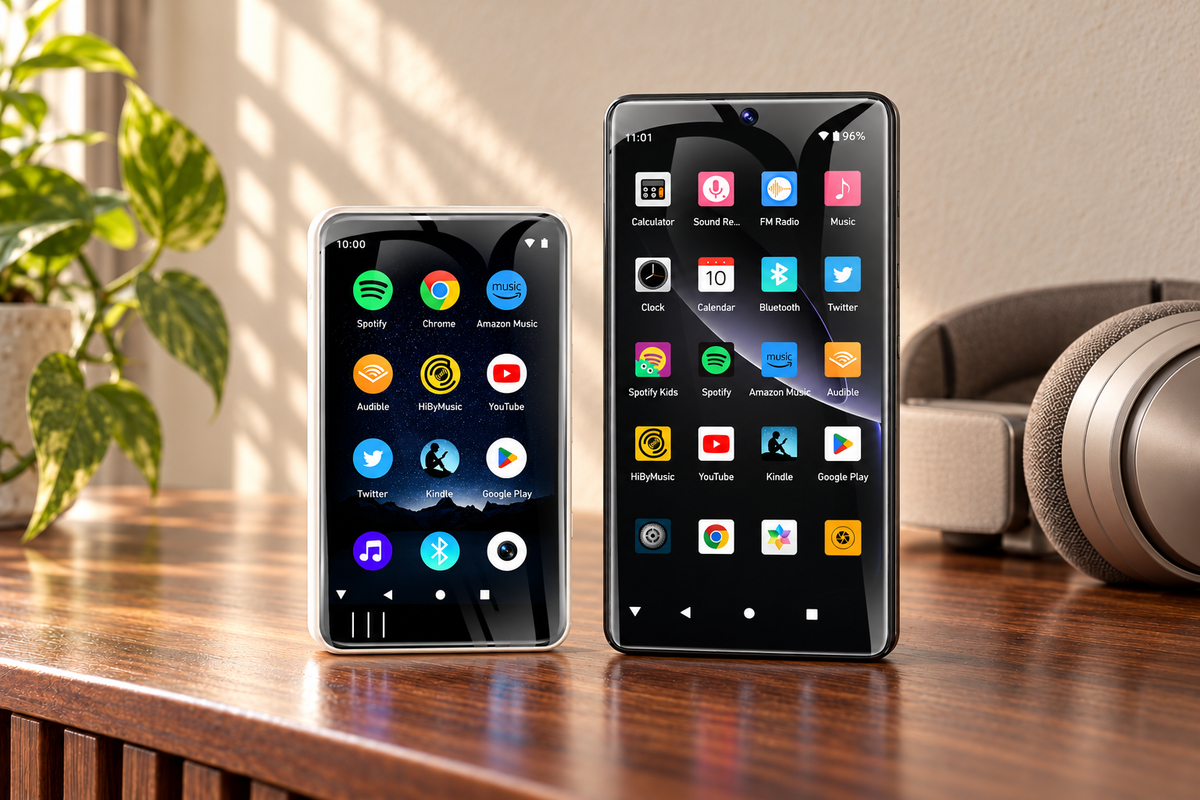
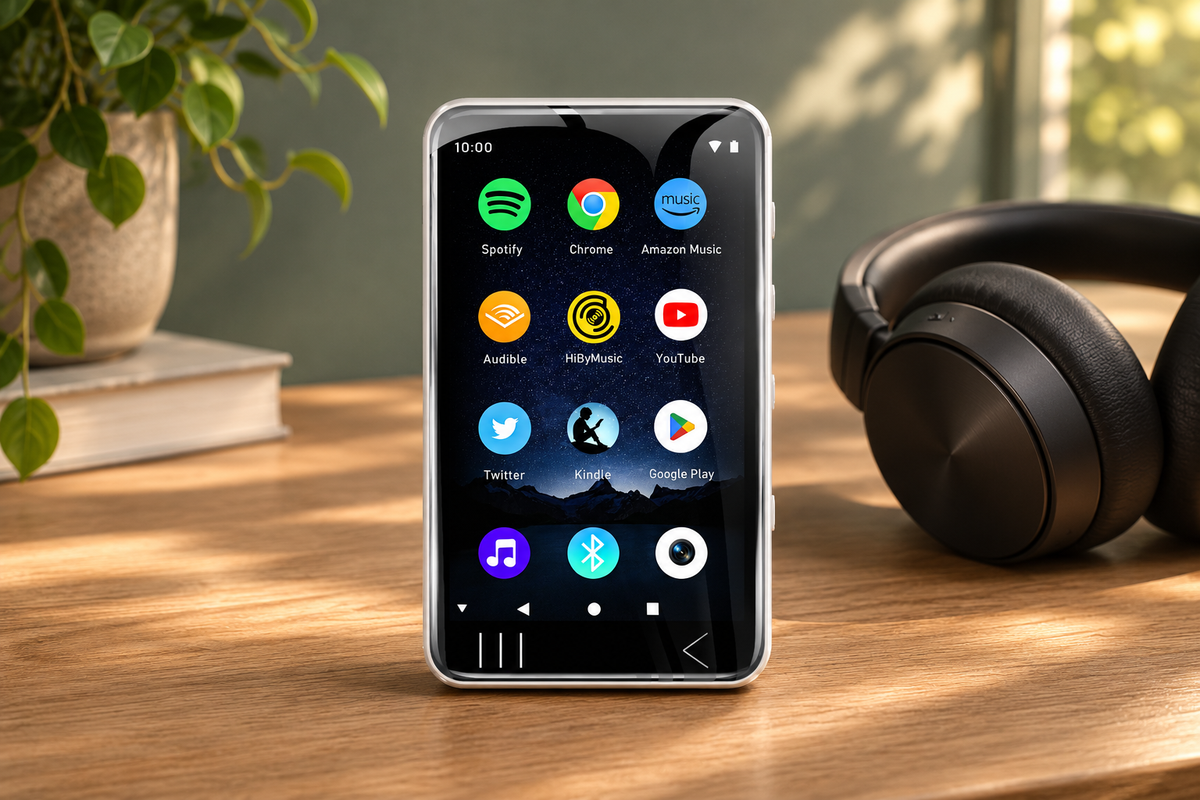
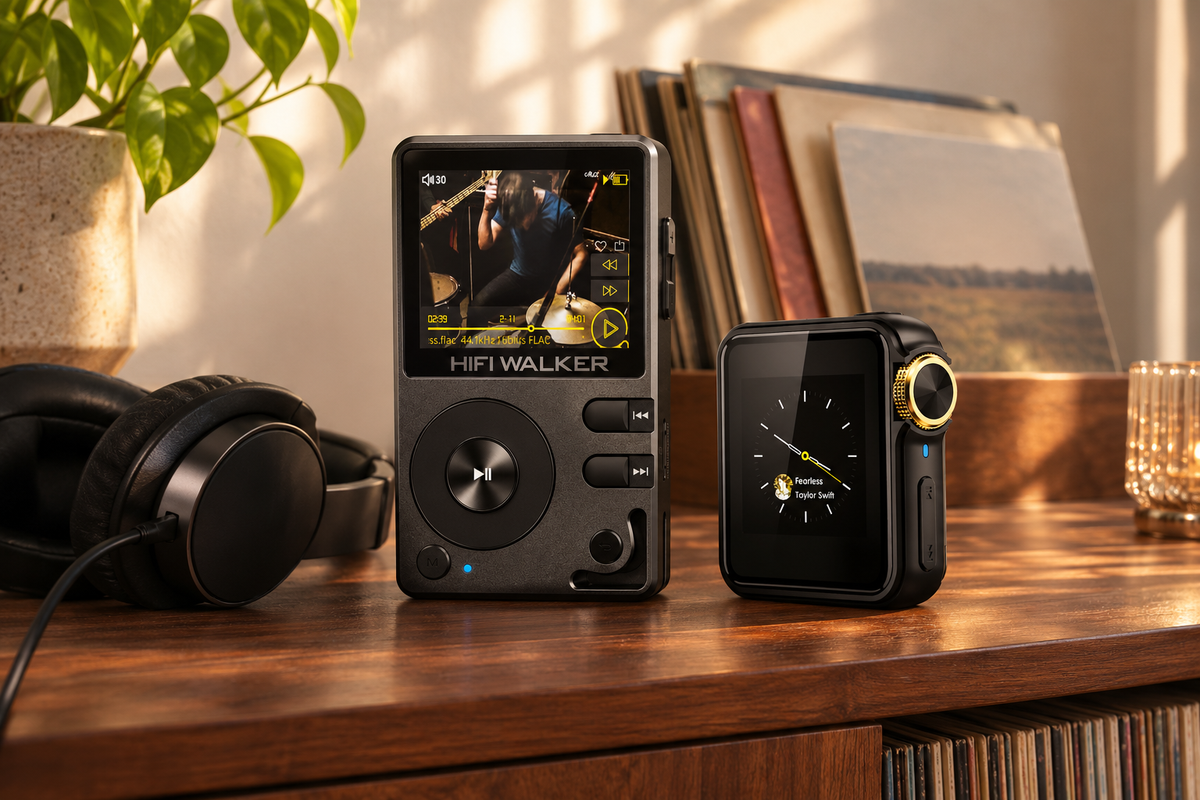
An iPod-style MP3 player can mean more than one thing to shoppers. You might want a device just for music, a new home for saved albums, or the exact controls of a particular old iPod. Those are different buying decisions. The H2 and H2 Mini are HIFI WALKER models with their own designs. Look at their actual product photographs to decide whether the screen and control layout appeal to you.
Start with what you want the replacement to do. If you want to select songs from a collection you can copy yourself, these local-file players belong on your shortlist. If your music lives inside a subscription app, first separate that service from any audio files you own. Knowing which kind of library you have makes it easier to choose a player you can enjoy from the start.

Expert Insights: Key Takeaways
- HIFI WALKER H2 and H2 Mini are dedicated players for compatible local music files on microSD.
- Start with the listening experience you want to keep, then compare the two physical formats.
- Both models offer wired and Bluetooth headphone connections; choose around your music, carrying preferences, and headphones.
Why consider HIFI WALKER as an iPod alternative?
H2 and H2 Mini are two models in the HIFI WALKER range, built around a removable-card music collection. That makes them relevant to someone who misses taking saved albums along on an iPod. You prepare the music on the card, then use the player to choose what to hear. Your phone does not have to be the device you reach for whenever you want another song.
The connection is the listening routine: your own selection, available on a device set aside for music. A commute can become a chance to finish an album instead of searching for something new. At home, the same collection can sit beside your favorite headphones. You can keep the emotional reason for owning a player while choosing hardware that is available to explore and buy today.
For a quick starting point, explore the H2 Mini if low device weight matters most; explore the H2 if you prefer a larger screen and overall format. Both use microSD for the local music discussed here. Their shared approach explains why they can serve this purpose, while the physical differences give you a reason to choose one. The detailed comparison later in the guide puts those differences side by side.
You can already see both designs on the H2 Mini product page and the H2 product page. Look at the fronts, control positions, and size information together. Rather than assuming either will feel exactly like your old iPod, choose the layout you want to use for the next collection of albums you take along.
For the wider question of how the device categories compare, the MP3 players vs. iPods comparison provides additional background. This guide stays with a more personal decision: whether a local-file HIFI WALKER player fits the part of the iPod routine you want to keep. There is no need to work through a whole market ranking before considering these two options.
Can your existing music collection come with you?
Begin with the files you can access on your computer. A music library can contain several things that look alike on a screen: audio files you saved, purchases, and downloads managed inside a subscription app. Before choosing an iPod dupe, find out which of those you are planning to bring. A song appearing in a library does not, by itself, tell you how it can be copied or played on another device.
For local listening, the useful starting point is a collection of DRM-free audio files you own or have permission to copy. DRM is a restriction that can tie playback to a particular service or application. Having the actual files available lets you compare their formats with the player's supported-format information. Keep the original collection backed up on the computer while deciding what to put on the card.
Check the format before deciding whether anything needs to change. Look at the file information for several albums you want to carry, including music from different sources. Compare those file types with the current information for your chosen model. Do not assume a whole library has one format just because it appears in one music program. If the files already meet the player's requirements, there is no reason to plan a conversion simply because you are changing devices.
If a file does not match the supported requirements, identify what it is before changing it. Converting a file format and moving a subscription download are different questions. This guide is about choosing a player for a separate local collection, not exporting a service's catalog. Keeping those questions separate helps you spend time preparing music you can actually use rather than buying around an assumption.
Apple Music does not provide a feature to export catalog tracks as MP3 or FLAC. Use it in its official app on a compatible device, or build a separate local library from DRM-free purchases and files you have the right to copy. For this guide, the H2 and H2 Mini are the local-library choices. That distinction is especially useful if your older listening routine now includes both saved files and a subscription.
The same care applies when your only copy of an album appears to be on an old iPod. Do not assume the replacement player can pull the collection directly from it. First locate the original files or an existing backup on your computer. Once you know what you have available, you can assess the new player without turning a buying decision into a recovery project.
Plan the card around your collection, not a promised number of albums. Check how much storage your selected files actually use. Large files take more space than small ones, and card capacity is separate from the number of songs the player recognizes. The model details below give both limits. This is particularly useful if you have kept a large library for years and intend to bring more than a small selection.
Next, consider how you will copy files to microSD. Both models list USB mass-storage support, and a suitable card reader is another way to access a card on a computer. Before ordering, look at the connections available on your computer and the current package contents. This keeps the practical preparation simple: a compatible card, access to your music files, and a suitable way to copy them.
Your headphones are part of the choice, too. Decide whether you want to use a wired pair you already enjoy or compatible Bluetooth headphones. Then check the player's connection details alongside the headphones' requirements. A familiar pair can make the new setup feel like yours from the first album. Choose around the connection you expect to use rather than accessories shown in a styled photograph.
A useful first collection does not have to include everything. Choose a few albums you know well, keep their folders understandable, and check the files before building a larger card library. That gives you a manageable starting point for a new player. It also leaves room to rediscover the rest over time, instead of making the purchase depend on reorganizing years of music all at once.
↑ Back to Top
Back to Top ↑Why put the H2 Mini and H2 on your shortlist?
Removable storage gives your music room to grow. Both models support microSD expansion up to 512GB and recognize up to 14,999 songs. The capacity gives you options as you add albums; the song limit is useful when planning a large collection. File sizes vary, so begin with the space your actual music uses. You can choose a suitable card around the collection you want to carry.
A removable card also makes the collection a tangible part of the setup. You can keep the originals backed up on your computer and select what to copy for everyday use. A reader is another way to access the card when organizing files. This is a buying consideration rather than a reason to learn an elaborate new workflow: decide how you will manage your music and have the necessary computer connection ready.
The H2 Mini puts a low device weight at the center of the choice. Its listed weight is 42g without the back clip, and its display measures 1.54 inches. Consider it if you want to keep the amount of gear you carry down and like the idea of a small dedicated player. The official photographs show the design, so you can look at the screen and controls together before deciding whether this is the format you want.

The H2 offers a different physical format. Its screen measures 2 inches, and its listed weight is 152g. If you prefer a larger player and want to spend time looking through your music on its display, put this model beside the Mini in your comparison. Look at how its screen and controls are arranged, and picture using it where you normally listen. That gives the dimensions a purpose in your buying decision.

Headphone connection is another practical part of the shortlist. Both provide Bluetooth 5.1 and a 3.5 mm headphone connection. Wired listening can be as simple as using a compatible pair you already enjoy, while Bluetooth gives you an option for wireless listening. Think about which pair you expect to use most, then review the player’s connection details as part of choosing the setup.
There is also a reason to consider the player beyond the first collection you load. Both models support USB DAC use, which lets the player work as an external audio device with compatible computer setups. That may interest you if you listen at a computer as well as away from it. The standalone music library remains the main reason for this guide; the additional connection is something to explore if it has a place in your routine.

Which player should you choose for your music?
By this point, the model names have a purpose. You are choosing between two HIFI WALKER players that share an approach to local music, with different physical formats. Keep the decision close to the way you expect to use the device: what you want to carry, what you like to look at when choosing songs, and which headphones will come with you. The comparison below puts those everyday differences together.
Choose the H2 Mini if keeping your listening kit light is a priority. It is a natural model to investigate when you want a small player to accompany headphones and a selection of favorite albums. Review the product photos to see the layout and the current purchase options, then decide how you would carry and use it. Your everyday setup is a more useful guide than trying to buy around every possible occasion.
Choose the H2 if you prefer its larger format and screen. You might keep it close while working through an album collection at home, then take the same music with you when you go out. Its appeal is having that selection on a dedicated device in a form you want to use. Put the product page beside the Mini’s if you are still deciding, and compare the designs as well as the specifications.
Before choosing a package, return to the music that brought you here. Pick an album you would load first and think about where you would listen to it. Then check the current card configuration and included accessories on the product page. Having the right card, a way to copy your files, and suitable headphones gives you a clear starting point. You can build the collection gradually once the player becomes part of your day.
For an iPod-style MP3 player experience centered on your own collection, these are two HIFI WALKER options to get to know. Explore the H2 Mini for the smaller, low-weight format, or explore the H2 for the larger alternative. Choose the player you can picture using regularly, and give the albums you already love another place in your life.
Give your collection a place in your day
Start with H2 Mini for a low-weight listening setup, or follow the H2 link above if you prefer the larger format. Both product pages show current purchase options.
Start with the music you want to take along, then explore the player that belongs with it.
Frequently Asked Questions
Q1: Can I use music files from my existing computer library?
Start with DRM-free audio files you own or have permission to copy, then compare their formats with the requirements for the H2 or H2 Mini. Keep an original backup on your computer. A song listed in a music application is not necessarily an accessible local file.
Q2: Do I need to convert my music files?
Not automatically. Check each file type against the chosen player's supported-format information first. Compatible files do not need conversion just because you are changing devices. Files with service restrictions require a different playback approach.
Q3: Is music in my subscription the same as files on my computer?
Apple Music does not provide a feature to export catalog tracks as MP3 or FLAC. Use it in its official app on a compatible device, or build a separate local library from DRM-free purchases and files you have the right to copy.
Q4: Should I choose the H2 Mini or H2?
Explore the H2 Mini if low device weight and a small format matter most. Explore the H2 if you prefer its larger screen and overall format. Both offer local playback from microSD, Bluetooth 5.1, and a 3.5 mm wired headphone connection.