What Is MQA, and Where Does It Stand in 2026?
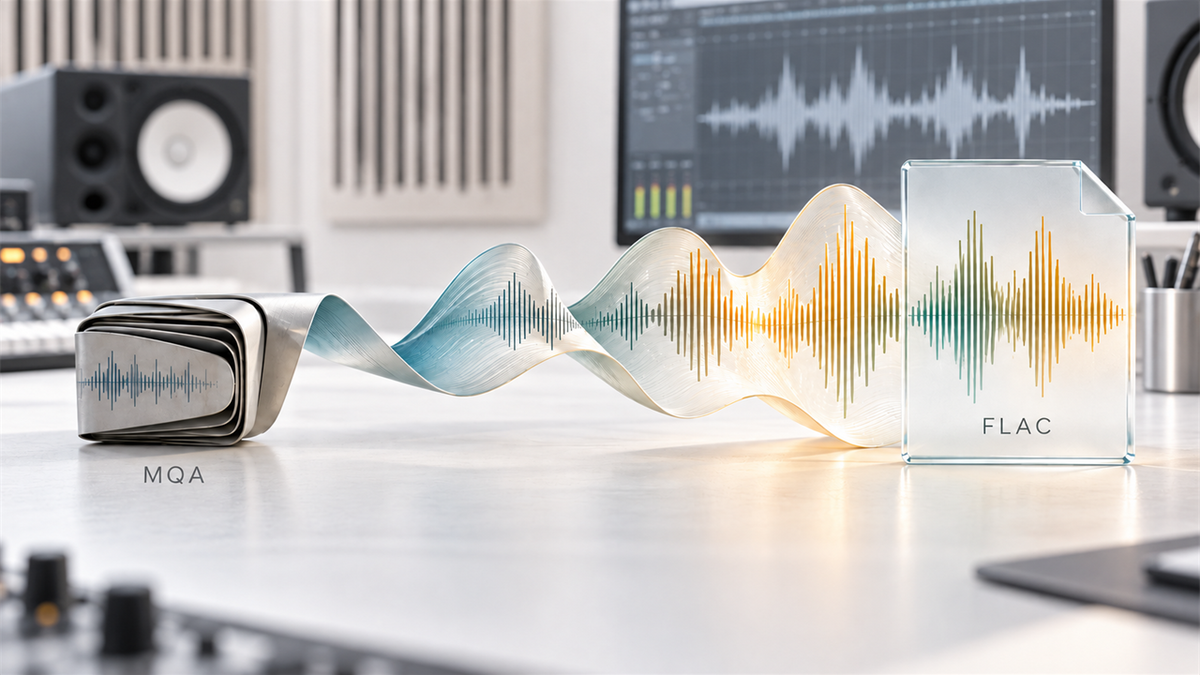
Start with where things stand in 2026: MQA is now mainly a legacy hi-res delivery format. TIDAL removed MQA from its apps and integrations on July 24, 2024 and replaced affected catalogue items with available FLAC versions, so the service most people associated with MQA no longer streams it. The idea behind the format still explains a lot of what you will read online, so here it is in one sentence: MQA folds a studio master recording into a file small enough to stream, then unfolds it back towards that original master when it reaches a decoder that supports it.
The letters stand for Master Quality Authenticated. Instead of just compressing a file the way MP3 does (throwing away data it decides you will not miss), MQA audio format uses a process the company calls origami folding — it packs high-resolution detail into the least significant bits of a smaller file, then a compatible decoder unpacks it on playback.
TIDAL made MQA format famous by using it for its Masters tier, and that is where most people first ran into the term — usually as a small green or blue dot in the corner of an album cover with no real explanation of what it meant. That era ended with TIDAL's July 2024 format update: the Masters branding and the MQA files behind it are no longer part of the service.
Expert Insights: Key Takeaways
- MQA format solves a bandwidth problem more than a fidelity problem — it exists because streaming full studio masters at scale used to be impractical, not because folding audio sounds better than never touching it.
- The file-size advantage that made MQA attractive for streaming matters less now that storage on dedicated players is cheap, which is part of why FLAC-first libraries remain popular among people building a personal collection.
- The playback chain matters more than the format label on the file: what a device does with the data - whether it plays it at native resolution or converts it first - decides more than which lossless container the file came in.
- ►1. What Is MQA, and Where Does It Stand in 2026?
- ►2. How MQA Was Designed to Work
- ►3. MQA vs FLAC vs DSD: Where It Fits
- ►4. How to Play Hi-Res Audio on Android and Beyond
- ►5. Where to Download Hi-Res Audio Legally
- ►6. Getting Hi-Res Lossless Music Onto a Dedicated Player
- ►7. Do You Actually Need MQA Format?
- ►8. A Quick Buying Note Before You Chase Hi-Res Files
How MQA Was Designed to Work
Think of it less like a format and more like a delivery method. A studio master file might be 24-bit/192kHz — huge, and impractical to stream at scale. MQA's folding process compresses that into a file roughly the size of a CD-quality FLAC, but with extra information tucked inside.
Without MQA Decoding
- File plays back at reduced resolution
- Sounds like a well-mastered CD-quality track
- No unfolding happens, no error either
- Still perfectly listenable
With Full MQA Decoding
- Decoder unfolds the packed data
- Approximates the original studio master
- Requires an MQA-certified DAC or software decoder
- Green light usually confirms full decode; blue confirms MQA Studio
That fallback behaviour is part of why the MQA file format spread: a track still worked on any player, decoded or not. The catch was always that you needed the right hardware or software to get the part that was supposedly the point — and since TIDAL's 2024 switch to FLAC, far fewer listeners encounter MQA files at all.

MQA vs FLAC vs DSD: Where It Fits
People searching for mqa format often end up comparing it to FLAC or DSD audio format, and that comparison is worth slowing down on, because the three solve different problems.
FLAC is lossless compression applied to PCM — what goes in is what comes out, bit for bit. DSD is a different representation altogether: a 1-bit delta-sigma stream rather than traditional PCM samples. MQA is the odd one out, technically lossy during transport, betting that its folding process preserves enough of what matters.
We covered this trade-off in more depth in our MQA vs FLAC: Complete Audio Format Guide, including why some audiophiles prefer to skip MQA entirely and just chase the largest lossless FLAC file they can find.
How to Play Hi-Res Audio on Android and Beyond
If you have already downloaded a hi-res lossless file — MQA, FLAC, or DSD — getting it to actually sound like hi-res audio takes a few more steps than just hitting play. Here is the short version of how to play hi-res audio on Android or on a dedicated player without losing quality along the way.
Check what your phone actually outputs
Android playback may preserve the source format or alter it, depending on the app, the system mixer, the device implementation and the output path you use. Check what your specific phone and player app document rather than assuming every Android device downsamples everything.
Get the file onto a device built to read it as-is
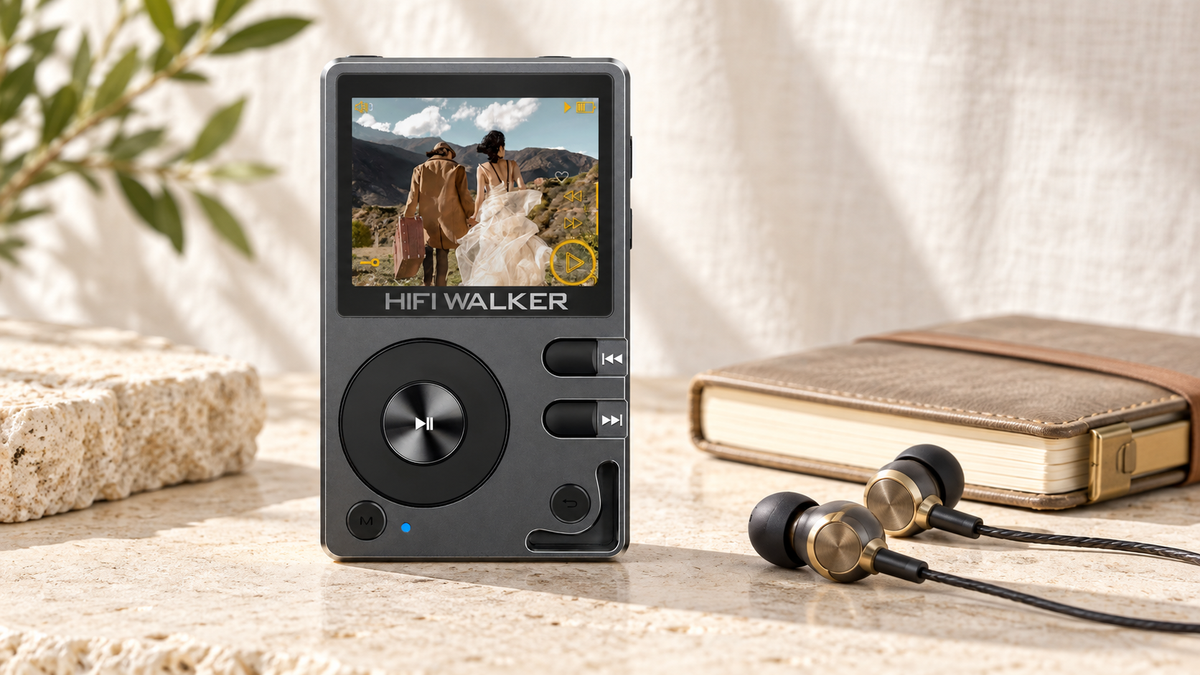
A dedicated hi-res player reads the file straight off local storage and sends it to its own DAC, skipping the phone's audio pipeline entirely. On the H2 Hi-Res Audio Player, you copy files over via the Type-C USB connection or by loading a microSD card directly, and the ES9018K2M DAC handles decoding from there.
Confirm the format is supported before you buy anything
Not every player handles every format at every bit depth. Check the official spec sheet for your device rather than assuming — this is the step people skip most often, and the one that causes the most refund requests.
Use the right output for the gear you own
A single-ended 3.5mm output works with most headphones. A 4.4mm balanced output, like the one listed for the H20 Ultra Hi-Res Audio Player, only applies at all when your cable and headphones are balanced too; whether it changes what you hear depends on the headphones and the rest of the chain.
Compare on material you already know
If you want to compare formats, use recordings you know well and keep the volume matched between them. This guide does not include listening-test results, and what you hear depends on the recording, the headphones and the rest of the playback chain.

Where to Download Hi-Res Audio Legally
This is usually the real question behind mqa downloads and where to download hi res audio — people already have a player, or are about to buy one, and just need somewhere legitimate to get files that are actually worth playing on it.
Streaming With Hi-Res Tiers
- Subscription-based, files stay in the app
- Convenient, but you cannot copy files to a dedicated player's storage
- Good for discovery before you commit to owning a track
Download Stores
- You own the file outright, DRM-free in most cases
- Files can be copied directly onto a microSD card or via USB
- Better fit for a dedicated hi-res player's local library
Download hi res lossless music from a store rather than a streaming app if your goal is to build a library that lives on a dedicated player. Streaming apps are excellent for finding new hi-res lossless music download candidates, but the file itself typically cannot leave the app on your phone.
Free hires music download sources exist too — some labels and independent artists release lossless FLAC directly, and a handful of classical and jazz archives offer legally free hi-res catalogs. Just confirm the source before trusting the file: a hi-res audio download that is actually an upscaled MP3 is more common than people expect, and no player, however good, can put back detail that was never there.
↑ Back to Top
Back to Top ↑Getting Hi-Res Lossless Music Onto a Dedicated Player
Once you have real hi-res files, the next bottleneck is usually storage and how you move them. This is where a phone-first workflow starts to show its limits — a few dozen 24-bit albums can eat through phone storage fast.

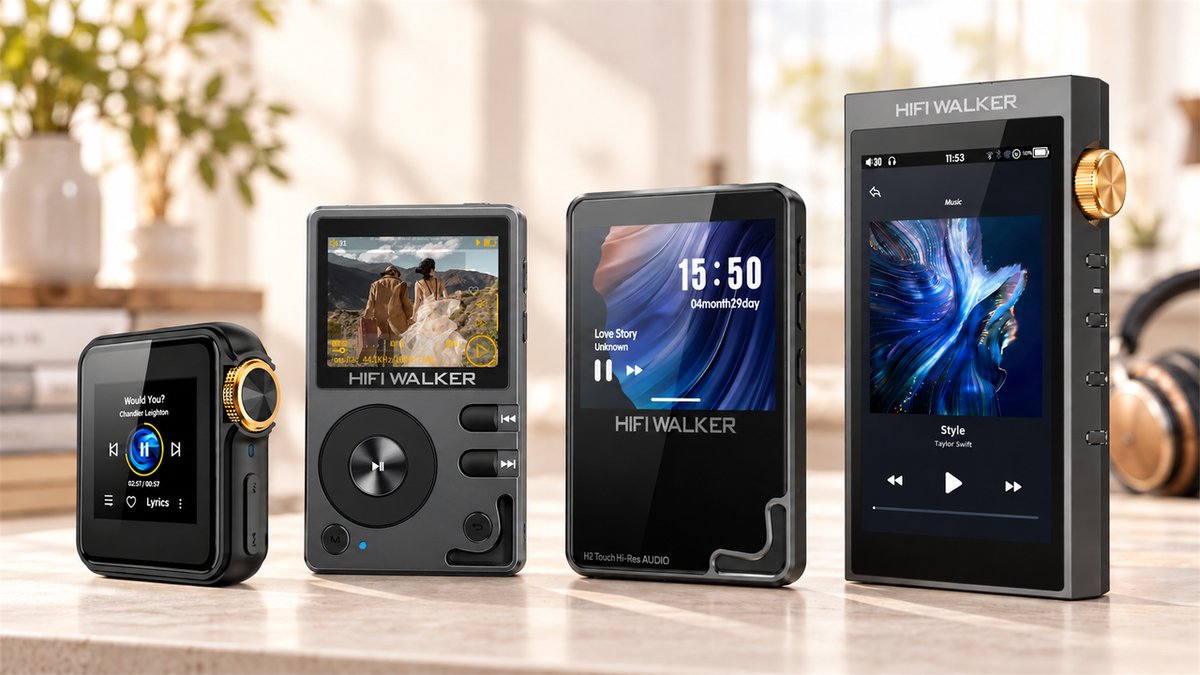
For a larger local library and a balanced output option, something like the H20 Ultra Hi-Res Audio Player supports files up to DSD256 and pairs a 4-inch touchscreen with a physical volume knob — useful when you are scrolling through a folder of downloaded albums rather than a streaming app's interface.

Neither of these replaces your phone. That is sort of the point — a dedicated player takes on the one job (playing your downloaded library) instead of splitting attention between notifications, streaming apps, and everything else a phone is doing at the same time.
One thing worth stating plainly in an MQA guide: the current HIFI WALKER specification library does not list MQA decoding for any of these models. Choose them for the formats they do document — FLAC and WAV across the line, with model-specific DSD support — rather than for MQA playback.
Do You Actually Need MQA Format?
Short answer: no, not specifically. MQA file format was one solution to a bandwidth problem that mattered more when streaming hi-res audio was harder to do at scale. It is not the only path to good sound, and it is not required for hi-res listening.
A well-sourced FLAC file at 24-bit/96kHz or higher, played through a device that does not touch or downsample it, will get you the meaningful part of the hi-res experience without needing an MQA-certified decoder anywhere in the chain. Some audiophiles actively prefer this route simply because it sidesteps the folding-and-unfolding question entirely — what you download is what plays, full stop.
If you still have older TIDAL MQA downloads, it is worth knowing they were app-managed rather than files you owned outright: TIDAL's guidance is to update the app and redownload the affected tracks as FLAC where replacement versions are available. For a library you keep yourself, FLAC and DSD are the practical formats. The HIFI WALKER lineup of hi-res audio players is documented for those formats; MQA decoding is not listed for any of them, so it should not be part of why you pick one.

A Quick Buying Note Before You Chase Hi-Res Files
One thing worth saying plainly: buying hi-res lossless music and then playing it through the earbuds bundled with your phone will not reveal much. The format is only half the equation — the DAC and output stage doing the actual conversion matter just as much as the file sitting on your storage.

None of this needs to be expensive or complicated to start. Load a handful of properly sourced FLAC albums onto a microSD card and play them on a device that reads them at their native resolution. Whether you hear a difference depends on the recording, your headphones and the rest of the chain — and no MQA decoding is required either way.
There Is a Whole Layer of Music Most People Never Touch
Once you start looking past streaming apps, a different world of listening opens up — one built around files you actually own rather than access you rent.
None of this requires becoming an audio engineer. It mostly just requires deciding, once, that you would rather own a few albums properly than stream a thousand you barely remember.
Frequently Asked Questions
Q1: What is MQA format in simple terms, and is it still used?
MQA is a method of packing high-resolution studio audio into a smaller file for easier streaming, then unfolding it back towards the original quality during playback. Without a compatible decoder the file still plays, just at reduced resolution rather than the full unfold. It is largely a legacy format now: TIDAL removed MQA from its apps and integrations on July 24, 2024 and replaced affected catalogue items with available FLAC versions.
Q2: Is MQA audio format actually lossless?
Not in the traditional sense. Unlike FLAC, which never discards data, MQA's folding process is technically lossy during the compression step, though the company argues the losses fall outside what is audible. This is a genuinely debated point among audio engineers.
Q3: Where can I download hi-res lossless music legally?
Dedicated download stores let you own the file outright and transfer it freely, which suits a local library on a dedicated player. Streaming services with hi-res tiers are good for discovery but typically keep files locked inside the app rather than letting you copy them elsewhere.
Q4: How do I play hi-res audio on Android without losing quality?
It depends on the device. Android playback may preserve or alter the source format depending on the app, the system mixer, the device implementation and the output path, so check what your phone and player app actually document. A dedicated hi-res player avoids that variability by reading files from local storage and routing them to its own DAC.
Q5: Do I need an MQA-certified player to enjoy hi-res audio?
No. MQA is one format among several, and since TIDAL moved to FLAC in July 2024 far less material is delivered in it. A well-sourced FLAC or DSD file played on a device that supports those formats without downsampling covers hi-res listening with no MQA decoding anywhere in the chain. Note that the current HIFI WALKER specification library does not list MQA decoding for any model, so those players should be chosen for their documented formats instead.