Can You Actually Put Spotify Music on an MP3 Player?
Short answer: not directly, and no app or cable will change that. Spotify's downloaded tracks are wrapped in DRM (digital rights management) that only unlocks inside the Spotify app itself. Drag those files onto an MP3 player and they will not play — the player sees encrypted data, not music.
That is the part most guides skip, and it is where a lot of them then go wrong. Spotify does not provide a feature to export catalog tracks as MP3 or FLAC, so there is no supported way to turn a Spotify track into a file you can copy onto a card. What there is: three official routes to hearing music on a dedicated player, and they are what the rest of this guide covers.
What People Assume
- Download in Spotify, then drag the file to a player
- Any offline Spotify player just needs a cable
- The .ogg files sync like MP3s do
What Actually Happens
- Downloaded tracks are DRM-locked to the Spotify app
- A dedicated MP3 player reads open formats: MP3, FLAC, WAV
- Getting music onto the player means using files you have the right to copy, or streaming to it from the phone
We covered the mechanics of this in more detail in our breakdown of why Spotify files will not just transfer — worth a read if you want the DRM explanation in full.
Expert Insights: Key Takeaways
- Spotify's DRM and user terms are the actual blocker, not a limitation of MP3 players: there is no supported export, so a local library has to be sourced separately from DRM-free files.
- Linux-based Hi-Res players like the H2 and H20 lines are built for local file playback, not Spotify's app; Android players like the G7 line handle app-based streaming directly.
- FLAC preserves whatever it is given without adding further lossy compression, but re-encoding a lossy source as FLAC cannot restore detail the source never had. The player's output specification and your headphones decide the rest.
- ►1. Can You Actually Put Spotify Music on an MP3 Player?
- ►2. The Official Ways to Listen on a Dedicated Player
- ►3. Why an Offline Spotify Player Actually Means a Different Device
- ►4. Choosing the Right Player: Linux File Player vs Android Streaming Player
- ►5. Streaming Spotify to a Hi-Res Player Over Bluetooth
- ►6. Loading Your Own Music Files Onto the Player, Step by Step
- ►7. Picking the Right Approach for Your Situation
- ►8. Common Mistakes That Ruin the Transfer Process
- ►9. What About Sound Quality Once the Files Are Local?
The Official Ways to Listen on a Dedicated Player
Spotify does not provide a feature to export catalog tracks as MP3 or FLAC. Use Spotify in its official app on a compatible device, or build a separate local library from DRM-free purchases and files you have the right to copy. Those are the two starting points, and they suit different listeners.
Use the Spotify App on an Android Player
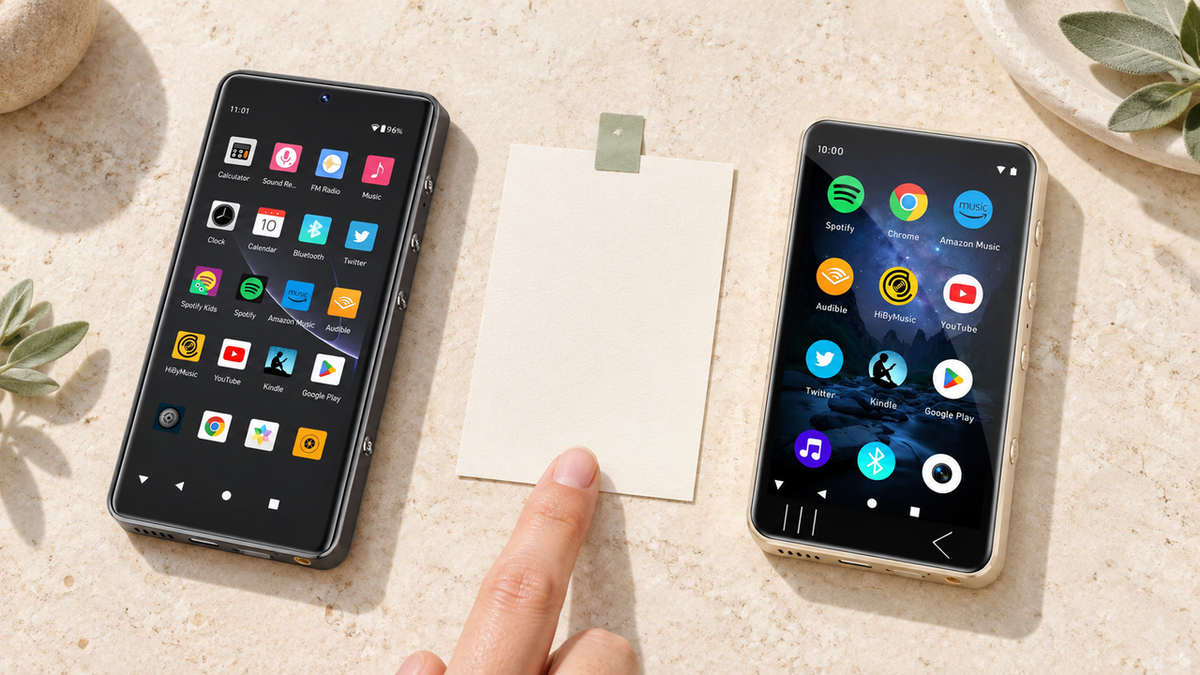
The Spotify app runs on Android-based players. On the G7 Pro it comes preinstalled alongside Google Play, Tidal, and Audible, and works out of the box; the G7 runs the same Android 13 base, though its spec sheet does not list which apps ship on it, so check the exact unit. Playback, playlists, and Spotify's own offline downloads all stay inside the app, exactly as they do on a phone, subject to your plan and Spotify's current device rules.
Build a Separate Local Library You Own
A Linux-based player reads files, so the music has to be files you are entitled to copy: MP3 or FLAC bought from a download store, tracks ripped from CDs you own, Bandcamp purchases, or anything else supplied without DRM. Buy the albums you replay constantly and they are yours outright, with no subscription check and no app in the way.
What does not work, and is worth saying plainly: Spotify's user terms do not permit copying, recording, or extracting catalog content, and its downloads are built to stay inside the app. A 'Spotify to MP3' conversion step is therefore not part of any route we can recommend, and this guide does not describe one.
Once you have MP3 or FLAC files you are entitled to copy sitting on your computer, the rest of the job is simple file management: drag them onto a microSD card, plug that into your player, done. That part nobody makes complicated.
Why an Offline Spotify Player Actually Means a Different Device
Search for an offline spotify player and you will find two very different things: phones running Spotify's own offline mode, and dedicated MP3 players that hold files you own. They solve different problems.

Spotify's own offline mode still needs the app running, still drains your phone's battery doing double duty as a phone, and still ties your music to an active subscription. A spotify offline player in the dedicated-device sense sidesteps all three — the files are yours, stored locally, and the device does nothing but play them.
Phone With Spotify Offline Mode
- Requires active subscription to keep playing
- Battery shared with calls, notifications, everything else
- Files locked inside the app, not transferable
Dedicated MP3 Player With Your Own Files
- Files you already own play with no app and no subscription involved
- Battery only powers music playback
- Storage expands with a microSD card, independent of any app
Our guide to Spotify-compatible Android music players covers the other side of this — players that run Spotify's own app directly, if you would rather stay inside the streaming ecosystem than keep a separate local library.
Choosing the Right Player: Linux File Player vs Android Streaming Player
This is the fork in the road that decides everything else. If your music is going to be MP3 or FLAC files you own, you want a player built to hold and play local files with clean audio circuitry. If you would rather run Spotify's app directly and stream when you have signal, you want an Android player with app support.
Notice the split: the H2 and H20 lines are Linux-based file players — they do not run Android apps, so there is no Spotify app on them. They are built for the person who already has a FLAC or MP3 library of their own and wants the cleanest possible playback of those files. The G7 line runs Android and can run the Spotify app itself.
Streaming Spotify to a Hi-Res Player Over Bluetooth
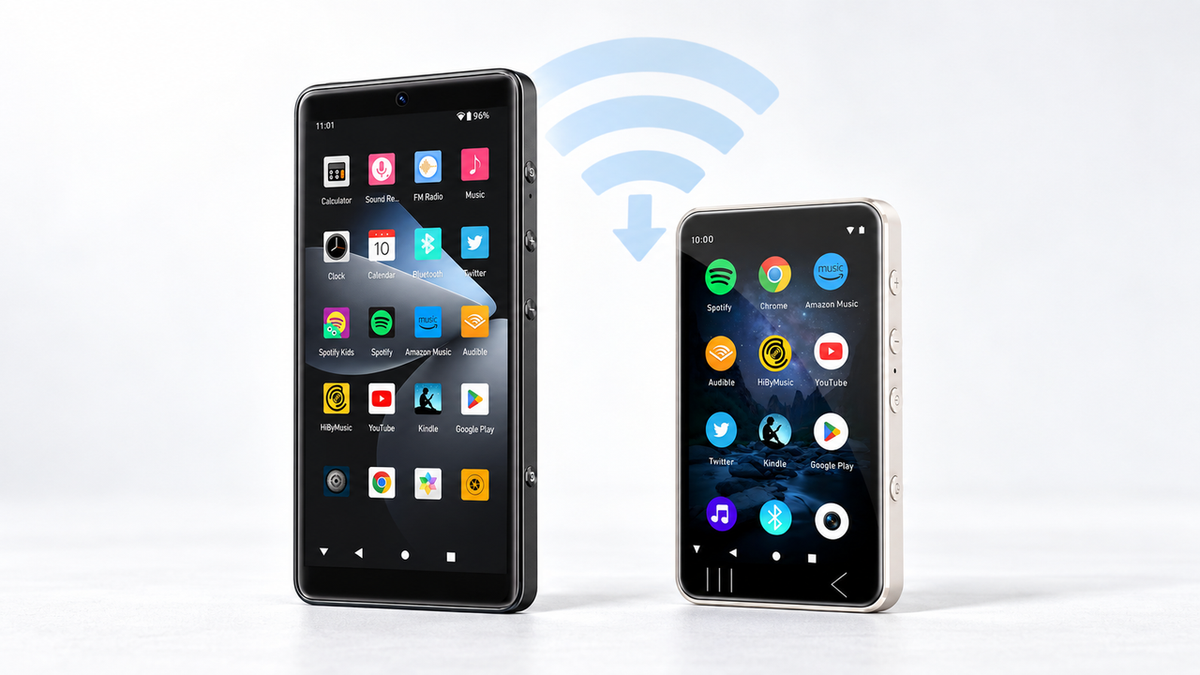
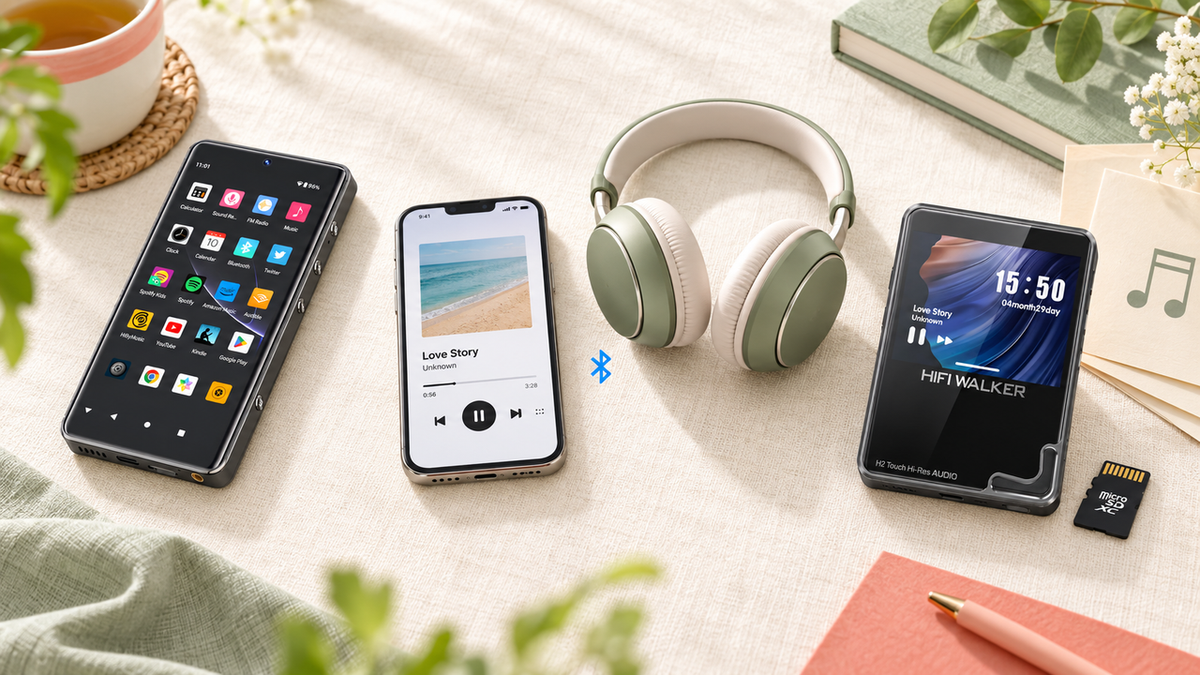
There is a third route that skips file transfer entirely, and it is the one most people miss. The H2, H2 Touch, H20 Pro, and H20 Ultra list two-way Bluetooth: they can transmit to wireless headphones, and they can also receive. That means your phone keeps running the Spotify app while the player acts as the wireless receiver, with your wired headphones plugged into it.
Be clear about what this is and is not. The Spotify app is still on the phone, with the phone's connection, subscription, and offline rules; the Linux-based player is not running any app of its own and nothing is stored on it. What changes is which headphone output sits at the end of the chain. Bluetooth codec support (aptX, aptX-HD, LDAC) varies by model, so check the spec sheet for the one you are buying.
Bluetooth From Your Phone
- Spotify app and account stay on the phone
- Nothing to source, transfer, or organize
- Needs the phone in range, on its battery
- Nothing is stored on the player
Files On the Player
- No phone involved once the card is loaded
- You source and organize the files yourself
- Plays with everything else switched off
- The library lives on the microSD card
↑ Back to Top
Back to Top ↑Loading Your Own Music Files Onto the Player, Step by Step
Once you have a folder of MP3 or FLAC files you are entitled to copy, getting them onto a dedicated player like the H20 Ultra Hi-Res Audio Player or H2 Touch Hi-Res Audio Player is the easy part. Here is the actual sequence.
Organize Files Into Folders First
Before you copy anything, sort your tracks into folders by album or artist on your computer. A messy dump of 200 files with no folder structure makes browsing on a small player screen frustrating fast.
Copy Files to the microSD Card
Insert the microSD card into your computer via an adapter, or connect the player directly by USB-C cable — H2 Mini, H2, H2 Touch, H20 Pro, and H20 Ultra all support USB2.0 mass storage mode for drag-and-drop transfer without removing the card.
Eject Safely and Insert Into the Player
Always eject the drive properly in your operating system before disconnecting. Then insert the microSD card into the player if you transferred via adapter, or simply disconnect the USB-C cable if you copied directly.
Let the Player Index the Library
Power on and give the player a moment to scan the new files. Folder structure from your computer carries over, so your playlist folders should appear exactly as you organized them.

One thing worth flagging: because these are files you supplied rather than a stream, quality depends entirely on your source. A lossless FLAC and a low-bitrate MP3 will both play, but the player can only pass on what the file already contains — no re-encoding adds back detail the source never had.
One capacity note before you move a large library across: the H2 Mini, H2, H2 Touch, H20 Pro, and H20 Ultra all take microSD or TF cards up to 512GB, but the Hi-Res line indexes a maximum of 14,999 tracks. A card can physically hold more files than the player will list, so plan the library around the track count as well as the gigabytes.
Picking the Right Approach for Your Situation
Here is where we will just say it plainly: if you want to keep using Spotify's app and streaming service exactly as-is, get an Android player. If you want a device dedicated purely to sound quality, playing music you fully own, get a Linux-based Hi-Res player and load it with your own files.
Get a G7 Pro Android Player If…
- You want Spotify, Tidal, and Audible pre-installed and working out of the box
- You would rather not source and manage files at all
- Streaming with occasional signal is fine for your routine
Get an H20 Ultra or H2 Touch If…
- You already own your core albums as FLAC or MP3 files
- You want the cleanest DAC and amp path for that library
- You want a device with no app distractions, just playback


For a deeper side-by-side of Android streaming players against dedicated file players, our Android music player ranking guide walks through which models handle Bluetooth pairing and app performance best.
Common Mistakes That Ruin the Transfer Process
A few missteps show up again and again in this process. None of them are complicated to avoid once you know they are coming.
Expecting a mp3 player with spotify offline built in. No dedicated MP3 player runs the Spotify app natively unless it is Android-based like the G7 or G7 Pro. If a Linux-based Hi-Res player claims native Spotify support, that claim does not hold up — check the official spec sheet before you buy.
Ignoring file naming. Purchased or ripped files sometimes arrive with incomplete metadata (artist, album, track title). Fix tags before transferring, not after — it is much easier to batch-edit on a computer than on a small player screen.
Assuming any microSD card works. Cheap, unbranded cards are a common cause of playback stutter or corrupted files. Stick to a reputable brand rated for the capacity you need, up to 512GB on H2 Mini, H2, H2 Touch, H20 Pro, and H20 Ultra.

What About Sound Quality Once the Files Are Local?
This is the part streaming-focused guides rarely mention. Once your listening moves to local files, the playback path changes: different hardware, different output ratings, and no app in the chain.
A FLAC file played through the H20 Pro Hi-Res Audio Player runs through dual ES9219PC DACs and a 4.4mm balanced output specified at 4Vrms and 380mW into 32 ohms, against 2Vrms and 112mW from the 3.5mm jack. Those are the numbers we can state. Whether the difference is audible for you depends on your headphones, cable, the file itself, and matching levels when you compare.

None of this means streaming sounds bad. It means a dedicated player gives your own files a playback path built for one job. Whether that is worth the effort of keeping a local library is a judgement, not a measurement.
There Is a Whole Ecosystem Behind a Library You Own
Once your listening stops living only inside an app and some of it becomes a folder of files you own, a few other doors tend to open that most people do not expect going in.
None of this requires abandoning Spotify. It just means some of your favourite albums also exist outside the app.
Frequently Asked Questions
Q1: Can I download Spotify songs directly onto an MP3 player?
No. Spotify's downloaded tracks are DRM-protected and play only inside the Spotify app, and Spotify provides no feature to export catalog tracks as MP3 or FLAC. To listen on a dedicated player you either run the Spotify app on an Android player, stream to a Bluetooth-receiving player from your phone, or load files you have the right to copy.
Q2: Does Spotify let you export tracks as MP3 files?
No. Spotify does not provide a feature to export catalog tracks as MP3 or FLAC, and its user terms do not permit copying, recording, or extracting catalog content. Use Spotify in its official app on a compatible device, or build a separate local library from DRM-free purchases and files you have the right to copy.
Q3: What is the difference between an offline Spotify player and a dedicated MP3 player?
An offline Spotify player usually means a phone using Spotify's built-in offline download mode, which still requires an active subscription and the app running. A dedicated MP3 player like the H2 Touch Hi-Res Audio Player or H20 Ultra Hi-Res Audio Player plays files you already own from a card, with no app and no subscription involved.
Q4: Does HIFI WALKER make a player that runs the Spotify app itself?
Yes. The G7 Android Player and G7 Pro Android Player run Android 13 and support app installation. The G7 Pro specifically comes with Google Play, Spotify, Tidal, and Audible preinstalled and working out of the box; the G7's spec sheet does not list which apps ship on it, so check the exact unit before you buy.
Q5: Why keep a local library instead of just streaming on my phone?
Local files free your phone from doing double duty as a music player, run through hardware built only for audio, and keep playing with no signal and no subscription check. What they cost you is convenience: you have to source, organize, and carry the files yourself.