Can You Download Amazon Music to an MP3 Player? The Short Answer
It depends on which kind of Amazon Music track you have. Purchased Music can be downloaded and copied to another player like any other file. Amazon Music Prime and Unlimited titles cannot be copied to a computer or played in another app — those downloads stay inside the Amazon Music app. That is the whole answer in two sentences; the rest of this guide is how to tell which one you have and what to do in each case.
This trips people up because Amazon sells music two different ways: individual MP3 purchases (DRM-free, portable) and Amazon Music Unlimited streaming (DRM-locked, app-only). Which one you have determines everything else in this article.
Expert Insights: Key Takeaways
- The real dividing line is not Amazon Music generally - it is whether you purchased the track or only streamed it under a subscription. That single distinction decides whether copying it to a player is a five-minute job or not possible at all.
- There is no supported export path out of a subscription: Amazon Music does not offer a feature to export catalogue tracks, so a portable library has to be built from files you own rather than from streaming downloads.
- Once files are DRM-free, the player itself doesn't care about their origin — an Amazon MP3 purchase, a CD rip, and a Bandcamp download all sit in the same folder the same way.
- ►1. Can You Download Amazon Music to an MP3 Player? The Short Answer
- ►2. Why This Question Doesn't Have One Answer
- ►3. Amazon MP3 Purchases: The Easy Path
- ►4. Amazon Music Prime and Unlimited: Why Those Downloads Stay in the App
- ►5. Amazon Music MP3 Download Quality: What to Expect
- ►6. Playing Your Transferred Files on a HIFI WALKER Player
- ►7. What If You Have a Mixed Library?
- ►8. Common Mistakes When Moving Amazon Music
- ►9. Frequently Asked Questions
Why This Question Doesn't Have One Answer
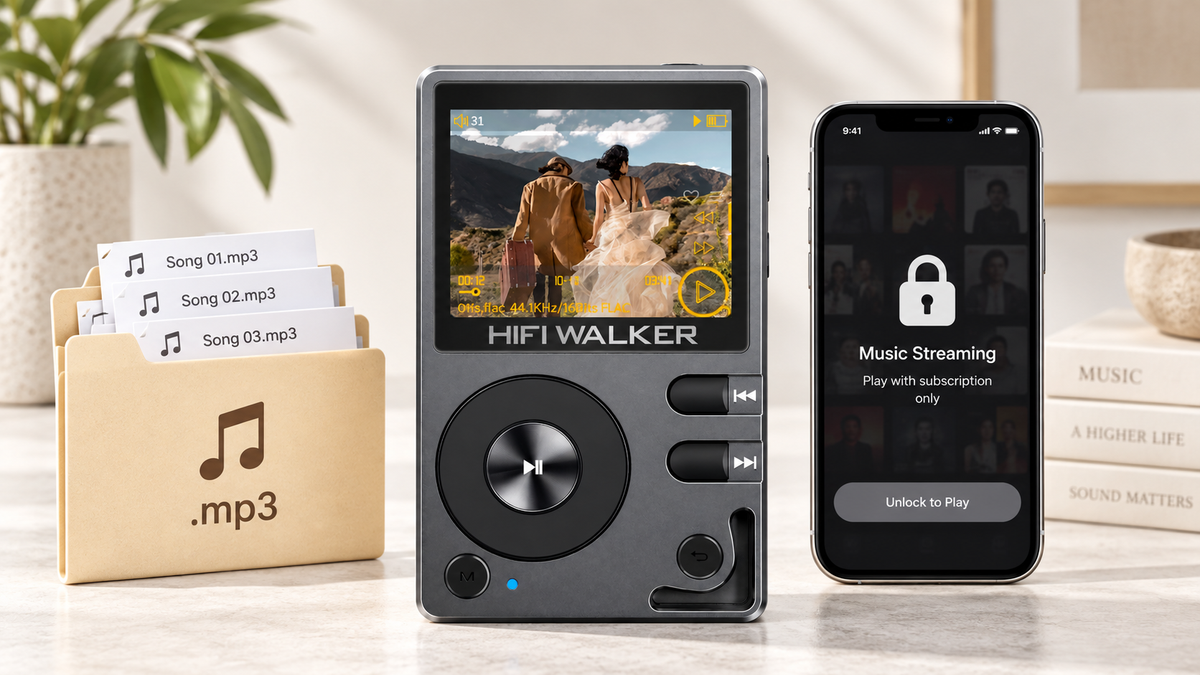
So can you download amazon music to mp3 player without any extra steps? It depends entirely on whether you bought the song or subscribed to it. Amazon has run both models for over a decade, and the app doesn't always make clear which bucket a given track falls into.
Amazon MP3 Store Purchases
- DRM-free files you actually own
- Downloadable as standard MP3s
- Copy freely to any device or player
- No app required to play them
Amazon Music Unlimited Streaming
- Offline downloads stay inside the app
- Files are DRM-protected, not portable
- Won't show up as MP3s on your computer
- Cannot be copied to a computer or played in another app
If you're wondering can you download amazon music as mp3 and just move it — check which category your music falls under first. It saves you from chasing a solution that doesn't apply to your situation.
An illustrative sort through a decade of Amazon purchases
This is a scenario, not a logged test: a common situation for anyone who bought MP3s from Amazon back when that was the default way to buy digital music, then later added a subscription on top.
Start by checking what you already own. Purchased Music copies across without any special handling; subscription titles do not leave the app at all.
Amazon MP3 Purchases: The Easy Path
If you bought individual tracks or albums from the Amazon MP3 store (this has existed since 2007, separate from the Unlimited subscription), the answer to can you download music from amazon music to an mp3 player is a plain yes. These files are standard MP3s with no copy protection.
Find Your Purchase History
Log into Amazon on a desktop browser, go to Your Orders, then filter for Digital Orders or visit the Amazon Music library section for purchased tracks.
Download to Your Computer
Select the album or track and click Download. Amazon may prompt you to install the Amazon Music Downloader app for bulk downloads — this is separate from the streaming app and just handles file transfers.
Locate the MP3 Files
Downloaded tracks land in a folder (usually Music/Amazon MP3 or wherever you set the download destination). Confirm the files show a standard .mp3 extension.
Connect Your MP3 Player via USB-C
Plug in your player. On a HIFI WALKER Hi-Res player, it mounts as a USB mass storage device — no special software needed.
Drag and Drop
Copy the MP3 files directly into the Music folder on the player's microSD card. Eject safely when the transfer finishes.

Amazon Music Prime and Unlimited: Why Those Downloads Stay in the App
This is where the question gets more complicated. Offline downloads made through Amazon Music Prime or Unlimited are managed by the Amazon Music app and tied to an active subscription. They do not appear as loose MP3 files anywhere on your device, and they are not yours to move.
To put it plainly: Amazon Music does not provide a feature to export catalogue tracks. Use the service in its official app on a compatible device, or build a separate local library from DRM-free purchases and files you have the right to copy. There is no supported route from a subscription download to a file on a dedicated player.
If your goal is a portable library, the practical path is to own the files. Amazon's own Purchased Music is one source; DRM-free download stores and your own CD rips are others. Once a track is a DRM-free file you own, every step in the previous section applies to it unchanged.
Amazon Music MP3 Download Quality: What to Expect
Amazon music download quality depends on which route you used. Purchased Music from Amazon downloads as MP3; for any lossless purchase options, check Amazon's current help pages, since what is offered varies by title and region. Subscription streaming quality is a separate matter, and it is not something you end up with as a file, because those titles cannot be copied out.
If lossless quality actually matters to you — not just moving files but hearing the difference — it's worth reading our breakdown of why a dedicated Amazon Music player unlocks true HD quality, since a phone's DAC and a dedicated player's DAC are not doing the same job on the same file.
↑ Back to Top
Back to Top ↑Playing Your Transferred Files on a HIFI WALKER Player
Once your MP3 files are sitting in a folder on your computer, moving them onto a dedicated player is the easy part — it's the same USB mass storage process regardless of where the MP3 came from.

If you also own DRM-free lossless files from a download store or your own CD rips, a compatible player can keep those files alongside your purchased Amazon MP3s in the same library. Whether the format difference is audible depends on the recording, the headphones and the rest of the playback chain.


What If You Have a Mixed Library?
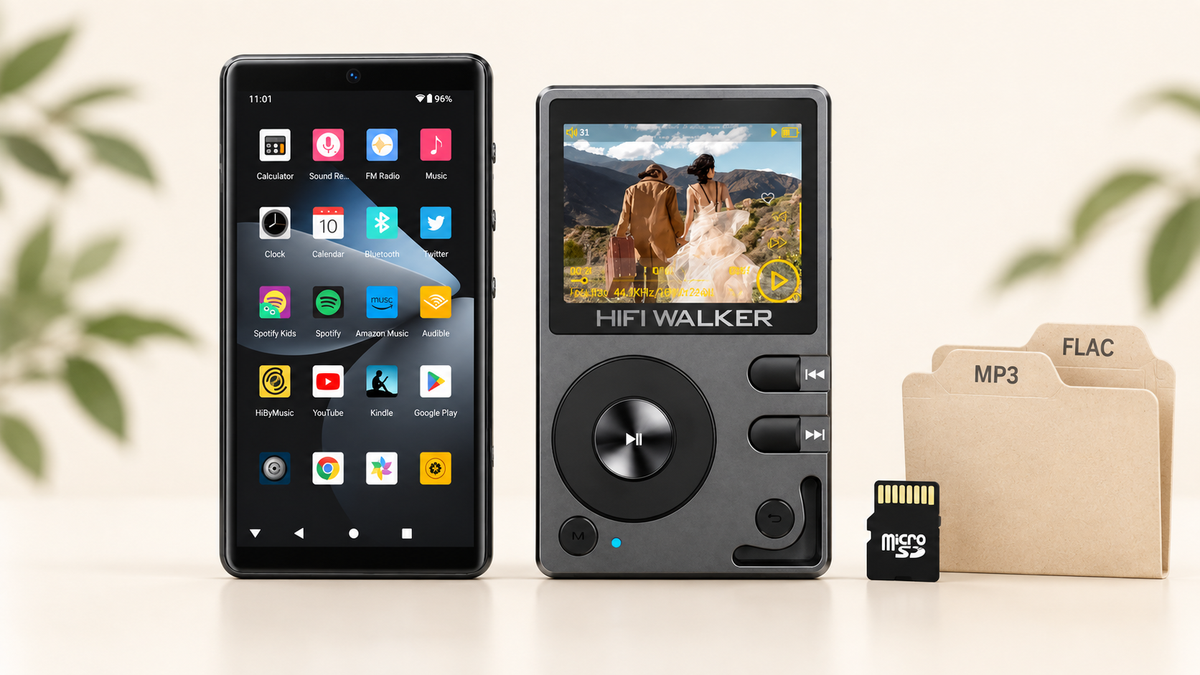
Most people asking can you transfer music from amazon music to mp3 player actually have a mix — some old MP3 store purchases, some CD rips, some downloads from other stores. The good news: once files are DRM-free MP3s or FLACs sitting in a folder, the player doesn't care where they originally came from.
If you're starting that transfer process for the first time and want the full walkthrough — not just the Amazon-specific part — our guide on how to put music on an MP3 player covers folder structure, file naming, and avoiding duplicate-track headaches once your library gets past a few hundred songs.
A song limit worth knowing about: HIFI WALKER's Hi-Res players can recognize up to 14,999 tracks. For nearly everyone building a personal library, that ceiling is nowhere close — but if you're merging several people's collections onto one card, it's worth counting.
Common Mistakes When Moving Amazon Music
A few things trip people up every time this question comes up, so worth flagging before you start.
Where People Get Stuck
- Trying to drag subscription app downloads directly to a player
- Assuming all Amazon downloads are the same file type
- Not checking file extension before transfer (.aa or proprietary vs .mp3)
- Assuming a few working tracks prove the whole library copied correctly
What Actually Works
- Confirm the file shows .mp3 or .flac before copying
- Use the desktop Amazon Music Downloader for purchased tracks
- Keep purchased downloads in one clearly labeled folder
- Play a sample after copying, then check the remaining files before ejecting

Frequently Asked Questions
A few more questions that come up around this topic, answered directly.
There's a whole layer of your music library you might not have opened yet
Digital purchases from a decade ago tend to sit forgotten once streaming took over daily listening. Going back through them tends to open a few doors.
None of this requires giving up streaming — it just means knowing what you actually own.
Frequently Asked Questions
Q1: Can you put Amazon Music on an MP3 player?
Purchased Music can be downloaded and copied to another player, because those files are DRM-free and yours to move. Amazon Music Prime and Unlimited titles cannot be copied to a computer or played in another app; they stay inside the Amazon Music app for as long as your subscription is active.
Q2: Can I put Amazon Music on my MP3 player without a computer?
Generally no. You'll need a computer to download purchased tracks from your Amazon account and transfer them via USB to the player, since most dedicated MP3 players don't run the Amazon Music app directly.
Q3: What format are Amazon Music downloads?
Purchased Music from Amazon downloads as MP3. If you are looking for lossless purchase options, check Amazon's current help pages, since availability varies by title and region. Subscription tiers describe streaming playback quality rather than a file you receive, and those titles cannot be copied out of the app.
Q4: What if I only have an Amazon Music subscription and no purchases?
Then there is no supported way to move those tracks to a separate player. Amazon Music does not provide a feature to export catalogue tracks. Use the service in its official app on a compatible device, or build a separate local library from DRM-free purchases and files you have the right to copy.
Q5: Do HIFI WALKER players support MP3 files from Amazon?
Yes. Any standard DRM-free MP3 file, regardless of where it was purchased, transfers to a HIFI WALKER player's storage via USB just like copying to a USB drive — no special app or format conversion required.