


A good first MP3 player starts with your music
Choose the HIFI WALKER H2 for a first player built around your own music files and physical controls. Choose H20 Pro when you want touch navigation for that collection, or G7 Pro when Spotify is your priority. Below, the comparison shows what each route offers, followed by the details that help you make your first purchase.
Have you ever opened a product page and felt less certain after reading the specifications? A familiar question such as what is the best MP3 player can quickly become a list of unfamiliar terms. You do not need to understand every component before choosing a useful device. Start with one album you want to hear and one regular moment when you would use the player.
The H2 is the main recommendation here because it brings together physical music controls, removable storage, wired and wireless listening, and dedicated audio hardware. H20 Pro adds touch navigation; G7 Pro serves the Spotify route. The comparison below helps you decide whether either of those different requirements applies.

See the HIFI WALKER H2 for a collection you will load yourself, or jump to the three-player comparison to identify the route that matches your needs.
Expert Insights: Key Takeaways
- H2 combines physical controls, microSD collection storage, wired and wireless connections, and dedicated audio hardware.
- Choose H20 Pro for touchscreen navigation of local music.
- Choose G7 Pro for confirmed Spotify app support, subject to the service’s account and network conditions.
- ►1. A good first MP3 player starts with your music
- ►2. H2, H20 Pro, or G7 Pro: which should you buy?
- ►3. What is an MP3 player, and what does the name tell you?
- ►4. Choose between a music collection and a music service
- ►5. Does an MP3 player only play MP3 files?
- ►6. Judge the player by a few everyday tasks
- ►7. Why choose the HIFI WALKER H2 as your first player?
- ►8. Choose H20 Pro for touch controls or G7 Pro for Spotify
- ►9. Make the first purchase easy to put into use
H2, H20 Pro, or G7 Pro: which should you buy?
Use this table to make the first decision. Each recommendation follows a different listening requirement; the models are not a ladder you need to climb. For local music and physical controls, start with H2. Move to another row only when it describes a feature you want to use.
Use the control method and music approach to narrow the table to one row. The sections below explain the practical checks behind that choice, with a closer look at why H2 is the main recommendation for a first local-file player.
What is an MP3 player, and what does the name tell you?
An MP3 player is a device used to play digital music. The name comes from MP3, an audio file format, but the name of the device does not necessarily describe every format it can play. Current music players can have different software, storage arrangements, and controls even when stores place them in the same category.
DAP means digital audio player. The names overlap in everyday shopping; neither label guarantees a particular screen, connection, or set of supported formats. Read the individual model’s specifications for those details.
If you want the terminology explained in more detail, the DAP versus MP3 player guide covers that comparison. Keep this guide focused on the purchase decisions below.

Choose between a music collection and a music service
This is the one music-source decision to make before ordering: will you copy recordings you can access as files, or use an account in a music app? Use the matching column below, then continue to the file or app details relevant to your choice.
A local collection consists of recordings you can access as files. You might have purchased downloads or personal recordings you are entitled to copy. A local-file player gives a prepared selection a place to travel with you. You choose what to load and can build that selection around albums, artists, or a particular listening occasion.
A music service is a different starting point: you choose music through the service’s app and account. If that is how you listen, check official app support for the specific player before buying. Having an app on your computer or phone does not establish that it will run on another device.
You want to carry music files
- You can identify the recordings on your computer.
- You want to choose a collection before leaving home.
- You are comfortable adding compatible files to a memory card.
You want to keep using an app
- Your listening begins with a music-service account.
- You want to browse the service on the player.
- You need to check app compatibility and the service’s listening conditions.
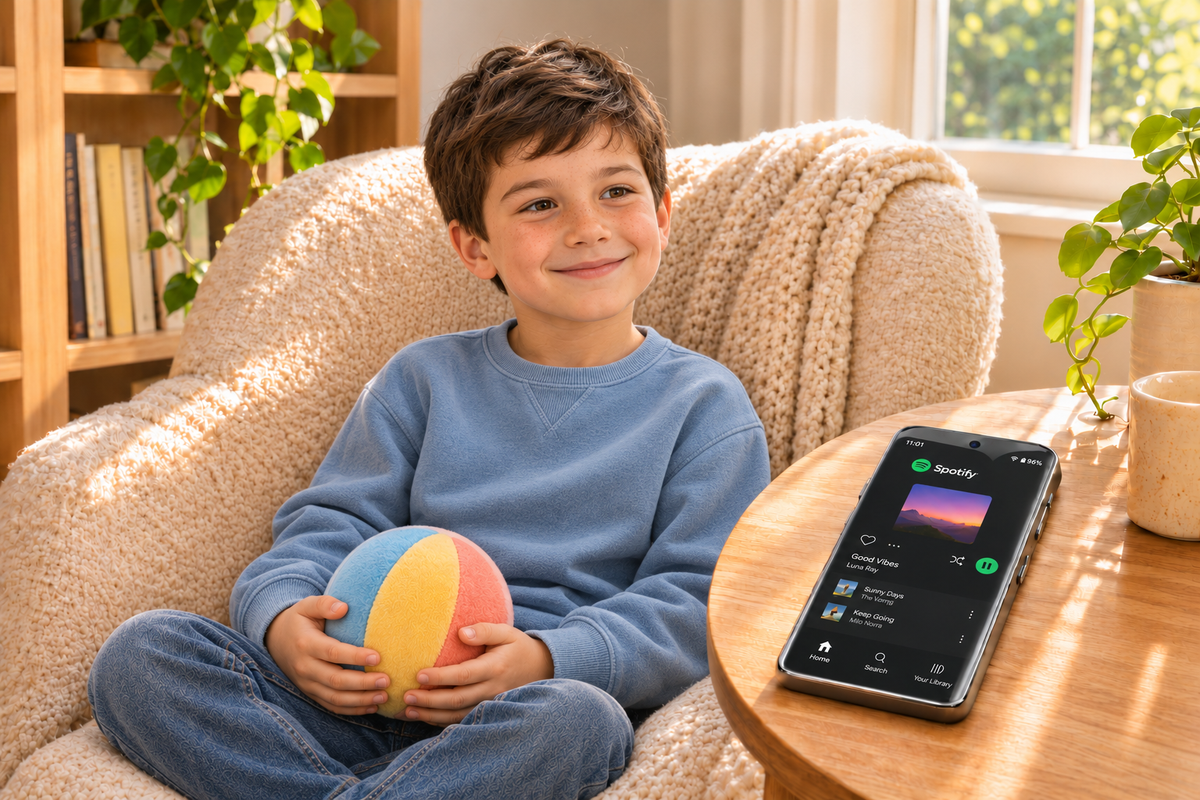
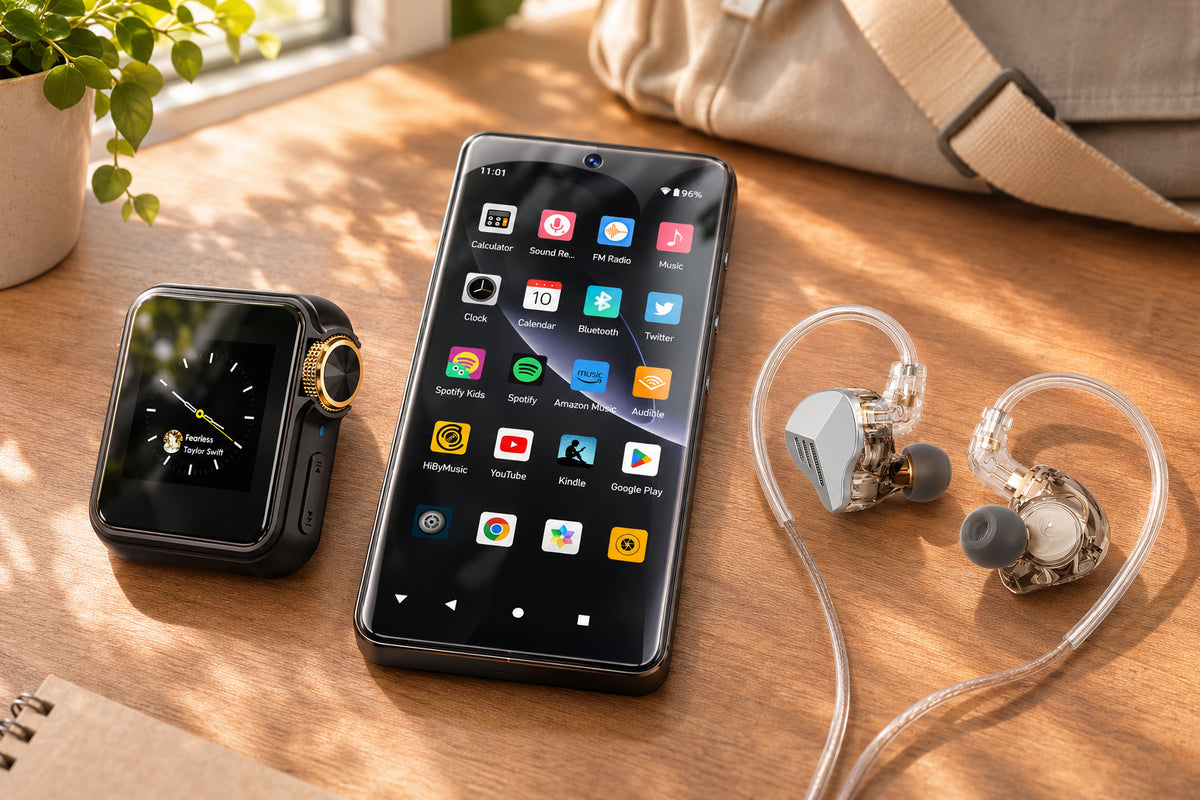
For Spotify, choose the G7 Pro Android player. Spotify support is confirmed for this model. Check the account and network conditions for your intended listening; support for the app is not an unconditional promise about every service feature.
Does an MP3 player only play MP3 files?
Not necessarily. A player’s supported-format list tells you what it can open; the category name alone does not. For example, the H2 supports local music in formats including MP3, FLAC, and WAV. Check the product’s supported specifications against the files you actually intend to use.
For a beginner, a useful first check is to look at a few representative recordings on your computer. Identify the file type and where the complete audio file is stored. Do not assume that an item visible in a library app is already a transferable recording. Find the source file before planning the collection you will load.
You do not need to replace your entire library with one format to begin enjoying a player. Keep your original files, check compatibility, and prepare a manageable starting selection. If your current recordings already work with the device, the first goal is to get to the music, not create an unnecessary conversion project.
A longer format list matters when it includes recordings you want to play. If one file will not open, check its format and properties against the model’s support instructions before converting the whole collection.
↑ Back to Top
Back to Top ↑Judge the player by a few everyday tasks
Product photos and specification tables become more useful when you connect them to actions. Imagine choosing an album, pausing when someone speaks to you, finding the next track, and returning to your music later. These are the tasks you will repeat, so they deserve attention before features you might rarely use.
For connection choices, begin with equipment you already enjoy using. Check its plug or wireless requirements against the specific player. You are choosing a workable setup, so it helps to know the connection in advance rather than adding adapters and accessories simply because a product photograph includes them.
Storage also needs context. The size of your first listening collection may be much smaller than your entire archive. Estimate the files you actually want to carry, then check the device’s capacity and any separate library limits. You can leave the archive organized on the computer while preparing a smaller selection for the player.
Finally, make room for the routine itself. Decide where the device charges and where it will be stored when you return home. A dedicated player becomes useful through repeat use: it is there when you want that album, with the collection prepared and the controls familiar.

Why choose the HIFI WALKER H2 as your first player?
H2 is the main recommendation for a first local-file player because its features cover the ordinary listening jobs in one device: choosing a recording with physical controls, carrying a collection on a card, and connecting the listening equipment you use. You get a defined way to enjoy saved albums without turning the purchase into an app-centered setup.
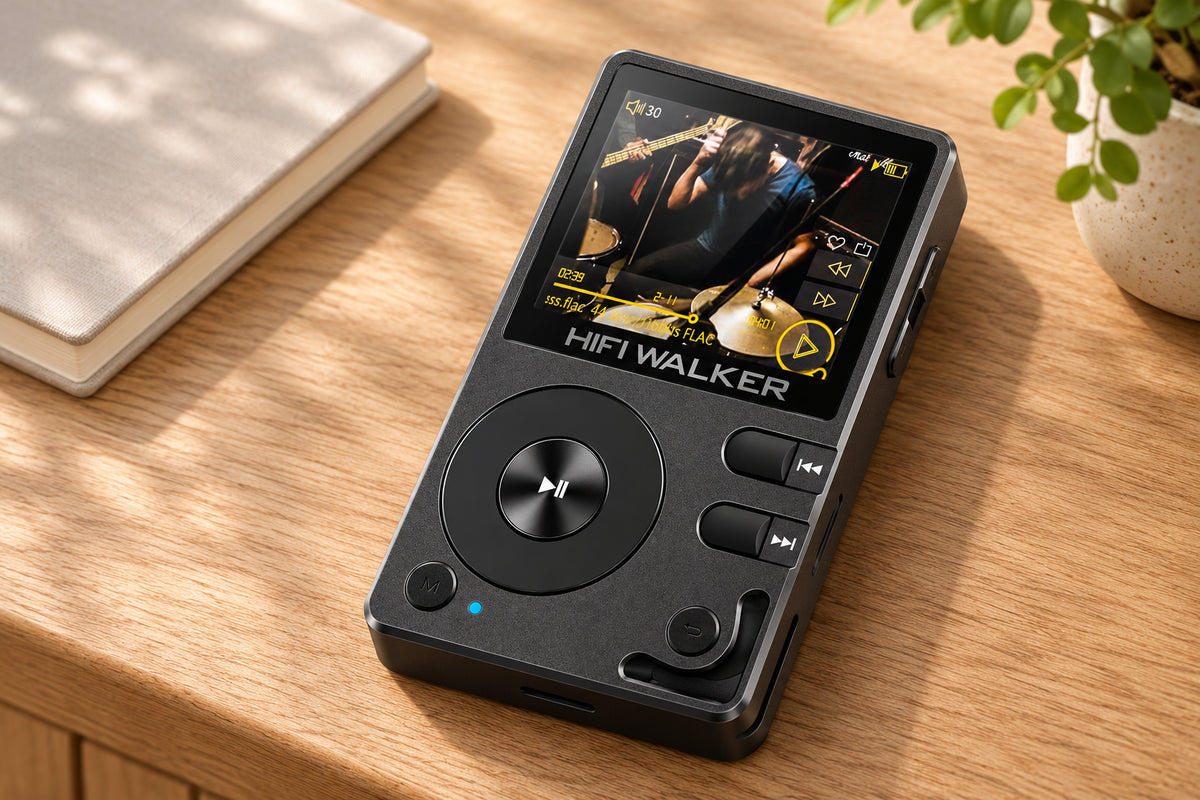
Physical controls give the player a clear job. The wheel, track buttons, and central play/pause button put familiar music actions on the front of the device. When you want to pause a track or move to the next one, there is a dedicated control to use. Check the official photographs for the arrangement; it is a concrete reason to choose H2 if you prefer buttons to touch navigation.
Removable storage lets you prepare a collection and build on it. Load a few albums for your first week, then add more when you know what you enjoy carrying. The H2 supports microSD expansion up to 512GB and recognizes up to 14,999 songs. Plan within both limits. The benefit is room to develop your listening collection without loading the whole computer archive on day one.
Wired and wireless connections support different routines. The H2 provides a 3.5mm output for a compatible wired connection and Bluetooth for supported wireless equipment. Check the equipment you already use against those options. This gives you a practical way to keep a familiar listening setup rather than making new accessories the starting point of the purchase.
Its audio hardware has a specific purpose. The ES9018K2M DAC converts the music’s digital data into an analog signal, and the MAX97220A amplifier supports the headphone output. These are identified components in a dedicated music device. They explain what the hardware does; an audible improvement over your current setup would require an actual listening comparison.
There is a documented battery rating to plan around. The HIFI WALKER H2 is rated for more than 10 hours using FLAC 16-bit/44.1kHz, volume 30, the screen off, and the 3.5mm output. Treat those conditions as the reference when planning a listening day; other settings can change runtime. This is a published specification, not a result measured for this article.
Together, those features make the H2 a complete starting point for a prepared local collection: controls, storage, listening connections, and dedicated conversion and amplification. Choose H20 Pro for its touch interface or G7 Pro for the app-based route when those are your specific priorities; H2 remains the recommendation for the physical-control approach described here.
For setup, follow the H2 music-transfer guide. For current options and package details, view the HIFI WALKER H2.
Choose H20 Pro for touch controls or G7 Pro for Spotify
If physical controls and local files match your plan, the H2 remains the recommendation. The following choices answer different requirements, so you can act on the need that matters without comparing every model in the catalog.
Choose the HIFI WALKER H20 Pro when you want touch navigation for your local collection. Its 3.2-inch touchscreen and rotary control combine direct screen selection with a separate physical control. Look at the official layout to see how those controls fit the way you want to browse.

Choose the G7 Pro when Spotify is central to the purchase. Its Android 13 system and 5.2-inch touchscreen provide a device for the supported app. Plan for the service’s account and connectivity requirements before your first session.

For a wider model comparison, use the MP3 player buying guide. The purpose of this first-time guide is narrower: help you understand which kind of purchase you are making before you compare more models.
Make the first purchase easy to put into use
Turn the choice into a short arrival-day plan. List your first albums, the equipment you will connect, and any package items you need to confirm. Then use the checklist once, without revisiting every feature in the lineup.
Name the music you want first
Write down a few albums or recordings you want for the first session. Keep that short list beside you when you check the product and package details.
Confirm your chosen model
Use the three-player comparison above. Check the requirements attached to your chosen row rather than restarting the same decision across several product pages.
Check the complete setup
Review the current product listing, package contents, storage arrangement, and intended listening connection. Keep a list of anything you already have and anything you actually need.
Prepare one manageable collection
For a local-file purchase, identify compatible source files and keep the originals organized. Follow the model’s instructions for loading the player.
Give the player a regular place
Choose where it will charge and where you will keep it. Start with one listening occasion you already enjoy, then expand the collection as the routine develops.
Your first player needs a clear job, not a dozen imagined uses. Pick the model from the comparison, confirm the music and connection it needs, and prepare the first session. Add more music and routines after you have enjoyed that first album.
For a first local-file player, the HIFI WALKER H2 offers that straightforward starting point. Explore the product, prepare a few familiar albums, and let the first listening session be about the music you wanted to hear all along.
Give a few favorite albums a place of their own
Begin with music you already look forward to hearing.
Explore the H2 as a starting point for a dedicated local music collection.
Frequently Asked Questions
Q1: What is a good MP3 player for a beginner?
Choose the HIFI WALKER H2 for compatible local files and physical controls. Choose H20 Pro if you want touch navigation for a local collection, or G7 Pro if Spotify is the priority. Confirm the relevant music and connection requirements before ordering.
Q2: What is an MP3 player used for?
It plays digital music on a dedicated device. Depending on the specific model, music can come from local files or a compatible app. Check the product’s actual features before assuming it follows either approach.
Q3: Does the best MP3 player have to support every audio format?
Choose a player that supports the recordings you want to use. A longer format list can offer flexibility, but your existing collection and intended purchases determine which entries matter.
Q4: What should I do before buying my first MP3 player?
Identify your music source, check the chosen model’s file or app compatibility, confirm your listening connection and package contents, and plan the first collection or account setup.