FLAC vs ALAC: The Short Answer

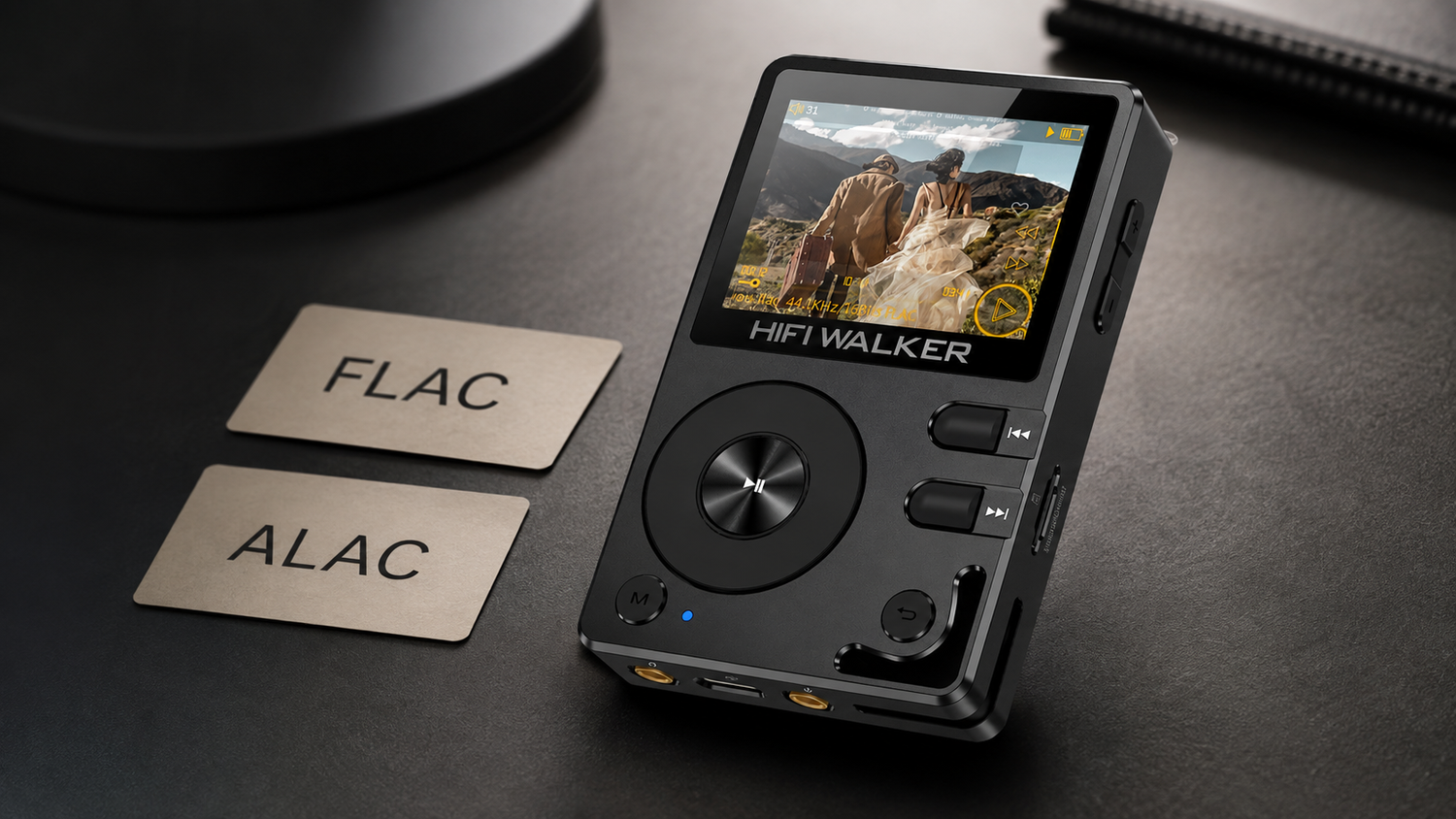
They sound the same. FLAC and ALAC are both lossless, which means neither one throws away any audio data — the bits that come out are identical to the bits that went in. The real difference in 2026 is not sound quality, it is where each format is welcome. FLAC works almost everywhere except Apple's own apps. ALAC works everywhere Apple, and almost nowhere else.
We get asked this constantly by people switching from a phone to a dedicated player: should I re-rip my library as FLAC or ALAC? If you are on Android or a standalone DAP, the answer is FLAC, full stop. If you live inside Apple Music and iTunes on a Mac, ALAC saves you a conversion step. That is really the whole decision.

Expert Insights: Key Takeaways
- FLAC and ALAC produce identical decoded audio — any perceived sound difference comes from hardware, not the codec itself.
- FLAC's main advantage in 2026 is compatibility breadth, not audio fidelity — it is the format nearly every non-Apple DAP and app expects by default.
- File size differences between FLAC and ALAC are real but small; they rarely justify re-ripping an entire library unless storage is genuinely tight.
- ►1. FLAC vs ALAC: The Short Answer
- ►2. What FLAC and ALAC Actually Are
- ►3. ALAC vs FLAC Sound Quality: Is There a Real Difference?
- ►4. FLAC vs ALAC File Size: What You Actually Give Up in Storage
- ►5. FLAC vs ALAC Compression Ratio: The Technical Difference
- ►6. FLAC vs WAV vs ALAC: Where Does Uncompressed Fit In?
- ►7. FLAC vs MP3, AAC, and DSD: Where Lossy and Hi-Res Fit
- ►8. Best FLAC Player for Android and Standalone Use in 2026
- ►9. So: ALAC or FLAC? Our Recommendation
What FLAC and ALAC Actually Are
Both formats take the raw, uncompressed data from a WAV file and squeeze it down using lossless compression — think of it like zipping a folder. Nothing is discarded, so unzipping a FLAC or ALAC file gets you back to the exact same waveform you started with.
FLAC
- Free and open-source, no licensing fees
- Supported by nearly every DAP, Android app, and Linux/Windows player
- Widely used by download stores like Bandcamp and HDtracks
ALAC
- Developed by Apple, also open-sourced since 2011
- Native format inside Apple Music, iTunes, and iOS/macOS
- Limited support outside the Apple ecosystem
If you have already read our deeper breakdown of what FLAC actually is and how lossless audio works, this next part will feel familiar — ALAC follows the same basic logic, just wrapped by a different company.
Re-ripping a shelf of CDs and watching two folders grow at different speeds
What surprised us was not a sound difference, because there wasn't one. It was how much friction ALAC added the moment a non-Apple device entered the picture — a hassle FLAC just doesn't create.
ALAC vs FLAC Sound Quality: Is There a Real Difference?
No — and this is the part people struggle to accept. Because both are lossless, ALAC vs FLAC sound quality is a non-question at the file level. Decode either one and you get the identical PCM stream. No codec is adding warmth, punch, or detail. The differences people report are almost always coming from somewhere else: the DAC, the amp, the headphones, or the mastering of the recording itself.
Where this gets murky is streaming. Apple Music streams ALAC up to 24-bit/192kHz under its lossless tier, and plenty of listeners assume that is somehow a lesser format than FLAC hi-res downloads. It is not. Same math, same losslessness, different logo on the box.

FLAC vs ALAC File Size: What You Actually Give Up in Storage
This is where the two formats genuinely part ways. FLAC's compression algorithm is more aggressive and configurable — you can pick compression levels from 0 to 8, trading encode time for smaller files. ALAC's compression is generally considered a bit less efficient, so ALAC vs FLAC file size comparisons usually land with ALAC files running slightly larger for the same source material.
In the alac vs wav file size conversation, both lossless formats cut the footprint roughly in half compared to raw WAV. Neither gets close to the drastic shrinkage of lossy MP3 or AAC — and that is the whole point, since shrinking further means throwing data away.
FLAC vs ALAC Compression Ratio: The Technical Difference
The alac vs flac compression ratio gap is small but consistent across most test material — FLAC tends to compress a few percentage points tighter on complex, dense tracks. It rarely matters on a 256GB player, but it adds up if you are carrying a 2,000-album collection on a memory card.

Check your playback device first
If it is Android-based, a standalone DAP, or a Linux setup, FLAC support is close to universal — ALAC support is not.
Check your source library
If your music already lives in Apple Music or was ripped with iTunes, converting to ALAC skips an extra transcode step.
Pick one and stay consistent
Mixing formats across a library makes tagging, syncing, and backups messier than it needs to be.
↑ Back to Top
Back to Top ↑FLAC vs WAV vs ALAC: Where Does Uncompressed Fit In?
WAV skips compression entirely, which means zero decoding overhead but roughly double the storage cost of FLAC or ALAC. For flac vs wav vs alac decisions, WAV mostly makes sense for studio work, archiving master copies, or gear that genuinely cannot decode compressed lossless formats — which is rare on anything made in the last several years.
We covered the flac vs wav side of this in more depth in our FLAC vs WAV audio quality guide, and the short version applies here too: audibly identical, practically different only in file management and compatibility.
Choose WAV If
- You are editing or mastering audio
- Your hardware genuinely lacks a FLAC/ALAC decoder
- Storage space is not a concern at all
Choose FLAC or ALAC If
- You are building a long-term listening library
- You care about SD card or internal storage space
- You want tags, album art, and metadata embedded properly
FLAC vs MP3, AAC, and DSD: Where Lossy and Hi-Res Fit
FLAC vs MP3 is a different conversation entirely — MP3 is lossy, meaning it permanently discards audio data to shrink file size, which is exactly why FLAC vs MP3 sound quality comparisons almost always favor FLAC once you are on decent headphones. AAC vs FLAC follows the same pattern: AAC is a more efficient lossy codec than MP3, but it is still lossy, still discarding data FLAC keeps intact.
DSD vs FLAC is a more interesting comparison because DSD is not PCM at all — it is a completely different encoding method used on SACDs and some hi-res downloads, storing audio as a dense one-bit stream rather than multi-bit samples. FLAC is typically the more practical everyday format simply because far more devices decode it. MQA vs FLAC is similar in spirit: MQA is a proprietary, partially-lossy delivery method built for streaming efficiency, while FLAC keeps the full lossless file with no compromises baked into the encode.

Best FLAC Player for Android and Standalone Use in 2026
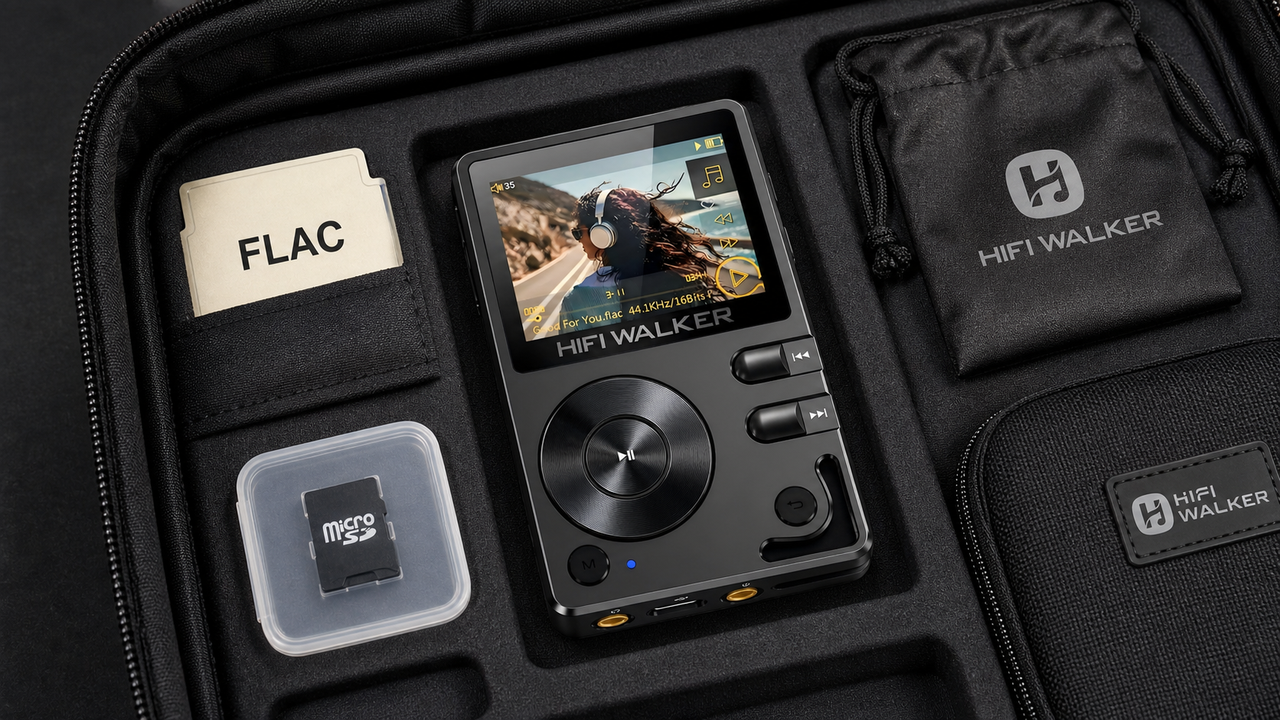
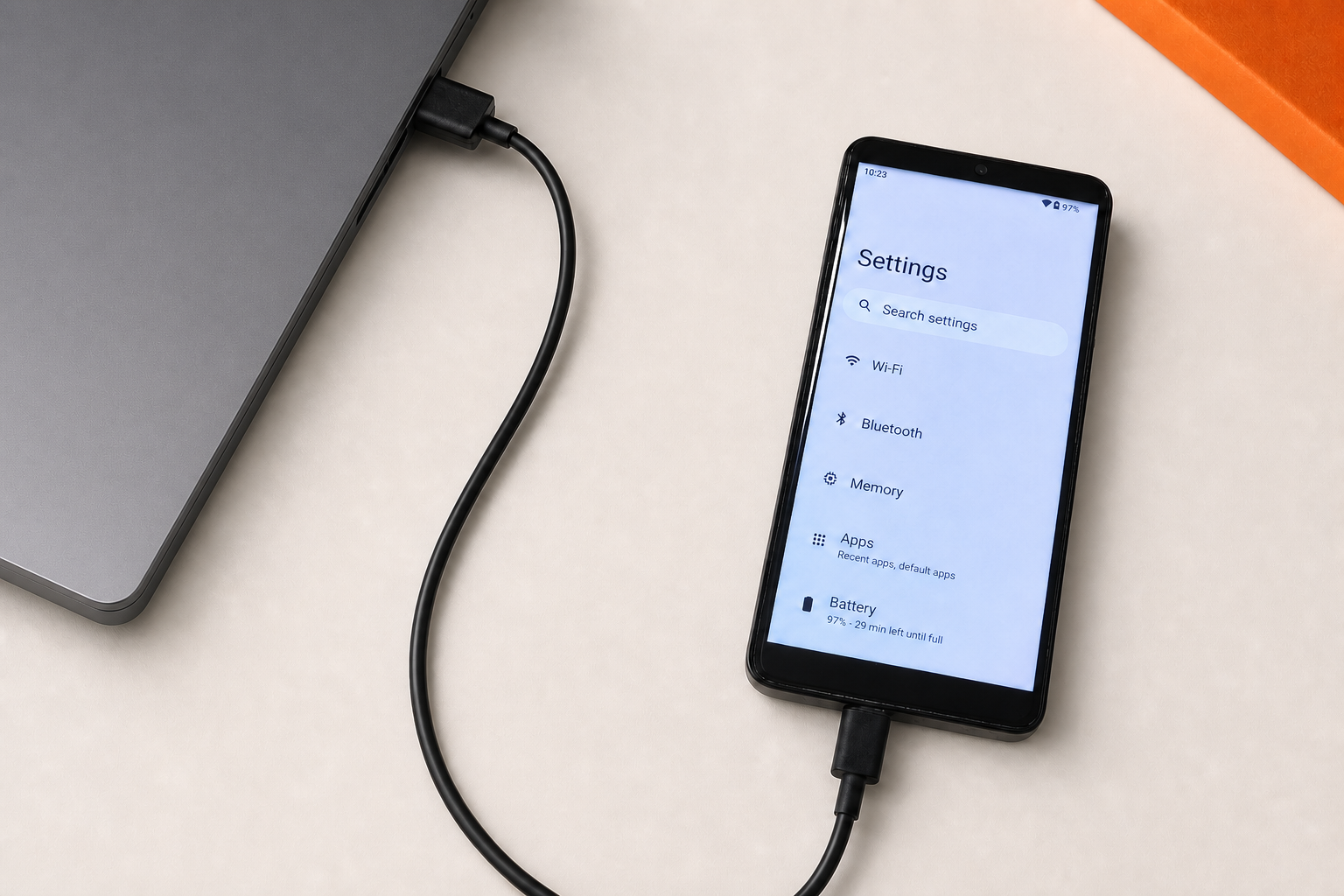
Searching for the best FLAC player for Android usually means one of two things: an app for your phone, or a dedicated player that skips the phone entirely. The app route works, but it shares battery, RAM, and processing with every notification and background task on your phone. A dedicated FLAC player device routes audio straight from storage to DAC without that noise.

The G7 Pro Android Player plays local FLAC files alongside streaming apps. If pure lossless fidelity from your own files is the goal and you never plan to install a streaming app, the H20 Ultra earns its price with dedicated DAC hardware instead of a shared mobile chipset.
So: ALAC or FLAC? Our Recommendation
If you are choosing alac or flac from scratch in 2026, and you are not fully committed to Apple hardware for the next several years, pick FLAC. It is more broadly supported, compresses slightly tighter, and is the format nearly every standalone DAP and Android player expects natively.
Stick with ALAC only if your entire listening chain — library, phone, computer — is Apple, and you have no plans to move a dedicated DAP or Android device into that chain. Otherwise you will end up converting files later anyway, and that conversion is one more chance to mess up tags and metadata.

Once file size stops being the constraint, other choices open up
Getting comfortable with lossless formats tends to lead somewhere — usually toward questions about where the files themselves come from, and how far up in resolution it is worth going.
None of this requires urgency. It is worth exploring at whatever pace makes sense for your setup.
Browse hi-res audio players built around lossless playback →
Frequently Asked Questions
Q1: Is ALAC as good as FLAC?
In terms of sound quality, yes — both are lossless, so the decoded audio is bit-for-bit identical to the source. The practical differences are file size (FLAC compresses slightly tighter) and device compatibility (FLAC is supported far more widely outside Apple's ecosystem).
Q2: Should I convert my ALAC library to FLAC?
If you are moving to an Android device or a standalone DAP that lists FLAC support, converting makes sense to avoid compatibility headaches. If you are staying entirely within Apple Music, iTunes, and iOS, there is no real benefit to converting.
Q3: Does FLAC vs ALAC file size matter for a 256GB player?
For most libraries, no — the gap between FLAC and ALAC file sizes is a few percentage points, not double or triple. It becomes more noticeable only with very large collections on smaller storage cards.
Q4: Is DSD better than FLAC?
DSD uses a different encoding method than FLAC and is associated with certain SACD and hi-res releases, but it is not universally better — it is simply less widely supported. FLAC remains the more practical everyday choice because far more players and apps decode it without extra setup.
Q5: What is the best FLAC player for Android in 2026?
It depends on whether you want streaming apps alongside local files or pure standalone playback. The G7 Pro Android Player supports installing Android apps for streaming, while dedicated players like the H20 Ultra focus entirely on lossless local file playback.