Can You Actually Use Spotify on an MP3 Player?
Yes — but only on certain kinds of MP3 players, and it depends what you mean by use. If you want the actual Spotify app streaming over Wi-Fi, you need an Android-based player. If you just want your Spotify playlists as files you own, you need a different setup entirely. Mixing those two up is how people end up returning a device.
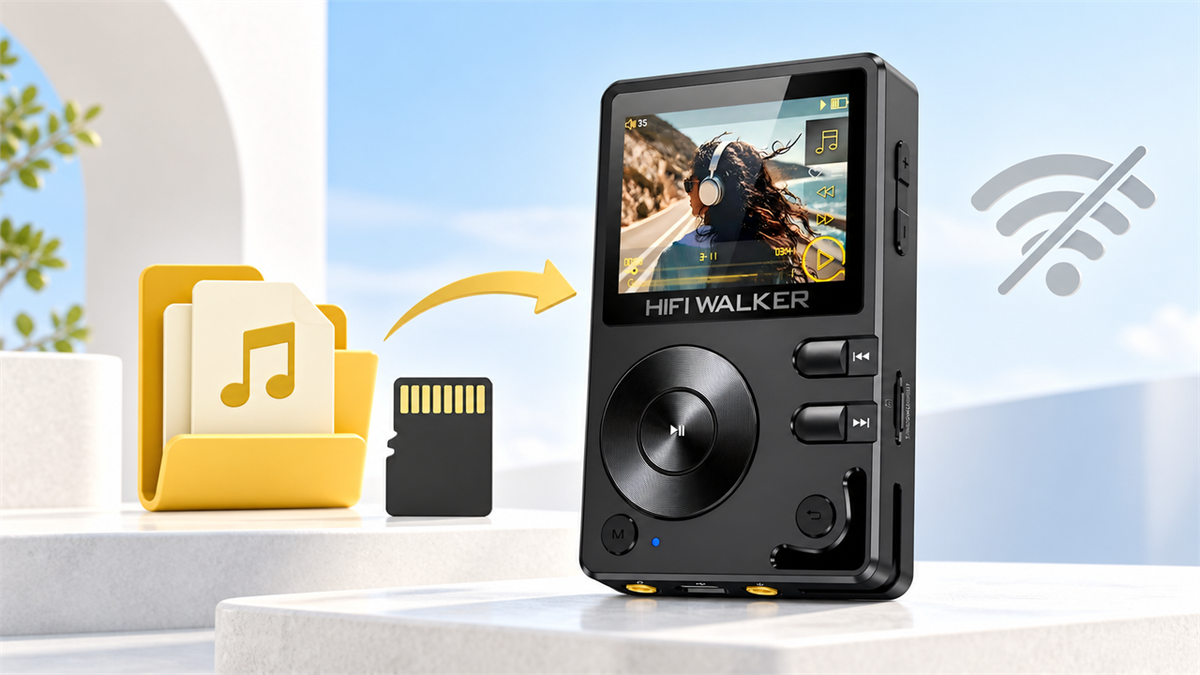
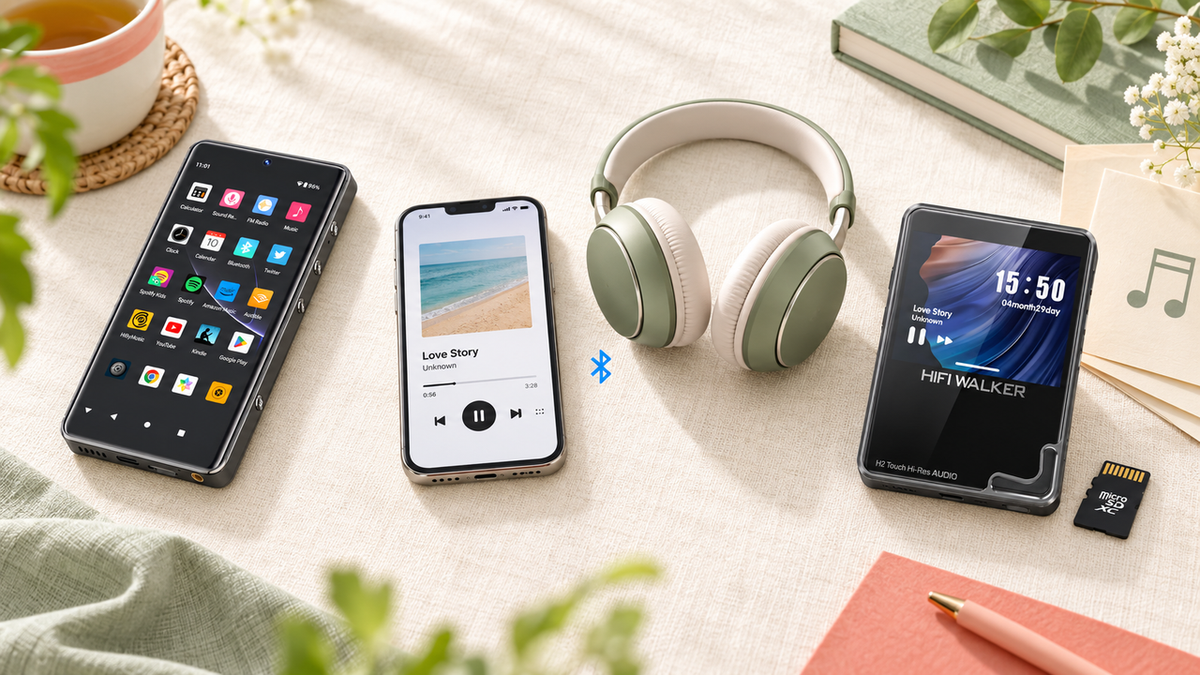
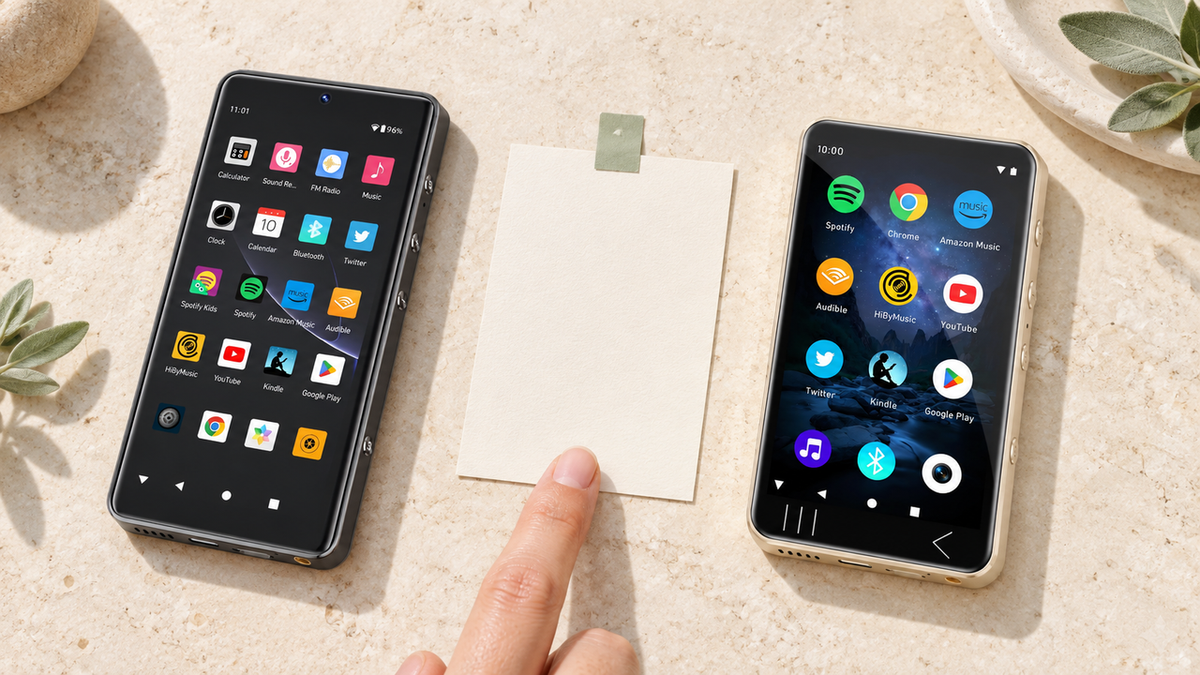
Here's the split that matters: traditional MP3/Hi-Res players run their own lightweight operating system and play local files — FLAC, MP3, WAV — from a microSD card. They don't run apps. Android-based players, on the other hand, work like a stripped-down phone without the phone part, and can install the Spotify app from Google Play just like your handset does.
Local File Players
- Play FLAC/MP3/WAV from microSD
- No app store, no Wi-Fi streaming
- You load the music yourself
- Longer battery life, simpler interface
Android App Players
- Install Spotify as an Android app (preinstalled on the G7 Pro)
- Needs Wi-Fi to stream
- Works like a phone minus the phone
- Battery drains faster with apps open
Expert Insights: Key Takeaways
- The single biggest mistake buyers make is assuming any Android-labeled MP3 player runs apps smoothly — check whether Spotify comes preinstalled, like on the G7 Pro, or requires sideloading, which most people never get working.
- Connectivity is the variable to check on an app-based player: live streaming needs a connection, and offline listening depends on your plan, the app, and whether that device qualifies for downloads. A local-file player like the H20 Pro plays from the card either way, with no network involved.
- For kids specifically, a local-file player removes far more risk than any Spotify parental control setting does — there's no account to log into, no ads, and no browser hiding behind the music app.
- ►1. Can You Actually Use Spotify on an MP3 Player?
- ►2. The Android Players That Actually Run Spotify
- ►3. The MP3 Player That Can Use Spotify: Comparison Table
- ►4. How Kids Can Listen to Spotify Without a Phone
- ►5. Does Spotify Use MP3? What's Actually Happening Under the Hood
- ►6. How to Listen to Spotify Without a Phone (The Real Options)
- ►7. Which One Should You Actually Buy?
- ►8. Before You Buy: What to Verify for Your Exact Model
The Android Players That Actually Run Spotify
Among the HIFI WALKER lineup, two models run Android 13 and can install apps the same way a phone does: the G7 Android Player and the G7 Pro Android Player. Both connect to 2.4/5GHz Wi-Fi, which is the part people forget to check before buying — no Wi-Fi means no Spotify streaming, full stop.

That preinstalled detail matters more than it sounds. A lot of Android-based MP3 players technically can run apps, but getting Spotify onto them means installing an APK yourself from outside an official app store, which is a hassle most people give up on halfway through. The G7 Pro skips that step entirely.
The G7 Pro's larger 5.2-inch screen also makes browsing playlists less fiddly than on the G7's 4-inch display — worth factoring in if you'll be tapping through a Discover Weekly queue a lot.
The MP3 Player That Can Use Spotify: Comparison Table
Before you pick, here's every model side by side. Note which column each one falls into — that's the decision, more than any single spec.

How Kids Can Listen to Spotify Without a Phone
This is the question that brings a lot of parents here. How can kids listen to Spotify without a phone? The answer depends on whether you want them on the actual app or just listening to music you've already curated.
Decide app or files
If your kid needs the real Spotify app with their own login, you need an Android player like the G7 Pro. If you're fine curating playlists yourself and loading them as files, a local player works and skips Wi-Fi entirely.
Set up parental Wi-Fi limits first
If going the Android route, set up your router's device restrictions before handing over the player — it's easier to lock down access before the device is in a kid's hands than after.
For file-based players, build a playlist folder
Copy MP3 or FLAC files onto the microSD card in a dedicated folder. A player like the H2 Mini Hi-Res Music Player reads them straight off the card with no account, no ads, no in-app purchases to worry about.
Hand it over without the phone
The point of a dedicated player is one less screen to negotiate over. A kid holding an H2 Mini isn't three taps away from a browser or a chat app — it's just a music box.
Does Spotify Use MP3? What's Actually Happening Under the Hood
Does Spotify use MP3? Not in any way you can get at. Spotify does not provide a feature to export catalog tracks as standalone MP3 or FLAC files, and catalog tracks are DRM-protected. Playback format and quality vary by app, plan, device, settings, and availability, including the Lossless tier on compatible setups. That's why you can't plug in a cable and pull Spotify tracks off as MP3 files.
This is also why the answer to how to add music to an MP3 player from Spotify isn't a simple drag-and-drop. Spotify's downloaded offline files stay inside the Spotify app and won't play as standalone MP3s on a local player. Since Spotify offers no way to export catalog tracks as files, a local library has to come from somewhere else: DRM-free purchases, your own CD rips, or stores that sell MP3 and FLAC downloads outright.

↑ Back to Top
Back to Top ↑How to Listen to Spotify Without a Phone (The Real Options)
How to listen to Spotify without a phone comes down to three real paths, and only one of them involves an MP3 player in the traditional sense.
Path 1: Android Player + Spotify App
- Live streaming needs an internet connection; eligible Premium downloads play offline inside the Spotify app, subject to its plan, device and reconnection rules
- G7 Pro has Spotify preinstalled
- Full streaming, playlists, Discover Weekly
- Battery drains faster than a local player
Path 2: Local Player + Your Own Files
- No Wi-Fi needed after loading
- Works with H2, H2 Mini, H20 Pro, H20 Ultra
- You control the library, no ads
- Longer battery, no account required
There's also a hybrid case worth mentioning: the H2 Touch Hi-Res Audio Player can pull music over Wi-Fi and pick up internet radio stations, but that's a different feature from running the Spotify app — it's streaming radio, not app-based on-demand playback. Don't confuse the two when comparing specs.

Which One Should You Actually Buy?
If the goal is running Spotify itself — the app, your account, your playlists live — get the G7 Pro Android Player. It's the only one in this lineup with Spotify already working the moment you turn it on.
If the goal is getting a kid (or yourself) off a phone entirely, with no accounts, ads, or notifications, a local player like the H2 Mini Hi-Res Music Player or H20 Pro Hi-Res Audio Player is the better fit. You lose on-demand streaming but gain a device that does exactly one thing.

Our full breakdown of Android-based Spotify players goes deeper into the streaming side if that's the route you're leaning toward — see the guide to Android music players with Spotify and Bluetooth. And if you're set on the local-files path instead, our piece on whether Spotify tracks can actually be transferred to an MP3 player explains why that isn't something the app supports.

Before You Buy: What to Verify for Your Exact Model
Whichever path you pick, a few things are worth confirming on the product listing and in the manual before you order, because they vary by model and change over time.
Check five things for the exact model you're buying: whether the apps you need are available on it, whether your Spotify plan and that device qualify for offline downloads inside the app, what parental-control options are available, how much storage and card capacity you get, and what the Wi-Fi requirements are. On the local-file side the list is shorter — card capacity, supported formats, and how you'll load the files — but it's still worth reading the manual for that model rather than assuming the whole lineup behaves identically.
There's a whole world past the streaming app
Once you start separating what needs an app from what doesn't, a few other doors tend to open. None of them require giving up Spotify — they just widen what a listening device can be.
None of this requires picking a side. It's just useful to know both roads exist before you buy.
Frequently Asked Questions
Q1: Can you use Spotify on an MP3 player?
Only on Android-based players that can run apps, like the G7 Pro Android Player or G7 Android Player. Traditional Linux-based MP3 players such as the H2 or H20 Ultra don't run apps at all — they play local files from a microSD card instead.
Q2: What is the best MP3 player that can use Spotify?
The G7 Pro Android Player is the strongest option, since Spotify comes preinstalled and working out of the box alongside Tidal and Audible, with no sideloading needed.
Q3: How can kids listen to Spotify without a phone?
Two ways: give them an Android player like the G7 Pro with Spotify already set up, or skip streaming entirely and load a local player like the H2 Mini with a curated MP3/FLAC library — no account, no ads, no Wi-Fi required.
Q4: Does Spotify use MP3 files?
No, and there is no way to get MP3 files out of it. Spotify does not provide a feature to export catalog tracks as MP3 or FLAC, and its offline downloads are DRM-protected and locked to the Spotify app. Playback format and quality vary by app, plan, device, settings, and availability, including Lossless on compatible setups.
Q5: How do I add music to an MP3 player from Spotify?
You can't move Spotify's own tracks across: the app has no export feature and its downloads stay inside the app. To load a local player, use files you have the right to copy — DRM-free purchases, your own CD rips, or stores that sell MP3 and FLAC downloads outright — and drag those onto the microSD card.