What Is Hi-Res Audio, Actually?

Hi-res audio is music sold at a higher sample rate and bit depth than a standard CD — think 24-bit/96kHz or higher instead of CD's 16-bit/44.1kHz. That extra data captures more of the original recording, which is why the same song can sound noticeably fuller on the right gear. But the file alone is not the whole story — we will get to why in a minute.
We get asked this a lot: does hi-res audio just mean bigger files? Kind of. A 24-bit/96kHz FLAC file is roughly three times the size of the CD-quality version. The question that actually matters is whether your playback chain — the DAC, the amp, the headphones — can resolve that extra detail. A phone's headphone jack (if it even has one) usually cannot.
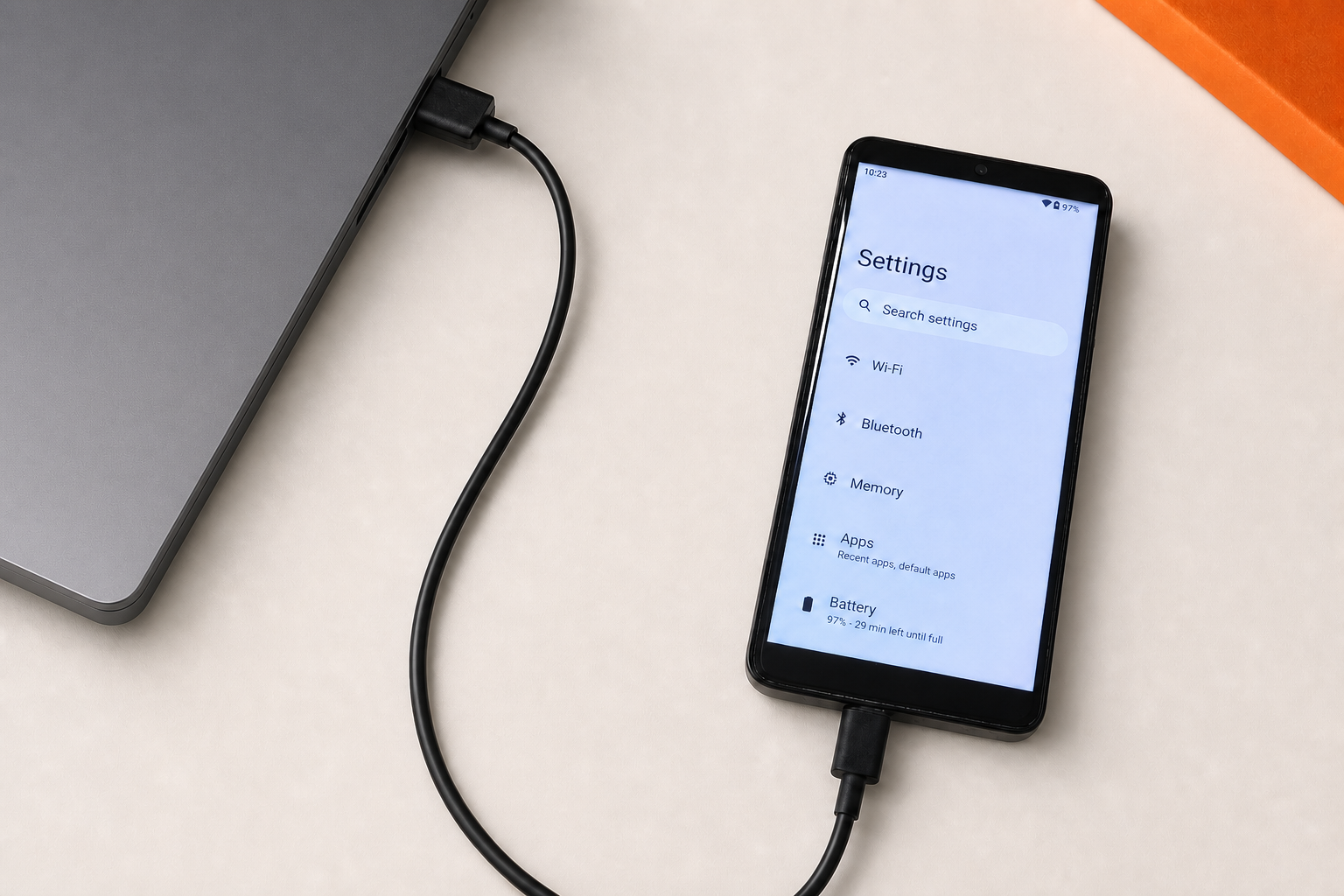
What a Phone Gives You
- Streaming apps compress or cap resolution
- Shared internal DAC handles calls, notifications, and music at once
- No dedicated amp stage for demanding headphones
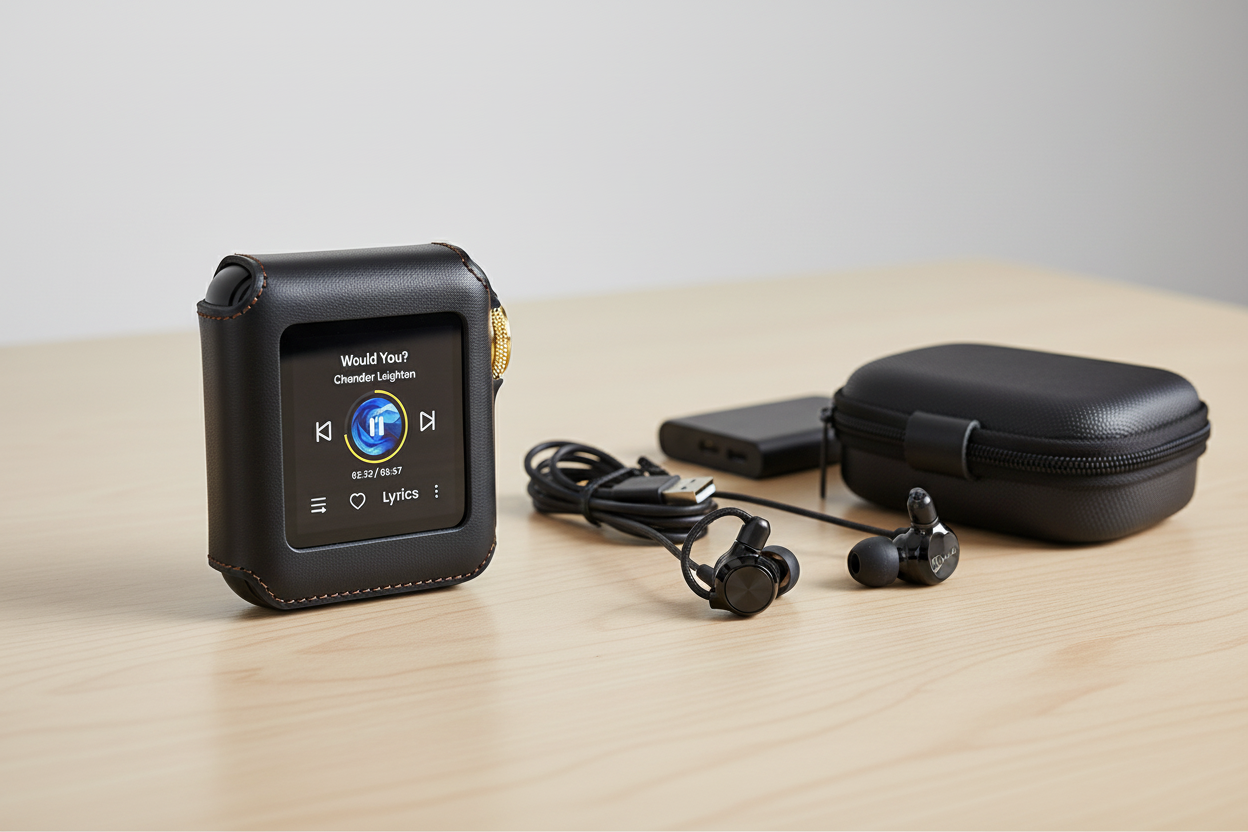
What a Hi-Res DAP Gives You
- Dedicated DAC chip built for one job: audio
- Supports FLAC, DSD, and other high-resolution formats natively
- Separate amp stage designed for headphone loads
Expert Insights: Key Takeaways
- The file format is only half the equation — playback hardware determines whether hi-res detail is actually resolved or wasted.
- MQA requires a compatible decoder to unfold its full resolution; without one, you are hearing standard playback regardless of the file label.
- Native DSD decoding and PCM-converted DSD playback are not the same thing, even if both technically play the file.
- ►1. What Is Hi-Res Audio, Actually?
- ►2. MQA Explained: What Is MQA Audio and How Does It Work
- ►3. DSD256 and DSD Audio: The Other Hi-Res Format
- ►4. Does a Hi-Res DAP Actually Sound Different From a Phone?
- ►5. What to Look for in a Hi-Res DAP
- ►6. MQA Files, DSD Files, and Where People Actually Get Them
- ►7. A Quick Note on Qualcomm aptX Lossless
- ►8. Putting It Together: Do You Need Any of This?
MQA Explained: What Is MQA Audio and How Does It Work
MQA — Master Quality Authenticated — is a compression method that folds hi-res audio data into a smaller file, then unfolds it during playback if your device supports MQA decoding. An MQA file can look like a regular FLAC on your file browser, but it is carrying more information underneath, waiting for the right DAC to unlock it.
This is where the confusion around what is MQA usually starts. You do not strictly need a hardware MQA decoder to play an MQA file — most players will play it back at standard resolution. You need the decoder to unfold the hi-res layer that MQA is actually built to deliver. Without an MQA DAC in the chain, you are hearing a normal-resolution stream of that file.
If you have run across MQA on a streaming service and wondered why your current setup does not sound different, this is usually the reason. The format itself is not the bottleneck — the missing decoder is.
Moving a library off streaming and onto files changes more than the sound
We spent a stretch actually building out a folder-based hi-res library instead of relying on streaming apps, mostly to see where the friction points were.
What surprised us was how much the listening environment and headphones mattered compared to the file format itself — the format sets the ceiling, but it does not guarantee you will hear it.
DSD256 and DSD Audio: The Other Hi-Res Format
DSD audio takes a different approach from PCM formats like FLAC. Instead of sampling amplitude at fixed intervals, DSD uses a single-bit stream at an extremely high frequency. DSD256 refers to a specific DSD audio rate — one of the higher tiers you will see labeled on hi-res download stores.

Playing DSD 256 files is not something every device handles. A lot of budget players will accept the file but convert it internally to PCM before output, which technically plays the track but is not native DSD decoding. If native DSD playback matters to you, that is a spec worth checking directly rather than assuming.
Does a Hi-Res DAP Actually Sound Different From a Phone?
We will be honest: on cheap earbuds, in a loud room, a lot of listeners will not hear a dramatic gap between a phone and a dedicated hi-res DAP. Where the difference tends to show up is with better headphones, in a quiet space, on tracks that actually carry hi-res masters — not every streamed song does.
Start With the Source File
A hi-res DAP cannot add detail that was never recorded. Check whether the track you are testing is a genuine hi-res or DSD file, not a standard file relabeled.
Match the Headphones to the DAP
A dedicated amp stage matters most with headphones that need more current than a phone can supply. Pairing budget earbuds with a hi-res DAP will mute most of the audible gap.
Listen in a Quiet Room First
Subtle differences in detail and separation get buried in background noise. A first listen at home tells you more than a first listen on a train.
Compare Back to Back
Switch between devices on the same track rather than trying to remember how the last song sounded on your phone an hour ago.
What to Look for in a Hi-Res DAP
Once you are shopping for a dap hi res setup, the spec sheet fills up fast with acronyms. A few things are worth reading closely rather than skimming: supported file formats, DAC chipset, and whether MQA or DSD decoding is native or converted.

For a more budget-conscious entry into a dedicated hi-res DAP, the H2 Hi-Res Audio Player covers the same core need — a device whose only job is playing your music library — at a lower price point.

If you want a deeper walk-through of formats and what actually counts as hi-res before you commit to any device, our Hi-Res Music Explained guide goes further into the technical side than we have room for here.
↑ Back to Top
Back to Top ↑MQA Files, DSD Files, and Where People Actually Get Them
MQA files typically come from streaming platforms that license the format or specialist hi-res download stores. A DSD file, by contrast, is almost always a direct purchase — DSD is less common on subscription streaming and more common on audiophile-focused download catalogs.

Once you have a folder of FLAC, DSD, or MQA files, playing them reliably is its own small project. If you are coming at this from the file-management side rather than the device side, our guide to FLAC and lossless audio covers how these lossless formats compare on file size and compatibility, which matters if storage space on your device is limited.
And if MQA specifically is the format you are trying to decide on, we laid out a fuller side-by-side in our MQA vs FLAC comparison — it is worth a look before you build a library around one format.
A Quick Note on Qualcomm aptX Lossless
You may have seen Qualcomm aptX Lossless advertised as delivering CD quality 16-bit 44.1kHz official wireless transmission. This is a Bluetooth codec claim, not a file format — it describes what can travel wirelessly between a transmitting device and a compatible receiver, assuming both ends support it.
It is a different layer of the chain from MQA or DSD. A file can be hi-res, but if it travels over a standard Bluetooth codec rather than aptX Lossless (or a wired connection), it gets compressed in transit regardless of the source file's original resolution.

Putting It Together: Do You Need Any of This?
Not everyone needs a hi-res DAP, and we would rather say that plainly than oversell it. If your listening is mostly compressed streaming on commodity earbuds, a hi-res setup will not transform the experience much. Where it earns its place is with better headphones, a real hi-res library, and quiet listening time.
Probably Skip It
- You mostly stream on default earbuds
- Your library is mostly standard-quality MP3s
- Music is background noise most of the day
Probably Worth It
- You own headphones that reward more detail
- You have or want a real FLAC/DSD/hi-res library
- You have quiet dedicated listening time
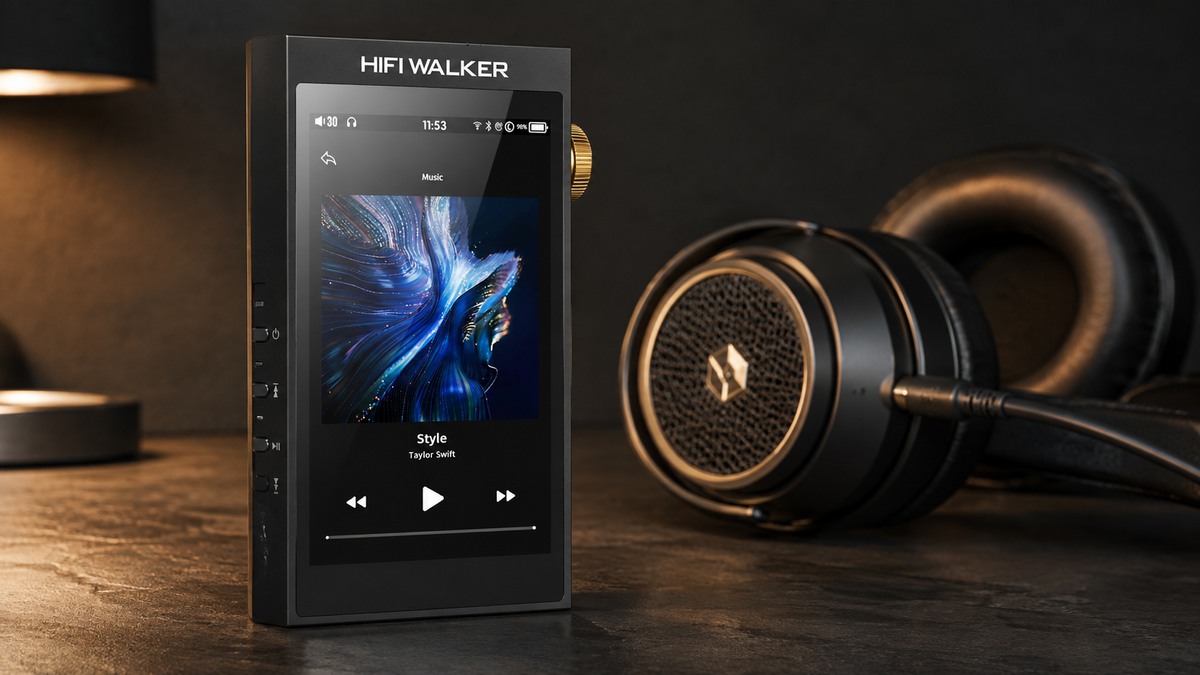
If you land in the second column, browsing the full HIFI WALKER hi-res player collection is a reasonable next step — the range spans entry-level to reference-tier, so there is room to start modest and grow into it.
There is a whole layer of music most people never open
Once you start looking past streaming defaults, you find a quieter corner of the audio world built around getting closer to the original recording.
None of this requires becoming an audiophile overnight. It just means the next time someone mentions DSD or MQA, you will know exactly what they are talking about.
Frequently Asked Questions
Q1: What is hi-res audio in simple terms?
Hi-res audio is music encoded at a higher sample rate and bit depth than standard CD quality — typically 24-bit/96kHz or above versus CD's 16-bit/44.1kHz. It preserves more of the original recording's detail, but you need playback gear capable of resolving that extra data for it to matter.
Q2: What is MQA audio and do I need a special DAC for it?
MQA (Master Quality Authenticated) is a format that folds hi-res data into a compact file. You can play an MQA file on any player, but you need an MQA-decoding DAC to unfold and hear the full hi-res layer — otherwise you are just hearing standard resolution.
Q3: What is DSD256 and is it better than FLAC?
DSD256 is a high-rate tier of DSD audio, which uses one-bit pulse density modulation instead of PCM sampling like FLAC. Neither is strictly better — they are different approaches to encoding audio, and DSD256 files require a DAC that can handle native DSD decoding to play them as intended rather than converted.
Q4: Is a hi-res DAP worth it over just using my phone?
It depends on your headphones and listening habits. A dedicated hi-res DAP supports formats and drives headphones a phone typically cannot, but the difference is most audible with capable headphones and genuine hi-res source files, not compressed streaming on stock earbuds.
Q5: Where do MQA files and DSD audio files come from?
MQA files usually come from streaming platforms licensing the format or specialist hi-res download stores. DSD audio files are more commonly found on dedicated audiophile download catalogs, since DSD is less integrated into mainstream subscription streaming.