
Expert Insights
- Professional car audio installers recommend setting device volume to 80-90% and controlling final volume through the car system to minimize noise floor and maximize dynamic range.
- The acoustic environment of your car significantly affects perceived audio quality - consider investing in acoustic treatments or professional tuning to maximize your bluetooth music player's potential.
- Future-proofing your setup means choosing music players with updatable firmware and support for multiple bluetooth codecs, ensuring compatibility with evolving car audio technology standards.
Why Bluetooth Music Players Beat Standard Car Audio
The days of being stuck with compressed radio stations and limited CD collections in your car are over. A quality bluetooth music player app car setup can transform your driving experience, delivering high-resolution audio that makes every commute feel like a concert. Whether you're using a dedicated DAP or smartphone app, the right bluetooth connection unlocks a world of superior sound quality.
Standard Car Audio Limitations
- Compressed FM/AM radio signals
- Limited CD storage capacity
- No access to streaming libraries
- Poor sound quality from auxiliary inputs
Bluetooth Music Player Benefits
- Access to entire digital music library
- Hi-res audio streaming capability
- Seamless device switching
- Advanced EQ and sound processing

Modern bluetooth music players support advanced codecs like aptX HD and LDAC, delivering near-lossless quality wirelessly. This means your premium DAP collection can finally shine through your car's audio system without the limitations of traditional wired connections.
- ►1. Why Bluetooth Music Players Beat Standard Car Audio
- ►2. Essential Equipment for Car Bluetooth Music Setup
- ►3. Step-by-Step Bluetooth Connection Process
- ►4. Best Music Player Apps for Car Use
- ►5. Troubleshooting Common Bluetooth Issues
- ►6. Optimizing Audio Quality Through Your Car System
- ►7. Advanced Features for Enhanced Driving Experience
- ►8. Future of Bluetooth Car Audio Technology
Essential Equipment for Car Bluetooth Music Setup
Setting up the perfect bluetooth music player app car system requires the right combination of hardware and software. Your choice of music player significantly impacts audio quality, battery life, and overall user experience during long drives.

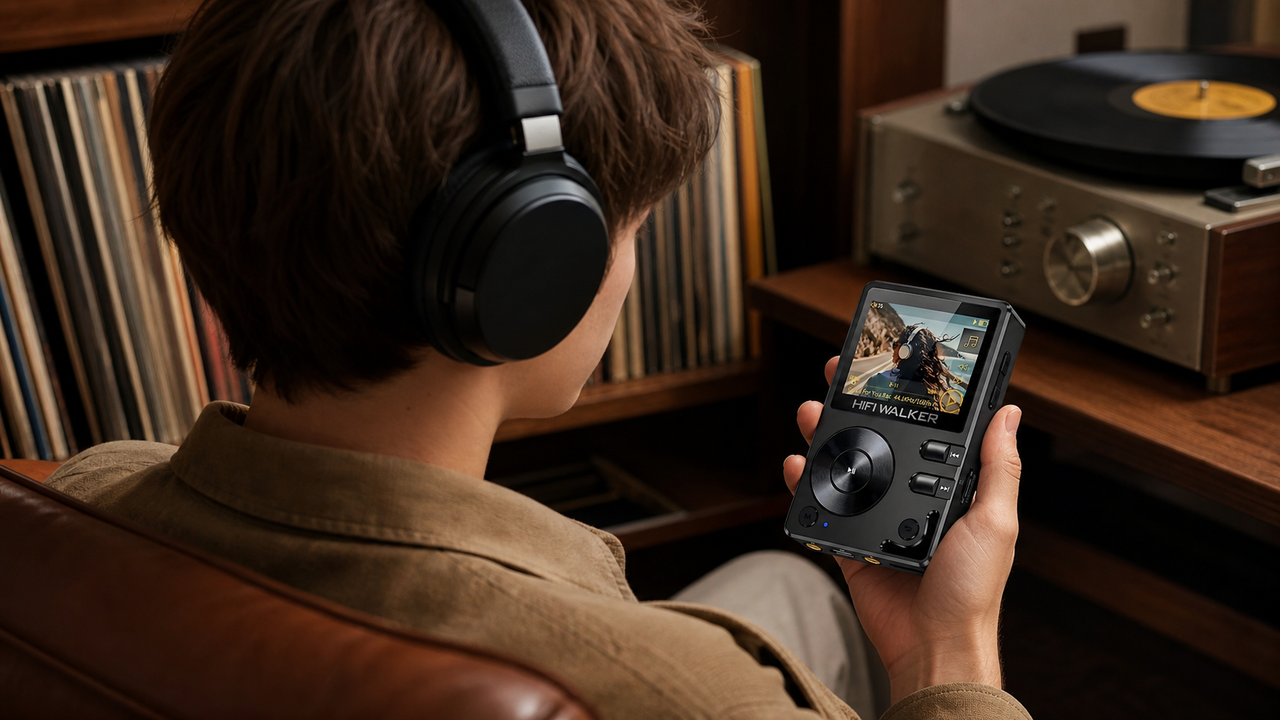
For the ultimate car audio experience, dedicated hi-res audio players like the H20 Ultra offer superior DAC performance and extended battery life. However, smartphone apps remain popular for their convenience and integration with navigation systems.
Step-by-Step Bluetooth Connection Process
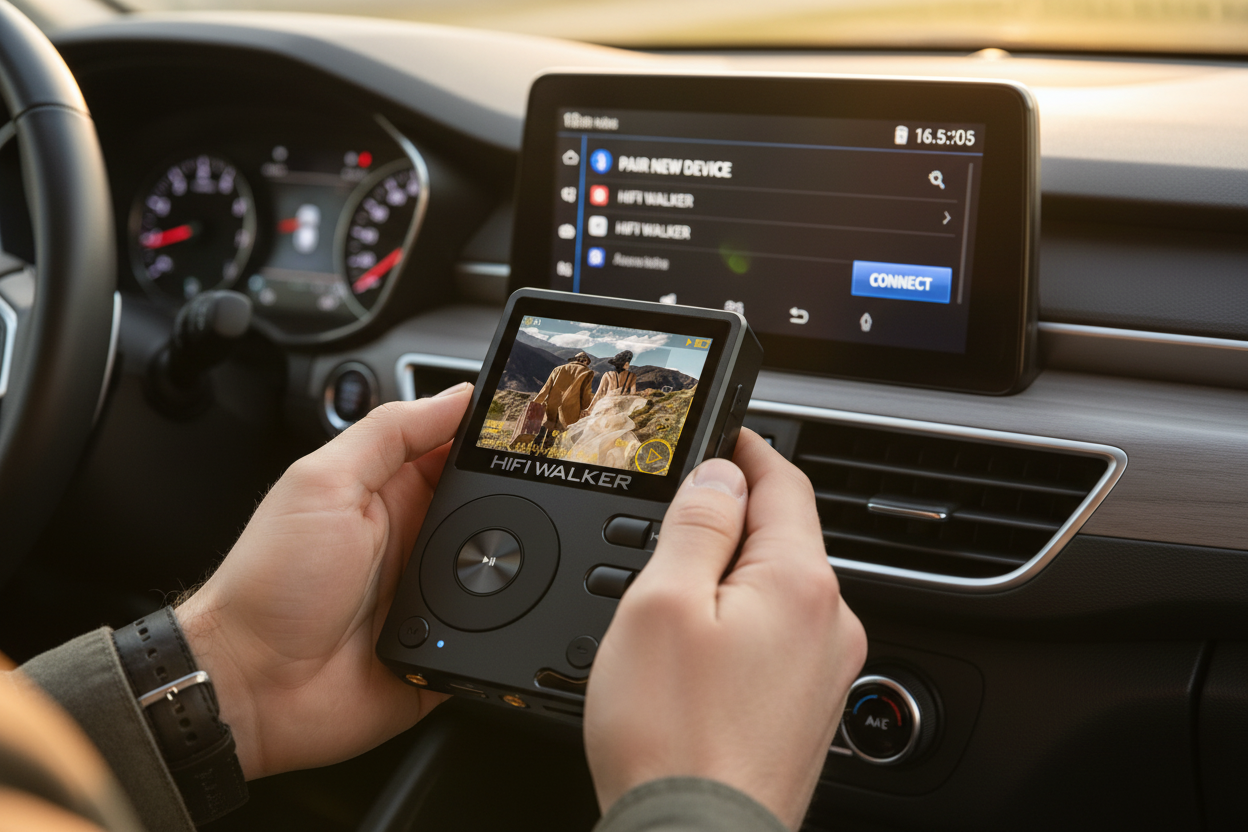
Connecting your bluetooth music player to your car's audio system might seem straightforward, but following the proper sequence ensures optimal sound quality and stable connection. These steps work for both dedicated DAPs and smartphone music apps.
Enable Car's Bluetooth Discovery
Access your car's infotainment system and navigate to Bluetooth settings. Enable 'discoverable' or 'pairing' mode. This usually stays active for 2-3 minutes.
Prepare Your Music Player
On your DAP or smartphone, go to Settings > Bluetooth and ensure it's enabled. Clear any old car connections if you've paired before.
Initiate Pairing
Search for available devices on your music player. Select your car's name from the list. Some vehicles require a PIN (usually 0000 or 1234).
Configure Audio Settings
Once connected, set your music player's output to 'High Quality' or select advanced codecs like aptX if available.
Test and Optimize
Play a high-quality track and adjust both car and device volume levels. Enable any sound enhancement features in your music app.
Best Music Player Apps for Car Use
The right bluetooth music player app car combination depends on your music library format, preferred streaming services, and desired features. Professional audiophile apps offer advanced EQ settings and hi-res support, while mainstream apps focus on user-friendly interfaces and cloud integration.
Audiophile-Focused Apps
- Poweramp (Android) - Hi-res support
- Neutron Music Player - Advanced DSP
- HiBy Music - DSD native playback
- Onkyo HF Player - Studio-quality processing
Mainstream Options
- Spotify Premium - Offline playlists
- Apple Music - Lossless streaming
- Amazon Music HD - Spatial audio
- YouTube Music - Personalized mixes
For dedicated DAP users, the built-in music software often provides the best integration with the device's hardware. However, Android-based players like our G7 Android Player offer flexibility to install your preferred music apps while maintaining superior audio performance.

Troubleshooting Common Bluetooth Issues
Even the best bluetooth music player app car setups can encounter connectivity issues. Understanding common problems and their solutions ensures you're never left without your music during important drives or long road trips.

Clear Bluetooth Cache
On Android devices, go to Settings > Apps > Bluetooth > Storage > Clear Cache. For DAPs, restart the device and clear pairing history.
Reset Network Settings
If connection problems persist, reset all network settings on your music player. This clears corrupted bluetooth profiles that may cause issues.
Update Firmware
Ensure both your music player and car's infotainment system have the latest firmware. Manufacturers regularly release bluetooth compatibility improvements.
Check Codec Compatibility
Some cars don't support advanced codecs like LDAC or aptX HD. Switch to standard SBC codec if you experience dropouts or connection failures.
Distance and interference can also affect bluetooth performance. Keep your music player within 10 feet of the car's bluetooth receiver and avoid areas with heavy WiFi traffic or other 2.4GHz devices.
↑ Back to Top
Back to Top ↑Optimizing Audio Quality Through Your Car System
Achieving audiophile-quality sound through your bluetooth music player app car setup requires more than just high-resolution files. The entire signal chain from your DAP to the car speakers affects the final audio quality you experience.
Common Audio Quality Mistakes
- Using maximum car volume
- Ignoring codec selection
- Over-compressing audio files
- Neglecting app EQ settings
Professional Optimization Tips
- Set device volume to 80-90%
- Enable high-quality bluetooth codecs
- Use lossless FLAC/ALAC files
- Fine-tune EQ for car acoustics

Remember that your car's acoustic environment significantly affects sound quality. Consider the H2 Touch for its intuitive interface that makes EQ adjustments easy while driving, ensuring you can fine-tune your audio without taking attention away from the road.
Advanced Features for Enhanced Driving Experience
Modern bluetooth music players offer advanced features that go beyond basic audio streaming. These capabilities can significantly enhance your driving experience, from seamless device switching to voice control integration.
Multi-Device Connection
Set up multiple bluetooth connections to switch between your phone for calls and DAP for music without re-pairing devices.
Voice Assistant Integration
Configure voice commands through your car's system or music app for hands-free playlist control and song selection.
Automatic Resume Playback
Enable auto-resume features so your music continues exactly where you left off when you restart your car.
Smart Playlist Management
Create driving-specific playlists with consistent volume levels and appropriate song lengths for different trip durations.
For podcasts or audiobooks, the H20 Pro can resume the last played track or the current track position after power-off, like normal music playback. It should not be described as keeping separate progress points for different audiobooks after you switch files, or as a dedicated audiobook controller with advanced listening controls.

Future of Bluetooth Car Audio Technology
The bluetooth music player app car ecosystem continues evolving rapidly, with emerging technologies promising even better audio quality and seamless integration. Understanding these developments helps you make informed decisions about your car audio investment.
Current Technology Limitations
- Bluetooth bandwidth restrictions
- Codec compatibility issues
- Battery life concerns
- Connection stability problems
Emerging Solutions
- Bluetooth LE Audio standard
- LC3 codec improvements
- 5G integration possibilities
- AI-powered audio optimization
The upcoming Bluetooth LE Audio standard promises significant improvements in battery efficiency and audio quality. This technology will particularly benefit portable music players, extending battery life while maintaining high-fidelity audio transmission. For audiophiles investing in premium DAPs today, choosing devices with updatable firmware ensures compatibility with future standards.
As we move into 2026, the integration between portable audio devices and automotive systems will become even more seamless. Features like automatic EQ adjustment based on car acoustics and predictive music selection based on driving patterns are already in development by leading audio manufacturers.
Frequently Asked Questions
Q1: Which bluetooth codec provides the best quality for car audio?
LDAC offers the highest quality at up to 990 kbps, followed by aptX HD at 576 kbps. However, both your music player and car must support these codecs. If compatibility issues arise, aptX or even SBC can still provide good quality.
Q2: Why does my bluetooth music player keep disconnecting in my car?
Common causes include distance from the receiver, interference from other devices, outdated firmware, or codec compatibility issues. Try clearing bluetooth cache, staying within 10 feet of the receiver, and switching to SBC codec if using advanced codecs.
Q3: Can I use multiple music apps simultaneously with car bluetooth?
Most cars support only one active audio stream at a time. However, you can quickly switch between apps on your device. Some Android-based DAPs allow background app switching for seamless transitions between music and navigation audio.
Q4: How much does bluetooth compression affect audio quality?
Standard SBC codec reduces quality noticeably compared to wired connections. However, advanced codecs like LDAC or aptX HD maintain near-lossless quality. The difference is most apparent with high-end car audio systems and quality headphones.
Q5: Do dedicated DAPs work better than smartphones for car bluetooth audio?
Dedicated DAPs typically offer better audio quality due to superior DAC chips and audio-focused optimization. They also provide longer battery life and don't interrupt music with calls or notifications. However, smartphones offer better integration with navigation and hands-free features.