Expert Insights: Key Takeaways
- The H2 Mini ships with a 64GB microSD card included, so you can start using it right away without needing to buy extra storage on day one.
- If you plan to build a serious offline library, the H2 Mini supports up to 512GB microSD expansion, which is far more practical than relying on fixed storage alone.
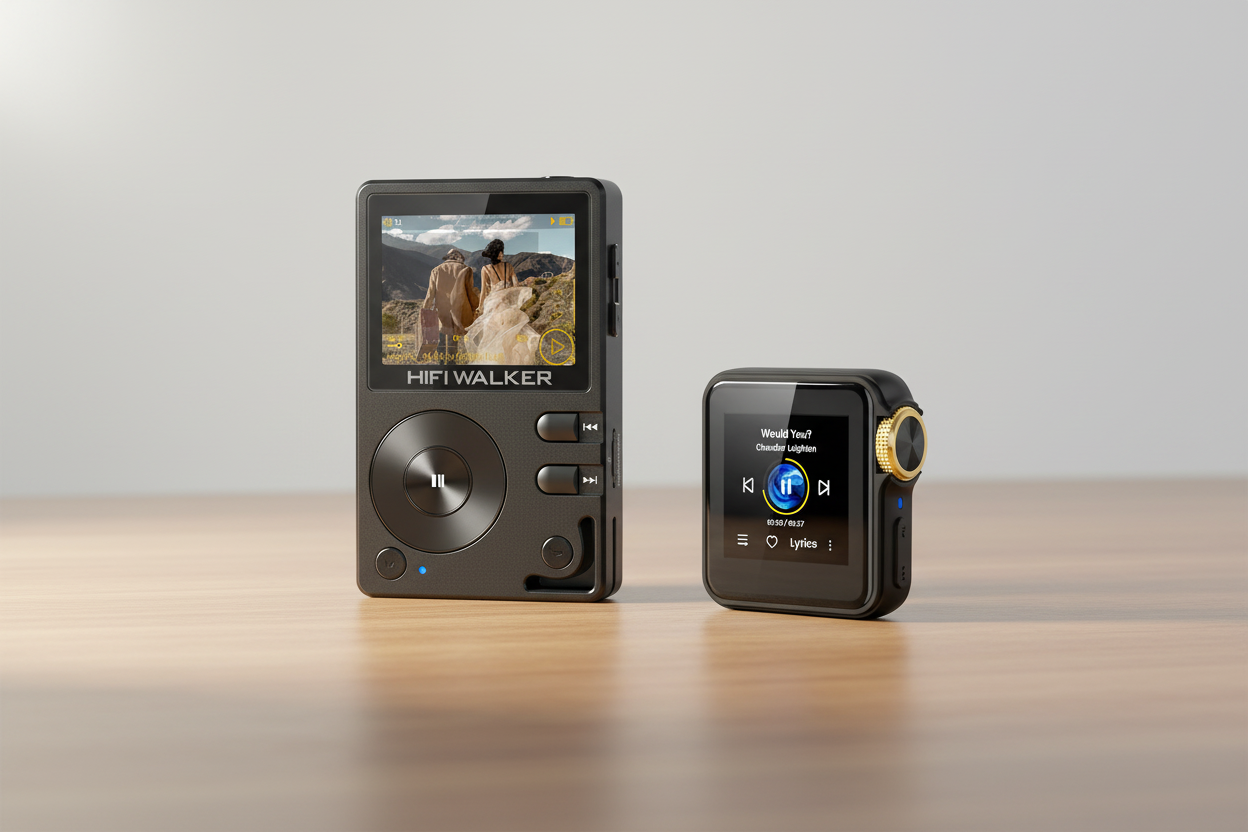
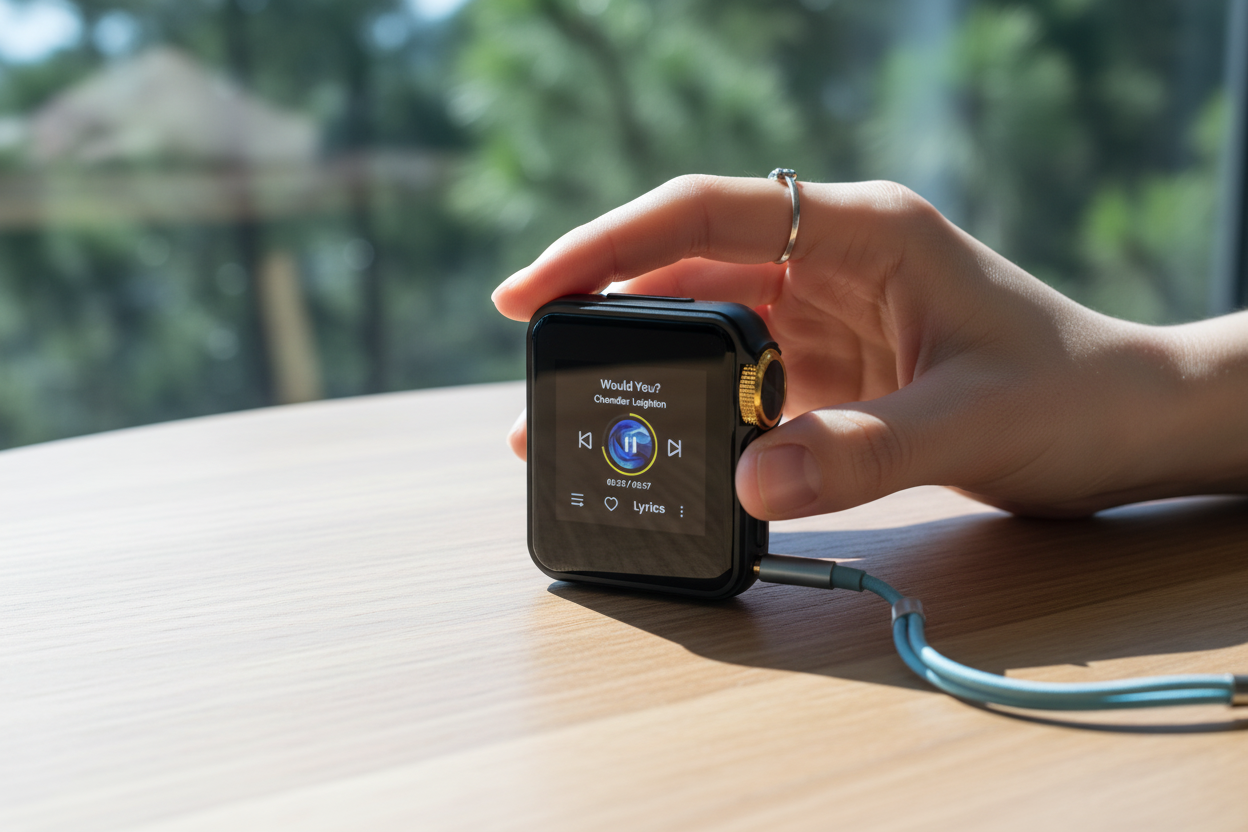
- The H2 Mini is more than a basic local music player: it combines Native DSD256 support, USB DAC mode, and two-way Bluetooth 5.1 in a compact 42g body.
- For most users, organizing music by folders and using properly tagged files makes the library easier to browse once the card is inserted and scanned.
- If your goal is simple, ownership-based music playback without subscriptions, a dedicated player plus expandable microSD storage is still one of the cleanest setups in 2026.
Do You Really Need an SD Card for an MP3 Player?
If you've ever asked do you need an SD card to put music on an MP3 player, you're not alone. Some players rely entirely on internal storage, while others are built around removable microSD cards. The HIFI WALKER H2 Mini Hi-Res Music Player takes a practical middle path for local-library users: it comes with a 64GB microSD card included and supports up to 512GB expandable microSD storage.
In this guide, we'll walk through how the HIFI WALKER H2 Mini Hi-Res Music Player handles storage, how to load music onto it, and whether you should buy a larger card. If you're building a FLAC library, moving an existing MP3 collection, or just trying to understand how modern DAP storage works, this article will make the process much clearer.
- ►1. Do You Really Need an SD Card for an MP3 Player?
- ►2. Understanding MP3 Player Storage: Internal vs. microSD
- ►3. HIFI WALKER H2 Mini: Storage Specs & What They Mean for Your Library
- ►4. How to Put Music on the HIFI WALKER H2 Mini: Step-by-Step
- ►5. Choosing the Right microSD Card: Size, Speed & Brand
- ►6. H2 Mini vs. Other HIFI WALKER Players: Which Storage Setup Suits You?
- ►7. Real-World Sound Quality: What the H2 Mini Does With Your Lossless Files
- ►8. Verdict: SD Card + H2 Mini = The Ideal Lossless Setup
Understanding MP3 Player Storage: Internal vs. microSD
Modern music players usually fall into two camps: fixed internal storage, or removable microSD-based storage. For serious local libraries, microSD is often the more practical solution because it scales more easily as your collection grows. Large FLAC, WAV, and DSD files can fill limited storage much faster than most first-time buyers expect.
Fixed or Limited Storage Approach
- Capacity is limited once the device is full
- Large lossless libraries fill up faster than expected
- Replacing or reorganizing storage is less flexible
- May be fine for very small or casual collections
microSD Expansion (H2 Mini Approach)
- 64GB card included out of the box
- Supports up to 512GB microSD cards
- Easier to scale a local FLAC or DSD library over time
- Makes offline listening much more practical for collectors
- Lets storage expand without replacing the player
The HIFI WALKER H2 Mini Hi-Res Music Player is clearly built around the second approach. Instead of treating storage as an afterthought, it gives you included removable storage from day one and room to expand as your music collection grows.
HIFI WALKER H2 Mini: Storage Specs & What They Mean for Your Library

At $109.99, the HIFI WALKER H2 Mini Hi-Res Music Player offers a storage setup that is much more practical than many entry-level players. According to the current official product page, it includes a 64GB microSD card and supports up to 512GB microSD expansion. It also supports a broad range of local audio formats including DSD (DSF/DFF), FLAC, WAV, ALAC, APE, ISO,MP3.

How to Put Music on the HIFI WALKER H2 Mini: Step-by-Step
Learning how to put music on an MP3 player is simpler than many people expect. One reason dedicated players still appeal to library-focused listeners is that the process is usually straightforward: connect the device or card, move your files, and let the player scan them.
Prepare Your Music Files
Organize your music in clear folders before transferring it. Properly named files and tags make the library easier to browse once the H2 Mini scans the card.
Format Your microSD Card if Needed
For first-time setup, make sure the microSD card is formatted in a compatible file system before loading music. This helps avoid scan or read issues later.
Transfer Music to the Included or Upgraded Card
You can start with the included 64GB card or move directly to a larger card if your library needs more room. The goal is simple: keep the device focused on local playback and easy offline access.
Insert the Card and Scan the Library
Once the card is inserted, the player can scan and organize the files so they become available by folder and library categories.
Expand Later if Your Library Grows
One of the biggest benefits of this setup is that you are not locked into a fixed small capacity. You can move up to a larger card when your collection outgrows the included one.
This storage model is one of the key reasons dedicated players still make sense for ownership-focused listeners. Your library stays on hardware you control, and expansion is straightforward when you need more room.
Choosing the Right microSD Card: Size, Speed & Brand
Not all microSD cards are equal in reliability, and for a local music setup, stability matters more than chasing extreme speed. Most users care far more about trusted capacity and easy long-term use than benchmark numbers.
Capacity Guide
- 64GB is enough to start for mixed MP3 and FLAC use
- 128GB–256GB is a practical sweet spot for larger local libraries
- 512GB is best for users carrying a much broader offline collection
- DSD libraries require more space than standard FLAC collections
Speed & Brand Recommendations
- Choose reputable brands over unknown high-capacity listings
- Reliable everyday cards are usually sufficient for local audio playback
- Samsung and SanDisk are common safe choices
- Verify new cards if you buy from a marketplace with counterfeit risk
For many H2 Mini buyers, a high-quality 128GB or 256GB microSD card is the most practical upgrade path. It keeps the setup affordable while giving enough room for a substantial offline collection.
↑ Back to Top
Back to Top ↑H2 Mini vs. Other HIFI WALKER Players: Which Storage Setup Suits You?
If you're comparing the H2 Mini with other HIFI WALKER players, storage is only one part of the decision. The better question is which overall use case you want: ultra-portable daily carry, a larger touch-driven interface, or a bigger step-up device in the range.
For listeners whose main question is simply how to build a practical local library without overcomplicating the process, the HIFI WALKER H2 Mini Hi-Res Music Player remains one of the clearest value points in the range.

Real-World Sound Quality: What the H2 Mini Does With Your Lossless Files
Storage only matters if the player can make good use of the files you load onto it. That is where the H2 Mini’s audio hardware becomes relevant. The current official page highlights an ESS Sabre ESS9218PC DAC, 112mW output at 32Ω, Native DSD256 decoding, and a rated SNR of ≥120dB.
In practical terms, that means the H2 Mini is designed for listeners who care about local-file quality and want a dedicated playback device rather than relying entirely on a phone. If your library includes FLAC, WAV, ALAC, APE, or DSD files, the H2 Mini is built to handle them much more naturally than a basic low-end player.

The point of adding a larger microSD card is not just to store more files. It is to let the H2 Mini function the way a dedicated local-library player should: offline, organized, and ready to play your collection in the formats you actually care about.
Verdict: SD Card + H2 Mini = The Ideal Lossless Setup
So, do you need an SD card to put music on an MP3 player? With the HIFI WALKER H2 Mini, the practical answer is this: you can start immediately with the included 64GB microSD card, but if you plan to build a larger lossless library, upgrading to a bigger card makes the setup much more powerful.
The value proposition is simple. You get a compact dedicated player, support for a broad range of local audio formats, and up to 512GB of expandable storage without turning your listening habits into another subscription workflow. For people who want offline ownership and hi-res flexibility, that is still a compelling reason to choose a dedicated DAP in 2026.
Frequently Asked Questions
Q1: Do you need an SD card to put music on the HIFI WALKER H2 Mini?
The H2 Mini comes with a 64GB microSD card included, so you can start using it right away. If you want to carry a larger local library, it supports expansion up to 512GB microSD.
Q2: What is the easiest way to put music on an MP3 player like the H2 Mini?
The easiest approach is to organize your music files clearly, transfer them to the included or upgraded microSD card, insert the card, and let the player scan the library.
Q3: What audio formats does the HIFI WALKER H2 Mini support?
According to the current official product page, the H2 Mini supports DSD (DSF/DFF), FLAC, WAV, ALAC, APE, AIFF, WMA, MP3, AAC, and OGG.
Q4: What size microSD card should I buy for an MP3 player like the H2 Mini?
Many users can start with the included 64GB card, while 128GB or 256GB is a practical upgrade for larger FLAC-based libraries. The H2 Mini supports up to 512GB microSD.
Q5: Can I use a larger card later if my music library grows?
Yes. One of the main advantages of the H2 Mini storage approach is that you can move to a larger microSD card later as your local library expands.