Expert Insights: Key Takeaways
- FLAC is the ideal everyday format for the H2 Mini — lossless quality, half the file size of WAV, and universally supported. Start your library with FLAC downloads from Qobuz or Bandcamp before exploring DSD.
- Embed proper metadata (album art, track numbers, artist tags) using Mp3tag before transferring files. The H2 Mini's library browser is significantly better to navigate with clean tags — this 15-minute setup step saves hours of frustration later.
- For DSD files, always verify you're buying .dsf format, not .dff — both are DSD containers but .dsf has broader DAP compatibility. Sites like Acoustic Sounds let you choose the format at checkout.
- A 256GB UHS-I microSD card (~$25–35) is the best single upgrade for the H2 Mini after purchase. It holds roughly 300+ FLAC albums at 24-bit/96kHz quality — more than most people will buy in a year.
Why Getting Music onto the H2 Mini Is Easier Than You Think
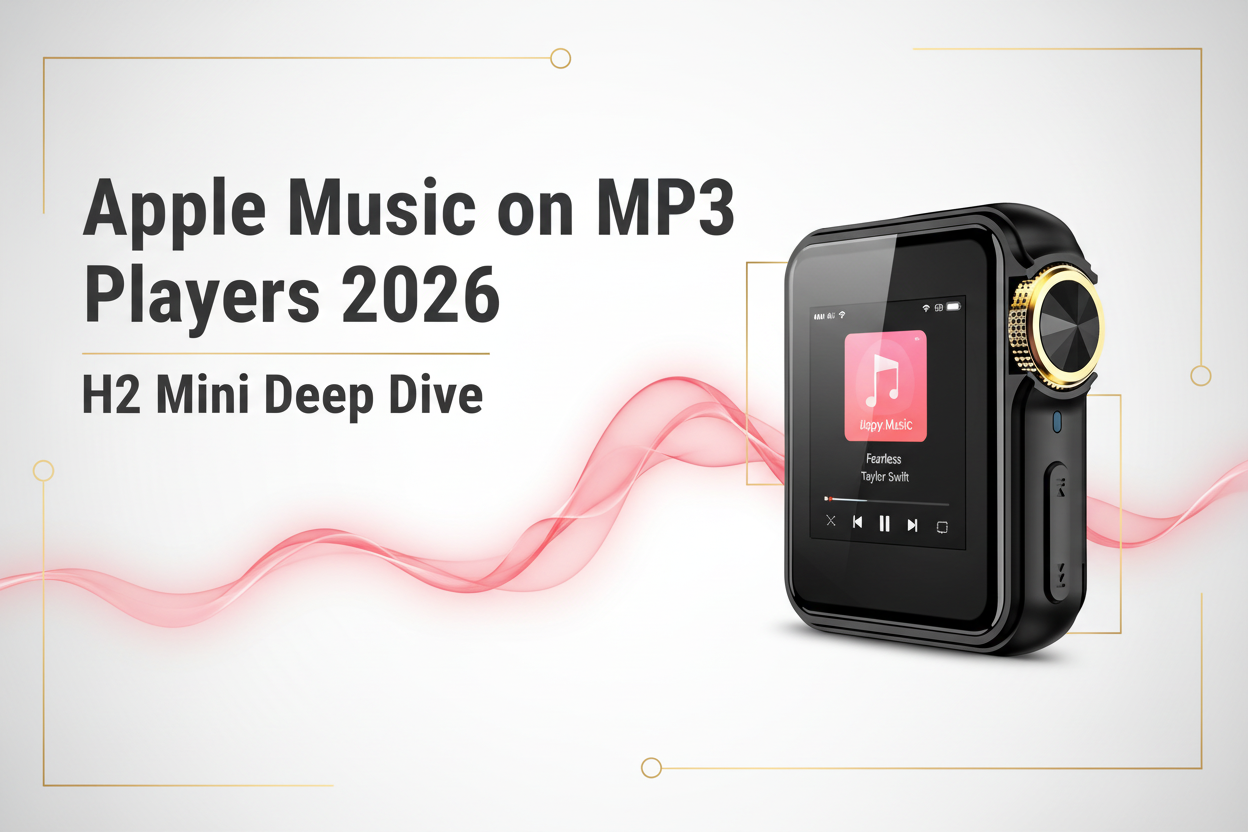
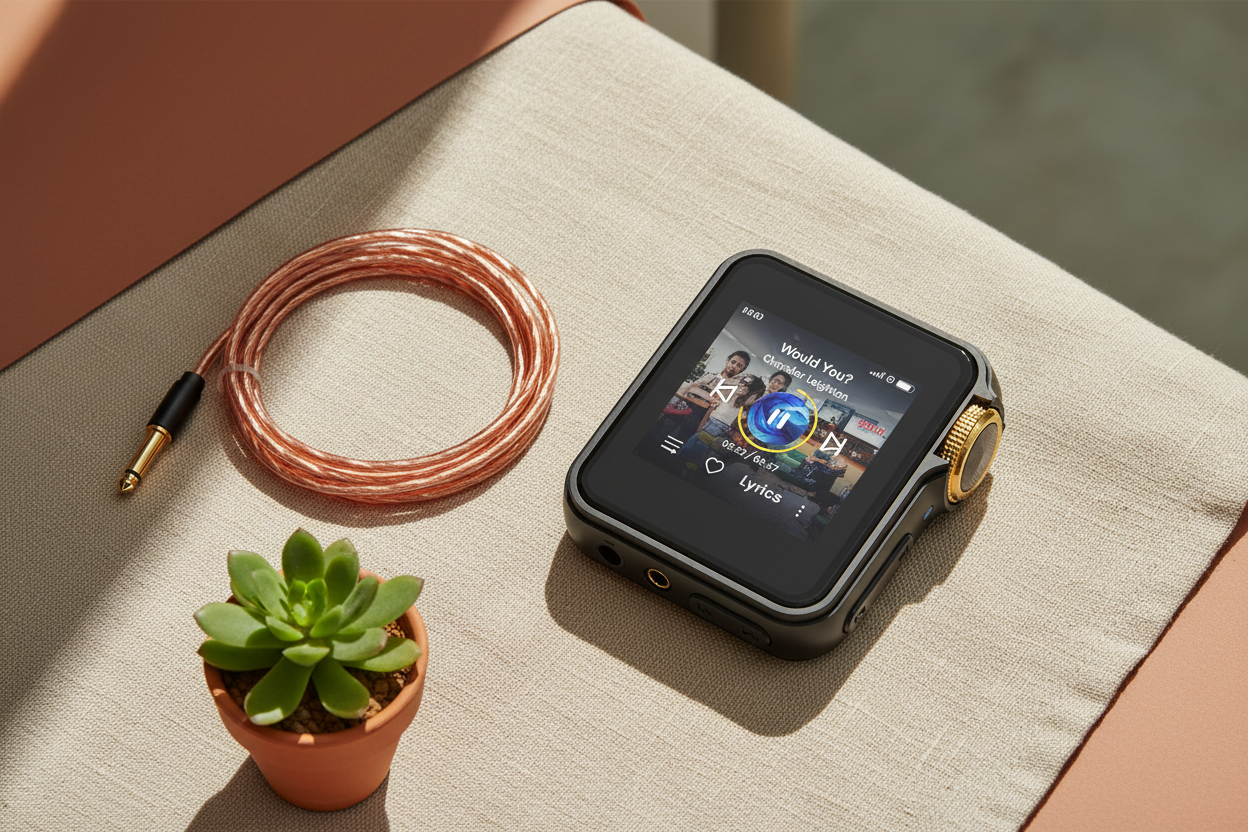
If you just picked up the HIFI WALKER H2 Mini Hi-Res Music Player and you're wondering how to actually download music onto it — you're in the right place. This guide covers every method: USB drag-and-drop, microSD card loading, and sourcing hi-res files from the best legal download sites. Whether your library is FLAC, DSD, or plain MP3, the H2 Mini handles it all.
Unlike smartphone-based setups, a dedicated audio player like the H2 Mini keeps your music completely offline and uncompressed. No streaming dropouts, no background app battery drain, no surprise re-encoding. Just your files, played back exactly as the artist intended — through a proper ESS DAC chip at up to 32-bit/384kHz resolution.

- ►1. Why Getting Music onto the H2 Mini Is Easier Than You Think
- ►2. What File Formats Does the H2 Mini Actually Support?
- ►3. Method 1 — USB Transfer (The Fastest Way for Most Users)
- ►4. Method 2 — MicroSD Card Loading (Best for Large Libraries)
- ►5. Where to Legally Download Music for Your H2 Mini (Best Sources in 2026)
- ►6. H2 Mini vs. Other HIFI WALKER Players — Which One Is Right for Your Library?
- ►7. Troubleshooting: Common Download & Transfer Issues
- ►8. Building Your Ideal Hi-Res Library: A Practical Workflow
What File Formats Does the H2 Mini Actually Support?
Before you go downloading anything, it's worth knowing exactly what the HIFI WALKER H2 Mini Hi-Res Music Player can play back natively. The short answer: nearly everything. Here's the full format breakdown so you don't waste time converting files unnecessarily.
Pro tip: If you're building a new library from scratch, FLAC is the sweet spot — lossless quality, wide availability, and efficient file sizes compared to WAV. DSD is the premium choice for classical and jazz, but expect large files. For everyday listening on the go, a well-encoded 320kbps MP3 is still perfectly respectable on this mp3 music player.
Method 1 — USB Transfer (The Fastest Way for Most Users)
The simplest and fastest way to load music onto the H2 Mini is via its USB-C connection. It registers as a standard Mass Storage Device on both Windows and macOS — no drivers, no special software required. This is the go-to approach for anyone moving an existing local library onto the device.
Connect via USB-C
Plug the included USB-C cable into your H2 Mini, then connect the other end to your computer. On the player, select ‘Storage' or 'DAC Mode' when the prompt appears. Or go to 'System steeings', choose the USB mode to 'Storage'.
Open the Drive
Your computer will mount the H2 Mini as a removable drive (Windows Explorer or Finder on Mac). Navigate to the internal storage root.
Create a Music Folder
We recommend a folder structure like /Music/Artist/Album/ for clean library scanning. The H2 Mini reads folder hierarchy for its browser view.
Drag and Drop Files
Copy your FLAC, MP3, DSD, or WAV files directly into the folder. Transfer speeds are typically 20–40 MB/s over USB 2.0 — a 10GB library takes about 5–8 minutes.
Safely Eject and Rescan
Always use 'Safely Remove' on Windows or eject on Mac before unplugging. On the H2 Mini, go to Settings → Library → Update Library to trigger a rescan.
As a dedicated USB mp3 player, the H2 Mini's plug-and-play simplicity is one of its biggest advantages over Android-based DAPs that require MTP mode and often suffer from slow transfer speeds. If you have a large library (50GB+), consider the microSD method below for even faster loading.

Method 2 — MicroSD Card Loading (Best for Large Libraries)
The H2 Mini supports microSD cards up to 512GB, which means you can carry a genuinely massive hi-res library in a fingernail-sized card. This method is ideal if you have a card reader on your laptop, or if you want to maintain separate libraries for different listening moods — just swap cards.
USB Transfer
- No extra hardware needed
- 20–40 MB/s transfer speed
- Uses internal storage only
- Great for quick top-ups
- Works on any USB-C computer
MicroSD Card Loading
- Requires card reader (~$8–15)
- 60–100 MB/s speed (UHS-I card)
- Up to 512GB extra storage
- Swap cards for different libraries
- Pre-load at a desktop, then insert
For the card itself, use a UHS-I Class 10 / U3 rated microSD — brands like Samsung Pro Endurance, SanDisk Extreme, or Sony TOUGH all work reliably. Avoid cheap unbranded cards; FLAC and DSD files are large sequential reads that can cause stuttering on slow cards. Format the card as FAT32 before loading to ensure compatibility with files larger than 4GB (common for DSD albums).
Where to Legally Download Music for Your H2 Mini (Best Sources in 2026)
This is the question most new DAP owners have after figuring out the transfer methods — where do I actually get hi-res files to download? Good news: the hi-res download ecosystem has never been healthier. Here are the best legal sources, ranked by format quality and value.
Qobuz (Best Overall for FLAC)
Qobuz offers purchases and a streaming/download subscription. Their Store sells 24-bit FLAC files directly — buy once, download forever. Ideal for building a permanent library. Prices: $13–18 per album for hi-res. Available in US, UK, EU, AU.
Bandcamp (Best for Independent Artists)
Artists set their own prices; many offer FLAC and WAV downloads. You get a permanent download of whatever resolution the artist uploaded, often 24-bit. Pay what you want on many releases. Essential for jazz, electronic, and indie genres.
HDtracks (US-focused Hi-Res Store)
One of the original hi-res download stores. Sells 24-bit/192kHz FLAC and DSD files from major labels. Good catalog for rock, classical, and jazz. Prices are premium but quality is verified.
ProStudioMasters / Acoustic Sounds
Excellent for classical, audiophile, and jazz. Acoustic Sounds (SuperHiRez) specializes in DSD — perfect if you want to use the H2 Mini's DSD64/128 capability.
Amazon Music HD Downloads & iTunes (For MP3/AAC Libraries)
If your existing library is iTunes purchases (AAC 256kbps) or Amazon MP3, the H2 Mini plays both natively. Locate your downloaded files on your computer and transfer them via USB — no conversion needed.

Ripping your own CDs is also a completely legal option and often the highest-quality source. Use Exact Audio Copy (Windows) or Max (Mac) to rip to lossless FLAC or AIFF. If you have a CD collection, this is the gold standard for source material on your flac player.
↑ Back to Top
Back to Top ↑H2 Mini vs. Other HIFI WALKER Players — Which One Is Right for Your Library?
The HIFI WALKER H2 Mini Hi-Res Music Player is purpose-built for simplicity: no Android, no app stores, just your files played back beautifully. But depending on your library size and workflow, another model in the lineup might serve you better. Here's a direct comparison.
For most users who are new to dedicated DAPs and want a straightforward experience — plug in, copy files, listen — the H2 Mini is the clear entry point. If you later want to explore balanced headphone outputs or streaming apps, you can step up to the H20 Pro Hi-Res Audio Player or the H20Ultra Hi-Res Audio Player without losing any of the file-transfer workflow knowledge from this guide.

Troubleshooting: Common Download & Transfer Issues
Even with a plug-and-play device, things occasionally go sideways. Here are the most common issues H2 Mini users run into when loading music — and exactly how to fix them.
Common Problems
- Files transferred but not showing in library
- DSD files play with noise/distortion
- MicroSD card not recognized
- Transfer speed extremely slow
- FLAC file shows 'Unsupported Format'
Solutions
- Go to Settings → Library → Update Library to force rescan
- Ensure DSD files are .dsf format, not .dff — H2 Mini prefers .dsf
- Reformat card as exFAT (not NTFS or FAT32 for large files)
- Use a USB 3.0 port on your computer, not a USB hub
- Re-encode using fre:ac or dBpoweramp — file may be corrupted
One underrated tip: embed your metadata before transferring. Use Mp3tag (free, Windows/Mac) to add album art, track numbers, and genre tags to your FLAC files before loading. The H2 Mini's library browser looks significantly better with proper tags — album art appears in the player's grid view, and browsing by genre actually works.
Want to explore the full lineup of HIFI WALKER audio players before committing? Browse all HIFI WALKER Hi-Res players here — or check our DAP reviews and comparisons blog for deeper dives.
Building Your Ideal Hi-Res Library: A Practical Workflow
Now that you know the transfer methods and download sources, here's a recommended end-to-end workflow for building a great library on your HIFI WALKER H2 Mini Hi-Res Music Player — one that's organized, sounds great, and scales over time.
Choose Your Format Strategy
Pick FLAC as your primary format for purchased downloads. Keep MP3 only for content that isn't available in lossless. Never re-encode MP3 to FLAC — it doesn't improve quality and wastes space.
Set Up a Dedicated Music Folder on Your Computer
Create /Music/[Artist]/[Album]/ on your PC or Mac. This mirrors what you'll put on the H2 Mini and makes future syncs predictable.
Download → Tag → Transfer
Download from Qobuz or Bandcamp → open in Mp3tag to verify metadata and embed album art → then drag-and-drop to the H2 Mini via USB-C.
Use a 256GB+ MicroSD as Your Primary Storage
Keep the internal storage for your most-played albums and use the microSD for the full archive. This way, if you lend the player to someone, they can't access your whole library.
Back Up Your Library
The H2 Mini is not a backup device — it's a playback device. Keep a copy of every file on an external hard drive or cloud storage (Backblaze, Google One). Replace the hardware, keep the music.

Following this workflow, most users build a solid 50–100 album FLAC library within the first month. The H2 Mini's 15-hour battery means you can get through an entire work week of commutes on a single charge — and with up to 512GB of microSD storage, you'll likely run out of albums you want to buy before you run out of space.
Frequently Asked Questions
Q1: Can I download music directly to the H2 Mini without a computer?
No — the HIFI WALKER H2 Mini Hi-Res Music Player does not run Android or have a built-in browser, so it cannot connect to download stores directly. You need to download files to your computer first (from Qobuz, Bandcamp, etc.), then transfer them via USB-C cable or by loading a microSD card. This is actually a feature: no bloatware, no background processes, just pure playback.
Q2: What's the maximum microSD card size the H2 Mini supports?
The H2 Mini supports microSD cards up to 512GB. Use a UHS-I U3 rated card formatted as FAT32 for best results. Higher-capacity cards may not be recognized. If you need more than 512GB of library storage, consider stepping up to the H20 Pro or H20Ultra which support larger cards.
Q3: Will Spotify or Apple Music downloads work on the H2 Mini?
No. Spotify, Apple Music, Amazon Music Unlimited, and Tidal downloads use DRM (Digital Rights Management) encryption that ties the files to specific devices and apps. These files cannot be played on any third-party hardware including the H2 Mini. You need DRM-free files from stores like Qobuz, Bandcamp, HDtracks, or your own CD rips.
Q4: Does the H2 Mini support DSD files from Acoustic Sounds or ProStudioMasters?
Yes — the HIFI WALKER H2 Mini supports DSD64 (.dsf format) natively. Files purchased from Acoustic Sounds or ProStudioMasters in DSD64 will transfer and play correctly. Make sure the files are .dsf format rather than .dff, as .dsf compatibility is broader on the H2 Mini. DSD128 support depends on firmware version — check the latest firmware notes.
Q5: How do I get my iTunes/Apple Music library onto the H2 Mini?
If you purchased songs from the iTunes Store (M4A/AAC format, 256kbps), they are DRM-free and fully compatible with the H2 Mini. Locate them in your Music folder on Mac (/Users/[you]/Music/Music/Media.localized/) or on Windows (C:\Users\[you]\Music\iTunes\iTunes Media\). Copy the M4A files via USB-C to the H2 Mini just like any other audio file. The H2 Mini will play them natively.