
Expert Insights: Key Takeaways
- The H2 Mini's DoP implementation for DSD playback rivals native DSD players costing twice as much, making it exceptional value for SACD enthusiasts
- Battery optimization tip: High sample rate files (192kHz+) consume 40% more power than standard resolution - consider 96kHz as the sweet spot for portable use
- File organization matters more on budget DAPs - the H2 Mini's processor handles well-organized libraries much more efficiently than randomly structured ones
Understanding Your H2 Mini's Audio Format Capabilities
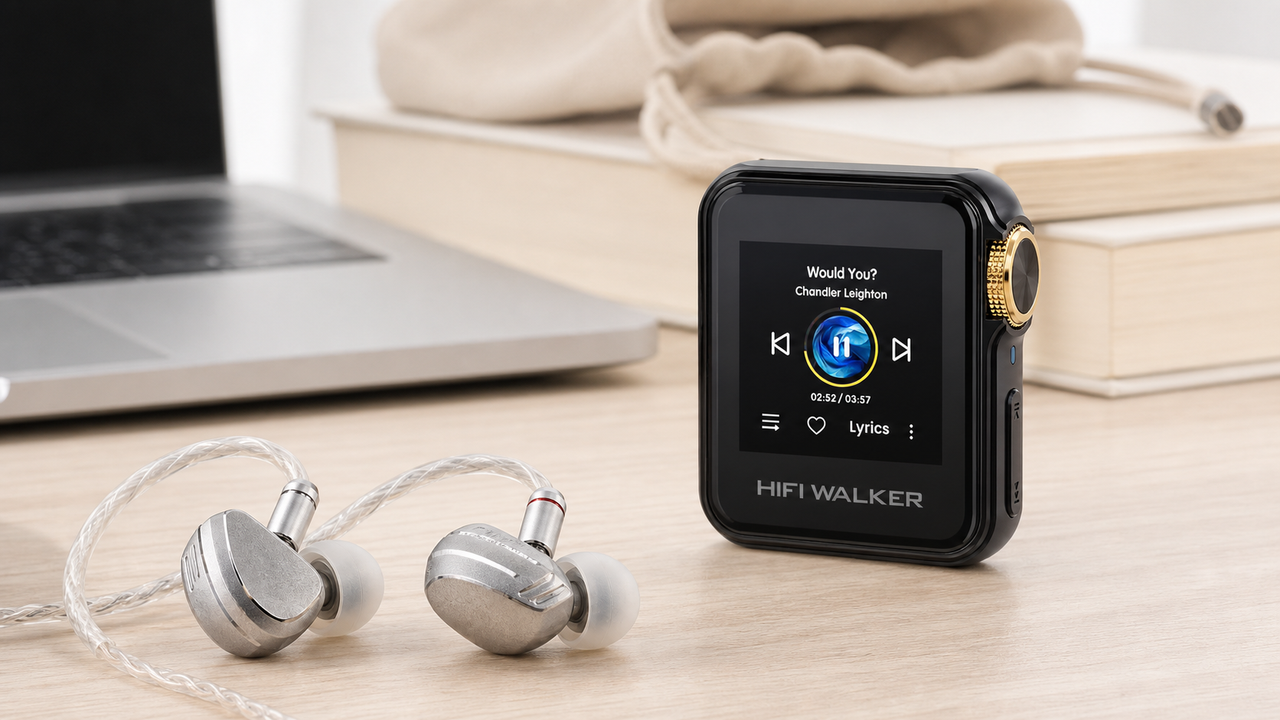
The HIFI WALKER H2 Mini Hi-Res Music Player stands as an exceptional flac player in the compact DAP market, supporting an impressive range of high-resolution audio formats. This comprehensive guide explores how to optimize DSD formats, FLAC playback, and PCM settings to unlock your H2 Mini's full potential for audiophile-grade portable listening.
Standard Phone Audio
- Limited to AAC/MP3 compression
- Sample rates capped at 48kHz
- Shared processing with apps
- Battery drain from multitasking
H2 Mini Dedicated Audio
- Native FLAC up to 24-bit/192kHz
- DSD64 and DSD128 support
- Dedicated audio processing
- 18+ hours pure music playback

- ►1. Understanding Your H2 Mini's Audio Format Capabilities
- ►2. FLAC Optimization: Getting the Most from Lossless Audio
- ►3. DSD Formats: Native vs DoP Playback on H2 Mini
- ►4. PCM and High-Resolution Audio Settings
- ►5. Memory Cards and File Organization Best Practices
- ►6. Advanced Audio Processing Features
- ►7. Comparing H2 Mini with Other HIFI WALKER Models
- ►8. Troubleshooting Common Format Issues
FLAC Optimization: Getting the Most from Lossless Audio
FLAC (Free Lossless Audio Codec) represents the gold standard for portable hi-fi, and your H2 Mini excels as a dedicated flac player. The key lies in understanding how different FLAC compression levels and bit depths interact with the H2 Mini's internal DAC architecture.
Choose Optimal Bit Depth
For most music, 16-bit/44.1kHz FLAC provides transparency, but 24-bit/96kHz unlocks the H2 Mini's full dynamic range capabilities.
Verify File Integrity
Use software like foobar2000 to check FLAC files for errors before transferring to avoid playback glitches.
Organize by Sample Rate
Group files by sample rate in folders to minimize the H2 Mini's internal resampling when switching tracks.
Enable Gapless Playback
Navigate to Settings > Audio > Gapless to ensure seamless album playback for classical and concept albums.

DSD Formats: Native vs DoP Playback on H2 Mini
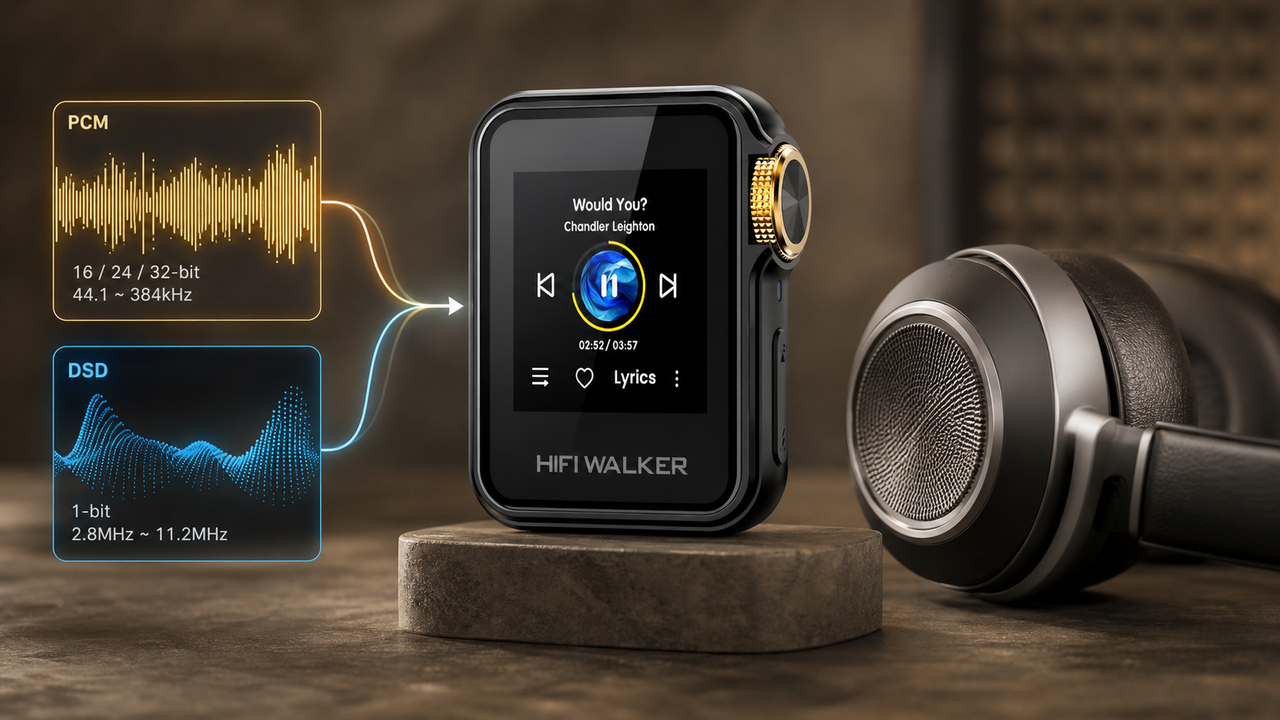
Direct Stream Digital (DSD) represents the pinnacle of digital audio reproduction, and understanding dsd formats optimization on your H2 Mini can elevate your listening experience significantly. The H2 Mini supports both DSD64 (2.8MHz) and DSD128 (5.6MHz) through DoP (DSD over PCM) conversion.
DSD64 (SACD Quality)
- Sample rate: 2.8MHz
- File extension: .dsf, .dff
- Comparable to 24-bit/88.2kHz PCM
- Moderate battery consumption
DSD128 (Double DSD)
- Sample rate: 5.6MHz
- Superior resolution and dynamics
- Larger file sizes (200MB+)
- Higher processing demand
The H2 Mini's implementation of DoP ensures bit-perfect DSD playback while maintaining compatibility with standard PCM headphone amplifiers. This hybrid approach delivers the warmth and analog-like presentation that makes DSD formats so appealing to audiophiles.

PCM and High-Resolution Audio Settings
PCM (Pulse Code Modulation) forms the foundation of digital audio, and proper audio optimization of PCM settings on your H2 Mini ensures optimal sound quality across various source materials. The player's sophisticated upsampling capabilities can enhance lower-resolution sources.
Configure Sample Rate
Set to 'Auto' in Audio Settings to let the H2 Mini match source material, or manually select 192kHz for consistent upsampling.
Choose Filter Type
Experiment with Sharp/Slow roll-off filters - Sharp provides precise imaging, while Slow offers warmer tonality.
Adjust Digital Volume
Keep digital volume above 80% and use analog volume control to maintain bit-perfect playback integrity.
Enable High-Gain Mode
Switch to high-gain for demanding headphones (>150Ω) to ensure adequate power delivery.

Memory Cards and File Organization Best Practices
Effective file format guide implementation requires strategic memory card selection and folder organization. The H2 Mini supports microSD cards up to 512GB, allowing vast music libraries while maintaining quick navigation and playback stability.
Recommended Card Specs
- Class 10 or UHS-I rating
- SanDisk or Samsung brand
- 64GB-256GB sweet spot
- Regular formatting (FAT32)
Folder Structure
- Artist > Album > Tracks
- Separate folders by format
- Avoid deep nesting (>4 levels)
- Use ASCII characters only
For optimal performance, avoid mixing high sample rate files with standard resolution tracks in the same playlist. This prevents unnecessary resampling and reduces processing overhead, extending battery life during extended listening sessions.

↑ Back to Top
Back to Top ↑Advanced Audio Processing Features
The H2 Mini includes several advanced audio processing options that can enhance specific types of content. Understanding when and how to use these features ensures optimal audio optimization without introducing unwanted artifacts or coloration.
Bass Boost Configuration
Use sparingly (+2dB max) for bass-light recordings or open-back headphones that lack low-end extension.
3D Audio Processing
Enable for compressed sources or when using closed-back headphones to increase soundstage perception.
Channel Balance
Fine-tune L/R balance if your headphones have slight driver matching issues or hearing differences.
Sleep Timer Setup
Configure auto-shutdown to prevent battery drain during overnight listening sessions.

Remember that these processing features work in the digital domain before the DAC stage. While they can improve certain listening scenarios, purists often prefer to disable all processing for the most transparent reproduction of the original recording.
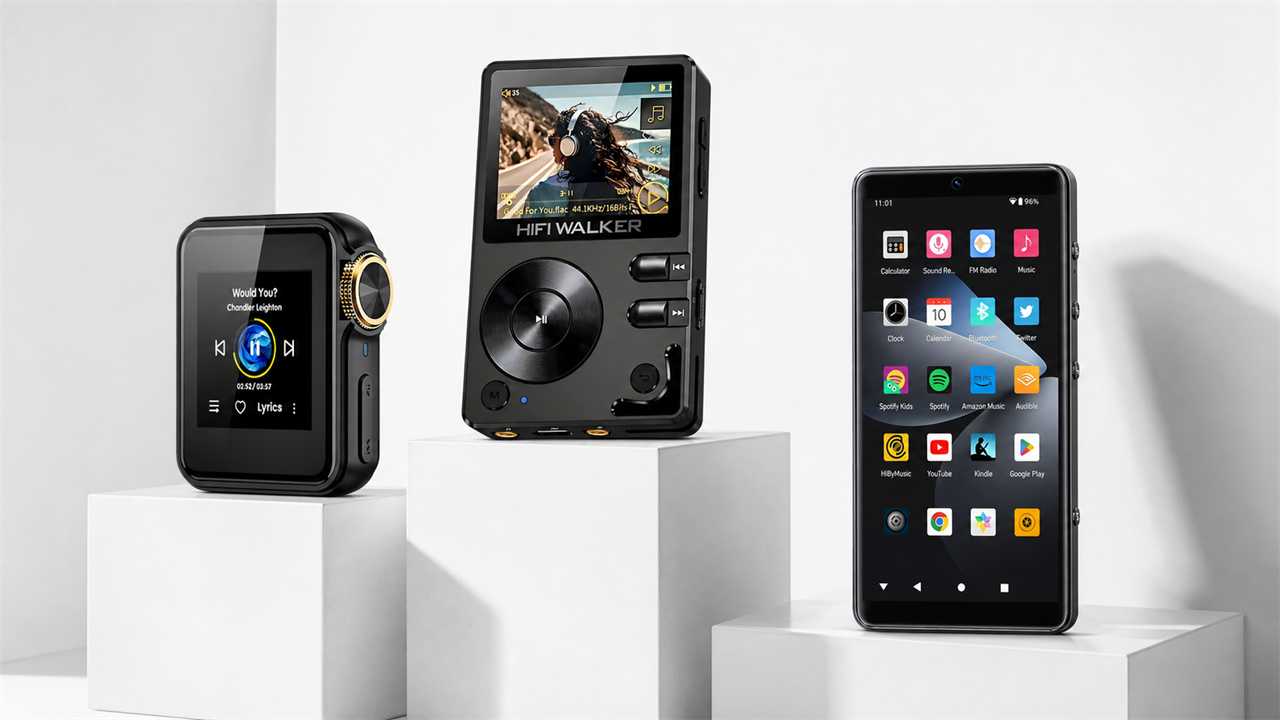
Comparing H2 Mini with Other HIFI WALKER Models
While the H2 Mini excels as an affordable flac player, understanding how it compares to other HIFI WALKER models helps determine if it's the right choice for your specific needs and audio format preferences.
Choose H2 Mini If
- Budget under $120
- Prefer physical buttons
- Long battery life priority
- FLAC library focus
Consider Upgrading If
- Extensive DSD collection
- Need balanced output
- Want touchscreen control
- Require streaming features
The H2 Mini strikes an excellent balance between features and affordability. For users primarily focused on FLAC playback and occasional DSD listening, it provides everything needed without the premium cost of flagship models. Visit our complete DAP collection to explore all available options.
Troubleshooting Common Format Issues
Even with proper configuration, audio format playback issues can occasionally occur. This section addresses the most common problems encountered when using various formats on your H2 Mini flac player.
File Won't Play
Check file extension matches content - some files may be mislabeled. Use MediaInfo to verify actual format.
Crackling/Distortion
Reduce digital volume to 85% or lower. High-resolution files at maximum volume can cause clipping.
Gaps Between Tracks
Ensure gapless playback is enabled and files are properly encoded without padding silence.
Battery Drains Quickly
High sample rate files consume more power. Consider downsampling extremely high-resolution content to 96kHz.

If problems persist, try formatting your memory card and re-transferring files. Sometimes file system corruption can cause playback irregularities. For additional support, consult our complete guides section for more detailed troubleshooting resources.
Frequently Asked Questions
Q1: What's the maximum DSD format the H2 Mini supports?
The H2 Mini supports DSD128 (5.6MHz) through DoP (DSD over PCM) conversion. While it doesn't offer native DSD playback like higher-end models, the DoP implementation maintains bit-perfect reproduction with excellent sound quality.
Q2: Should I use the H2 Mini's upsampling feature for all files?
Not necessarily. For high-quality source material (24-bit/96kHz and above), disable upsampling to preserve the original recording's characteristics. Use upsampling selectively for lower-resolution files to potentially improve their presentation.
Q3: How much difference does FLAC compression level make on the H2 Mini?
FLAC compression level affects file size but not audio quality - all FLAC files are lossless regardless of compression. However, highly compressed FLAC files may require slightly more processing power to decode, potentially impacting battery life on very long listening sessions.
Q4: Can the H2 Mini handle large music libraries efficiently?
Yes, with proper organization. The H2 Mini works best with libraries up to 10,000 tracks when stored on quality microSD cards (Class 10 or better). Use logical folder structures and avoid mixing different sample rates in playlists for optimal performance.
Q5: Is there any benefit to using 32-bit audio files on the H2 Mini?
The H2 Mini's internal processing tops out at 24-bit resolution, so 32-bit files will be downsampled. While this doesn't harm sound quality, 24-bit/192kHz represents the practical maximum resolution for this player, making higher bit depths unnecessary.