How the HIFI WALKER Hi-Res Portable Players Compare
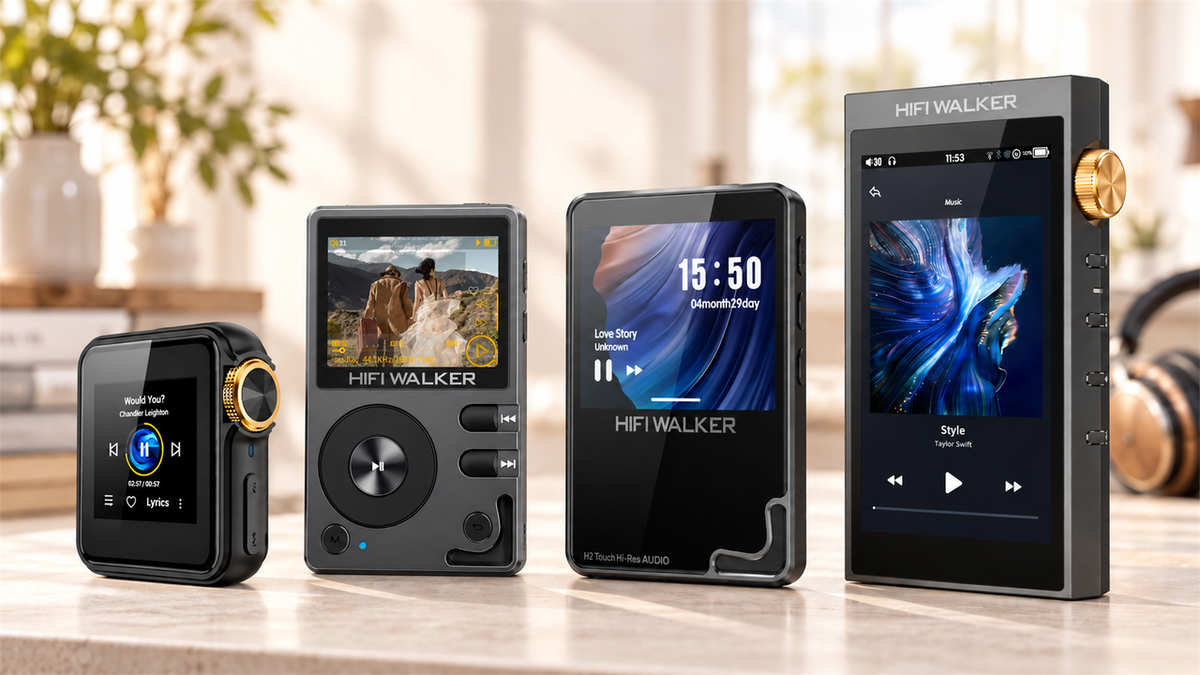
This guide compares the documented features of HIFI WALKER's current local-file players and Android players. It is not a market-wide ranking or a listening test. If you want the largest screen in the lineup with 4.4mm balanced output, that is the HIFI WALKER H20 Ultra Hi-Res Audio Player. If you want the smallest and lightest option that still plays FLAC from a microSD card, the H2 Mini Hi-Res Music Player covers that. If your real question is a hi-res audio player android, that is a different product category entirely — more on that below.
The confusion around a hi-res portable audio player usually isn't about sound quality. It's about which features actually matter for your use case and which ones are just spec-sheet padding. A DSD256-capable DAC means nothing if your library is all MP3s ripped from a decade-old CD collection.
The Streaming App Problem
- Compressed codec on most free tiers
- Phone battery split between calls, notifications, and music
- No dedicated volume wheel or physical buttons
- Storage capped by whatever's left after apps and photos
What a Dedicated Player Fixes
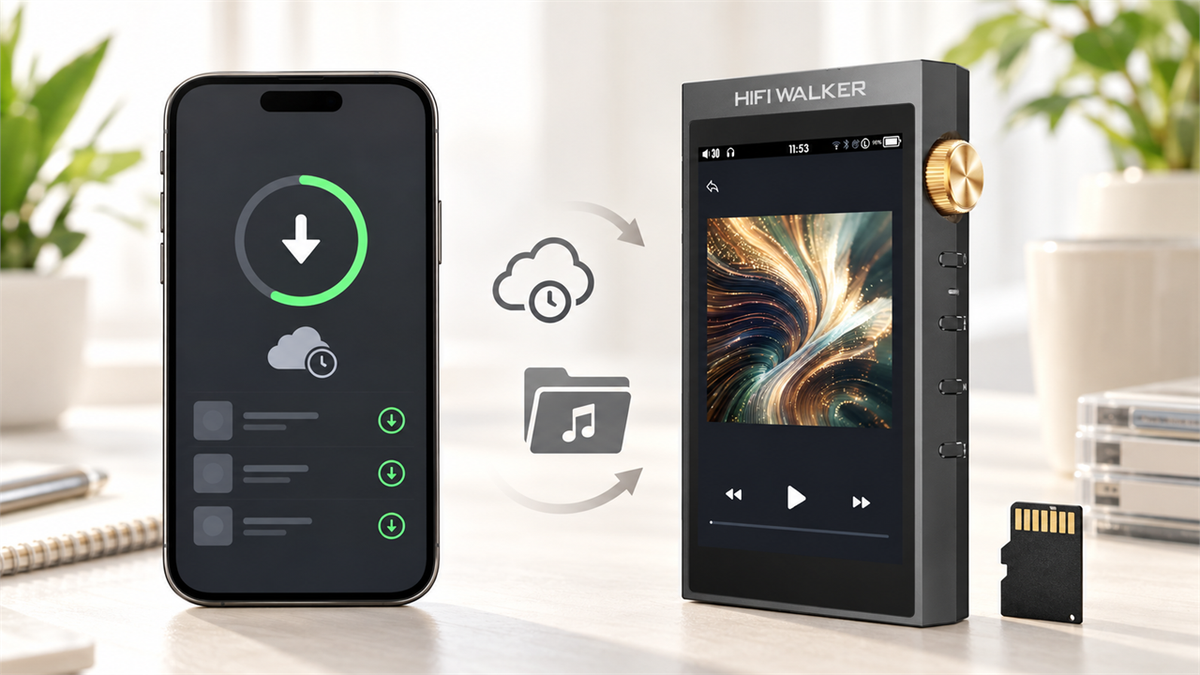
- Local FLAC/DSD playback without a subscription
- Battery life measured in hours of music, not phone use
- microSD expansion for a library that keeps growing
- One job: play your files well
Expert Insights: Key Takeaways
- Song-count ceilings matter more than card size for anyone building a large library — check the device's index limit before assuming a bigger microSD card solves everything.
- 4.4mm balanced output is listed for the H20 Pro and H20 Ultra, and it only applies at all if your headphones have a balanced cable; whether it changes what you hear depends on the headphones and the rest of the chain.
- Android-based players and Linux-based DAPs solve different problems — streaming app access versus dedicated local-file playback — and picking based on DAC chip alone ignores that split entirely.
- ►1. How the HIFI WALKER Hi-Res Portable Players Compare
- ►2. What Actually Matters When You Compare Hi Res Audio Players
- ►3. Android Music Players: A Different Category Entirely
- ►4. The 2026 Lineup Compared
- ►5. Top Picks by Use Case
- ►6. Format Support: DSD, FLAC, and What the Numbers Mean
- ►7. What Changes When You Carry a Separate Player
- ►8. For Windows Users: Getting a Hi-Res Audio Player for Windows Set Up
- ►9. Accessories Worth Adding
What Actually Matters When You Compare Hi Res Audio Players
Before you look at a single review, decide what you're optimizing for. Most buyers land in one of three camps, and the right hi res player is different for each.
DAC and format support
Look at what the DAC chip actually decodes - DSD256 support, PCM depth, and whether the amp stage is separate from the DAC. These are documented capabilities you can check, rather than a promise about what you will hear.
Storage and song limits
microSD expansion matters less than you'd think if the player has a song-count ceiling. Check both the max card size and how many total tracks the device can actually index before you build a 40,000-song library and hit a wall.
Battery life for actual listening
A player rated for over 10 hours of FLAC playback at moderate volume with the screen off is describing a specific set of conditions. Read the fine print on those rated conditions, not just the headline number.
Screen and navigation
A touchscreen with a real display makes browsing a 10,000-song library tolerable. A tiny button-only interface doesn't, no matter how good the DAC is.
These four criteria are why a best hi res audio player list can't just rank by DAC chip alone. The device that wins on paper might be miserable to actually navigate on a train platform.
An illustrative first week with a second device
These notes are a scenario, not a logged test. A dedicated player does not replace a phone; it takes one job off it, and the friction shows up in small, specific moments.
The reason to carry a dedicated player is practical rather than sonic: an independent battery, an offline library that does not depend on a subscription, and physical controls. We have not measured a sound-quality difference here.
Android Music Players: A Different Category Entirely
If your search was actually hi-res audio player android, you're probably after something that runs apps — Spotify, Tidal, Audible — not just local files. That's a fundamentally different product than the Linux-based DAPs above.

The G7 Pro Android Player isn't marketed as an audiophile DAC-driven device — it's an Android music player built for app flexibility. If what you actually want is a dedicated audio chip and the measured specs that go with it, that's not what this category delivers, and the official spec sheet does not list DAC chip details for this line — worth confirming before you buy if that's your priority.

The 2026 Lineup Compared
Here is every hi-res portable audio player and Android player in the current lineup, side by side. Battery capacity and rated playback time are separate columns on purpose: mAh is a capacity figure, not a runtime, and the two cannot be compared directly. Use this table first, then read the picks below for context on who each one fits.

Top Picks by Use Case
Rather than crown one overall winner, here's who each device actually fits — because the best hi res audio player for a commuter and the best one for a home listening setup are rarely the same device.


If you're weighing the H2 Touch against the H20 Pro specifically, our Best Portable Hi-Res Audio Players 2026 guide breaks down the touchscreen and e-book differences in more detail.
↑ Back to Top
Back to Top ↑Format Support: DSD, FLAC, and What the Numbers Mean
DSD256 and FLAC get thrown around as marketing terms, but what they mean for actual listening is simpler than it sounds. A lossless FLAC file preserves the full data from the original recording — no compression artifacts, no lost detail on quiet passages.
Whether that difference is audible depends on the source file, the headphones, the output level and the rest of the playback chain. This guide does not include listening-test results, so treat format support as a question of what a device can play, not as a promise about what you will hear.

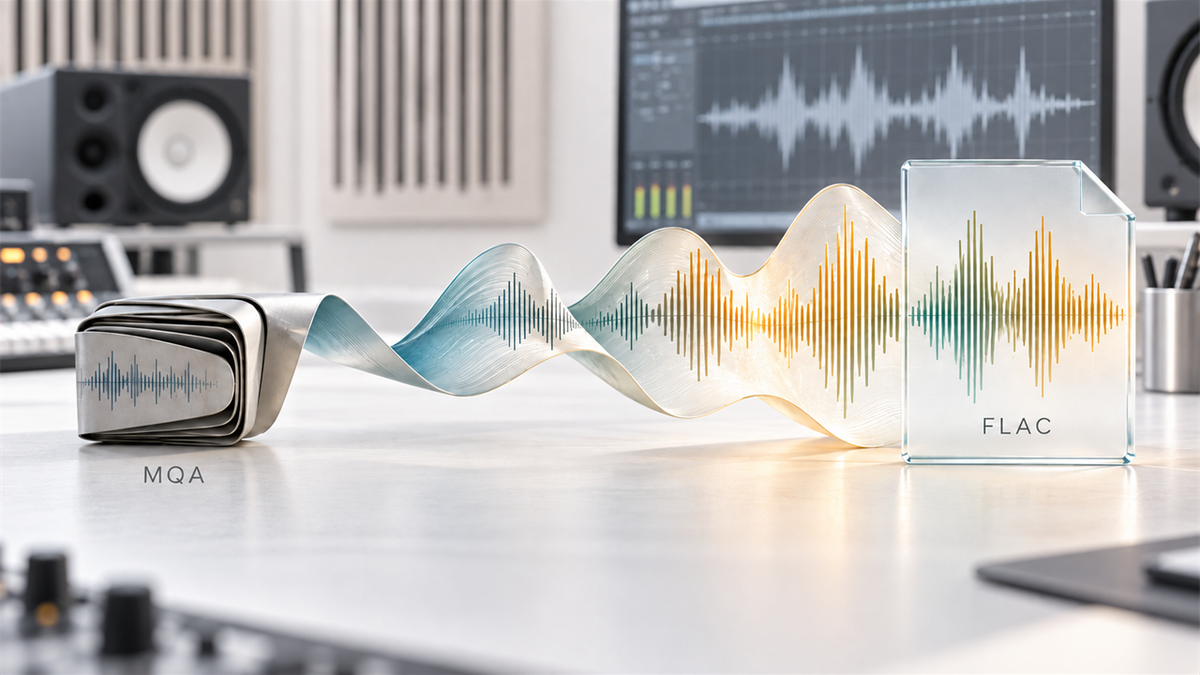
If you're trying to decide between FLAC and MQA for your library, our MQA vs FLAC format guide covers the practical differences without the marketing spin.
What Changes When You Carry a Separate Player
The points below are an illustrative scenario written from common setup questions, not results from a test we ran. Switching from phone-only listening to a dedicated player changes a few small things you do not expect until they happen. None of them are dramatic, but they add up.
What Changes Immediately
- Your phone battery is no longer carrying playback
- No notification banners interrupting a track
- Volume wheel instead of a touchscreen slider
What Takes Getting Used To
- Building a local library takes actual file management
- No algorithm suggesting the next track
- Two devices in your pocket instead of one
For Windows Users: Getting a Hi-Res Audio Player for Windows Set Up
Most people searching for a hi-res audio player for windows aren't looking for software — they're looking for how to load a physical player from a Windows PC. The process is the same across the Linux-based lineup: connect via USB-C, and the device mounts as mass storage.
Connect via USB-C
Plug the player into your Windows machine using the included cable. It should mount as a standard USB drive without needing a driver install.
Drag and drop your library
Copy FLAC, WAV, or DSD files directly onto the microSD card, organized however you prefer — by artist, album, or playlist folder.
Use as a USB DAC (optional)
Several models in the lineup double as a USB DAC when connected to a computer, letting you route your PC's audio output through the player's DAC and headphone amp instead of your laptop's built-in sound card.
If you'd rather skip the dedicated player and just upgrade your laptop's headphone output directly, the D20 USB-C DAC/Amp Dongle plugs straight into a USB-C port and handles PCM up to 32-bit/768kHz along with hardware DSD512 decoding, no separate battery or storage to manage.

Accessories Worth Adding
A hi-res player is a small, pocketable object with a glass screen, so a case is worth adding if you carry it loose in a bag. Matched cases are currently listed for the H20 Ultra, the H20 Pro, and the H2/H2 Touch.
The Protective PU Leather Case for H20 Ultra and Protective PU Leather Case for H20 Pro are cut specifically for those models' control knobs and port placements, and the Case for H2/H2 Touch covers those two models. Check the current accessories listings for availability and exact fit before ordering, and browse the full hi-res MP3 player collection to see current pairings.
There's a whole ecosystem behind that one purchase
Buying a hi-res player is usually the first step into a bigger question: where does the music itself come from, and how far does the format rabbit hole go.
None of this is required to enjoy the player on day one. It's just there, waiting, for whoever wants to go looking.
Frequently Asked Questions
Q1: Which HIFI WALKER player is the simplest starting point?
The H2 Mini Hi-Res Music Player is the smallest and lightest in the lineup at 42 grams without the clip, supports microSD up to 512GB, and plays FLAC from the card with a simple button-driven menu. Which model suits you still depends on the screen, outputs and storage you need, not on a single overall ranking.
Q2: Is a hi-res audio player android device better than a Linux-based one?
It depends on what you need. Android players like the G7 Pro Android Player run Spotify, Tidal, and Audible directly since those apps come preinstalled, which local-file Linux players like the H20 Ultra don't support. If you need streaming apps, go Android. If you want a dedicated local-file DAC experience, the Linux-based lineup is built for that instead.
Q3: How many songs can a hi-res portable audio player actually hold?
Storage capacity and song count are two different limits. The Hi-Res lineup (H2 Mini, H2, H2 Touch, H20 Pro, H20 Ultra) supports microSD cards up to 512GB, but each device can only index up to 14,999 total tracks regardless of card size.
Q4: Can I use a hi-res audio player for windows without installing special software?
Yes. Connecting any player in the Linux-based lineup via USB-C mounts it as standard mass storage on Windows, so you can drag and drop files without a driver install. Several models also function as a USB DAC for routing computer audio through the device.
Q5: What's the difference between the H20 Pro and H20 Ultra?
The H20 Pro uses dual ES9219PC DACs with a 4-channel independent amp stage, while the H20 Ultra uses a single ESS9038Q2M DAC with a larger 4-inch touchscreen. Both list 4.4mm balanced output. The Ultra sits above the Pro in the lineup for the larger display and the different DAC architecture; check the current product pages for pricing.