Expert Insights
- Dedicated DAP players offer superior streaming performance compared to smartphones due to optimized audio processing and reduced system interference
- Network stability is more critical than peak bandwidth for hi-res streaming - a consistent 5 Mbps connection outperforms fluctuating 20 Mbps speeds
- The future of portable hi-res streaming lies in AI-powered upscaling and next-generation wireless technologies that can handle DSD256+ streams reliably
Understanding Online Hi-Res Audio Streaming with DAP Players
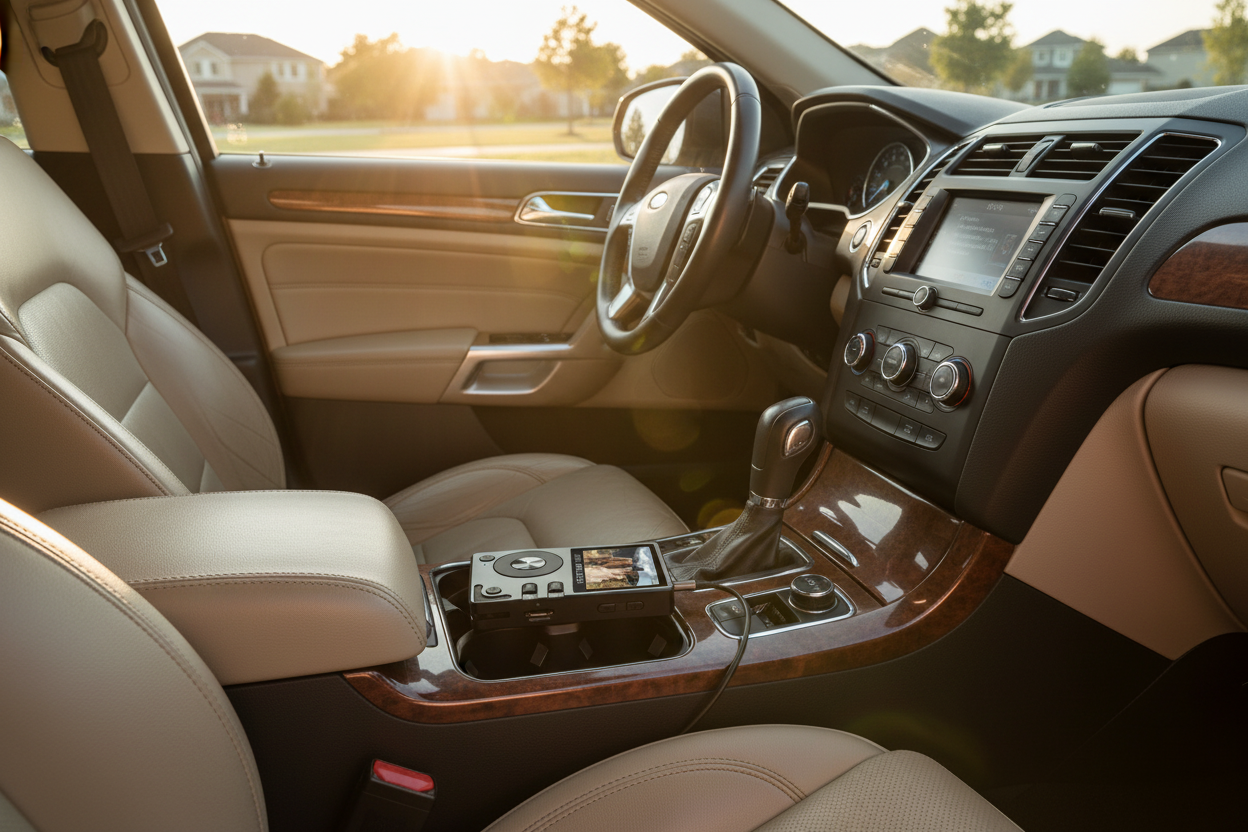
The world of soundstream music player online has evolved dramatically, with dedicated DAP (Digital Audio Players) now offering superior streaming capabilities compared to smartphones. Unlike compressed mobile audio, professional DAPs deliver authentic hi-res streaming that preserves every detail of your favorite tracks.
Smartphone Streaming Limitations
- Compressed audio codecs (AAC/MP3)
- Battery drain from multitasking
- Network interference from apps
- Limited DAC quality
DAP Streaming Advantages
- Lossless FLAC/DSD streaming support
- Dedicated audio processing
- Stable network connections
- Professional DAC chips

- ►1. Understanding Online Hi-Res Audio Streaming with DAP Players
- ►2. Essential Requirements for Hi-Res Audio Streaming
- ►3. Step-by-Step DAP Streaming Setup Guide
- ►4. Optimizing Network Performance for Hi-Res Streaming
- ►5. Popular Streaming Services and DAP Compatibility
- ►6. Advanced Streaming Features and Configurations
- ►7. Troubleshooting Common Streaming Issues
- ►8. Future of Online Hi-Res Audio Streaming
Essential Requirements for Hi-Res Audio Streaming
Before diving into soundstream music player online setup, ensure your network and equipment meet the minimum requirements for seamless hi-res streaming. A stable internet connection of at least 5 Mbps is crucial for uninterrupted FLAC playback.
Network Speed Check
Test your internet speed using online tools. Hi-res streaming requires 2-5 Mbps for FLAC files, while DSD streaming needs 5-10 Mbps for optimal performance.
Router Configuration
Configure your router's QoS settings to prioritize audio streaming traffic. Enable 5GHz WiFi band for DAPs that support it to reduce interference.
Streaming Service Selection
Choose services like Tidal HiFi, Qobuz, or Amazon Music HD that offer lossless streaming options compatible with your DAP player.
Step-by-Step DAP Streaming Setup Guide
Setting up your DAP for online streaming involves several critical steps. Modern HIFI WALKER devices streamline this process with intuitive interfaces and robust connectivity options.
Initial WiFi Connection
Navigate to Settings > WiFi on your DAP. Select your network and enter credentials. Ensure signal strength shows at least 75% for stable streaming.
Streaming App Installation
Install your preferred streaming apps through the device's app store or sideload APK files. Popular choices include Spotify, Tidal, and Qobuz.
Audio Quality Configuration
Access streaming app settings and select maximum quality options. Enable lossless streaming and disable any audio enhancement that might compress the signal.
Buffer Size Optimization
Adjust buffer settings in your streaming app to prevent dropouts. Larger buffers improve stability but increase startup delay.

Optimizing Network Performance for Hi-Res Streaming
Network optimization is crucial for consistent soundstream music player online performance. Even high-end DAPs struggle with poorly configured networks, leading to dropouts and quality degradation.
Common Network Issues
- Packet loss during peak hours
- Interference from other devices
- Insufficient bandwidth allocation
- DNS resolution delays
Optimization Solutions
- Dedicated streaming VLAN setup
- 5GHz band prioritization
- QoS traffic shaping
- Alternative DNS servers (1.1.1.1)

Consider using a mesh network system if your listening area has weak WiFi signal. Position your DAP within 15 feet of the nearest access point for optimal streaming performance.
Popular Streaming Services and DAP Compatibility
Not all streaming services work equally well with DAP players. Understanding compatibility and feature sets helps maximize your soundstream music player online experience.
For the best streaming experience, services like Tidal and Qobuz offer native DAP apps with optimized playback engines designed specifically for audiophile devices.

Advanced Streaming Features and Configurations
Modern DAPs offer advanced streaming features that go beyond basic playback. These capabilities distinguish dedicated players from smartphones in the soundstream music player online ecosystem.
Gapless Playback Setup
Enable gapless playback in your streaming app settings for seamless album listening. This feature requires sufficient RAM and processing power.
Custom EQ Integration
Configure your DAP's built-in EQ to work with streaming services. Some apps bypass system EQ, requiring app-specific adjustments.
Crossfade Configuration
Set up crossfade timing between tracks for DJ-style listening. Adjust fade duration based on your music genre preferences.
Cache Management
Configure streaming cache size and location. Larger caches improve performance but consume storage space on your DAP.

Troubleshooting Common Streaming Issues
Even with proper setup, streaming issues can occur. Understanding common problems and solutions ensures uninterrupted enjoyment of your soundstream music player online sessions.
Common Problems
- Audio dropouts during playback
- Login authentication failures
- Slow track loading times
- Quality downgrading automatically
Quick Solutions
- Increase buffer size settings
- Clear app cache and restart
- Check network bandwidth usage
- Verify subscription status
For persistent issues, consider factory resetting your DAP's network settings and reconfiguring from scratch. Keep your device firmware updated to ensure compatibility with streaming service updates.
Future of Online Hi-Res Audio Streaming
The future of soundstream music player online technology continues evolving with new codecs, faster networks, and improved DAP capabilities. Understanding these trends helps make informed purchasing decisions.
Next-Gen Codecs
Emerging codecs like MQA and Sony's LDAC offer improved compression without quality loss, enabling higher-quality streaming over limited bandwidth.
5G Integration
5G-enabled DAPs will provide ultra-low latency streaming with bandwidth sufficient for DSD256 and beyond, revolutionizing portable hi-res audio.
AI-Powered Enhancement
Machine learning algorithms will upscale compressed streams in real-time, providing hi-res quality from standard streaming sources.
Stay informed about these developments by following HIFI WALKER's latest news and reviews covering emerging technologies and DAP innovations.

Frequently Asked Questions
Q1: Can I stream hi-res audio online with any DAP player?
Not all DAP players support online streaming. You need an Android-based DAP or one with built-in WiFi and streaming app support. Check your device specifications for WiFi connectivity and supported streaming services.
Q2: What internet speed do I need for lossless streaming?
For FLAC streaming, you need at least 2-5 Mbps per stream. For DSD and ultra-high-res formats, 5-10 Mbps is recommended. A stable connection is more important than peak speed.
Q3: Why does my streaming quality keep dropping during playback?
Quality drops usually indicate network bandwidth issues or app buffer problems. Check your internet speed, increase app buffer size, and ensure no other devices are consuming excessive bandwidth during playback.
Q4: Which streaming services offer the best quality for DAP players?
Tidal HiFi, Qobuz, and Amazon Music HD offer the best hi-res streaming quality with DAP compatibility. These services provide up to 24-bit/192kHz streams and often have dedicated DAP apps.
Q5: Can I download music from streaming services to my DAP for offline playback?
Yes, most premium streaming services allow offline downloads to compatible DAPs. However, downloaded files are typically encrypted and only playable within the streaming app, not as standalone files.