Last updated: May 9, 2026
Expert Insights: Windows Audio in 2026
- If you use an external DAC, output modes like WASAPI Exclusive or ASIO can give you more direct control over the Windows audio path than default shared playback.
- Foobar2000 remains popular because it is modular. With the right components, it can handle advanced use cases like SACD and DSD playback that many simpler players do not target out of the box.
- A well-organized local library still matters in 2026. Better tagging, lossless files where it matters, and a consistent folder structure often improve the listening experience more than switching players every few weeks.
Best Audio Player for Windows in 2026: What You Need to Know
If you're searching for the best audio player for Windows in 2026, you're not alone. With plenty of Windows music players available — from simple built-in apps to advanced library managers and audiophile-focused tools — choosing the right one depends on how you actually listen.
Some users want a clean interface for everyday playback. Others care more about output control, metadata management, or compatibility with lossless libraries and external DACs. This guide breaks down the best-known Windows options and where a dedicated portable music player starts to make more sense than desktop software alone.
What You'll Learn
- Top Windows music players in 2026
- Side-by-side feature comparison
- How to optimize your music library
- When advanced output modes matter
- When to add a dedicated portable player
Who This Guide Is For
- Casual listeners wanting a clean, easy interface
- Users with FLAC or ALAC libraries
- Power users managing large libraries
- Desktop listeners using external DACs
- Anyone moving beyond a default built-in player
- ►1. Best Audio Player for Windows in 2026: What You Need to Know
- ►2. Top Windows Music Players Compared: Which One Is Right for You?
- ►3. Deep Dive: Features That Define a Great Windows Music Player
- ►4. How to Optimize Your Music Library on Windows for Best Sound
- ►5. Windows Desktop Audio: Getting More from Lossless Playback
- ►6. Practical Trends Shaping Windows Music Playback in 2026
- ►7. When to Move Beyond Windows: The Case for a Dedicated Portable Player
- ►8. Practical Picks for Different Types of Windows Listeners
- ►9. Final Verdict: Choosing the Best Audio Player for Windows in 2026
Top Windows Music Players Compared: Which One Is Right for You?
The best audio player for Windows depends on your priorities — simplicity, output control, or large-library management. Here are five well-known choices that still matter in 2026.

Choosing the right Windows music player depends on how much you care about simplicity, library tools, and playback control.
MusicBee remains one of the strongest all-around choices for many Windows users thanks to its balance of usability and library control. Foobar2000 is still a favorite for people who want a more modular setup and are willing to configure components for advanced playback scenarios.
Deep Dive: Features That Define a Great Windows Music Player
Not all Windows music players are created equal. The difference between a mediocre and an excellent player often comes down to output control, format support, and how well it handles a real library.
Audio Output Mode
If you use an external DAC, players that support WASAPI Exclusive or ASIO can offer more direct playback control than default shared Windows output.
Lossless and Advanced Format Support
Look for strong support for common lossless formats like FLAC, ALAC, and WAV. If you care about more niche formats like SACD or DSD, component-based tools such as Foobar2000 are usually more flexible than default players.
Library & Metadata Management
Large libraries benefit from strong tagging, artwork handling, duplicate detection, and smart playlists. This is where MusicBee and MediaMonkey still stand out.
ReplayGain and DSP Options
ReplayGain support, EQ options, and optional DSP tools matter if you want more control over level matching or headphone tuning.
Interface Preference
Some users want a fast, simple interface. Others want maximum customization. The right answer depends on whether you prioritize convenience or control.
How to Optimize Your Music Library on Windows for Best Sound
The best Windows music player can only perform as well as the library feeding it. Poor tags, inconsistent folders, and low-quality files make every player feel worse than it should.
Fix Your Metadata
Accurate tags for artist, album, year, genre, track number, and cover art make every library manager work better.
Use Lossless Where It Matters
If you care about your favorite albums, keep good FLAC, ALAC, or WAV copies instead of relying only on older lossy rips.
Keep Folder Structure Consistent
A consistent Artist > Album structure still makes syncing, backups, and manual browsing much easier.
Remove Duplicates
Duplicate tracks and broken files make large libraries harder to manage and clutter search results.
Use ReplayGain if Your Player Supports It
ReplayGain can help keep playback levels more consistent across different albums and eras without rewriting the original audio.
Once your desktop library is organized, syncing it to a dedicated portable music player can make that same library more useful away from your desk.
Windows Desktop Audio: Getting More from Lossless Playback
For serious desktop listeners, the player is only one part of the chain. A Windows music app paired with an external USB DAC and the right output mode can give you a much more controlled playback setup than default shared audio.

Modern Windows audio playback is shaped as much by output mode and DAC choice as by the player itself.
Software Stack (Windows)
- Foobar2000 with output and format components as needed
- MusicBee with WASAPI where appropriate
- ReplayGain for volume normalization
- EQ or DSP only when you actually need it
Hardware Pairing
- A capable USB DAC
- Headphones or IEMs that match your actual listening habits
- A clean local library of good-quality files
- Or a dedicated DAP for portable playback
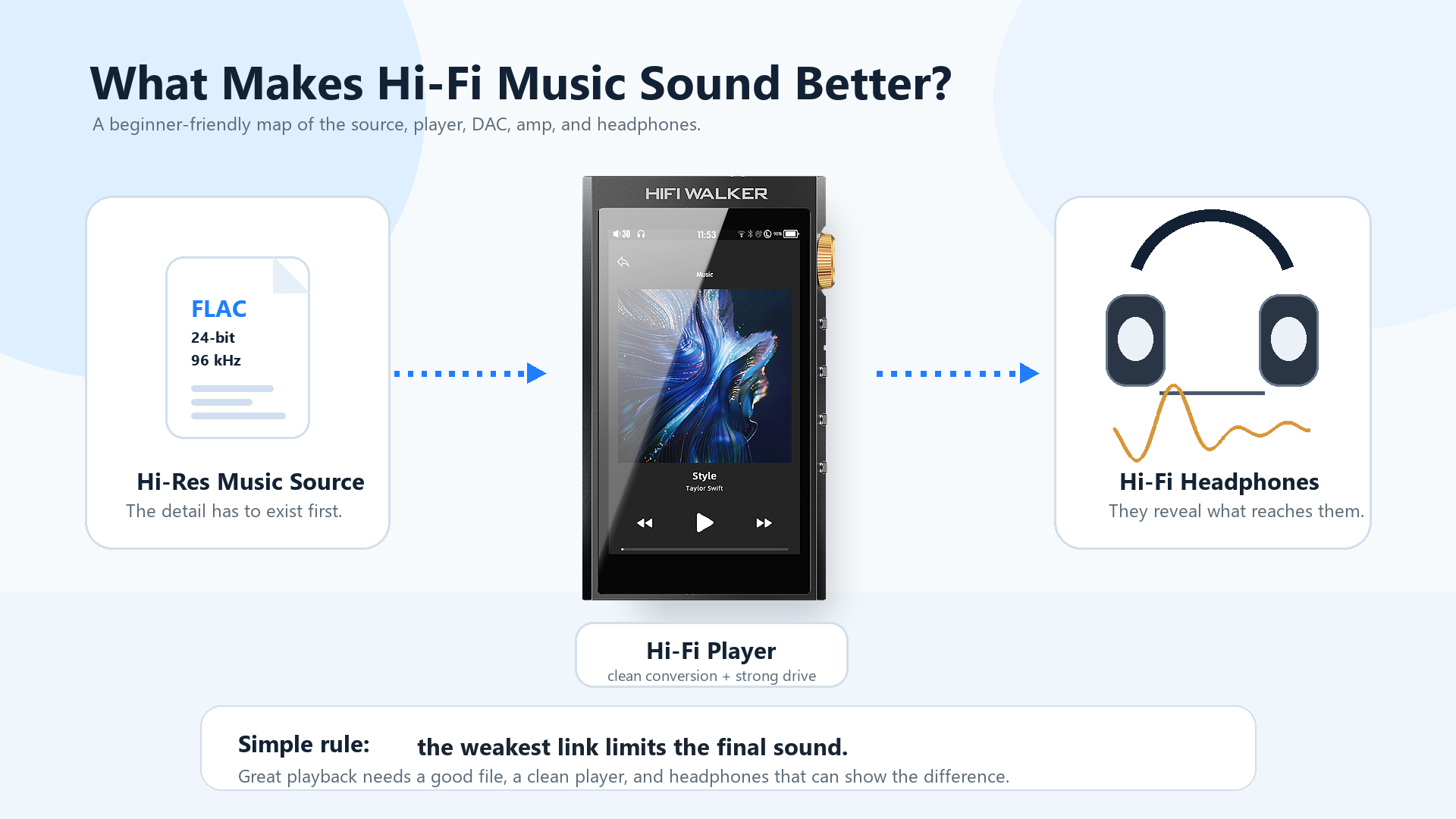
If you want a portable companion to a desktop lossless setup, the HIFI WALKER H20Ultra is one of the clearest step-up options in the lineup. Its current product page highlights an ESS ES9038Q2M DAC, 4.4mm balanced + 3.5mm outputs, native DSD256, Bluetooth 5.1, and USB DAC support.

↑ Back to Top
Back to Top ↑Practical Trends Shaping Windows Music Playback in 2026
What has changed most in recent years is not that every Windows player suddenly became “audiophile.” It is that the gap between simple playback and advanced playback is easier to navigate than before.
Desktop Playback Trends
- Built-in Windows playback now supports more codecs than many users realize
- Lossless libraries remain relevant alongside streaming
- External DAC use is still common among desktop audio hobbyists
- Output control and library quality matter more than buzzwords
Portable Playback Trends
- More DAPs now include Bluetooth, USB DAC mode, and touch interfaces
- Portable players increasingly complement desktop libraries instead of replacing them
- Local playback is still attractive for consistency and offline listening
- Battery life and form factor still matter more than spec-sheet theater for many users
For most listeners, the practical takeaway is simple: choose a Windows player that fits your workflow, and only move into more advanced hardware when your actual listening habits justify it.
When to Move Beyond Windows: The Case for a Dedicated Portable Player
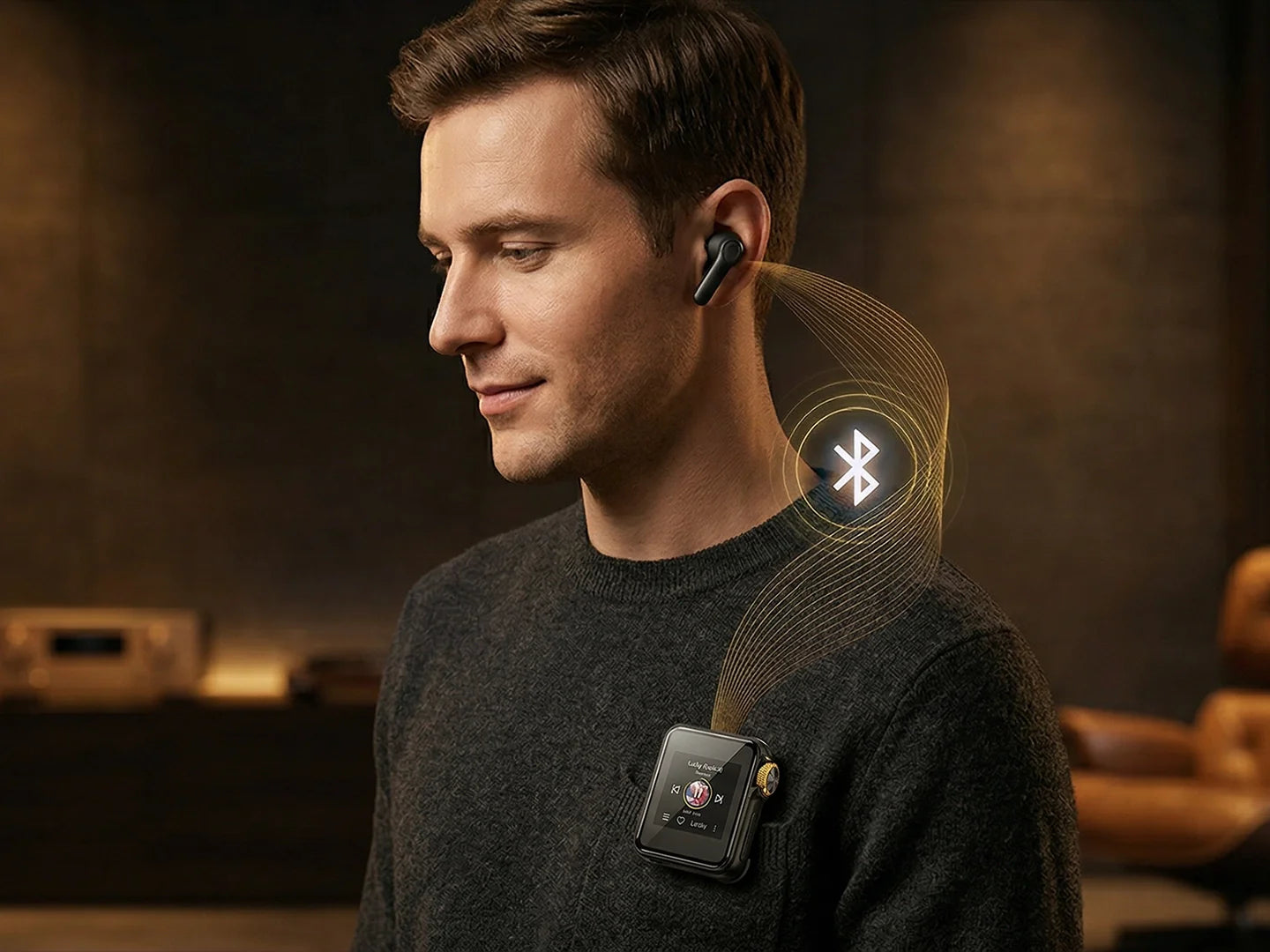
A great Windows music player is perfect at your desk, but it does not replace a portable device for commuting, travel, or offline listening away from your PC. That is where a dedicated DAP starts to make sense.
For listeners moving from Windows playback into portable hi-res audio, the HIFI WALKER H2 remains a straightforward entry point. The current product page highlights an ESS Sabre ES9018K2M DAC, native DSD64/DSD128, Bluetooth 5.2, USB DAC support, and a 3.5mm single-ended output in a simpler physical-button design.

Practical Picks for Different Types of Windows Listeners
Rather than pretending there is a single “perfect” answer, it is more useful to match players to real listening styles.
Often the Best Fit
- Media Player for basic built-in playback
- MusicBee for most people who want better library tools
- Foobar2000 for modular, advanced setups
- MediaMonkey for very large libraries
- VLC when broad codec compatibility matters most
Common Upgrade Reasons
- You want better tagging and playlists than the default app offers
- You use an external DAC and want more output control
- You need better handling for a large local library
- You want a portable player that mirrors your desktop library more closely
On the portable side, the right companion depends on how far you want to go. The H20 Pro is a more advanced step-up, while the H2 Touch offers a compact touch-based dedicated player that sits between simple entry models and higher-tier devices.
Final Verdict: Choosing the Best Audio Player for Windows in 2026
The best audio player for Windows in 2026 still depends on how you listen. For many users, MusicBee remains the most balanced recommendation because it combines a friendly interface with strong library tools and support for more advanced output options. Foobar2000 is still one of the best choices for users who want a configurable, component-based setup.
Whatever software you choose, a well-organized library and realistic understanding of your own listening habits will matter more than chasing every spec-sheet buzzword. If you also want strong offline playback away from your desk, a dedicated HIFI WALKER hi-res music player can be a practical next step.
Frequently Asked Questions
Q1: What is a strong all-around audio player for Windows in 2026?
For many users, MusicBee remains one of the strongest all-around Windows music players thanks to its solid library tools, clean interface, and support for more advanced playback options like WASAPI.
Q2: Does Windows have a built-in music player?
Yes. Windows includes Media Player / Windows Media Player. Microsoft currently lists built-in support for formats including MP3, AAC/M4A, FLAC, ALAC, WAV, and WMA.
Q3: What is a good Windows player for large music libraries?
MusicBee and MediaMonkey are both strong options for larger music libraries, especially if you care about metadata, artwork, playlists, and better library organization.
Q4: Can Windows players handle DSD or SACD playback?
Some can, but usually through a more advanced setup. Foobar2000 is one of the most flexible Windows players for this because it supports optional components for SACD and DSD-related playback scenarios.
Q5: Should I use a Windows music player or a dedicated portable DAP?
They serve different purposes. A Windows player is ideal for desktop listening and library management. A dedicated portable DAP makes more sense if you want offline playback, dedicated battery life, and a self-contained music device away from your computer.