

Expert Insights
- Free music players have matured significantly, offering professional-grade features that rival expensive alternatives while maintaining zero licensing costs.
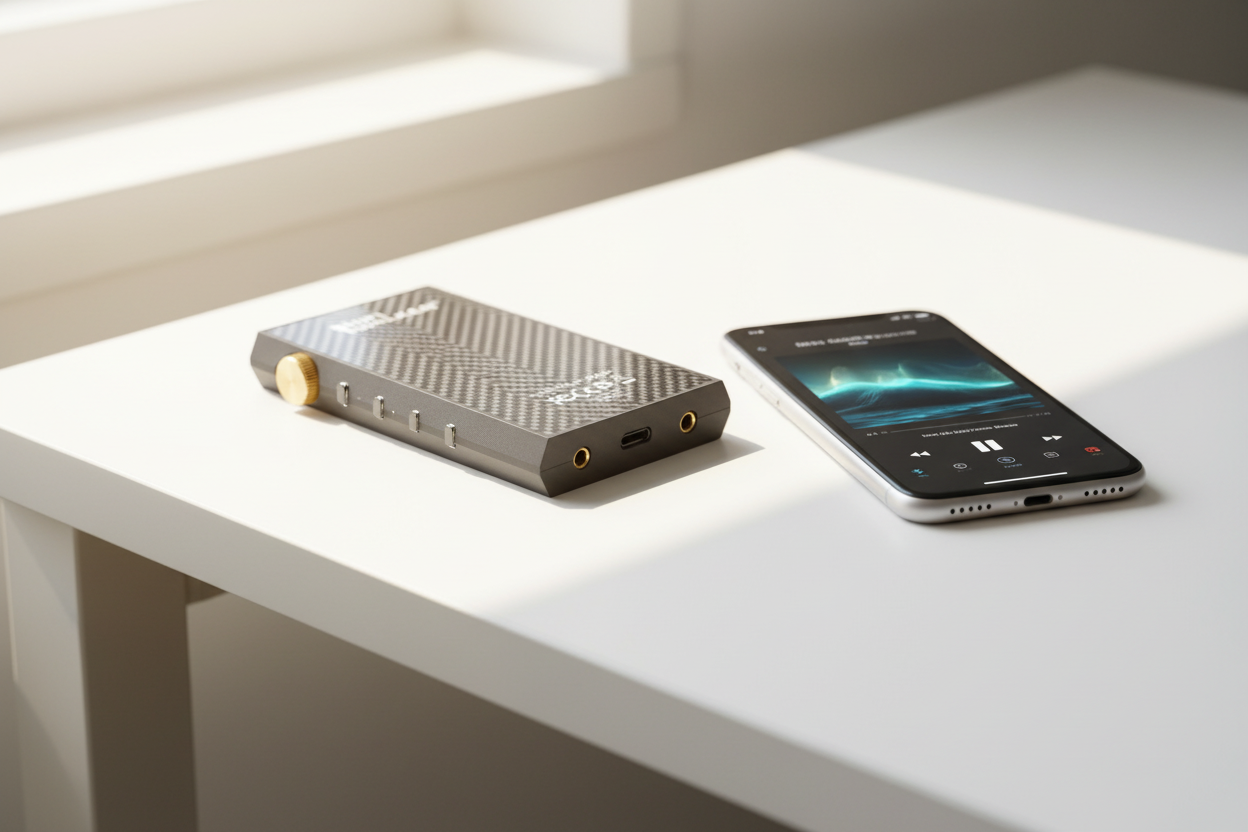
- The real audio quality bottleneck isn't the software player, but the DAC and amplification hardware - this is where dedicated audio players show their true advantage.
- Cross-platform compatibility becomes crucial as users increasingly manage music across multiple devices, making unified library management a key differentiator in player selection.
The Evolution of Free Music Players in 2026
The landscape of free music player software has transformed dramatically in 2026. With streaming services dominating the market, dedicated music players have evolved to offer superior audio quality, advanced customization, and local file management that streaming apps simply can't match.

Traditional Music Apps
- Basic playback functionality
- Limited audio format support
- Standard equalizer presets
- Cloud-dependent features
Modern Free Players 2026
- Hi-Res audio codec support
- Advanced DSP processing
- Customizable user interfaces
- Offline-first design philosophy
- ►1. The Evolution of Free Music Players in 2026
- ►2. Top Desktop Free Music Players for Audiophiles
- ►3. Best Mobile Free Music Players for Android & iOS
- ►4. When to Upgrade: From Software to Dedicated Hardware
- ►5. Cross-Platform Free Music Players: Universal Solutions
- ►6. Advanced Features Every Free Music Player Should Have
- ►7. Optimizing Your Free Music Player Setup
- ►8. Future of Free Music Players: 2026 and Beyond
Top Desktop Free Music Players for Audiophiles
Desktop environments offer the processing power needed for advanced audio processing. These free music player applications excel in handling high-resolution audio files and providing studio-grade listening experiences.
Foobar2000
The audiophile's choice with modular architecture, supporting virtually every audio format including DSD and MQA. Features advanced resampling and bit-perfect output.
MusicBee
User-friendly interface with powerful library management. Includes 15-band equalizer, DSP effects, and seamless podcast integration.
AIMP
Lightweight Russian-developed player with 32-bit audio processing, built-in converter, and comprehensive format support including rare codecs.
Best Mobile Free Music Players for Android & iOS
Mobile music players face unique challenges: battery optimization, touch interfaces, and limited processing power. The best free music player apps overcome these limitations while delivering exceptional audio quality.
Android Champions
- Poweramp - Advanced equalizer with 10-band control
- BlackPlayer - Minimal design, gapless playbook
- Neutron - 32/64-bit audio engine support
iOS Favorites
- VOX - Cloud storage integration
- Cs Music - Gesture-based controls
- Marvis Pro - Smart playlist creation

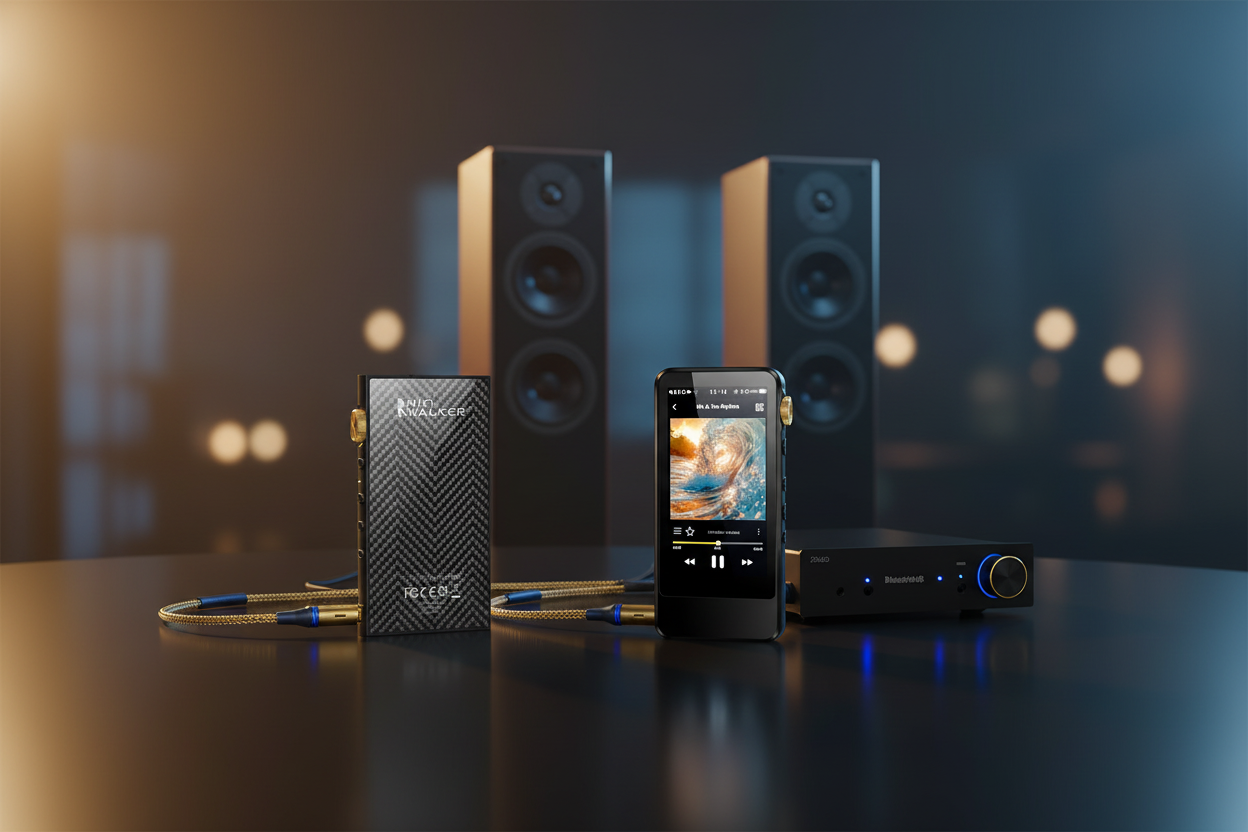
While software players offer convenience, serious audiophiles often seek dedicated hardware solutions. This is where specialized audio players shine, offering superior DAC chips and optimized audio processing.
When to Upgrade: From Software to Dedicated Hardware
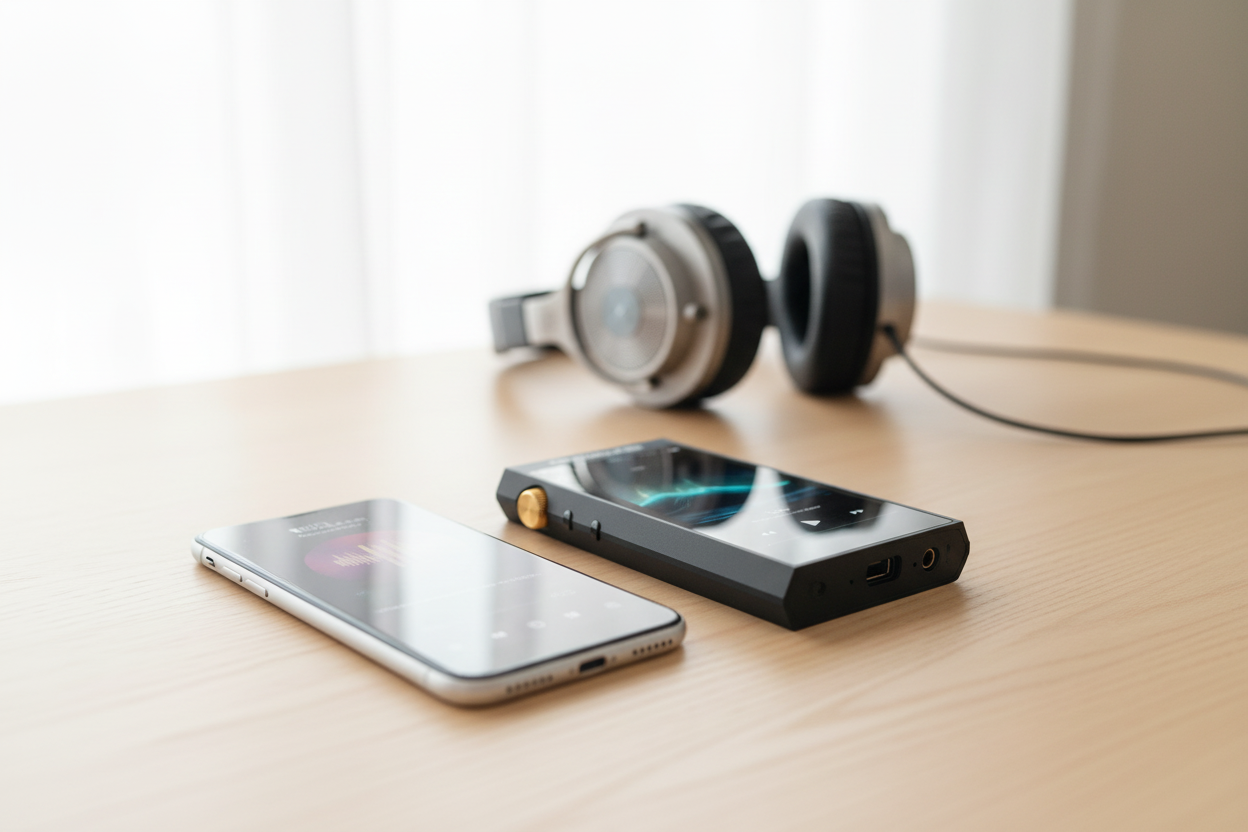
Free music player software excels for casual listening, but audiophiles eventually hit limitations: smartphone DAC quality, power consumption, and audio interference from other apps running simultaneously.
Identify Audio Bottlenecks
Notice compressed dynamics, digital artifacts, or lack of soundstage depth in your current setup. These indicate hardware limitations that software cannot overcome.
Evaluate Your Music Library
If you own high-resolution FLAC, DSD, or MQA files, dedicated hardware will reveal details that smartphone DACs simply cannot reproduce accurately.
Consider Usage Patterns
Daily commuters and critical listeners benefit most from dedicated players, while occasional users may find free software sufficient for their needs.

Cross-Platform Free Music Players: Universal Solutions
For users managing music libraries across multiple devices, cross-platform free music player solutions offer synchronized experiences and consistent interfaces regardless of operating system.

Cross-platform players excel in flexibility but often compromise on platform-specific optimizations. For the ultimate mobile audio experience, consider exploring our dedicated audio player collection.
↑ Back to Top
Back to Top ↑Advanced Features Every Free Music Player Should Have
Modern free music player applications must go beyond basic playback. Advanced features separate exceptional players from mediocre alternatives, enhancing both sound quality and user experience.
Audio Engine Features
- Bit-perfect output modes
- Upsampling and oversampling
- Advanced crossfading algorithms
- Replay Gain normalization
User Experience Features
- Customizable keyboard shortcuts
- Advanced search and filtering
- Playlist automation rules
- Last.fm scrobbling integration
Format Support Evaluation
Essential formats include FLAC, ALAC, WAV for lossless audio, plus modern codecs like Opus and MQA for streaming compatibility.
DSP Processing Capabilities
Look for parametric equalizers, crossfeed for headphones, and room correction features that adapt sound to your listening environment.
Library Management Tools
Automatic tagging, duplicate detection, and smart playlist generation save hours of manual organization work.

Optimizing Your Free Music Player Setup
Maximizing your free music player performance requires proper configuration, audio driver optimization, and understanding your system's capabilities. Small adjustments can yield significant improvements in sound quality.
Audio Driver Configuration
Use ASIO drivers on Windows or Core Audio on macOS for minimal latency. Avoid Windows DirectSound which adds unnecessary audio processing layers.
Buffer Size Optimization
Balance between audio stability and responsiveness. Start with 512 samples and adjust based on your system's performance and audio interface capabilities.
Disable Audio Enhancements
Turn off Windows 'audio enhancements' and spatial audio features that process your music signal, compromising the original artist's intent.
Library Organization Strategy
Use consistent naming conventions and proper metadata tagging. Tools like MusicBrainz Picard can automate this process for large libraries.

For more insights on optimizing your audio setup, explore our comprehensive DAP reviews and comparisons section.
Future of Free Music Players: 2026 and Beyond
The free music player landscape continues evolving with AI-powered features, improved codec support, and integration with emerging audio technologies. Understanding these trends helps you choose future-proof solutions.
Emerging Trends
- AI-powered music discovery
- Spatial audio processing
- Voice control integration
- Cloud-hybrid architectures
Technical Advances
- Hardware acceleration support
- Advanced upsampling algorithms
- Real-time audio analysis
- Cross-device synchronization

While software innovation accelerates, the fundamental advantage of dedicated hardware remains: purpose-built audio processing without the compromises inherent in multi-purpose devices. This distinction becomes more pronounced as audio quality expectations continue rising among discerning listeners.
Frequently Asked Questions
Q1: What's the difference between free music players and streaming apps?
Free music players focus on playing local audio files with advanced audio processing features, while streaming apps prioritize online content delivery with basic playback functionality. Music players typically offer superior sound quality, format support, and customization options.
Q2: Can free music players handle high-resolution audio files?
Yes, many free music players support high-resolution formats like FLAC, DSD, and MQA. However, the quality depends on your device's DAC capabilities. Dedicated audio players with high-quality DACs will significantly outperform smartphone audio chips.
Q3: Do I need special audio equipment for free music players?
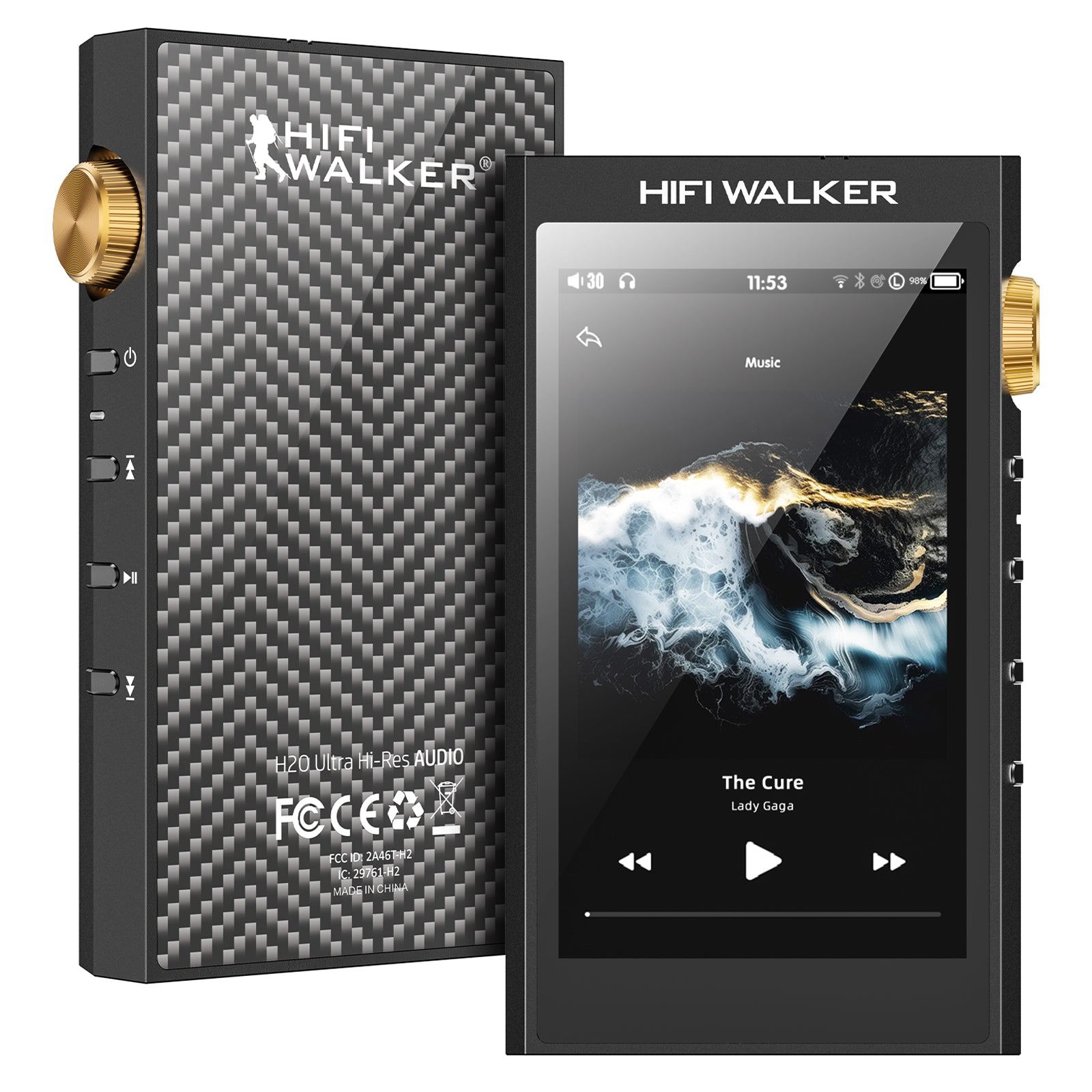
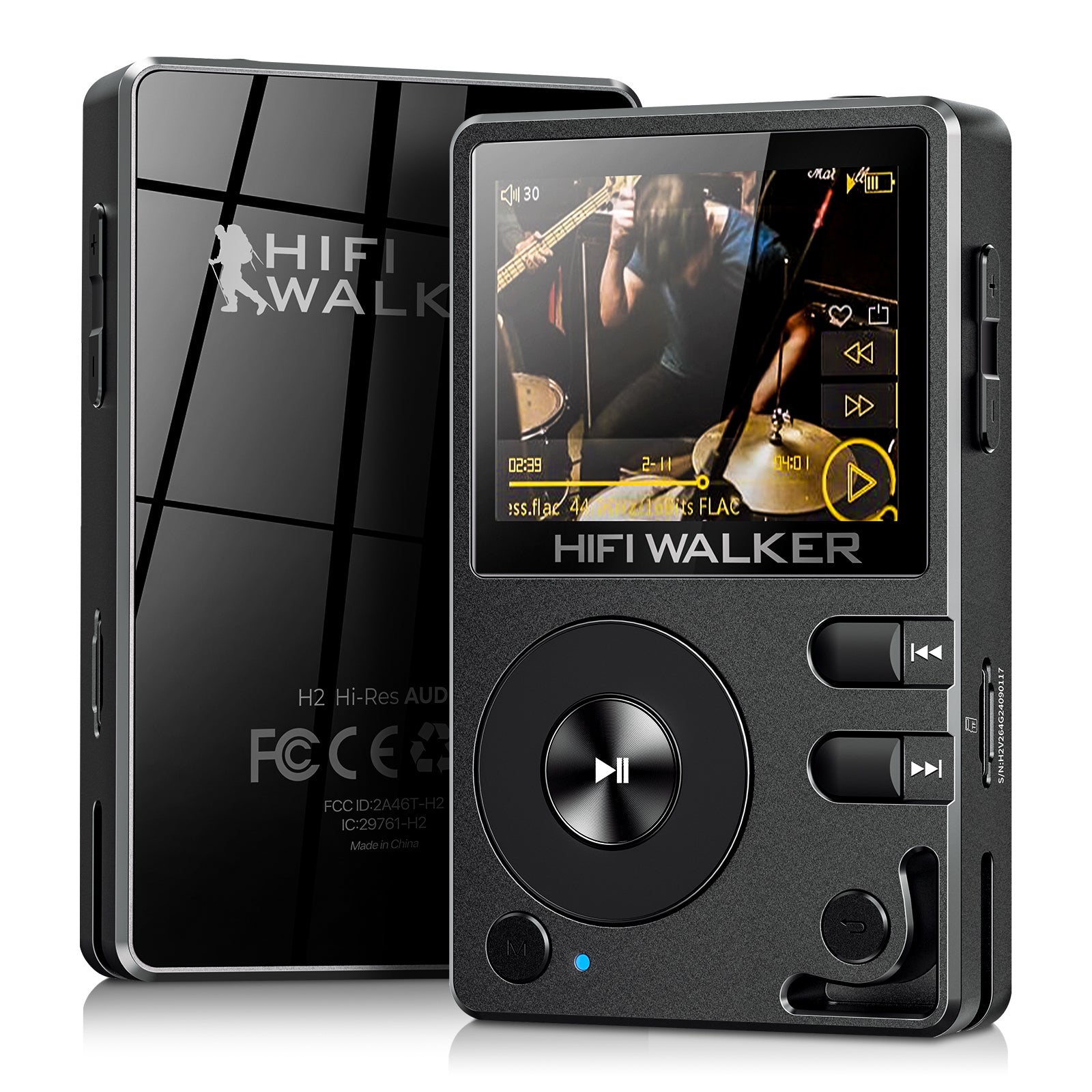
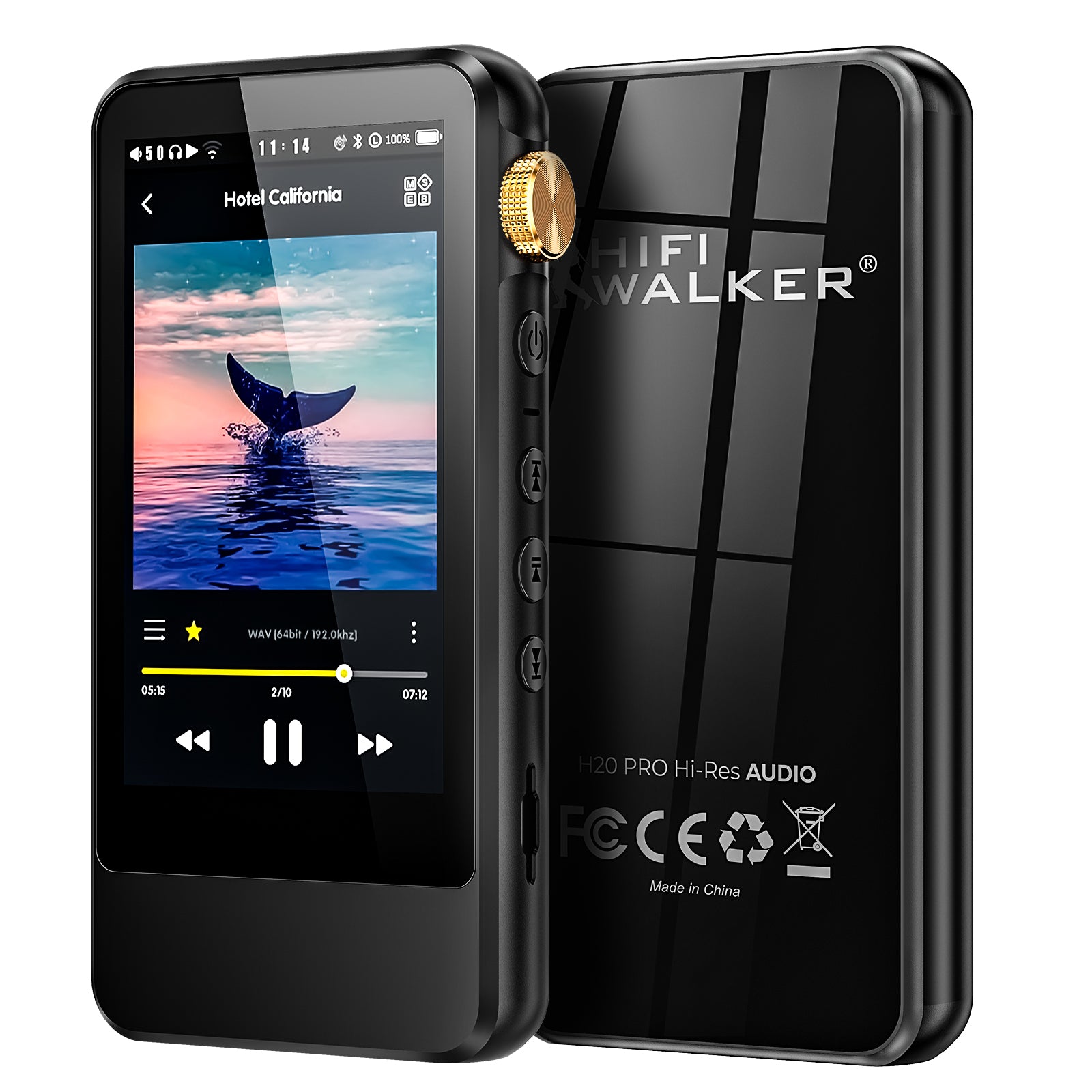
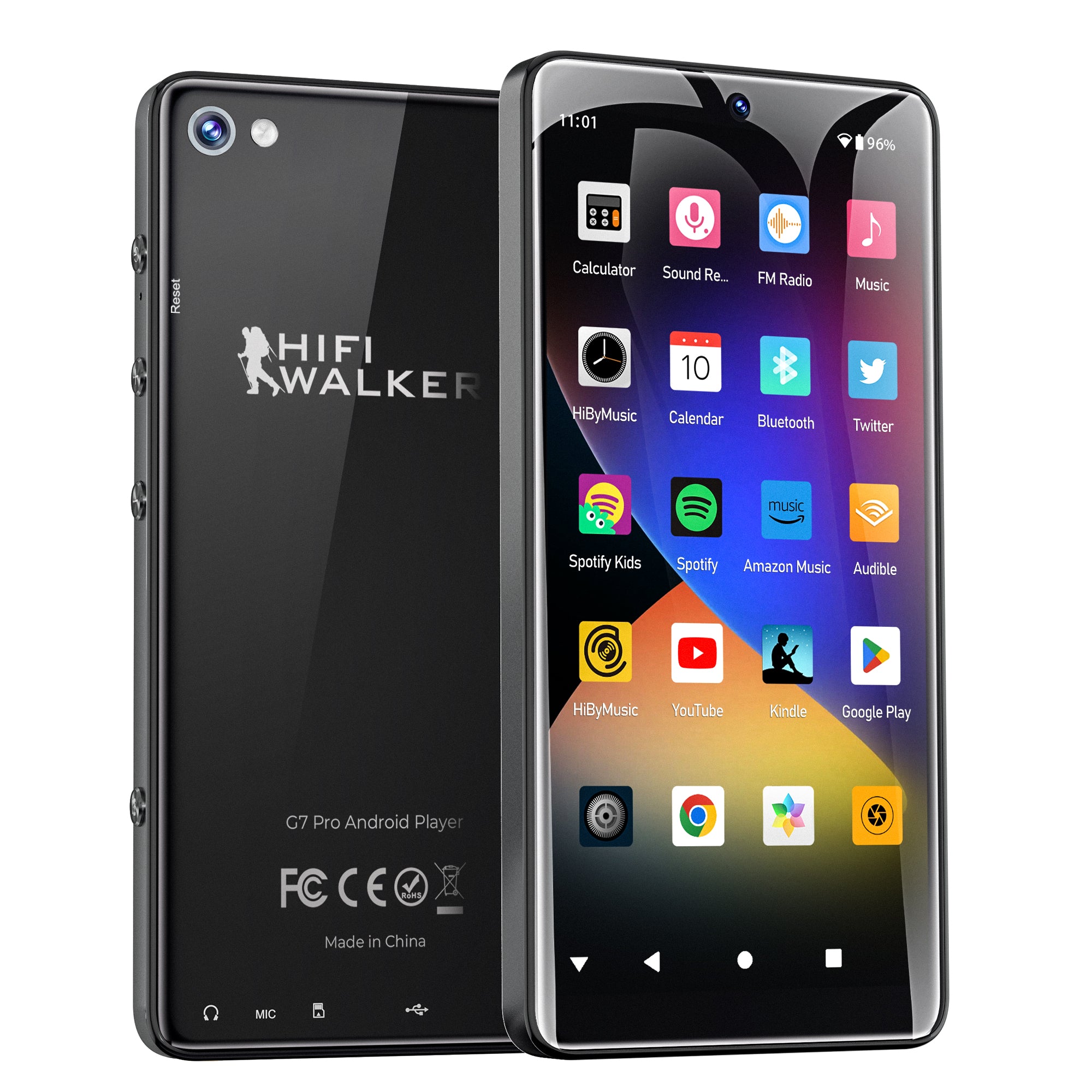
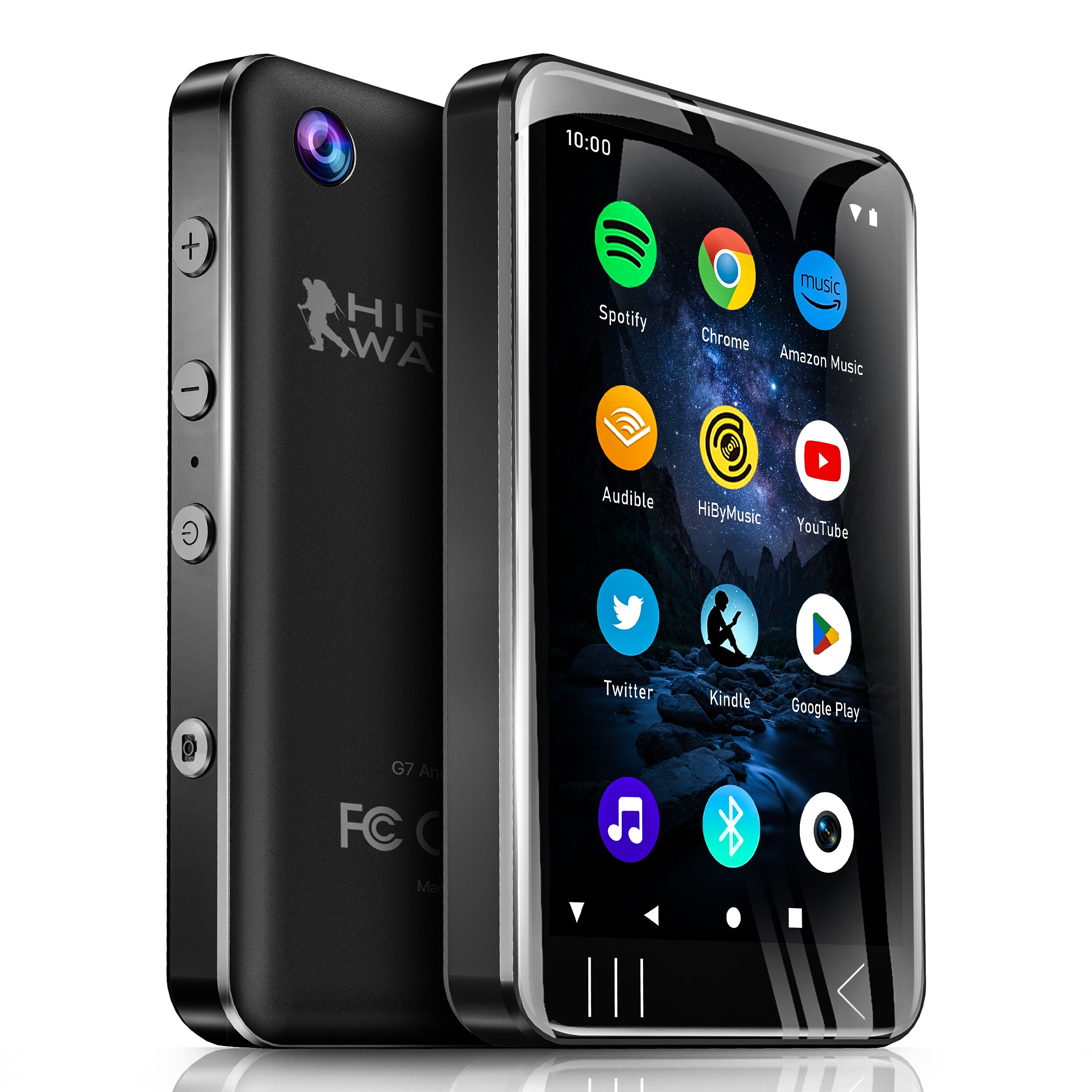
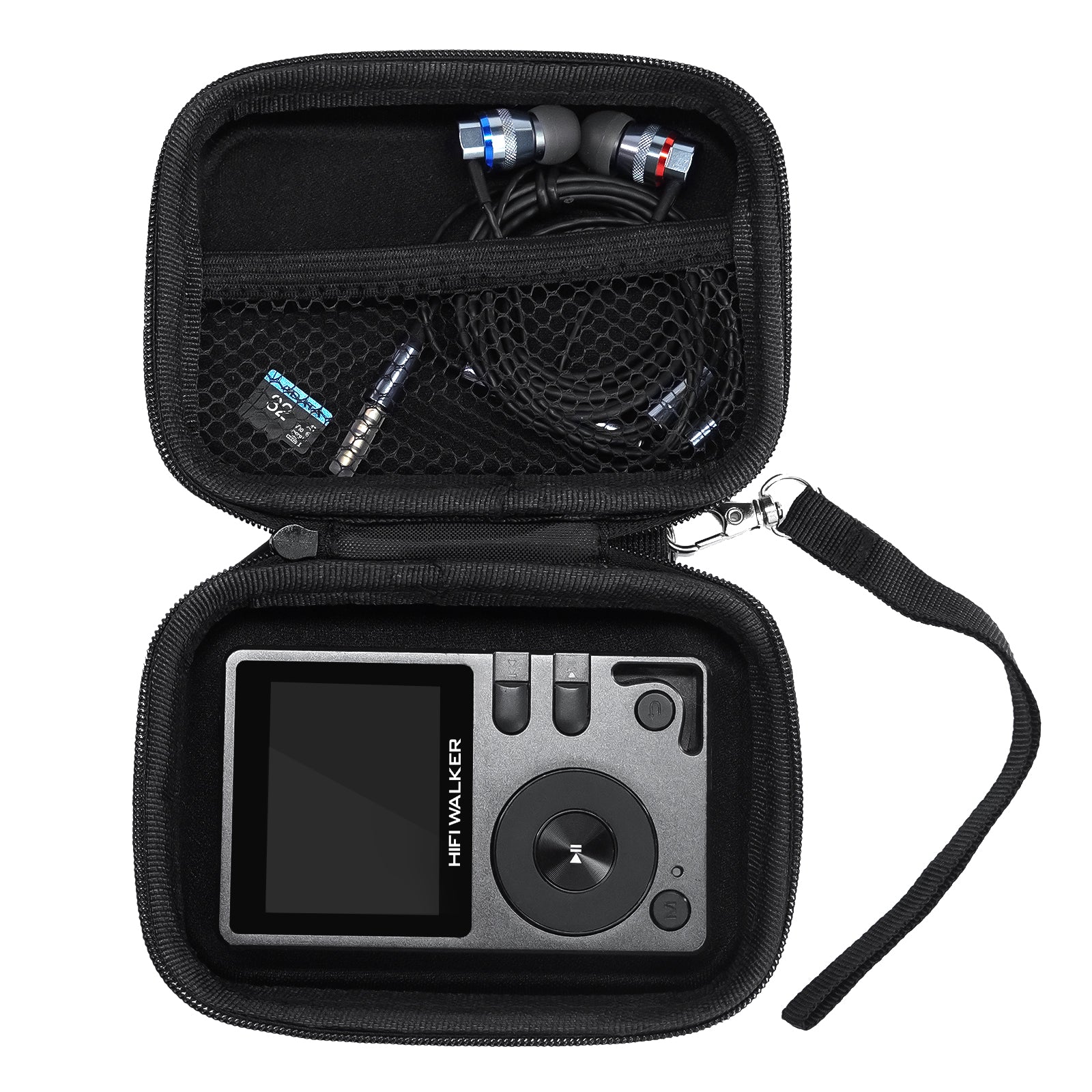
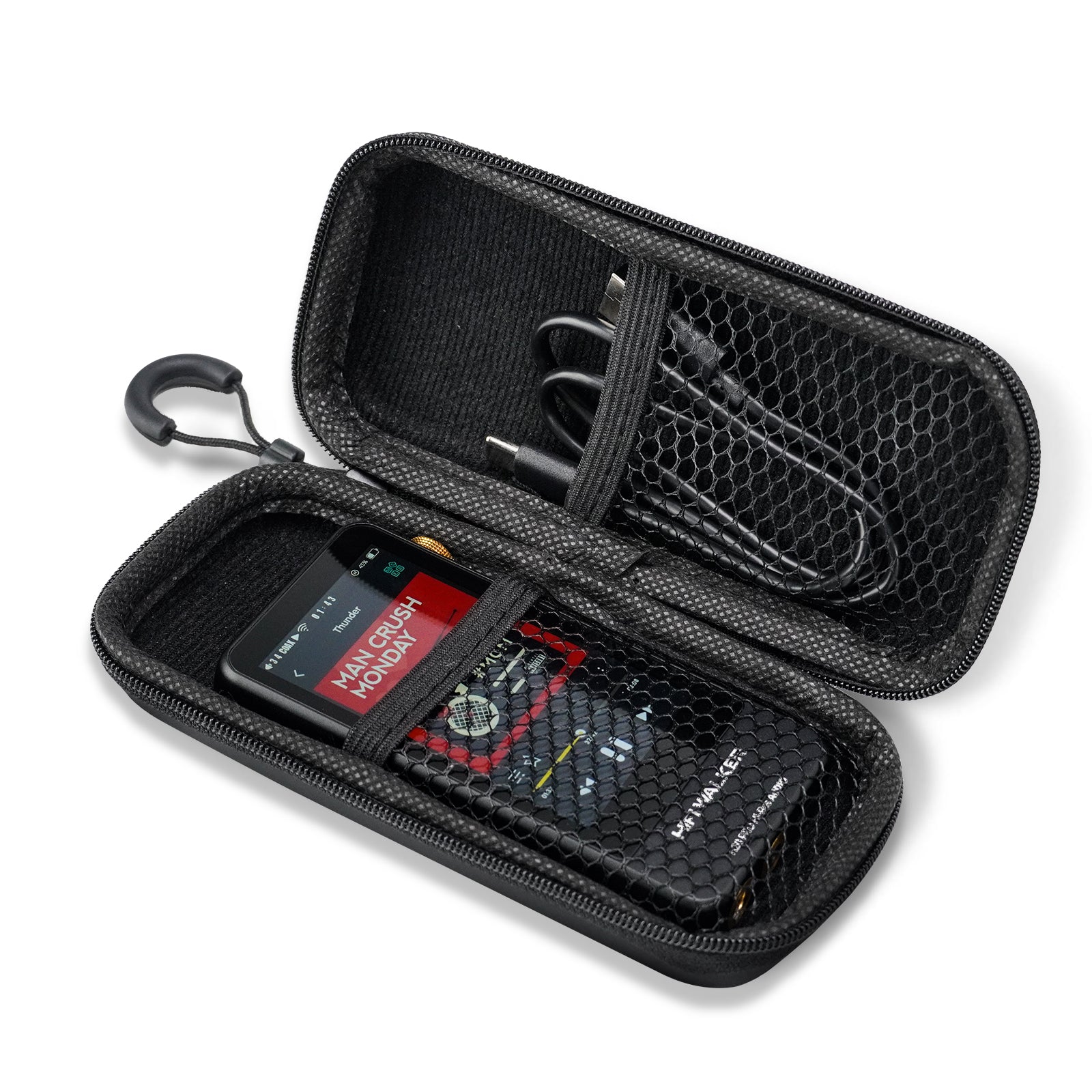
While free music players work with any audio output, you'll hear the biggest improvements with quality headphones or speakers. For optimal results, consider dedicated audio players like the HIFI WALKER series, which feature superior DAC chips and amplification.
Q4: Are free music players better than paid alternatives?
Many excellent free music players rival or exceed paid options in functionality. The choice depends on specific features needed. Foobar2000, MusicBee, and VLC offer professional-grade capabilities at no cost.
Q5: How do I choose the best free music player for my needs?
Consider your music library size, preferred audio formats, device compatibility, and desired features. Audiophiles should prioritize bit-perfect output and advanced DSP, while casual users might prefer simple interfaces and streaming integration.