Expert Insights
- Professional mastering engineers often use high-quality AAC as a final delivery format for streaming platforms, validating its transparency when properly encoded.
- The key to successful FLAC to AAC conversion lies in using variable bitrate encoding rather than constant bitrate, as VBR adapts to musical complexity for optimal efficiency.
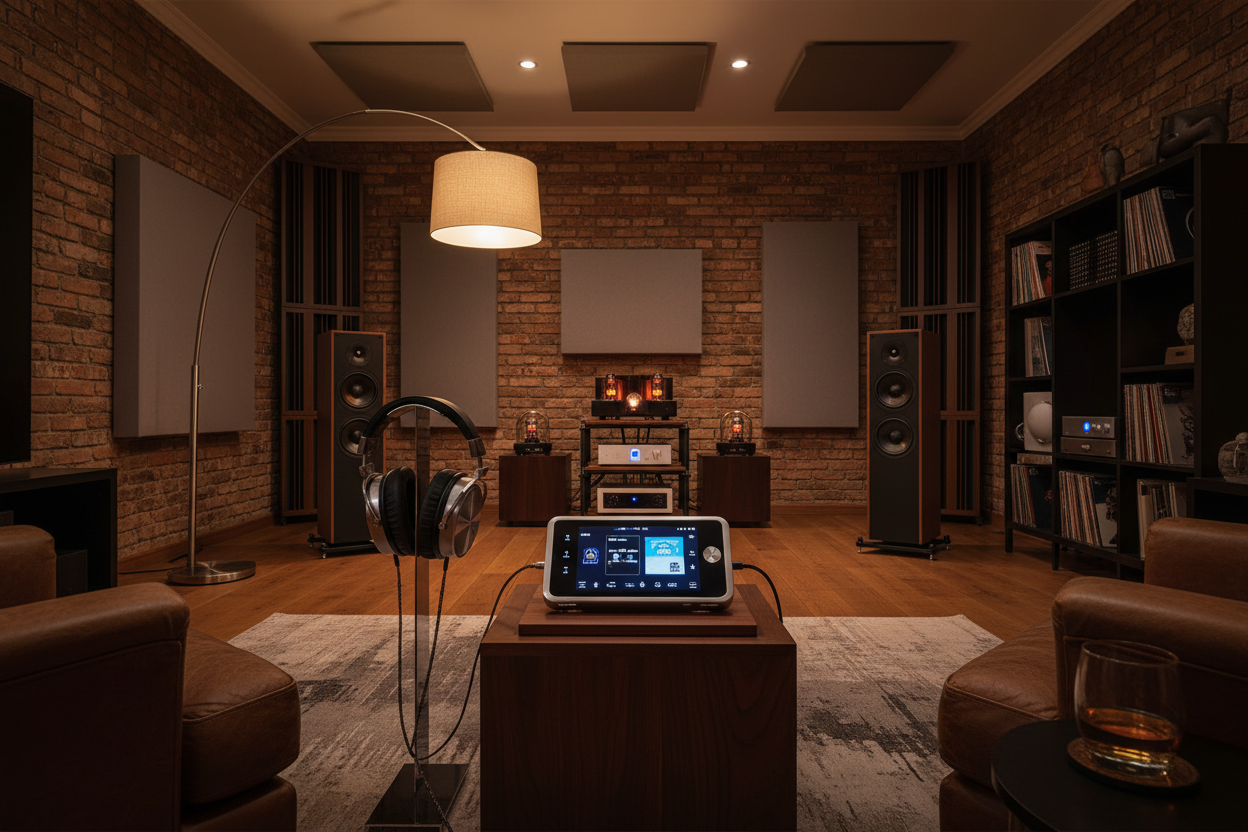
- Dedicated digital audio players with high-quality DACs can reveal subtle differences between formats that smartphone audio cannot reproduce, making equipment choice crucial for critical evaluation.
Understanding FLAC to AAC Lossless Conversion
Converting FLAC to AAC lossless represents one of the most common challenges facing modern audiophiles. While FLAC delivers true lossless compression, AAC's widespread compatibility across devices makes it an attractive alternative for portable listening. The key lies in understanding that 'lossless AAC conversion' refers to using the highest quality settings possible, not truly lossless compression like FLAC.
Why Convert FLAC?
- Smaller file sizes for mobile devices
- Universal compatibility across platforms
- Reduced storage requirements
- Faster streaming and transfer speeds
Quality Considerations
- AAC 256-320 kbps maintains near-transparent quality
- Advanced psychoacoustic modeling preserves detail
- Variable bitrate encoding optimizes efficiency
- Professional mastering chains use AAC extensively

- ►1. Understanding FLAC to AAC Lossless Conversion
- ►2. Best Software Tools for FLAC to AAC Conversion
- ►3. Optimal AAC Encoding Settings for Quality Preservation
- ►4. Professional Playback Equipment for Converted Files
- ►5. Quality Testing and Verification Methods
- ►6. File Management and Organization Strategies
- ►7. Advanced Conversion Techniques and Troubleshooting
Best Software Tools for FLAC to AAC Conversion
Professional audio conversion requires specialized software that preserves metadata and applies optimal encoding algorithms. The choice of converter significantly impacts the final audio quality of your AAC files.
Choose Professional Software
Select converters like XLD (Mac), foobar2000 (Windows), or dBpoweramp for their superior AAC encoders and batch processing capabilities.
Configure AAC Settings
Set AAC encoding to VBR (Variable Bit Rate) with quality level 5-6, equivalent to 256-320 kbps average bitrate for optimal balance.
Preserve Metadata
Ensure all tags, album art, and embedded information transfer correctly from FLAC to AAC format during conversion process.
Batch Process Efficiently
Utilize multi-core processing and queue management for converting entire music libraries while maintaining consistent quality standards.
Optimal AAC Encoding Settings for Quality Preservation
Achieving the best possible AAC quality from FLAC sources requires understanding the nuances of advanced encoding parameters. Modern AAC encoders offer sophisticated options that can dramatically impact perceived audio fidelity.
Essential Settings
- VBR Quality 5-6 (256-320 kbps avg)
- 48kHz or 44.1kHz sample rate matching source
- Stereo or original channel configuration
- AAC-LC profile for universal compatibility
Advanced Options
- Bandwidth extension for high frequencies
- Temporal noise shaping (TNS) enabled
- Intensity stereo for efficient encoding
- Psychoacoustic model optimization

The Apple AAC encoder, available through iTunes and other Apple software, consistently delivers superior results compared to many third-party alternatives. Its advanced psychoacoustic modeling and bit allocation strategies make it the gold standard for high-quality AAC conversion.
Professional Playback Equipment for Converted Files
Converting to AAC opens up new possibilities for high-quality portable listening. Dedicated digital audio players excel at AAC playback, offering superior DACs and amplification compared to smartphones.

For users seeking a balance between performance and affordability, mid-range players offer excellent AAC decoding capabilities with extended battery life specifically designed for music playback.


Quality Testing and Verification Methods
Verifying conversion quality ensures your AAC files maintain the sonic characteristics of the original FLAC recordings. Professional testing methods help identify potential issues before they affect your listening experience.
A/B Comparison Testing
Use reference tracks to compare original FLAC against converted AAC using identical playback equipment and volume levels.
Spectrum Analysis
Employ audio analysis software to examine frequency response differences and identify any artifacts introduced during conversion.
Critical Listening Sessions
Focus on complex musical passages, transients, and high-frequency content where compression artifacts typically become audible.
Multiple Encoder Comparison
Test different AAC encoders with identical source material to identify which produces the most transparent results for your music.
Key Testing Elements
- Dynamic range preservation
- High-frequency extension above 16kHz
- Stereo imaging and soundstage accuracy
- Absence of pre-echo artifacts
Problem Indicators
- Muffled or compressed sound character
- Loss of air and space around instruments
- Metallic or digital artifacts on transients
- Reduced bass definition and impact
File Management and Organization Strategies
Effective organization of converted AAC files prevents confusion and ensures easy access to your music library. Proper naming conventions and folder structures become crucial when managing both FLAC and AAC versions.

Create Parallel Directory Structure
Maintain identical folder hierarchies for FLAC and AAC libraries, enabling easy comparison and synchronization between formats.
Implement Consistent Naming
Use clear file naming that indicates format and quality level, such as 'Artist - Song [AAC-VBR-Q5].m4a' for easy identification.
Preserve Complete Metadata
Ensure all tags including album art, release dates, and custom fields transfer accurately to maintain library organization.
Backup and Version Control
Maintain conversion logs and backup original FLAC files separately to enable re-conversion with improved settings in the future.
Music management software like specialized DAP applications can automatically organize and sync converted files across multiple devices, streamlining the process of maintaining both lossless and compressed libraries.
Advanced Conversion Techniques and Troubleshooting
Mastering advanced conversion techniques separates casual users from audio professionals. These methods address common problems and optimize results for specific use cases.
Common Issues
- Metadata corruption during conversion
- Volume level inconsistencies between files
- Compatibility problems with specific players
- Batch conversion errors and interruptions
Professional Solutions
- Use ReplayGain for consistent volume levels
- Verify AAC profile compatibility requirements
- Implement checksum verification for file integrity
- Configure error handling and resume capabilities

For audiophiles serious about portable high-quality playback, investing in dedicated digital audio players ensures optimal AAC decoding and playback quality that smartphones simply cannot match.
Frequently Asked Questions
Q1: Is AAC truly lossless compared to FLAC?
No, AAC is a lossy compression format. However, high-quality AAC (VBR Q5-6) can achieve transparent quality that's virtually indistinguishable from the original FLAC in most listening scenarios.
Q2: What's the best AAC bitrate setting for converting from FLAC?
VBR (Variable Bit Rate) Quality 5-6 is optimal, averaging 256-320 kbps. This provides excellent quality while maintaining reasonable file sizes for portable devices.
Q3: Which AAC encoder produces the highest quality results?
Apple's AAC encoder (available in iTunes/Music app) and Fraunhofer FDK-AAC are considered the highest quality options, with Apple's encoder being particularly praised for its psychoacoustic modeling.
Q4: How much smaller are AAC files compared to FLAC?
AAC files are typically 70-80% smaller than FLAC. A FLAC file around 30-40MB typically converts to an AAC file of 8-12MB while maintaining near-transparent quality.
Q5: Can I hear the difference between FLAC and high-quality AAC?
With proper equipment and trained listening, differences may be subtle. Most listeners cannot reliably distinguish between well-encoded AAC (VBR Q5+) and FLAC in blind tests, especially with complex music.