


Last updated: April 13, 2026
Expert Insights: FLAC Playback in 2026
- Modern DAC technology in 2026 has made high-resolution FLAC playback more accessible, with entry-level players now supporting 24-bit/192kHz without significant battery impact.
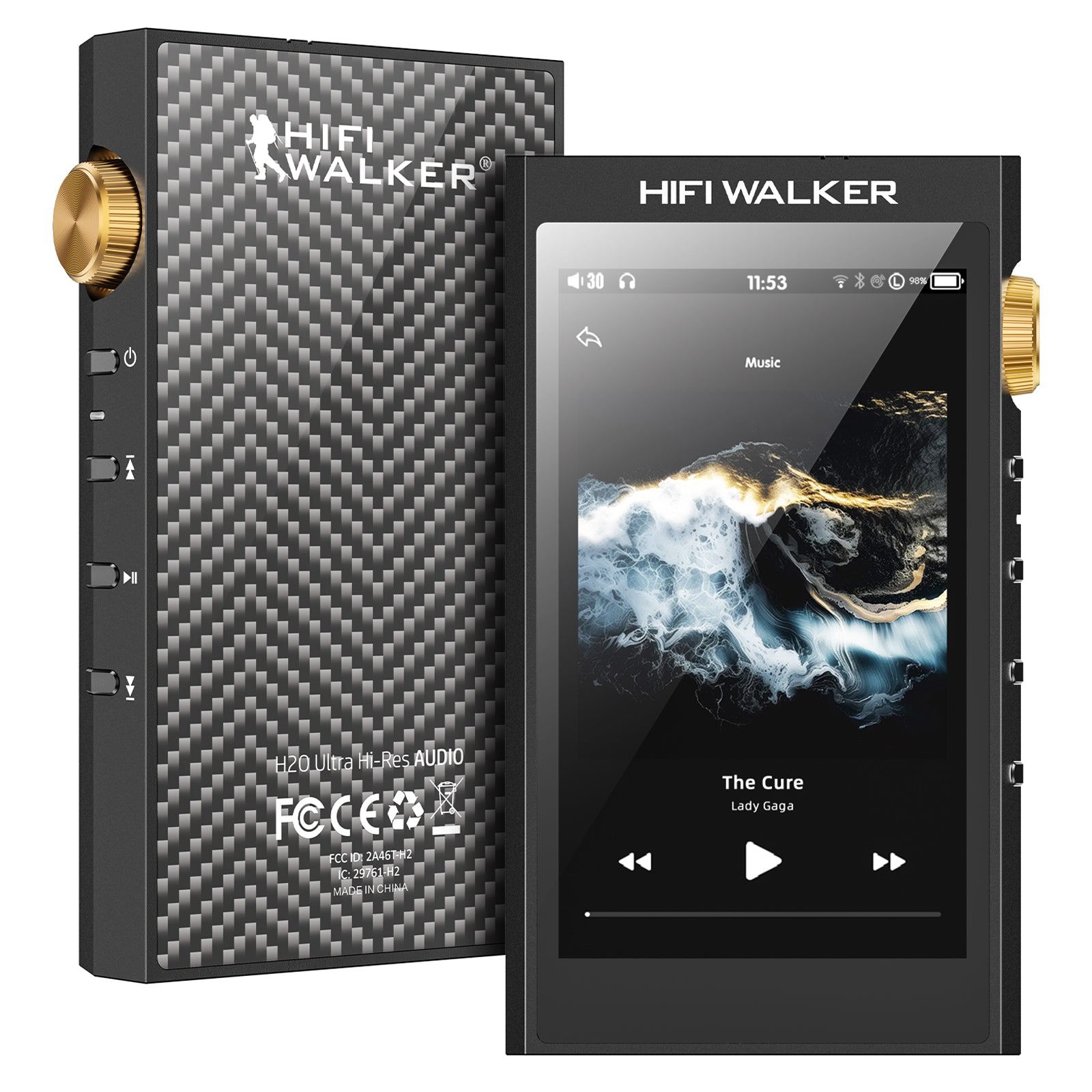
- The integration of balanced outputs in portable players like the H20 Ultra has revolutionized headphone compatibility, allowing efficient power delivery to high-impedance audiophile headphones.
- Streaming FLAC has become mainstream with 5G networks, but dedicated storage remains crucial for consistent quality without network dependencies or data limitations.
Understanding FLAC Files and Player Compatibility in 2026
FLAC (Free Lossless Audio Codec) files represent the pinnacle of digital audio quality, preserving every nuance of your original recording without compression artifacts. In 2026, understanding how to play FLAC files on MP3 player devices has become essential for audiophiles seeking pristine sound reproduction.

Understanding FLAC Files
FLAC Advantages
- Bit-perfect audio reproduction
- Support for high-resolution formats up to 32-bit/384kHz
- Metadata preservation including album art
- Open-source format with no licensing fees
Compatibility Considerations
- Requires dedicated DAC chips like ESS Sabre
- Storage demands 3-5x larger than MP3
- Processing power needs for real-time decoding
- Battery impact on portable devices
- ►1. Understanding FLAC Files and Player Compatibility in 2026
- ►2. Step-by-Step Guide: How to Play FLAC Files on Your MP3 Player
- ►3. Best HIFI WALKER Players for FLAC Playback in 2026
- ►4. Android vs Dedicated FLAC Players: Making the Right Choice
- ►5. Troubleshooting Common FLAC Playback Issues
- ►6. Optimizing Your FLAC Library for Maximum Quality
Step-by-Step Guide: How to Play FLAC Files on Your MP3 Player

How to play FLAC files on MP3 player?
Successfully playing FLAC files requires more than simply copying files to your device. Follow this comprehensive process to ensure optimal lossless audio playback on your MP3 player.
Verify Hardware Compatibility
Check your MP3 player's specifications for FLAC support. Look for dedicated DAC chips (ESS9018, ES9038, etc.), sample rate support (minimum 24-bit/96kHz), and sufficient processing power.
Prepare Your FLAC Library
Organize files in folders by artist/album. Ensure proper metadata tagging and verify file integrity using tools like foobar2000 or MediaInfo to confirm bit-perfect quality.
Transfer Files Correctly
Use high-speed USB 3.0 connections when available. Copy files to the music folder, maintaining directory structure. Avoid conversion or re-encoding during transfer.
Configure Player Settings
Access audio settings menu, enable high-resolution mode, select appropriate gain settings, and configure digital filters if available. Update firmware for latest codec support.
Best HIFI WALKER Players for FLAC Playback in 2026
HIFI WALKER's 2026 lineup offers exceptional FLAC compatibility across multiple price points. Each model incorporates advanced DAC technology and optimized firmware for seamless lossless audio reproduction.


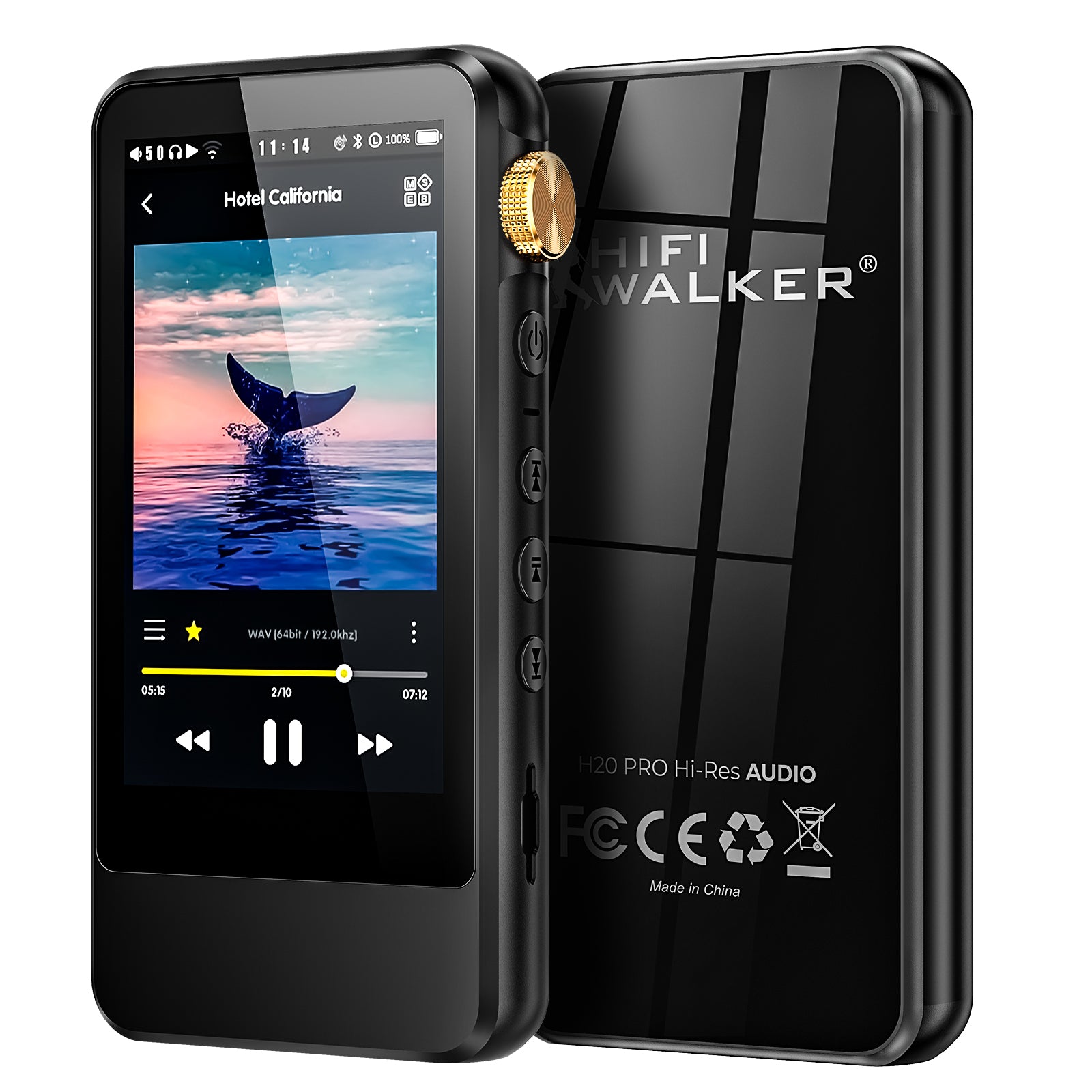
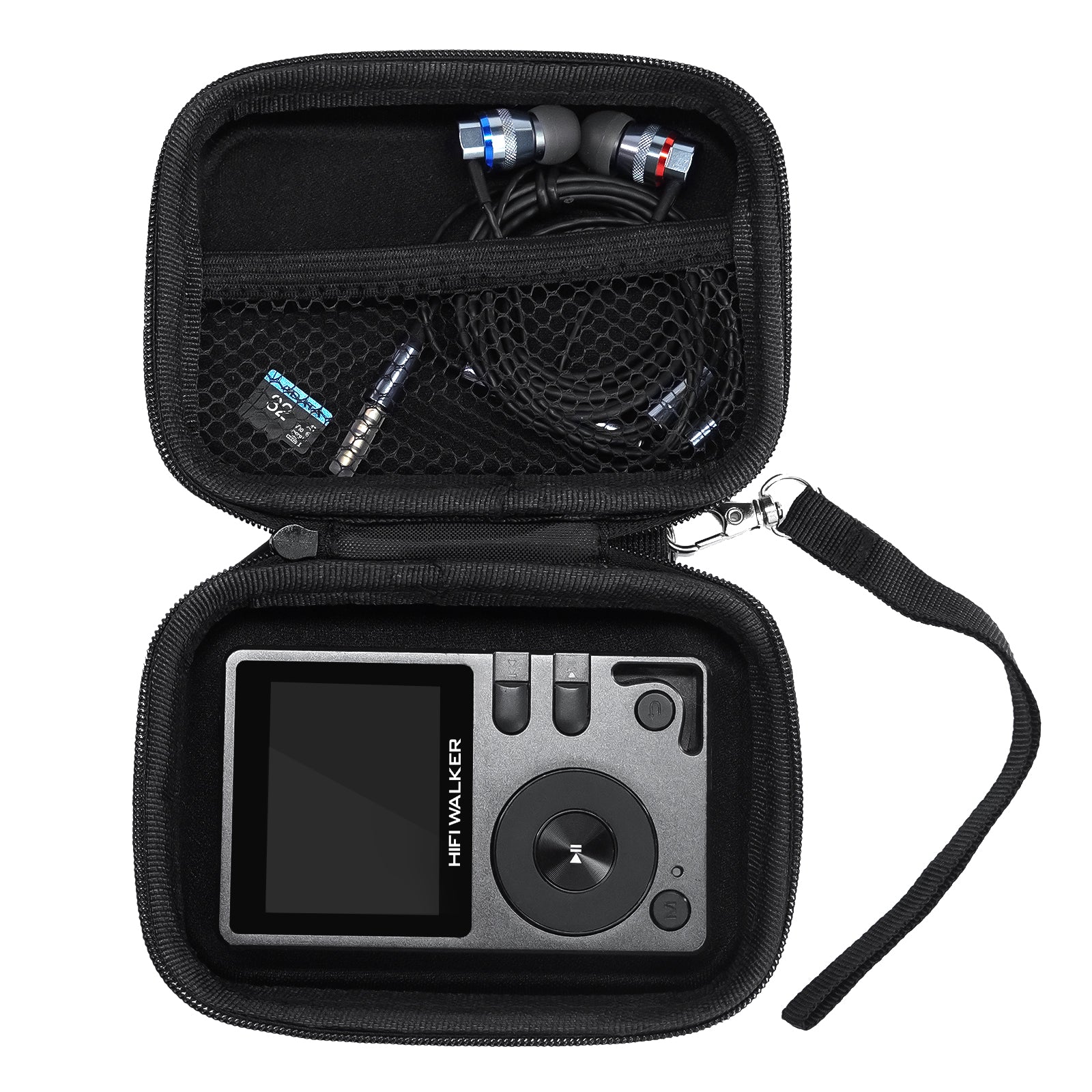
H20 Pro delivers professional-grade FLAC playback with dual ES9219 DACs
Android vs Dedicated FLAC Players: Making the Right Choice
In 2026, the choice between Android-based and dedicated FLAC players significantly impacts your listening experience. Each approach offers distinct advantages for different user preferences and requirements.
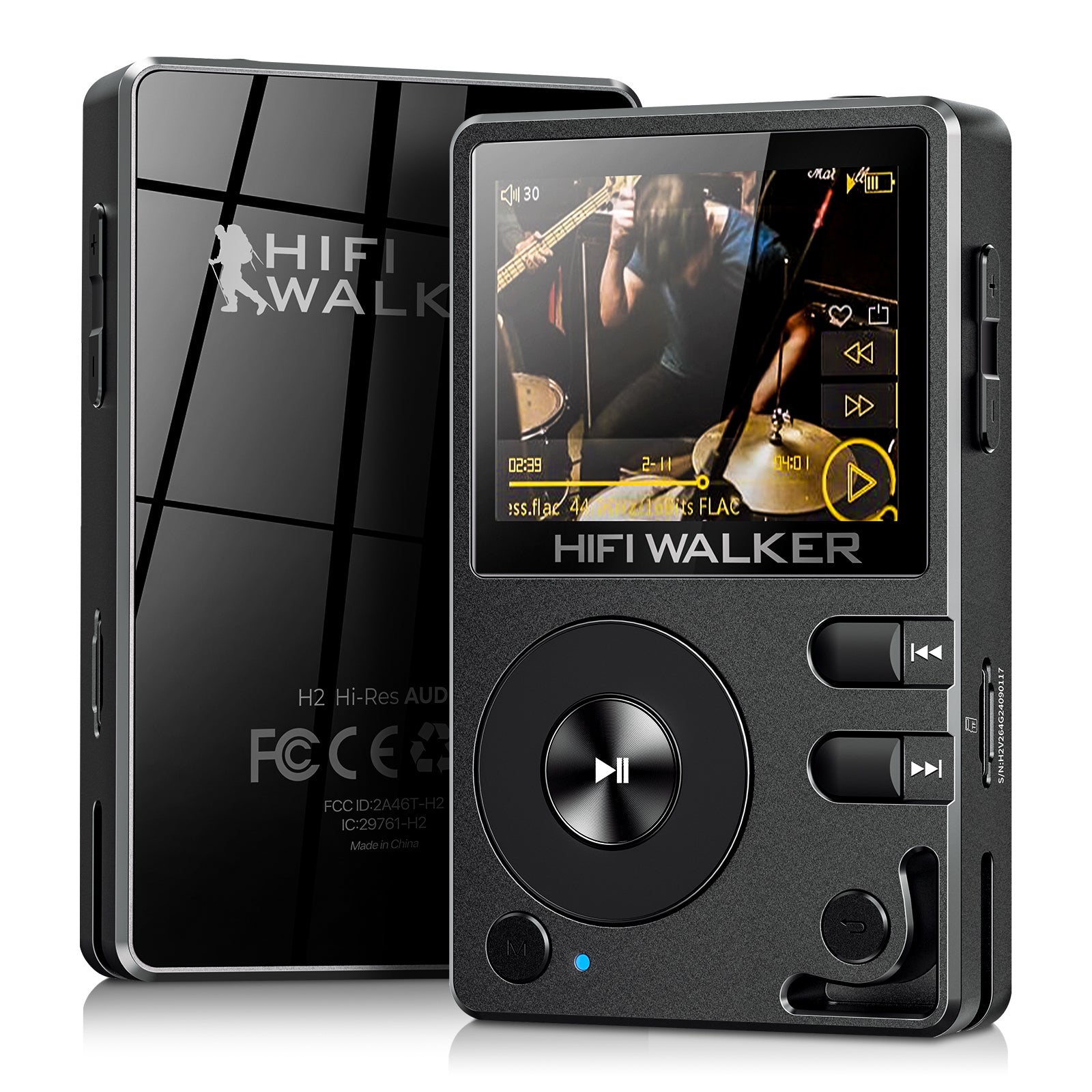
Dedicated Players (H2, H20 Series)
- Optimized solely for audio playback
- Lower power consumption and EMI
- Simplified interface reduces distractions
- Direct hardware control of DAC
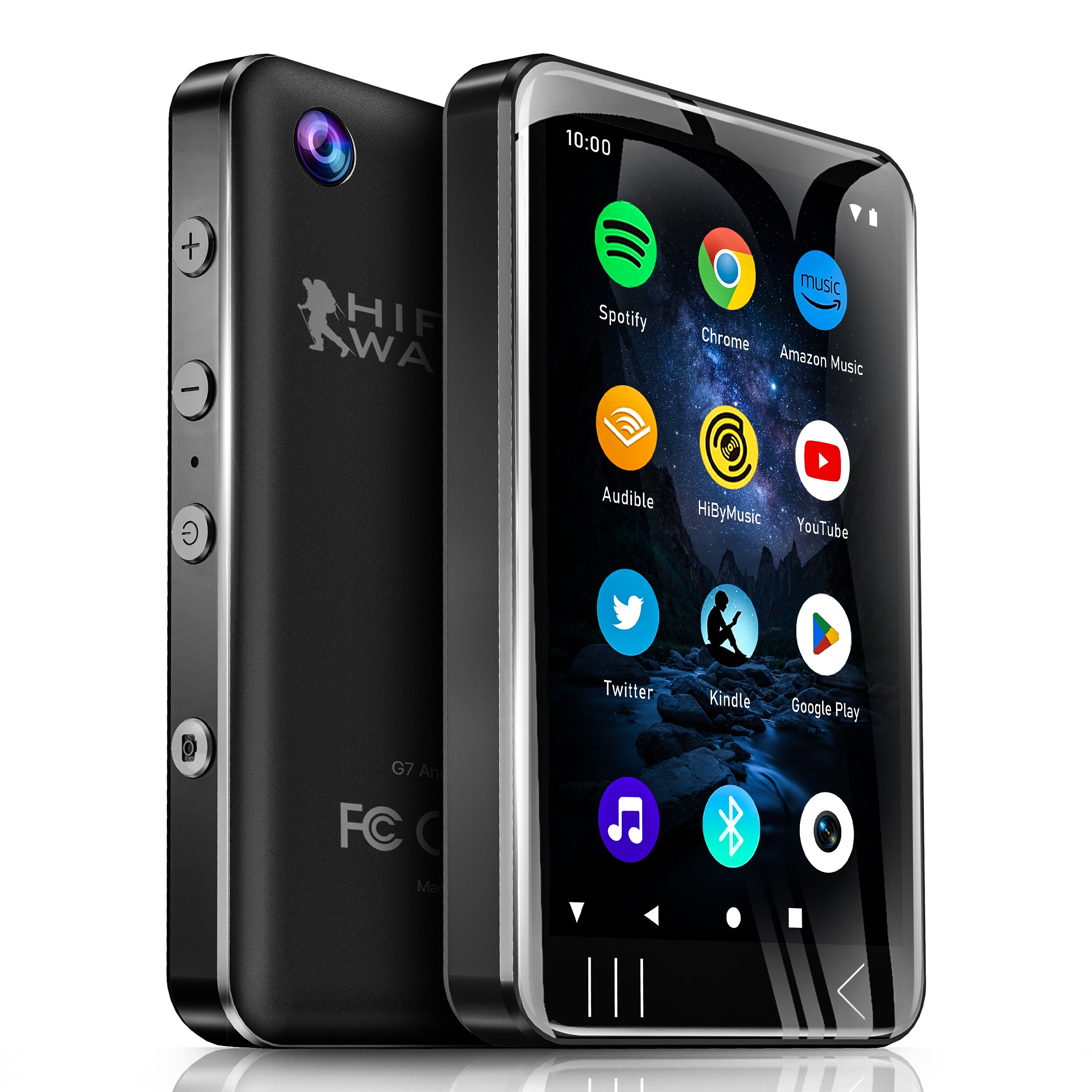
Android Players (G7 Series)
- Streaming service integration (Spotify, Tidal)
- App ecosystem for audio enhancement
- Wi-Fi connectivity for cloud libraries
- Multimedia functionality beyond audio

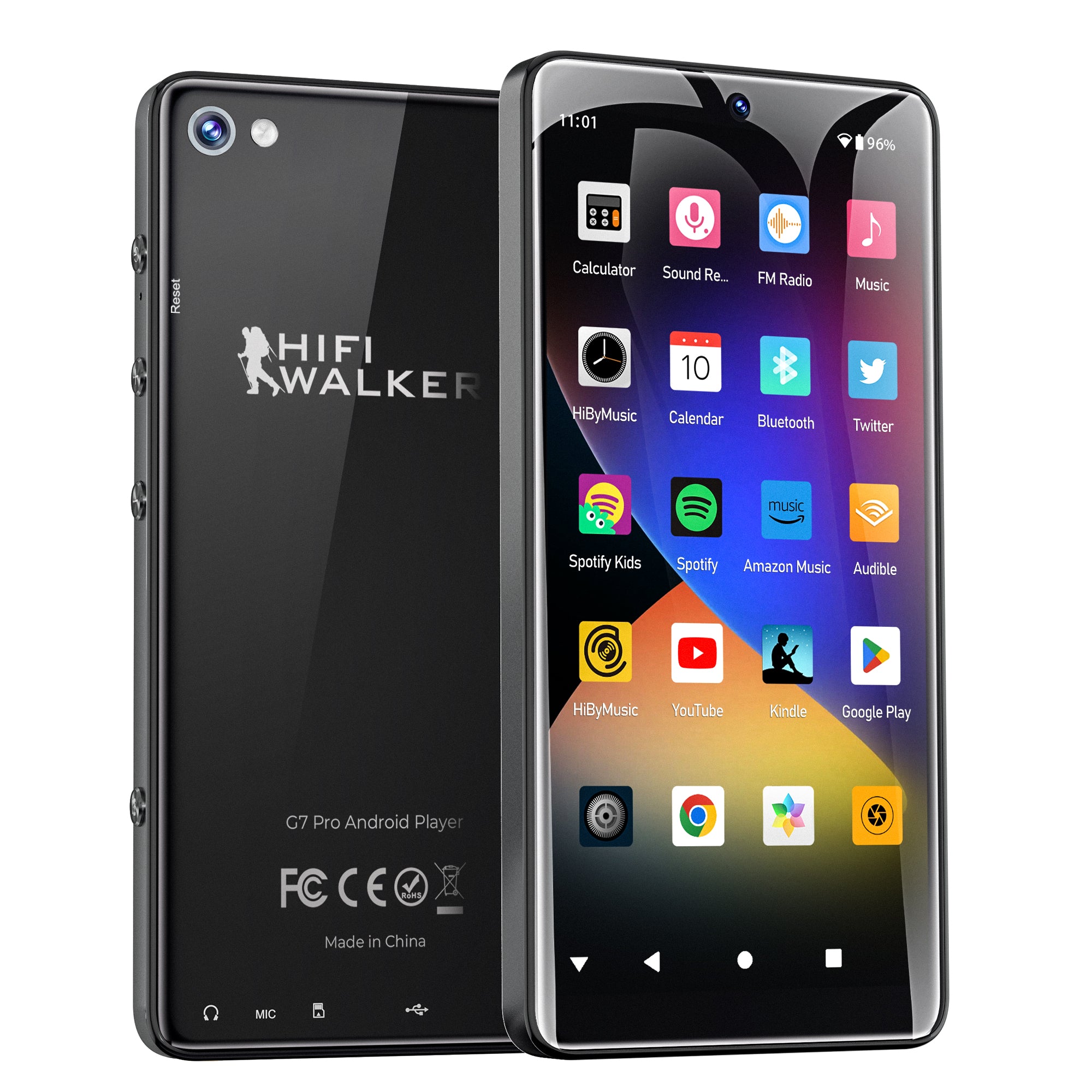
G7 Android Player combines FLAC support with streaming capabilities

↑ Back to Top
Back to Top ↑Troubleshooting Common FLAC Playback Issues
Even with compatible hardware, FLAC playback can encounter various technical challenges. Understanding these common issues and their solutions ensures consistent high-quality audio performance.

no alt text
Optimizing Your FLAC Library for Maximum Quality
Building and maintaining a high-quality FLAC library requires attention to source material, proper ripping techniques, and effective organization strategies that maximize your lossless audio MP3 player experience.
Source Selection
Prioritize CD rips over downloads when possible. Use AccurateRip database verification. Consider high-resolution downloads from sites like HDTracks or Qobuz for superior source material.
Ripping Best Practices
Use EAC (Exact Audio Copy) or dBpoweramp with secure ripping modes. Enable C2 error correction and verify against online databases. Save in FLAC level 8 for maximum compression without quality loss.
Metadata Management
Implement consistent tagging schemes using MusicBrainz Picard. Include replay gain values for volume normalization. Embed album artwork at appropriate resolution (500x500 pixels recommended).
Storage Organization
Structure folders as Artist/Album/Track format. Use microSD cards with A2 rating for better random access performance. Maintain backup copies on separate storage media.
Frequently Asked Questions
Q1: Can all MP3 players play FLAC files?
No, not all MP3 players support FLAC files. You need a device with dedicated DAC chips and sufficient processing power. HIFI WALKER models like the H2 ($119.20) and H20 Pro ($180.00) are specifically designed for FLAC playback with advanced audio processing capabilities.
Q2: What's the difference between FLAC and high-quality MP3?
FLAC is lossless, preserving 100% of original audio data, while even 320kbps MP3 discards information. FLAC files are 3-5x larger but offer bit-perfect reproduction essential for critical listening with premium audio equipment.
Q3: How much storage do I need for a FLAC music library?
A typical FLAC album requires 200-400MB compared to 80-120MB for MP3. For serious collectors, consider 256GB or 512GB microSD cards. The H20 Ultra supports up to 2TB external storage for extensive libraries.
Q4: Does FLAC playback drain battery faster than MP3?
Yes, FLAC requires more processing power, typically reducing battery life by 10-20%. However, HIFI WALKER's optimized firmware minimizes this impact, with the H20 Pro achieving 10-12 hours of continuous FLAC playback.
Q5: Can I stream FLAC files from online services?
Yes, services like Tidal HiFi and Qobuz offer FLAC streaming. The G7 Android Player ($74.25) supports these services natively, combining local FLAC playback with high-quality streaming options.


