

Last updated: March 24, 2026
Expert Insights: Maximizing Music Sharing in 2026
- SharePlay's synchronized playback creates genuine shared experiences, but dedicated DAPs unlock Apple Music's full Lossless potential that compressed streaming cannot deliver.
- The G7 series' 50+ hour battery life eliminates the constant charging anxiety that plagues smartphone-based music sharing during extended listening sessions.
- Physical playback controls on dedicated players provide tactile feedback that enhances the music experience, especially important for audiophiles and serious listeners.
What is Apple Music SharePlay and Why You Need It in 2026
Music sharing has evolved dramatically in 2026, and Apple Music SharePlay remains one of the most powerful features for synchronized listening. This innovative feature lets you and your friends listen to the exact same song simultaneously during FaceTime calls, creating virtual listening parties that bridge any distance.
Without SharePlay
- Everyone plays different parts of songs
- No synchronized controls
- Difficult to discuss specific moments
- Fragmented listening experience
With SharePlay
- Perfect synchronization across devices
- Shared playback controls
- Real-time music discussion
- Enhanced social connection

What Exactly is Apple Music Share Play?
- ►1. What is Apple Music SharePlay and Why You Need It in 2026
- ►2. How to SharePlay Apple Music: Complete Step-by-Step Setup
- ►3. Advanced SharePlay Features and Troubleshooting Tips
- ►4. Best Portable Audio Players for Enhanced Music Sharing
- ►5. HIFI WALKER G7 Series: Perfect Companions for Music Lovers
- ►6. Music Sharing Scenarios: Choosing the Right Method in 2026
- ►7. Maximizing Your Apple Music Experience Beyond SharePlay
How to SharePlay Apple Music: Complete Step-by-Step Setup
Setting up SharePlay on Apple Music is straightforward when you know the exact steps. Every participant needs an active Apple Music subscription, but the process itself takes less than a minute to initiate.
Initiate FaceTime Call
Start a video or audio FaceTime call with friends who have Apple Music subscriptions. Ensure everyone has iOS 15.1 or later for optimal compatibility.
Access Apple Music
While on the call, swipe up to access your apps and open Apple Music. Don't end the FaceTime call - it continues in the background.
Select Your Content
Choose any song, album, or playlist from Apple Music's vast library. Lossless and Hi-Res Lossless tracks work perfectly with SharePlay.
Enable SharePlay
When you hit play, a SharePlay prompt appears. Tap 'SharePlay' to sync playback across all participants' devices instantly.
Enjoy Synchronized Listening
Now everyone hears the same music simultaneously. Any participant can control playback, skip tracks, or adjust the queue.
Advanced SharePlay Features and Troubleshooting Tips
Beyond basic playback, SharePlay offers advanced controls that enhance group listening. Understanding these features helps you maximize your music sharing experience and resolve common issues quickly.
Advanced Controls
- Queue management for all participants
- Individual volume control
- Shared playlist creation
- Cross-device handoff support
Common Solutions
- Restart FaceTime if sync issues occur
- Check Apple Music subscription status
- Ensure stable internet connection
- Update to latest iOS version
For persistent issues, visit Apple's official SharePlay support page which provides comprehensive troubleshooting steps and system requirements.
Best Portable Audio Players for Enhanced Music Sharing
While SharePlay excels for remote listening, in-person music sharing requires different solutions. Dedicated portable audio players offer superior sound quality and sharing capabilities that smartphones simply cannot match.


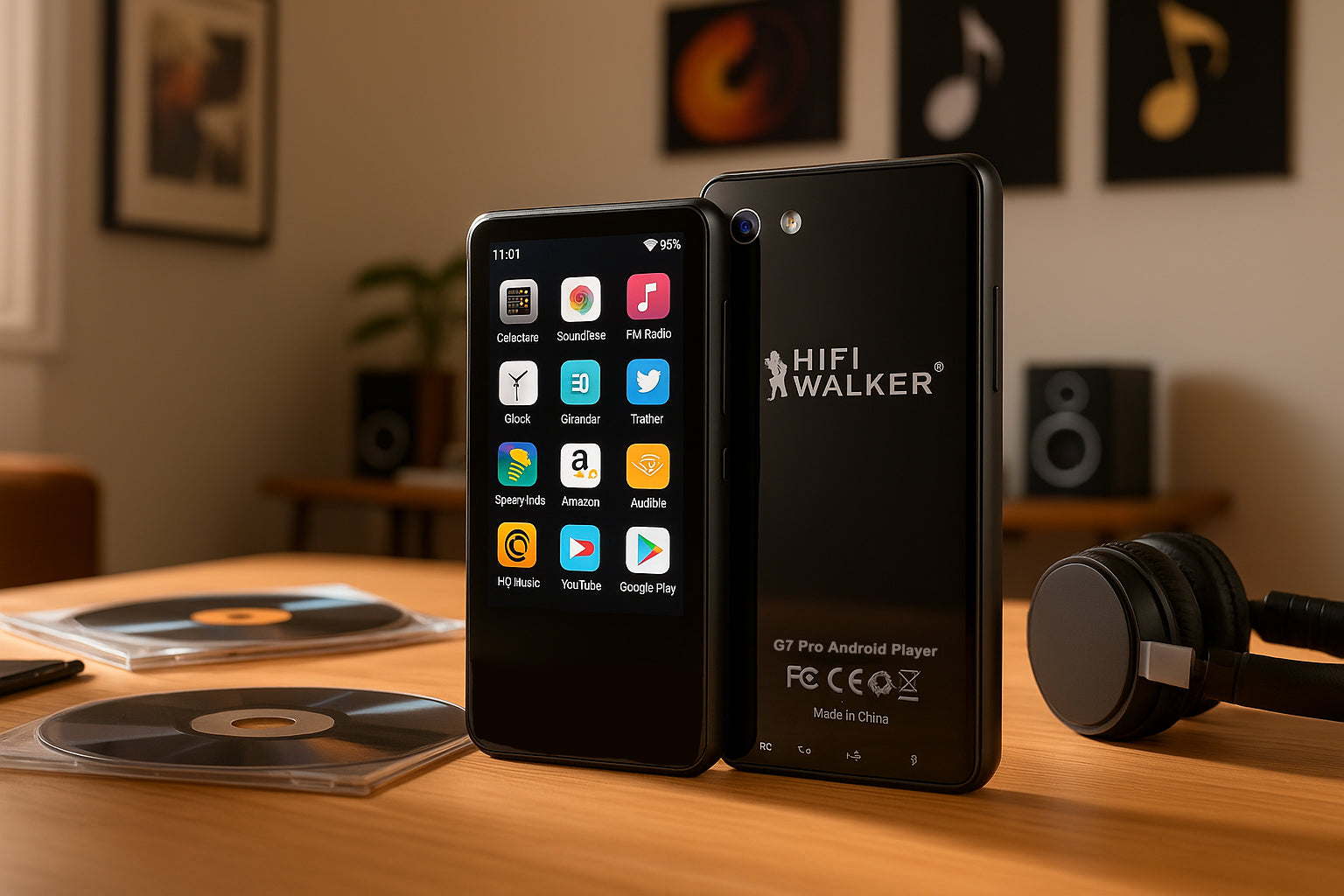
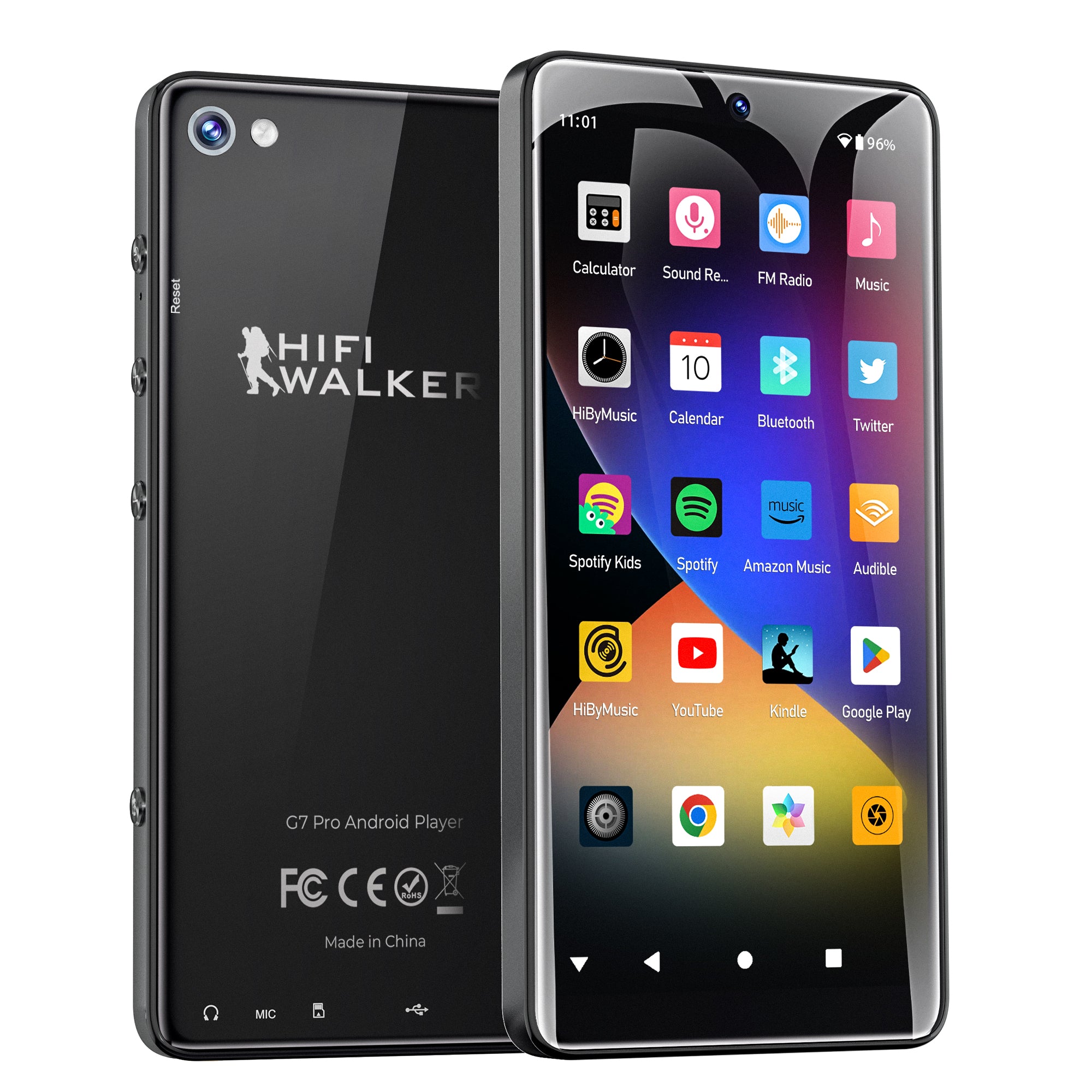
G7 Pro Android Player - Ultimate multimedia experience with premium audio
↑ Back to Top
Back to Top ↑HIFI WALKER G7 Series: Perfect Companions for Music Lovers
The HIFI WALKER G7 series offers two distinct Android-based music players, each optimized for different listening preferences and sharing scenarios.
G7 Pro ($90.00)
- 5.2-inch HD touchscreen
- 8-core processor, 3GB RAM
- Built-in 13MP + 5MP cameras
- Premium multimedia experience
- Perfect for visual music navigation
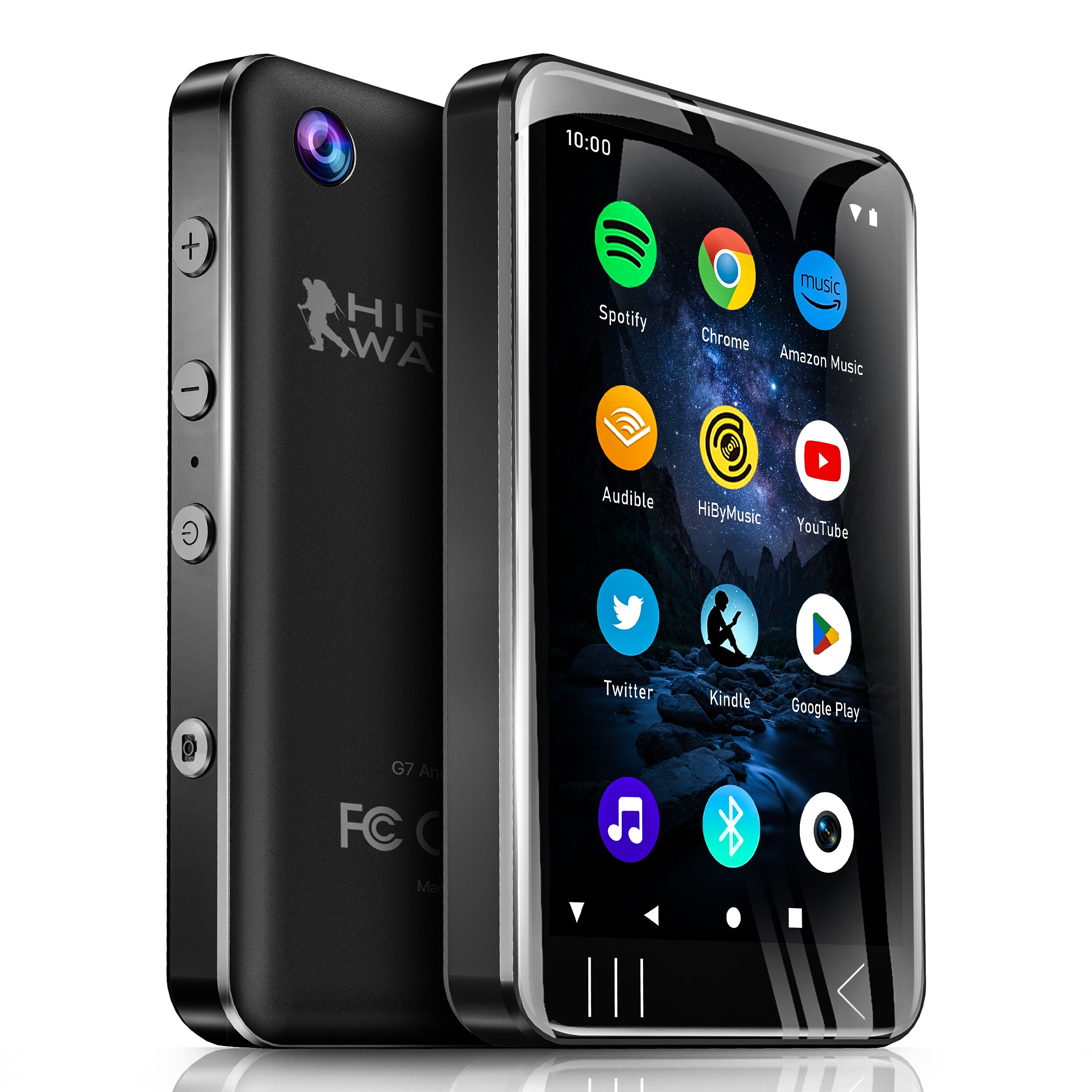
G7 Android ($74.25)
- 4.0-inch focused display
- 50+ hour battery life
- Audio-centric design
- Extended listening sessions
- Maximum portability

G7 Android Player - Exceptional battery life meets premium audio quality

Music Sharing Scenarios: Choosing the Right Method in 2026
Different situations call for different music sharing approaches. Understanding when to use SharePlay versus dedicated hardware ensures the best possible experience for every scenario.
Assess Your Environment
Determine if you're sharing remotely (use SharePlay) or in-person (consider portable players).
Consider Audio Quality Needs
For audiophile experiences, dedicated DAPs like the G7 series unlock Apple Music's Lossless potential.
Factor in Battery Life
Extended listening sessions benefit from the G7's 50+ hour battery versus smartphone limitations.
Maximizing Your Apple Music Experience Beyond SharePlay
SharePlay represents just one facet of modern music sharing. A complete audio setup in 2026 combines the convenience of SharePlay with the superior audio quality of dedicated portable players.
SharePlay Benefits
- Instant remote synchronization
- Works with existing devices
- Social FaceTime integration
- No additional hardware needed
Dedicated Player Benefits
- True Lossless audio reproduction
- Extended battery life
- Superior built-in speakers
- Physical playback controls
For the ultimate Apple Music experience, consider pairing SharePlay for remote listening with a G7 Pro for in-person sharing and critical listening sessions.

Frequently Asked Questions
Q1: Does everyone need Apple Music to use SharePlay?
Yes, every participant in the FaceTime call must have their own active Apple Music subscription to join SharePlay sessions. The feature won't work for users without subscriptions.
Q2: Can I use SharePlay with Android users?
No, SharePlay is exclusive to Apple's ecosystem and requires FaceTime, which isn't available on Android. However, you can share Apple Music playlists with Android users via direct links.
Q3: Why choose a dedicated music player over SharePlay?
Dedicated players like the HIFI WALKER G7 series offer superior audio quality, longer battery life, and built-in speakers perfect for in-person sharing. They complement SharePlay for different scenarios.
Q4: Does SharePlay work with Apple Music Lossless?
SharePlay supports Lossless tracks, but the audio quality depends on your connection and playback device. For true Lossless experience, use wired headphones with dedicated DAPs like the G7 Pro.
Q5: Can I control SharePlay music from my Apple Watch?
Yes, basic playback controls work through Apple Watch when connected to your iPhone during a SharePlay session. However, advanced queue management requires the phone or dedicated player interface.