Expert Insights
- Always archive your rips and purchases as FLAC — it's your master file. Transcode to MP3 or AAC for devices that need smaller files, never the other way around.
- The DAC chip matters more than most listeners realize. A 16-bit FLAC file through a high-quality ESS Sabre DAC will sound noticeably better than a 24-bit FLAC file through a cheap integrated chip.
- ReplayGain tags in FLAC files allow your DAP to normalize loudness across tracks without permanently altering the audio — always enable this when ripping or tagging your library.
- When buying hi-res FLAC downloads, verify the provenance. A genuine 24-bit/96 kHz master contains real high-frequency content above 20 kHz in a spectrogram analysis. An upsampled 16-bit file will show an artificial cutoff at ~22 kHz regardless of the claimed resolution.
- Balanced output (2.5mm TRRS or 4.4mm Pentaconn) on a dedicated DAP doubles the voltage swing and eliminates common-mode noise — it's the single most effective way to improve FLAC playback quality when paired with balanced-terminated headphones or IEMs.
What Is FLAC? A Plain-English Answer
FLAC — Free Lossless Audio Codec — is an open-source audio format that compresses music files without discarding a single bit of audio data. Unlike MP3 or AAC, which permanently delete frequencies your ears supposedly can't hear, FLAC preserves the full original recording. The result: files that are 50–60% smaller than uncompressed WAV, yet bit-for-bit identical when decoded. For anyone serious about sound quality, FLAC is the starting point of every conversation.
First released in 2001 by Josh Coalson and now stewarded by Xiph.Org, FLAC has become the de-facto standard for lossless audio on portable players, home streamers, and archival libraries. If you've ever wondered why two files of the same song sound completely different, the codec is usually the answer.

- ►1. What Is FLAC? A Plain-English Answer
- ►2. Lossy vs. Lossless: What Actually Gets Deleted
- ►3. How FLAC Compression Actually Works
- ►4. FLAC vs. Other Audio Formats: The Full Comparison
- ►5. What Hardware You Actually Need to Hear FLAC at Its Best
- ►6. How to Build and Manage a FLAC Library in 2026
- ►7. Can You Really Hear the Difference? What the Science Says
- ►8. Getting Started: Your First FLAC Player
Lossy vs. Lossless: What Actually Gets Deleted
The difference between lossy and lossless isn't subtle at the engineering level — it's fundamental. Lossy codecs like MP3 use psychoacoustic models to decide which frequencies to throw away. Once compressed, that data is gone forever. Lossless formats like FLAC use algorithms similar to ZIP compression: the data is rearranged to take less space, but nothing is removed.
Lossy (MP3 / AAC / OGG)
- Permanent data deletion — irreversible
- Typical bitrate: 128–320 kbps
- File size: 3–8 MB per song
- Psychoacoustic masking removes 'inaudible' frequencies
- Quality degrades with every re-encode
- Acceptable for casual background listening
Lossless (FLAC / ALAC / WAV)
- Zero data loss — mathematically identical to source
- Typical bitrate: 700–1,400 kbps
- File size: 20–40 MB per song
- Full frequency spectrum preserved
- Safe to re-encode repeatedly without degradation
- Essential for critical listening and archiving
The audible difference is most obvious through a high-resolution DAC and quality headphones. On a dedicated audio player, the extra detail in FLAC recordings — the air around a vocalist, the decay of a piano note — becomes unmistakably clear. Smartphones with integrated audio chips rarely reveal this gap.
How FLAC Compression Actually Works
FLAC uses a two-stage process: linear predictive coding (LPC) to model the audio signal, then Rice coding to encode the residuals (the difference between the predicted and actual signal). The decoder simply reverses the process — perfectly. Compression levels 0–8 trade encode speed for file size, but all levels produce identical decoded audio. Level 5 is the sweet spot most rippers use.

Audio Capture
A CD or studio recording starts as PCM (Pulse Code Modulation) data — typically 16-bit/44.1 kHz for Red Book CD, or up to 32-bit/384 kHz for hi-res studio masters.
Predictive Modeling
FLAC's encoder analyzes the waveform and builds a mathematical model to predict each sample based on previous samples. The better the prediction, the smaller the residual values.
Residual Encoding
Only the tiny differences (residuals) between predicted and actual values are stored, using Rice entropy coding — small numbers require fewer bits.
Metadata Embedding
Track title, artist, album art, ReplayGain data, and cue sheets are embedded in standardized VORBIS_COMMENT blocks — no separate sidecar files needed.
Perfect Reconstruction
Your DAP's decoder reverses every step, outputting a bitstream that is provably identical (MD5 checksum verified) to the original PCM data.
FLAC vs. Other Audio Formats: The Full Comparison
Choosing an audio format means balancing file size, compatibility, quality, and licensing. FLAC wins on almost every axis for dedicated portable players — but understanding where alternatives fit helps you build a smarter library.
For most audiophiles building a portable library in 2026, FLAC is the practical champion: open, widely supported, excellent compression, and completely royalty-free. DSD is the format of choice for true purists with enough storage. WAV wastes space unnecessarily on portable devices. MQA's future remains uncertain after the licensing upheaval of 2023–2024.
What Hardware You Actually Need to Hear FLAC at Its Best
FLAC is only as good as the hardware decoding it. A smartphone playing a 24-bit/96 kHz FLAC file through a budget integrated DAC produces mediocre results — the codec is doing its job perfectly, but the hardware isn't. A dedicated digital audio player (DAP) with a high-quality DAC chip, proper analog stage, and low output impedance transforms the same file into something revelatory.
Smartphone Audio Limitations
- Integrated SoC DAC with high noise floor
- Aggressive digital volume attenuation
- Background processes introduce jitter
- Single-ended output only (most models)
- Output impedance often 10–32 Ω
- Battery optimized for screen, not audio
Dedicated DAP Advantages
- Audiophile-grade ESS Sabre or AKM DAC chip
- Clean analog power supply for DAC/amp stage
- Dedicated audio processor minimizes jitter
- Balanced 2.5 mm / 4.4 mm Pentaconn output
- Output impedance often <1 Ω
- Battery sized for 15–20 hours audio playback

For listeners stepping into hi-res audio for the first time, a mid-range DAP delivers transformative results without requiring a flagship budget. The key specs to look for: native FLAC support up to at least 24-bit/192 kHz, a dedicated DAC chip (not just the phone SoC), and low output impedance for IEM compatibility. Check our full HIFI WALKER DAP collection for options across every price tier.

↑ Back to Top
Back to Top ↑How to Build and Manage a FLAC Library in 2026
The good news: building a proper FLAC library has never been easier. Whether you're ripping CDs, downloading from hi-res stores like Qobuz or HDtracks, or converting from an existing collection, the tools are mature, free, and straightforward.
Rip CDs with Exact Audio Copy (EAC) or dBpoweramp
These tools use AccurateRip verification to confirm your rip matches a database of known-good copies. Always rip to FLAC at compression level 5 or 8 — the audio is identical regardless.
Download Hi-Res Files from Reputable Stores
Qobuz, HDtracks, Bandcamp, and 7digital offer FLAC downloads up to 24-bit/192 kHz. Always check that the 'hi-res' version is a genuine high-resolution master — many are simply upsampled 16-bit files.
Tag and Organize with MusicBrainz Picard or beets
Consistent tagging (artist, album, track number, year, genre, embedded album art) is essential for your DAP to display music correctly. MusicBrainz Picard auto-tags using acoustic fingerprinting.
Choose Your Storage Strategy
A 512 GB microSD card holds approximately 1,200–1,500 albums in FLAC at CD quality. For a hi-res library (24-bit/96 kHz average), budget about 4× the storage per album compared to standard FLAC.
Transfer to Your DAP
Most modern DAPs support drag-and-drop via USB-C MTP mode. Organize into Artist > Album folder structure for the best browsing experience. Avoid iTunes — it may silently transcode your files.

Can You Really Hear the Difference? What the Science Says
This is the most debated question in audio. The honest answer: it depends on your playback chain. Blind tests at 16-bit/44.1 kHz FLAC vs. 320 kbps MP3 produce mixed results — some experienced listeners pass consistently, others don't. However, the debate shifts significantly when comparing 24-bit/96 kHz FLAC through a reference-grade DAC and headphones.
The 2016 AES paper by Joshua Reiss ("A Meta-Analysis of High Resolution Audio") analyzed 80 published studies and found that listeners could distinguish hi-res audio from CD-quality at a statistically significant rate when the playback system was properly controlled. The key variable isn't just the codec — it's the entire chain: DAC quality, amplifier noise floor, headphone distortion, and even room acoustics for speakers.
From a purely practical standpoint: FLAC is your archival master. Even if you argue the audible difference is subtle, there is zero argument for discarding data permanently when storage is cheap and portable players handle large libraries effortlessly. Rip to FLAC once; transcode to anything else whenever needed — never the reverse.
Getting Started: Your First FLAC Player
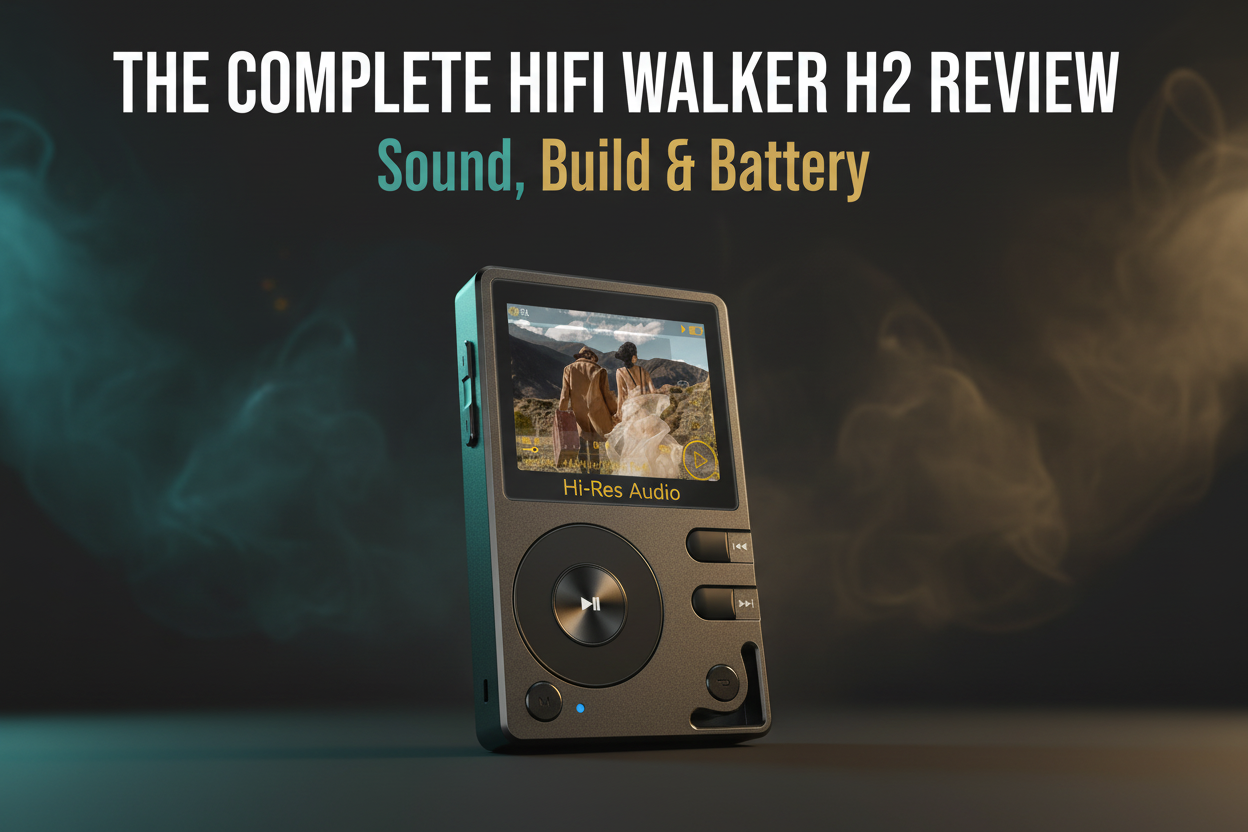
Ready to experience FLAC the way it was meant to sound? The single most impactful upgrade you can make is moving from a smartphone to a dedicated audio player with a proper DAC. HIFI WALKER's lineup covers every entry point — from the compact H2 Mini Hi-Res Music Player to the flagship H20Ultra Hi-Res Audio Player.
For deeper dives into how specific models perform with hi-res FLAC files, check out our DAP Reviews & Comparisons blog — we regularly publish detailed listening tests across our full product range.


Whether you're just discovering what FLAC is or ready to upgrade your entire listening setup, the path forward is clear: lossless audio, a dedicated player, and the patience to actually listen. Your music collection has been waiting to sound like this.
Frequently Asked Questions
Q1: Is FLAC the same as lossless audio?
FLAC is one type of lossless audio format — but not the only one. Other lossless formats include WAV (uncompressed), ALAC (Apple Lossless), and AIFF. What they all share: zero audio data is discarded during compression or storage. FLAC is the most popular lossless format for portable players because it's open-source, widely supported, and achieves 50–60% compression without any quality loss.
Q2: Does FLAC actually sound better than MP3?
Through a high-quality DAC and good headphones, FLAC typically sounds more detailed and spacious than MP3 — especially at lower MP3 bitrates (128–192 kbps). The difference narrows at MP3 320 kbps, and blind tests show mixed results. However, FLAC is always the correct archival choice: it's your bit-perfect master file that you can transcode to any other format in the future. MP3 discards data permanently.
Q3: How much storage does a FLAC library take up?
A standard CD-quality FLAC album (16-bit/44.1 kHz, ~10 tracks) typically uses 200–350 MB. A hi-res album (24-bit/96 kHz) uses roughly 800 MB–1.2 GB. A 512 GB microSD card — standard in many modern DAPs — holds approximately 1,200–1,500 CD-quality FLAC albums, or 400–600 hi-res albums. Storage has become inexpensive enough that there's rarely a practical reason to choose lossy formats for your main library.
Q4: Can my smartphone play FLAC files?
Most modern Android smartphones can play FLAC files natively or via apps like Poweramp or USB Audio Player Pro. iPhones support FLAC since iOS 11. However, playback quality is limited by the phone's integrated DAC and amplifier circuitry, which are optimized for battery efficiency rather than audio fidelity. A dedicated digital audio player with a proper ESS or AKM DAC chip will reveal significantly more detail from the same FLAC file.
Q5: What's the difference between FLAC and Hi-Res FLAC?
Standard FLAC typically refers to CD-quality: 16-bit depth at 44.1 kHz sample rate. Hi-Res FLAC (or Hi-Res Audio FLAC) refers to files exceeding CD quality — typically 24-bit depth at 88.2, 96, 176.4, or 192 kHz sample rates, sometimes up to 32-bit/384 kHz. Hi-Res FLAC files are larger and require a DAP and DAC chip capable of decoding those higher specifications. Both are perfectly lossless; the hi-res version simply started with more data in the recording chain.