Update the firmware only when the Download Center recommends an update. If your player is working normally, we do not recommend updating the firmware.
Download the compatible firmware
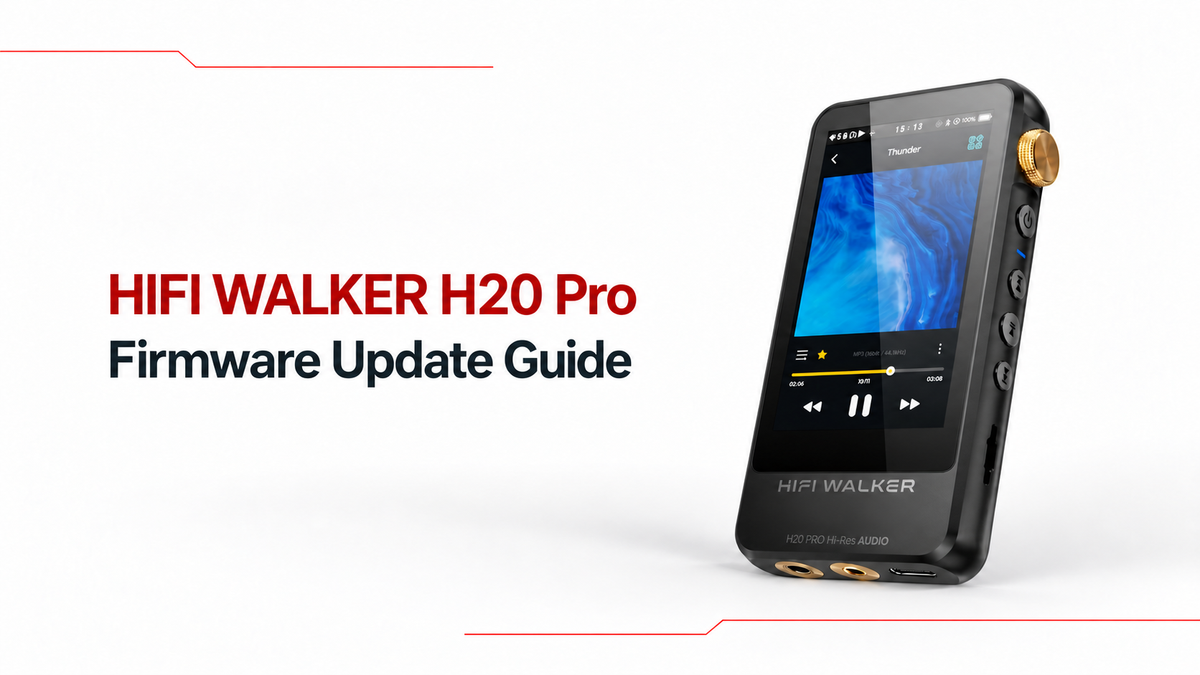
Enter your current firmware version in the H20 Pro Download Center and download only the update it recommends.
Rename the firmware file
After downloading the file, turn on file name extensions. Then rename the file and enter only update. The final filename should display as update.upt.


Connect H20 Pro to your computer
On H20 Pro, open System Settings, choose USB Mode, and select Storage. Then connect the player to your computer with its USB cable and wait for the storage drive to appear.
Copy the file to H20 Pro
Copy update.upt to the root directory of the H20 Pro storage. Do not place it inside Music, Download, or another folder.
Start the firmware update
When copying is complete, safely eject H20 Pro and disconnect the cable. Open System Settings and select Firmware Update. Keep the player powered on until the update finishes and the player restarts.
Check the firmware version
After H20 Pro restarts, open System Settings, choose About, and check Software Version to confirm the installed firmware version. If the firmware version has not changed, repeat the complete update process.
Need help?
If you need assistance, contact us before trying another firmware file: sales@hifiwalker.com