
Last updated: April 29, 2026
Expert Insights: Getting the Most from Your G7 Pro
- For the best Chromecast experience, connect your G7 Pro to a 5GHz Wi-Fi band rather than 2.4GHz — this significantly reduces latency when casting high-bitrate video content to your smart TV.
- MKV files with embedded subtitles play natively on the G7 Pro through Android's built-in media player or VLC, making it ideal for foreign language content without any extra app configuration.
- The G7 Pro's audio hardware also supports Hi-Res FLAC and APE files — so you're not sacrificing audio quality for the video features. Use it as your primary music DAP and video player simultaneously.
- Pre-loading content before a trip is easier than on a smartphone because you won't accidentally fill storage with app updates, camera photos, or system caches that constantly compete for space on phones.
HIFI WALKER G7 Pro: Not Just a Music Player in 2026
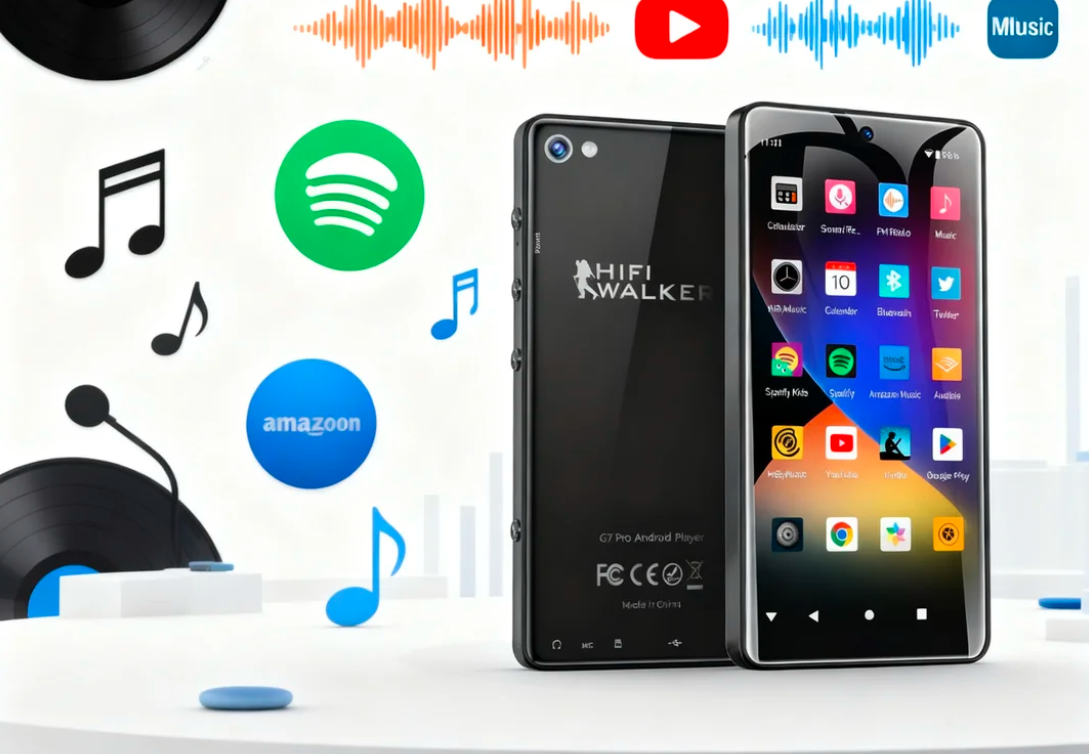
When most people think of a Hi-Fi DAP, they imagine something purely for audiophiles obsessing over DSD256 files and balanced outputs. The HIFI WALKER G7 Pro Android Player shatters that expectation entirely. At just $90, it's a full multimedia powerhouse — a portable cinema, a streaming hub, and a Hi-Fi music player, all in one device that fits in your jacket pocket.
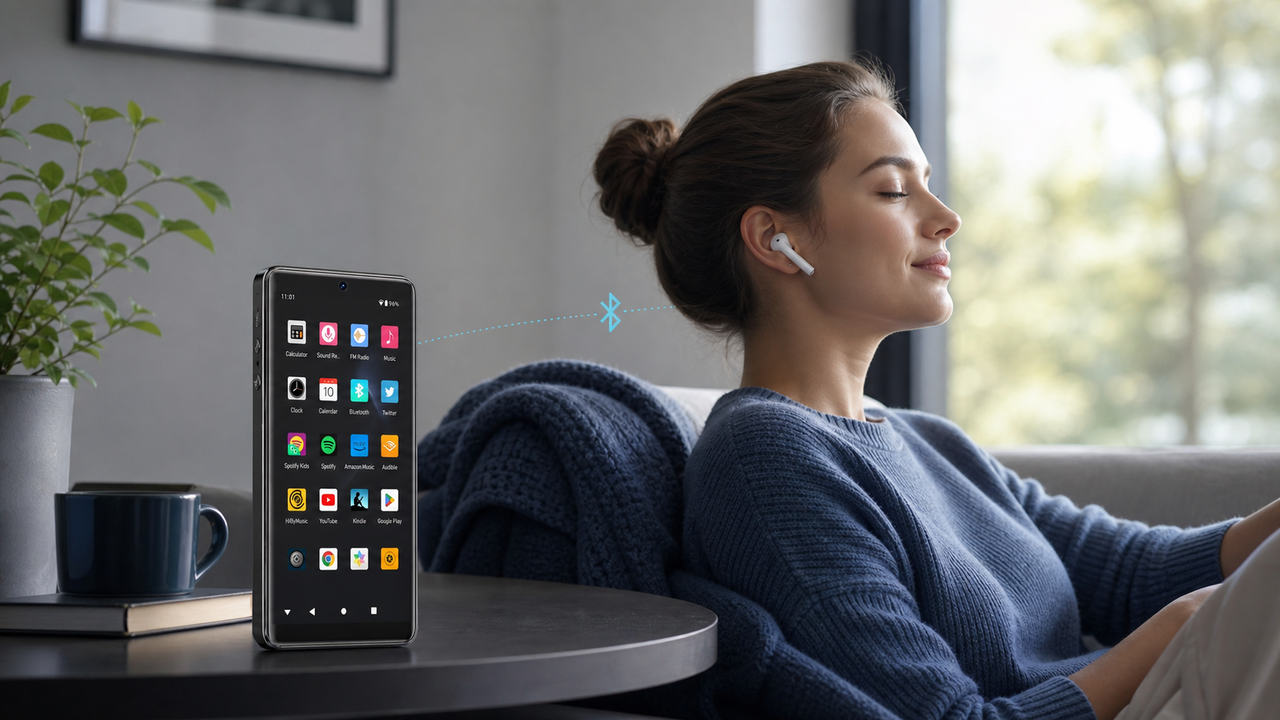
In this 2026 review, we dig into exactly what makes the HIFI WALKER G7 Pro stand out as a video-capable Android DAP: its HD touchscreen, wireless casting to smart TVs, massive 160GB storage, and Android 13 versatility. Whether you commute daily or travel internationally, this guide shows you how to unlock its full potential.
Who It's For
- Commuters wanting distraction-free movie watching
- Music lovers who also stream video content
- Travelers needing offline media storage
- Anyone who wants one device for audio + video
What You'll Learn
- G7 Pro's HD screen quality & specs
- How to cast to any smart TV wirelessly
- Supported video formats & storage capacity
- How it compares to smartphones & basic DAPs

- ►1. HIFI WALKER G7 Pro: Not Just a Music Player in 2026
- ►2. Your Personal Theater: The G7 Pro HD Screen Experience
- ►3. From Pocket to Big Screen: Casting & Screen Mirroring Guide
- ►4. G7 Pro Hardware Specs: Built for Smooth Video Playback
- ►5. G7 Pro vs. G7: Which Android DAP Should You Choose?
- ►6. Real-World Use Cases: Where the G7 Pro Shines
- ►7. Final Verdict: Is the G7 Pro Worth It in 2026?
Your Personal Theater: The G7 Pro HD Screen Experience
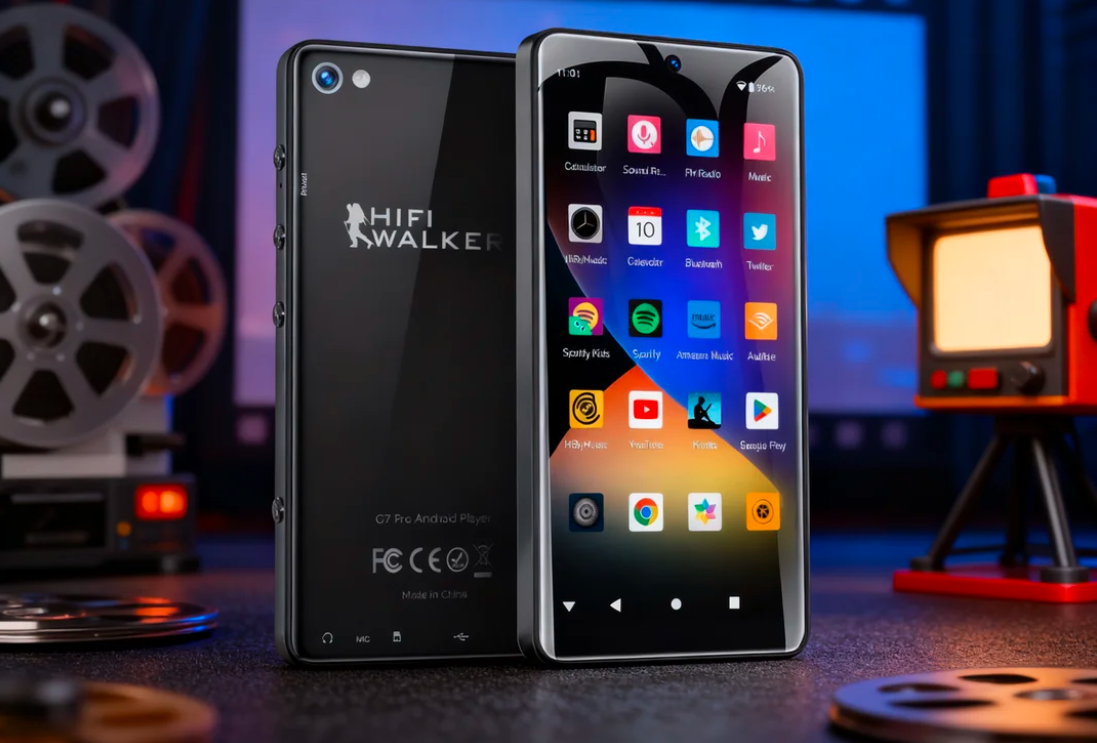
The centerpiece of the HIFI WALKER G7 Pro's video experience is its 5.2-inch HD touchscreen with 720x1440 resolution. That's a taller-than-average aspect ratio that makes landscape video feel genuinely cinematic on a handheld device. Colors are vivid and saturated, text is sharp at normal viewing distance, and touch response is snappy thanks to the Android 13 interface running underneath.

The G7 Pro's 5.2-inch HD touchscreen delivers a vivid, personal theater experience on the go.
Unlike basic DAPs with tiny monochrome screens designed only for track navigation, the G7 Pro's display is built for actual content consumption. Watch a downloaded Netflix episode on your morning commute, browse YouTube recommendations during lunch, or queue up a local MKV file for a long flight — the screen handles all of it without eyestrain. The brightness is sufficient for indoor environments and shaded outdoor use.
From Pocket to Big Screen: Casting & Screen Mirroring Guide
The HIFI WALKER G7 Pro's most impressive trick is transforming your living room TV into an extension of your pocket device. Because it runs Android 13, it ships with native wireless casting capabilities that most dedicated DAPs simply cannot offer. Here's exactly how to use each method:
Google Cast / Chromecast (Easiest Method)
Connect the G7 Pro to your home Wi-Fi network. Open any cast-enabled app (YouTube, Netflix, Plex). Tap the cast icon in the top-right corner, select your Chromecast or Google TV device, and the content switches to your big screen instantly. The G7 Pro acts as a remote control while the TV streams directly.
In-App Casting via Streaming Services
Apps like YouTube and Netflix have built-in cast buttons that work independently of system settings. No setup needed — just ensure both devices are on the same Wi-Fi network, tap the cast icon, and select your smart TV. This method works even on TVs that aren't Chromecast-branded but support the protocol.
Miracast Screen Mirroring
For TVs that support Miracast (most modern Samsung, LG, and Sony TVs), go to Settings > Connected Devices > Cast on the G7 Pro. Select your TV. The entire screen is mirrored in real-time — perfect for viewing local video files, photos, or apps that don't have a built-in cast button.
DLNA for Local Video Files
Install a DLNA-compatible app (like VLC or LocalCast) on the G7 Pro. Browse to your stored MKV, MP4, or AVI files and send them directly to a DLNA-compatible smart TV or media server. This is the best method for high-quality local files since the TV decodes the video itself, avoiding any quality loss from screen mirroring.
One important note: the G7 Pro does not have a physical HDMI or USB-C video output port. For most users, this is a non-issue — wireless casting via Chromecast or Miracast performs seamlessly thanks to the stable Wi-Fi radio and 3GB of RAM that prevents buffering. If you require a wired video connection, a smartphone or laptop would be more appropriate.
G7 Pro Hardware Specs: Built for Smooth Video Playback
Smooth video playback doesn't happen by accident — it requires the right combination of processor, RAM, and storage. The HIFI WALKER G7 Pro is equipped with hardware that handles everything from 1080p streaming apps to locally stored MKV files without a stutter. Here's what's under the hood and why it matters for your viewing experience.

The G7 Pro's hardware combination of 3GB RAM and 32GB internal storage (expandable to 160GB) ensures smooth, buffer-free playback.
The 160GB total storage (32GB internal + 128GB microSD card) is a genuine differentiator. A typical HD movie file runs 4–8GB, meaning you can carry 20–40 films offline — enough for a transatlantic flight and then some. Unlike a smartphone where apps, photos, and system files compete for the same space, the G7 Pro dedicates that storage almost entirely to your media library.
Supported video formats include MP4, AVI, MKV, WMV, and MOV — the formats you'll encounter when downloading movies from most sources. MKV support is particularly valuable since many high-quality rips use that container. You won't need a format converter; just transfer the files and press play.
↑ Back to Top
Back to Top ↑G7 Pro vs. G7: Which Android DAP Should You Choose?
HIFI WALKER offers two Android DAPs in 2026: the G7 Pro at $90 and the G7 at $74.25. If the multimedia cinema experience described in this article is your priority, the G7 Pro is the clear choice. Its larger screen, more RAM, and expanded storage capacity make a material difference for video playback and casting.
For users primarily focused on Hi-Res audio without a strong need for video, the H2 Touch at $134.25 or the H20 Pro at $180 offer dedicated DAC hardware with balanced output. But if you want the best value multimedia Android player, the G7 Pro is the one to get.
Real-World Use Cases: Where the G7 Pro Shines
Specs on paper only matter if they translate to real-world benefit. Here are the scenarios where the HIFI WALKER G7 Pro consistently delivers as a portable cinema device — and a few situations where you might want to consider alternatives.
G7 Pro Excels At
- Long-haul flights with 40 offline movies loaded
- Hotel rooms: cast to the smart TV via Chromecast instantly
- Daily commutes with distraction-free video watching
- Camping trips with no internet — local MKV files play fine
- Kids entertainment device without social media distractions
- Listening to Hi-Res FLAC audio during workouts
Consider Alternatives If...
- You need HDMI wired output to a projector
- You want DSD256 Hi-Res audio with balanced 4.4mm output
- You need a larger 6+ inch screen for comfortable reading
- Your priority is purely audiophile-grade sound over video
- You need mobile data / SIM card support
One underappreciated use case: hotel casting. Most modern hotels have Chromecast-enabled TVs or at minimum Miracast support. Arriving with your G7 Pro pre-loaded with downloaded shows means you skip the hotel's overpriced pay-per-view entirely. Connect to the hotel Wi-Fi, cast to the room TV, and your 55-inch personal cinema is ready in under a minute.
Final Verdict: Is the G7 Pro Worth It in 2026?
The HIFI WALKER G7 Pro Android Player at $90 is one of the most compelling value propositions in the portable media player space in 2026. It eliminates the false choice between a dedicated music player and a video streaming device. You get both — a proper Hi-Fi audio player with a high-quality DAC for your FLAC library, and a fully capable Android media center with a 5.2-inch HD screen and wireless casting.
If your daily life involves commuting, traveling, or simply wanting to de-couple your entertainment from a distraction-heavy smartphone, the G7 Pro is genuinely worth every dollar. For further reading on its Android smart features, check out our deep-dive: HIFI WALKER G7 Pro: The Smart Android Player for Music & More.
Frequently Asked Questions
Q1: What is the HIFI WALKER G7 Pro and what makes it different from a regular music player?
The HIFI WALKER G7 Pro is an Android 13 DAP (Digital Audio Player) that doubles as a portable cinema device. Unlike traditional music players with small screens and no internet connectivity, the G7 Pro features a 5.2-inch HD touchscreen, 3GB RAM, 160GB storage, and built-in Chromecast and Miracast support for wireless TV casting — all for $90.
Q2: Can the HIFI WALKER G7 Pro cast to a smart TV?
Yes. The G7 Pro supports multiple wireless casting methods: Google Cast/Chromecast for compatible TVs, Miracast screen mirroring for Samsung, LG, Sony, and other smart TVs, in-app casting via YouTube and Netflix, and DLNA for local video files. It does not have a physical HDMI port, but wireless casting performs seamlessly on a stable Wi-Fi connection.
Q3: What video formats does the HIFI WALKER G7 Pro support?
The G7 Pro supports all major video formats including MP4, AVI, MKV, WMV, and MOV. MKV support is particularly useful for high-quality downloaded content. Most videos you download will play directly without any format conversion needed.
Q4: How much video storage does the G7 Pro have?
The G7 Pro has 32GB of internal storage and supports microSD cards up to 128GB, giving you up to 160GB total. That's enough to store 20-40 HD movies for offline playback — ideal for long flights or areas without reliable internet access.
Q5: How does the HIFI WALKER G7 Pro compare to the G7?
The G7 Pro ($90) has a larger 5.2-inch HD display, more RAM (3GB), and better multimedia hardware compared to the standard G7 ($74.25). For video streaming and casting use cases, the G7 Pro is the recommended choice. The standard G7 is a good option for users focused primarily on music playback on a tighter budget.
Q6: Does the G7 Pro support streaming apps like Netflix and YouTube?
Yes. Because the G7 Pro runs Android 13 with access to the Google Play Store, you can install Netflix, YouTube, Spotify, Plex, and virtually any streaming app available on Android. This makes it a true multimedia device, not just a local file player.