
Last updated: April 13, 2026
Expert Insights: HIFI WALKER H2 Bluetooth Mastery
- The H2's internal ESS DAC processes audio before Bluetooth transmission, maintaining signature sound characteristics that basic Bluetooth transmitters cannot replicate
- AptX HD codec reduces wireless compression from 4:1 to 2:1 ratio, delivering noticeably better dynamics and detail compared to standard SBC Bluetooth
- Bluetooth 5.0's improved error correction significantly reduces dropouts in challenging RF environments, making the H2 more reliable than older players
Why Your HIFI WALKER H2 Bluetooth Setup Matters in 2026
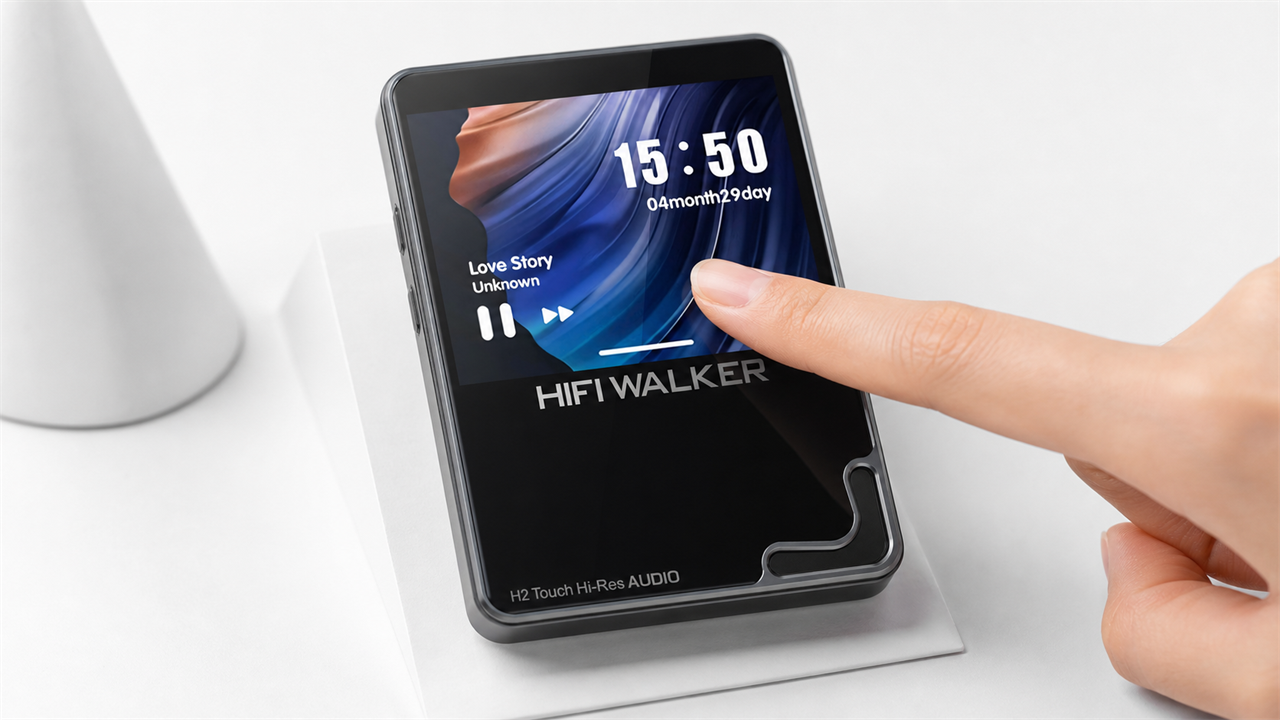
The HIFI WALKER H2 represents a perfect balance between high-resolution wired audio and wireless freedom. While many users focus on its exceptional DAC performance, the hifi walker h2 bluetooth functionality opens up entirely new listening possibilities.
Common Bluetooth Challenges
- Connection drops during playback
- Audio quality degradation over Bluetooth
- Pairing failures with modern devices
- Interference from other wireless signals
H2 Bluetooth Advantages
- Bluetooth 5.0 for stable connections
- AptX HD codec for high-quality wireless
- Simple three-step pairing process
- Compatible with most 2026 audio devices

HIFI WALKER H2
- ►1. Why Your HIFI WALKER H2 Bluetooth Setup Matters in 2026
- ►2. HIFI WALKER H2 Bluetooth Technical Specifications and Setup
- ►3. Audio Quality Analysis: Maximizing HIFI WALKER H2 Bluetooth Performance
- ►4. Complete HIFI WALKER H2 Bluetooth Troubleshooting Guide
- ►5. Advanced HIFI WALKER H2 Bluetooth Features and Compatibility
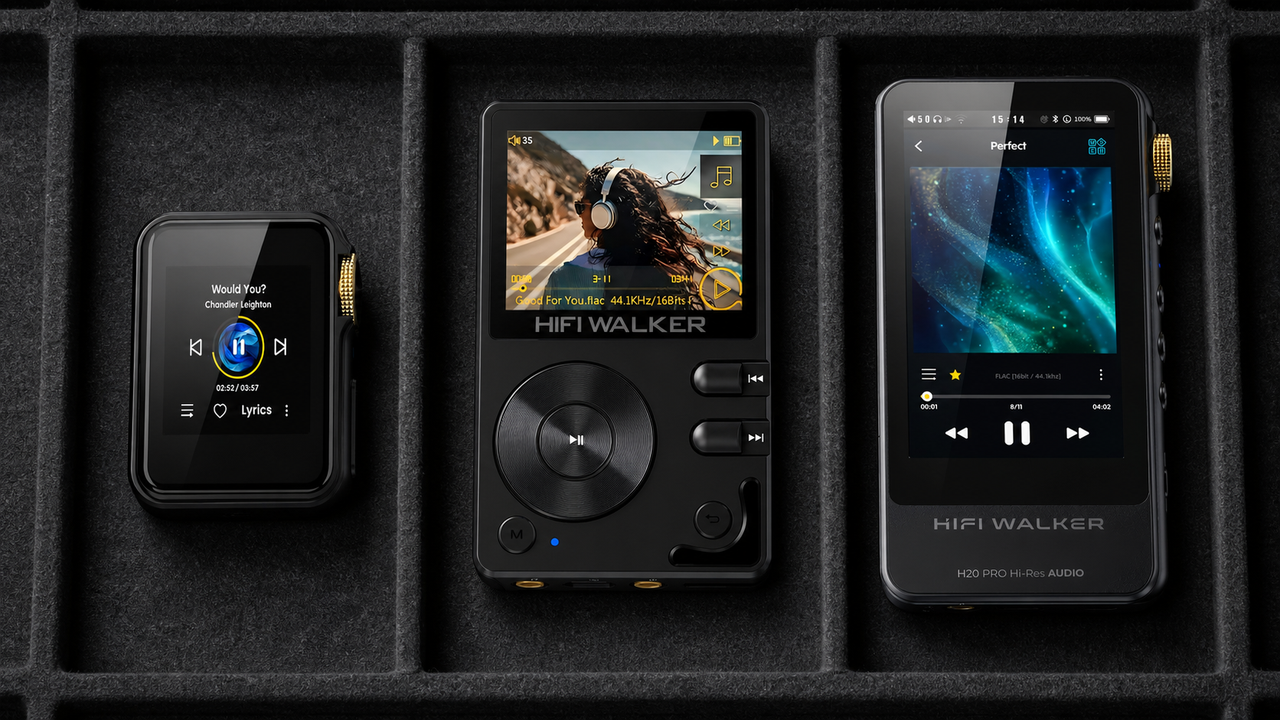
- ►6. Comparing HIFI WALKER Models: Bluetooth Across the Range
HIFI WALKER H2 Bluetooth Technical Specifications and Setup
Understanding your HIFI WALKER H2 bluetooth capabilities is crucial for optimal performance. The H2's Bluetooth 5.0 implementation provides significant improvements over older standards, offering extended range and reduced power consumption.
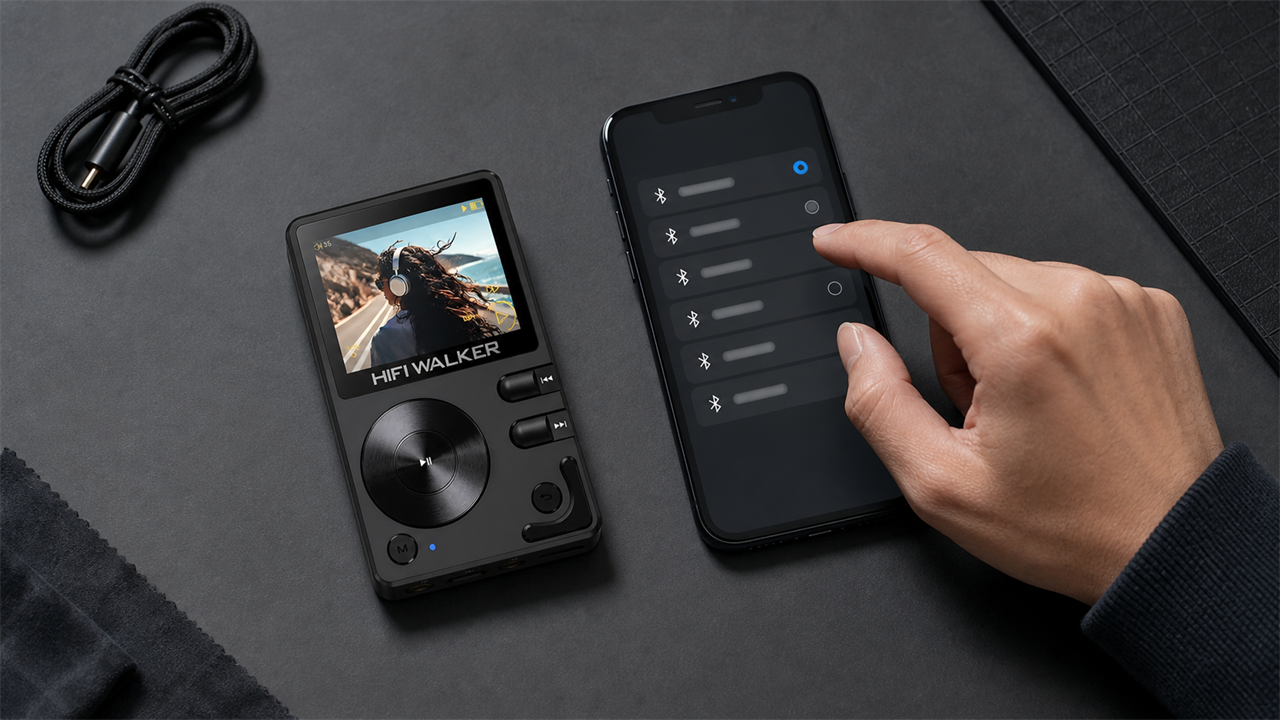
Prepare Your Audio Device
Ensure your Bluetooth headphones or speakers are charged and within 3 meters of the H2. Activate pairing mode according to your device's manual.
Access H2 Bluetooth Menu
Navigate to Settings > Bluetooth on your H2. Toggle Bluetooth ON if not already active. The H2 will automatically enter discoverable mode.
Complete the Pairing
Select 'Scan for Devices' and choose your audio device from the list. Successful pairing shows 'Connected' status with a Bluetooth icon on the display.

HIFI WALKER H2 Bluetooth Connection
Audio Quality Analysis: Maximizing HIFI WALKER H2 Bluetooth Performance
Many audiophiles question whether hifi walker h2 Bluetooth maintains the same audio fidelity as wired connections. The answer depends on your codec compatibility and environmental factors.
Quality Factors
- AptX HD codec support on receiving device
- Source file quality (FLAC vs MP3)
- Wireless interference levels
- Distance from H2 to audio device
Optimization Tips
- Use AptX HD compatible headphones
- Play lossless audio files when possible
- Minimize Wi-Fi and microwave interference
- Keep devices within 5 meters for best quality

HIFI WALKER H2 In-depth Sound
The H2's ESS Sabre DAC processes audio before Bluetooth transmission, ensuring you receive the player's signature sound characteristics even wirelessly. This sets it apart from basic Bluetooth-only devices that bypass internal DAC processing.
Complete HIFI WALKER H2 Bluetooth Troubleshooting Guide
Even with proper setup, you might encounter hifi walker h2 bluetooth problem scenarios. This comprehensive troubleshooting section addresses the most common issues reported by users in 2026.
Device Not Found During Scanning
Reset both devices completely. Clear H2's Bluetooth cache: Settings > Bluetooth > Advanced > Reset. Put your audio device in pairing mode again and scan within 2 meters range.
Connection Drops or Audio Stuttering
Check for interference sources (routers, microwaves, other Bluetooth devices). Move to a different location and test. Update your audio device's firmware if available.
Connected But No Audio Output
Verify audio routing in H2 settings. Some devices require manual audio profile selection. Try disconnecting and reconnecting while music is actively playing.
Poor Audio Quality Despite AptX HD
Confirm your headphones support AptX HD (not just AptX). Check source file quality - even AptX HD cannot improve low-bitrate MP3s. Test with FLAC files for comparison.
↑ Back to Top
Back to Top ↑Advanced HIFI WALKER H2 Bluetooth Features and Compatibility
Beyond basic connectivity, the HIFI WALKER H2 offers advanced Bluetooth features that enhance your wireless listening experience. Understanding these capabilities helps you leverage the full potential of your device.
The H2's Bluetooth memory can store up to 8 previously paired devices, making it convenient for users who switch between multiple audio setups. This feature particularly benefits users with separate home, office, and portable audio configurations.
Comparing HIFI WALKER Models: Bluetooth Across the Range
Understanding how the HIFI WALKER H2 compares to other models in the 2026 lineup helps you make informed decisions about features and upgrades.

For users prioritizing Bluetooth performance, consider the H20 Pro with LDAC support, offering even higher wireless audio quality when paired with compatible Sony headphones.
Frequently Asked Questions
Q1: What Bluetooth codecs does the HIFI WALKER H2 support in 2026?
The H2 supports SBC (standard), AptX, and AptX HD codecs. AptX HD provides near-CD quality wireless audio when paired with compatible headphones, significantly better than standard SBC codec.
Q2: Can I connect multiple Bluetooth devices to my HIFI WALKER H2 simultaneously?
No, the H2 connects to one Bluetooth audio device at a time. However, it remembers up to 8 previously paired devices for quick reconnection without re-pairing.
Q3: Why does my HIFI WALKER H2 Bluetooth connection keep dropping?
Connection drops usually result from interference (Wi-Fi, microwaves), distance (beyond 10 meters), low battery, or obstacles between devices. Try moving closer, charging both devices, and avoiding interference sources.
Q4: Does using Bluetooth drain the HIFI WALKER H2 battery faster?
Bluetooth 5.0 is energy-efficient, but wireless transmission does use more power than wired listening. Expect roughly 10-15% reduction in battery life compared to wired-only use, still providing 8+ hours of playback.
Q5: Can I use the HIFI WALKER H2 with AirPods or other Apple devices?
Yes, the H2 works with AirPods and Apple devices using standard Bluetooth protocols. However, you won't get AptX HD quality with Apple devices, as they use AAC codec instead.