The Short Answer: You Need Files You Own
An MP3 player plays audio files stored on it. So the real question behind getting music onto one is not the cable - it is where the files come from. You need audio you are entitled to keep as data: CDs you own and rip yourself, downloads bought from a store that sells you the file, or files an artist handed you directly.
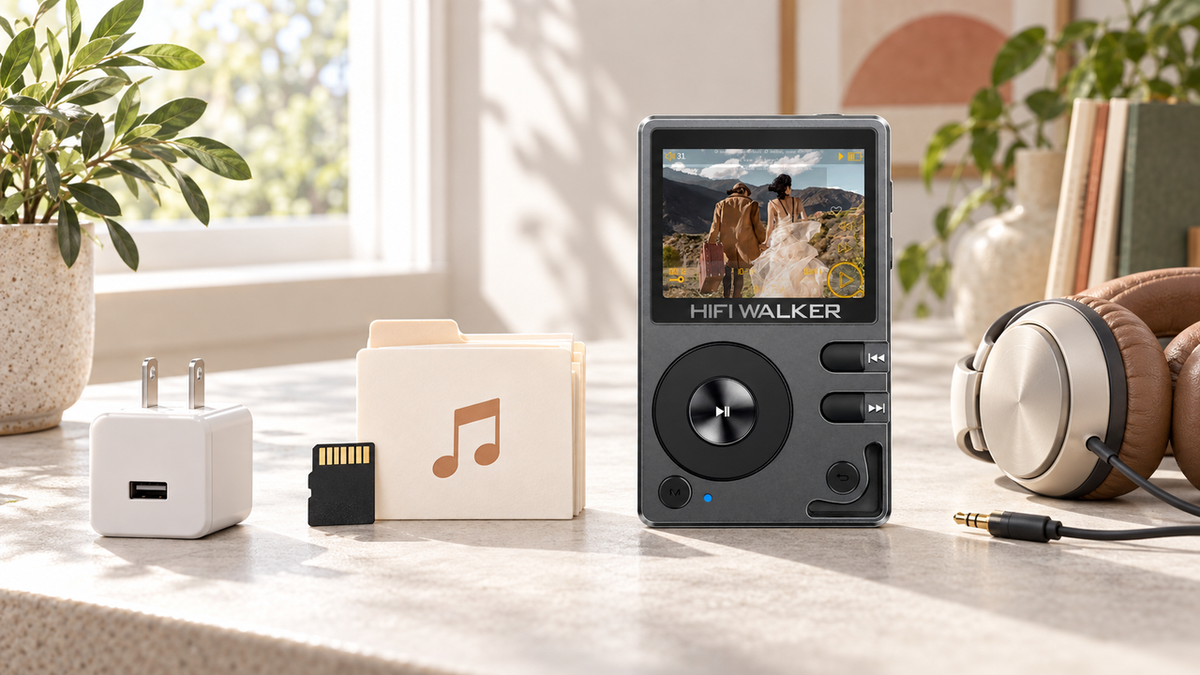
No app store, no login, no subscription check. A player like the HIFI WALKER H2 Hi-Res Audio Player can appear on your computer as a drive through its USB 2.0 mass-storage function; USB DAC mode is a separate audio function on the same Type-C port. For the connect-and-copy steps themselves, see our transfer guide - this page is about the files.
If you already own files - ripped CDs, purchased downloads, or FLACs sitting in a folder - the hard part is behind you. If you do not have files yet, that is the part worth slowing down for, and the rest of this page covers it.
Expert Insights: Key Takeaways
- Where your files come from is what this page is about. The connect-and-copy steps vary by model and are covered in the separate transfer guide, not repeated here.
- Format support is a real filter, not a marketing detail — a player that reads FLAC and DSD256 only helps if your library actually contains those formats to begin with.
- Let a transfer finish and eject the drive before unplugging - an interrupted write can leave a partial file or a card the player will not read.
- ►1. The Short Answer: You Need Files You Own
- ►2. How Do MP3 Players Actually Work?
- ►3. Getting the Files Ready Before Any Transfer
- ►4. Where the Actual Music Files Come From
- ►5. Picking the Right Player for Your File Library
- ►6. Checks Worth Running When Something Looks Wrong
- ►7. After the Files Are On: Getting Organized
- ►8. Frequently Asked Questions
How Do MP3 Players Actually Work?
Here is the part that confuses people coming from a phone: an MP3 player has no built-in music service. It does not know what Spotify is. It has a small amount of storage — internal memory, a microSD card, or both — and a music-playing program that reads whatever audio files are sitting in that storage and lists them by artist, album, or folder.
How a Smartphone Handles Music
- Streaming quality depends on the service, account tier, app settings, network, and connected audio hardware
- Requires an active subscription or ad-supported account
- Music competes with calls, notifications, and background apps for battery
How a Dedicated MP3 Player Handles Music
- Reads files stored locally on internal memory or a microSD card
- No account, no data connection required to play a stored library
- Battery is dedicated to audio playback, not shared with other apps
That local-storage model is also why formats matter. A player built for higher-resolution audio, like the HIFI WALKER H20 Ultra Hi-Res Audio Player, can read FLAC and DSD256 files in addition to standard MP3 — but only if the files themselves are in one of those formats to begin with. The player cannot upgrade a low-quality MP3 into something better. It just plays back whatever data is actually on the card.
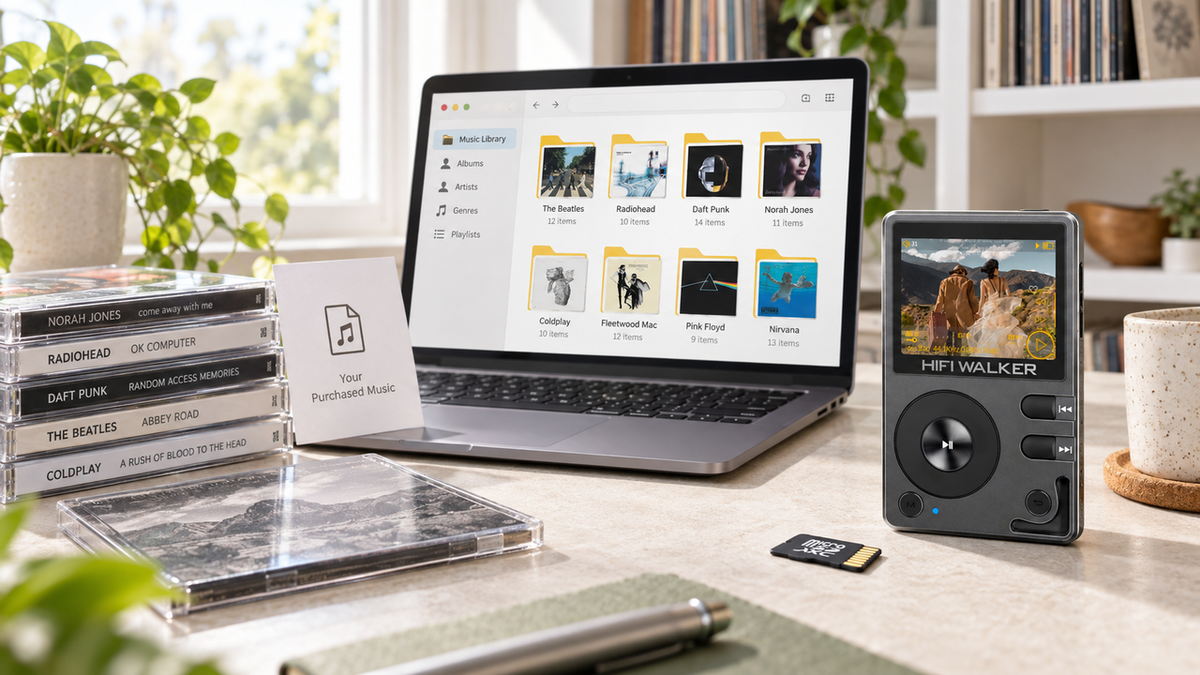
Digitizing a CD shelf on a Sunday afternoon
An illustrative scenario rather than a test log: a stack of CDs, a laptop, and no clear plan for organising what comes out the other end.
The file transfer itself is rarely the hard part — getting your source files organized and correctly tagged before the transfer is what saves the most time later.
Getting the Files Ready Before Any Transfer
The copy itself is the easy half, and it is covered step by step in the transfer guide. What decides whether that copy is worth doing is the work below, done on the computer before the player is even plugged in.
Confirm You Are Entitled to Keep the File
A file you can copy to another device is one you own: a CD you bought and ripped yourself, a purchased download such as an MP3 bought from a download store, or audio an artist supplied to you. Offline downloads made inside a streaming subscription are not in this category - those apps do not hand you an exportable file, and their terms do not allow copying the cached content out.
Rip Your Own CDs to a Lossless Format
Software such as Exact Audio Copy or dBpoweramp turns a disc you own into FLAC or MP3 files on your hard drive. FLAC keeps the full CD data at a larger file size; MP3 is smaller and plays on essentially anything. Pick one and stay consistent across the collection so the library does not end up half in each.
Check the Formats Against Your Player
Format support varies by model, so check the spec sheet before converting a whole library. Every model here reads MP3 and FLAC; DSD support is listed per model - the H20 Pro and H20 Ultra list DSD256, while the H2 lists DSD128. A player cannot improve a low-quality file, so the format you rip to sets the ceiling.
Tag and Name Consistently Before You Copy
Fix artist, album and track-number tags on the computer, where editing is quick, rather than after the files are on a card. A single folder pattern such as Artist > Album > Track Number - Title keeps the on-device browsing list readable as the collection grows.
Keep the Master Copy on the Computer
Treat the player's card as a copy, not as storage of record. Cards can fail or be reformatted, and re-ripping a shelf of CDs is a lot of evenings. Keep the organised library on a drive you back up, and copy from there.

Where the Actual Music Files Come From
This is the question underneath how to get music for mp3 player searches, and it is really a question about file ownership, not transfer mechanics. You need files you actually possess as data, not access to a streaming catalog.
Ripping your own CD collection is still one of the most reliable sources — software like Exact Audio Copy or dBpoweramp converts a physical disc into FLAC or MP3 files sitting on your hard drive. If you have old CDs in a closet, that is a free library waiting to be digitized.
Download stores that sell you the file outright - as opposed to streaming access - are the other main route. Bandcamp sells downloads you keep, in formats including FLAC. Purchased MP3s from a store such as Amazon are files you are allowed to copy to another player. Some classical and audiophile labels sell FLAC or high-resolution downloads the same way. Check what a store actually delivers before buying: the point is to end up with a file, not a licence to stream it.
One thing worth being direct about: subscription streaming services are built around access, not ownership, and their apps do not export playable files to a folder. If your music currently lives only inside a streaming app, our guide on whether Spotify music can be transferred to an MP3 player walks through what is and is not realistic there.
Picking the Right Player for Your File Library
Not every player handles every format, so it helps to know what you are working with before you buy. Standard MP3s from ripped CDs are read by dedicated players generally; FLAC, DSD and other high-resolution formats are listed per model, so check the spec sheet rather than assuming compatibility.
Keep in mind that these Hi-Res players recognise up to 14,999 songs in total - plenty for most personal libraries, but worth knowing if you are digitising a very large CD collection all at once. Card capacity and recognised-track count are two separate limits.

↑ Back to Top
Back to Top ↑Checks Worth Running When Something Looks Wrong
These are listed as things to check, not in order of how often they happen - no failure statistics are cited here to rank them by.
Symptom
- Player does not appear on the computer at all
- Songs copied over but do not show in the music app
- Transfer freezes partway through
- Files play but sound distorted or skip
Likely Fix
- Try another known-good data cable or port, and check the model's USB mode in its manual
- Use the library-update option described in your player's manual, if it has one, or restart the player
- Do not disconnect mid-transfer; let it finish, then eject safely first
- Play the source file on the computer to confirm it is not corrupted, then re-copy it

The connect-and-copy steps themselves live in our companion guide, how to put music on an MP3 player. This page stops at the files; that one covers USB, microSD and batch-organising folders before the transfer.
After the Files Are On: Getting Organized
Getting files onto the player is only half the job - a messy folder structure makes a large library hard to browse later. Before your next transfer session, take a pass at renaming folders consistently. Artist > Album > Track Number - Title is a widely used pattern and is worth settling on before the collection grows; check your own player's manual for how it builds its browsing list.
Players with a touch screen, like the H2 Touch, let you scroll and tap instead of stepping through with buttons, which some people prefer once a library runs to thousands of tracks. Which suits you is a matter of how you browse, not of sound.

If you want a broader look at which player fits your budget and listening habits before you commit to one, our 2026 guide to MP3 players for every budget breaks that down further, and you can browse the full lineup on the HIFI WALKER MP3 player collection page.
Frequently Asked Questions
A few questions come up often enough to answer directly here.
There's a whole library format underneath streaming
Once you start collecting actual files instead of just streaming access, a different world opens up — one built around formats, not subscriptions.
None of this requires abandoning streaming entirely — it just runs alongside it, for the music worth keeping as a file.
Frequently Asked Questions
Q1: How do I get music on my MP3 player if I only have a phone?
You still need the files themselves. Move audio you own from the phone to a computer first, then follow the separate transfer guide for the copy steps. Downloads made inside a streaming app are not files you can move - they stay in the app.
Q2: Can I put Spotify or Apple Music songs directly on an MP3 player?
Not directly. Those are streaming apps, and they do not export downloadable files you can drag onto another device. You would need music you actually own as files — ripped CDs or purchased downloads — to load onto a dedicated player.
Q3: Do MP3 players need special software to load music?
No special software is required for basic transfers. A player that shows up as a USB storage drive lets you drag and drop files directly from your computer's file explorer or Finder window, the same as copying files to a flash drive.
Q4: Why don't my new songs show up after I copy them over?
Some players need to rescan their storage to rebuild the artist and album list. Check the settings menu for a refresh or rescan library option, or try powering the player off and back on.
Q5: How many songs can I fit on an MP3 player?
It depends on both file size and the player's recognition limit. HIFI WALKER's Hi-Res players recognise up to 14,999 songs, and storage capacity depends on the card you use, up to 512GB on the models listed here. The two limits are separate: a bigger card does not raise the track count.