Does an iPhone Need an External DAC or a Separate Player in 2026?
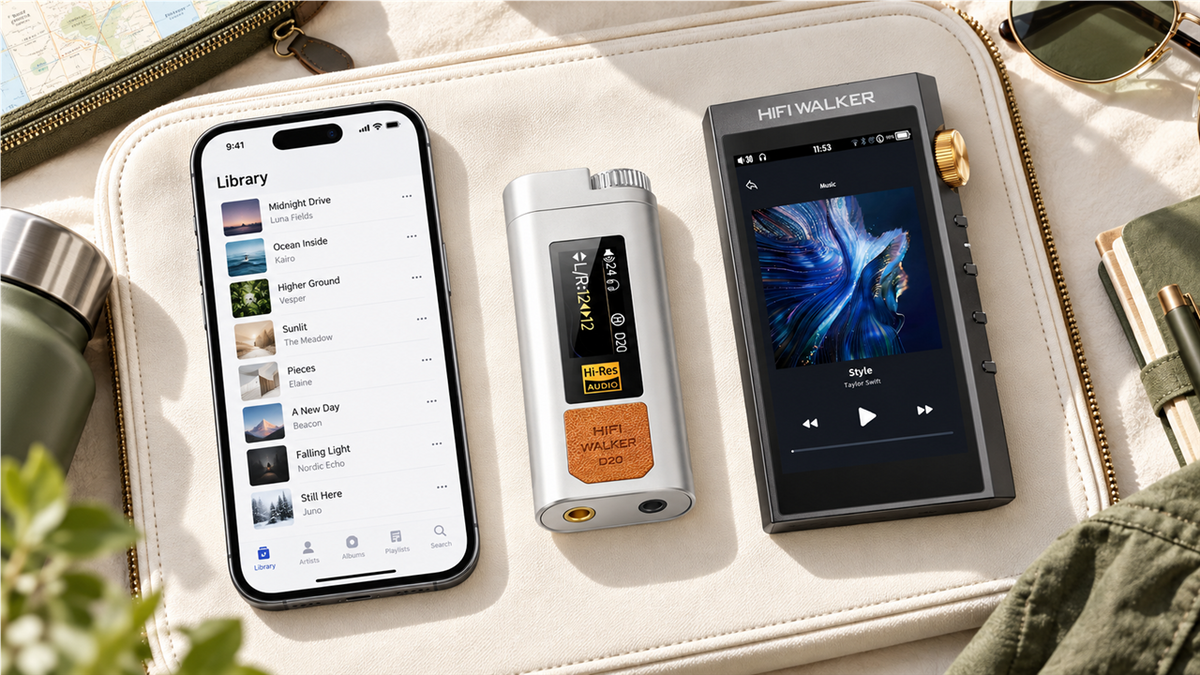
Start with what the iPhone already does: it can play Apple Music Lossless. Apple documents that Hi-Res Lossless above 48 kHz needs an external DAC, which is a connection question rather than a limitation of the phone itself — the absence of a headphone jack does not stop you using one. So there are three routes, not two: the iPhone on its own, the iPhone plus an external DAC, or a separate player holding its own local-file library and its own battery.
Which route fits depends on what your library is made of. A dedicated Hi-Res audio player is useful when you want an independent local-file library, physical controls and a battery that is not shared with calls and maps; it does not run Apple Music. An external DAC keeps everything on the phone and changes only the conversion and amplification stage. This guide compares those two options; it is not a ranking of devices by Apple Music app compatibility.
Expert Insights: Key Takeaways
- An iPhone can play Apple Music Lossless, and Apple documents that Hi-Res Lossless above 48 kHz requires an external DAC. That is a connection requirement rather than proof that any given DAC will sound different to you.
- A 4.4mm balanced output only applies at all if you already own, or plan to buy, balanced-terminated headphones; otherwise the single-ended 3.5mm models cover the same connection.
- Battery life independence is the most underrated reason to carry a second device: none of these players' rated playback hours are affected by your iPhone's screen time, calls, or background apps.
- ►1. Does an iPhone Need an External DAC or a Separate Player in 2026?
- ►2. What Actually Matters When Pairing a Player With an iPhone
- ►3. How the Players Compare for iPhone Owners
- ►4. For Reference-Quality Sound: H20 Ultra Hi-Res Audio Player
- ►5. For Everyday Carry: H20 Pro and H2 Touch
- ►6. For Budget-Conscious Buyers: H2 Mini and H2
- ►7. What About Apps? Android vs Dedicated Players
- ►8. A Dongle Instead? When the D20 Makes More Sense Than a Standalone Player
- ►9. How to Choose Based on Your Listening Habits
What Actually Matters When Pairing a Player With an iPhone
Before any comparison, it helps to say what is being compared and how. The criteria below are the only ones used in this guide, and they are all things you can check on a spec sheet. There is no scored ranking here and no listening test behind it.
Why It Matters
- File transfer method — how music actually gets onto the device from your iPhone or computer
- Battery life independent of your phone's charge cycle
- Output quality — DAC chip and headphone amp power, not just storage size
- Physical controls you can use without looking, since screens compete with your phone
The Criteria Used Here
- MicroSD card support and USB-C data transfer speed
- Rated playback hours per the official spec sheet, not marketing round-ups
- DAC chip model, THD rating, and headphone output power at 32Ω
- Physical volume wheels, touch screens, or button layout
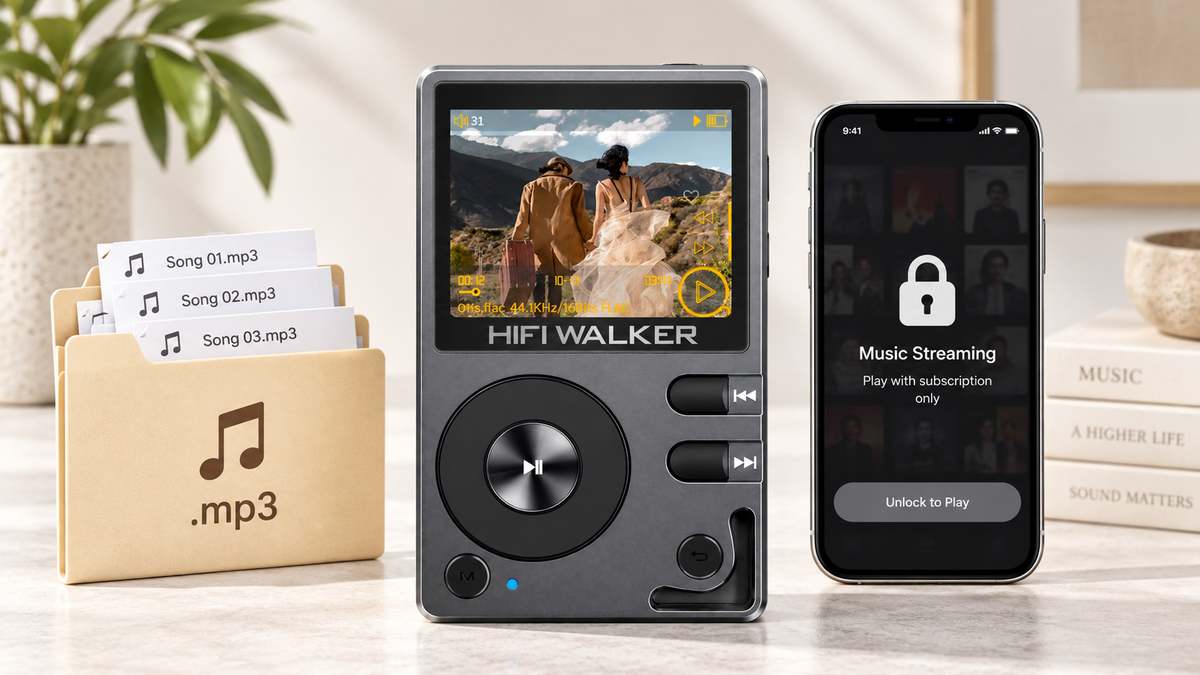
None of the players below sync natively with Apple Music's streaming catalog — that is not what they are for. They are Linux-based music players that you load with your own FLAC, WAV, or DSD files via microSD card or USB-C transfer, the same way audiophiles have always built libraries. If you want an Android device that runs actual streaming apps instead, that changes the shortlist entirely, and we cover that further down.
An illustrative day when your phone stops doing double duty
These notes are a scenario written from common setup questions, not a logged test. A dedicated player does not change how music sounds on the train; it changes what your phone is doing while you listen.
None of this replaces your iPhone. It takes one job away from it, and the reason to do that is practical - an independent library and battery - rather than a sound-quality result we have measured.
How the Players Compare for iPhone Owners
Here is how the current lineup compares on the published specifications listed above. If you already know your budget band, this table gets you to a shortlist faster than a wall of prose will. Price tiers are indicative; check the current product pages before ordering.

For Reference-Quality Sound: H20 Ultra Hi-Res Audio Player
If your iPhone library is mostly Apple Music streams and you have never touched a FLAC file, skip this section. But if you have spent years ripping CDs or downloading Hi-Res masters, the H20 Ultra Hi-Res Audio Player is built around that exact use case — a single ESS9038Q2M DAC chip feeding a 4.4mm balanced output rated at 380mW into 32Ω.

The 4-inch 480x800 touch display with a physical control wheel means you are not swiping through menus like a phone — there is a dedicated wheel for volume, which matters when you are switching tracks without pulling the device out of a pocket. Battery runs over 10 hours per the official rating, separate entirely from whatever your iPhone is doing.

For Everyday Carry: H20 Pro and H2 Touch
Not everyone needs the top-tier chip. The H20 Pro Hi-Res Audio Player runs dual ES9219PC DACs across four independent amp channels, which is a genuinely different architecture from the single-DAC H20 Ultra — more about channel separation than raw output. It also has a 4.4mm balanced port if you already own balanced IEMs.

The H2 Touch Hi-Res Audio Player takes a different approach: no balanced output, but it adds e-book reading, onboard recording, and line-out support that the Pro line skips. Its ESS9219Q chip with a 116dB signal-to-noise ratio is aimed at people who want one device that reads and plays, not just plays.
↑ Back to Top
Back to Top ↑For Budget-Conscious Buyers: H2 Mini and H2
If the H20 Ultra's flagship price feels steep for a device you are testing out, the entry point is the H2 Mini Hi-Res Music Player, the lowest-priced Hi-Res model in the range. It weighs 42 grams without the back clip, runs an ESS9218PC integrated headphone amp, and supports Bluetooth 5.1 with aptX-HD and LDAC for wireless headphones — a rare combination at this price.

The standard H2 Hi-Res Audio Player sits between the Mini and the Touch models — ES9018K2M DAC, a larger 2.0-inch screen, and dual 70mW headphone amps. It is heavier at 152 grams than the Mini, but the bigger screen and physical buttons make it easier to navigate without looking, which some people prefer over touch controls entirely.
What About Apps? Android vs Dedicated Players
Every player above runs Linux, meaning no App Store, no native Spotify or Apple Music app — you load your own files. If that is a dealbreaker and you want an iPhone-adjacent device that still runs streaming apps, the G7 Pro Android Player is a different category entirely, with Google Play, Spotify, Tidal, and Audible pre-installed and confirmed working.

Worth being honest about the tradeoff: the G7 Pro is a general Android music player, not a Hi-Res audiophile device — it does not carry the ESS DAC chips or balanced outputs the H2/H20 line does. Choose it because you want apps, not because you want the best possible sound from FLAC files.
This guide compares an iPhone with an external DAC against carrying a separate local-file player; it does not rank devices by Apple Music app compatibility. If that is what you are after, our roundup of MP3 players compatible with Apple Music covers that angle instead.
A Dongle Instead? When the D20 Makes More Sense Than a Standalone Player
Not everyone wants a second device to carry and charge. The D20 USB-C DAC/Amp Dongle sits between the phone and your headphones, running the same ESS9038Q2M chip found in the H20 Ultra but as a dongle rather than a standalone player. It is listed for compatible USB-C phones that support USB audio output. If you have a Lightning iPhone, confirm a supported audio adapter and power arrangement before buying — a generic charging cable is not a verified solution, and not every iPhone is plug-and-play here.
The other thing to know: it is a USB DAC, not an independent player. It draws power from the host device rather than carrying its own battery, and there is no onboard storage or microSD slot, so you are still playing files or streams from the phone through it. It handles PCM up to 32-bit/768kHz and DSD512 decoding in hardware. If your priority is the output stage on files you already have, rather than an independent battery and library, this is the lighter-weight answer — provided the connection to your specific iPhone is confirmed first.

How to Choose Based on Your Listening Habits
Match the device to how you actually listen, not how you wish you listened. Here is a straightforward path through the decision.
Check your library format first
If your music is mostly Apple Music streams with no local files, a Linux-based local-file player is the wrong tool. Look at an external DAC for the phone instead, confirming the connector and adapter for your specific iPhone first, or at an Android player if you want streaming apps on a separate device.
Decide if balanced output matters
If you own balanced-terminated IEMs or plan to buy them, the H20 Ultra and H20 Pro are the models with a 4.4mm port. If you only have single-ended headphones, the H2 Mini, H2 and H2 Touch cover the same connection.
Weigh screen versus buttons
Touch screens on the H20 Ultra, H20 Pro, and H2 Touch make navigation faster; physical buttons on the standard H2 work better if you are skipping tracks by feel in a bag or jacket pocket.
Set a real budget ceiling
The H2 Mini and the D20 sit in the lowest price tiers in this comparison. Check the current product pages for pricing, and confirm the D20's connection to your iPhone before ordering.
For a broader look at budget-tiered picks across use cases beyond just iPhone pairing, our guide to the best MP3 players for every budget and lifestyle is a useful next stop, and if you are coming from an old iPod and want something that feels familiar, see our roundup of modern iPod alternatives.

There is a whole library format most iPhones never touch
Once you start looking past streaming apps, a different kind of music collection opens up — one built from files instead of subscriptions.
None of this requires giving up your iPhone. It just means your iPhone stops being the only place your music lives.
Frequently Asked Questions
Q1: Which HIFI WALKER player suits an iPhone owner best?
It depends on your library and your headphones rather than on an overall ranking. For a lossless FLAC or DSD library with balanced-terminated headphones, the H20 Ultra Hi-Res Audio Player carries the largest screen and both single-ended and balanced outputs. For a lighter, lower-tier entry point, the H2 Mini Hi-Res Music Player covers the same local-file job at 42 grams. Neither runs Apple Music.
Q2: Can I use Apple Music on these MP3 players?
No — the H2 and H20 series run Linux and do not support native Apple Music, Spotify, or Tidal apps. You load your own audio files via microSD card or USB-C transfer. If you want app-based streaming on a dedicated device, the G7 Pro Android Player has Google Play, Spotify, Tidal, and Audible pre-installed.
Q3: Is a dedicated player better than just using my iPhone?
It depends on what you are solving. An iPhone can play Apple Music Lossless, and Apple documents that Hi-Res Lossless above 48 kHz requires an external DAC, so the phone is not shut out of lossless playback. A separate player is useful for a different reason: an independent local-file library on a microSD card, physical controls, and a battery that is not shared with everything else your phone is doing.
Q4: What is the difference between a DAP and using my iPhone for music?
A DAP (digital audio player) runs its own system, its own DAC and its own battery, and plays files stored on the device. An iPhone plays from its own storage or from streaming apps and, for Hi-Res Lossless above 48 kHz, routes to an external DAC. Which one sounds better in your setup depends on the files, the headphones and the output level, and this guide does not report listening tests.
Q5: Do I need a case for my mp3 player if I already have an iPhone case?
Yes, they are separate devices with different dimensions. Matched cases are currently listed for the H20 Ultra, the H20 Pro, and the H2/H2 Touch; check the accessories listings for availability and exact fit for your model.