The Best Offline Music App Depends on One Thing: Where Your Files Actually Live
Short answer: for most people in 2026, the best offline music apps are still tied to whichever streaming service you already pay for — Spotify, Apple Music, or Tidal — because their offline caching is the path of least resistance. But that answer changes fast the moment you ask a second question: what happens when the app, the subscription, or the phone itself lets you down?
That second question is the one most 'best music apps' lists skip. We are not skipping it. This is a comparison of the offline music apps worth having on your phone in 2026, judged against the criteria set out below, plus a straight answer about the point where an app stops being enough and a dedicated player starts making more sense.
Expert Insights: Key Takeaways
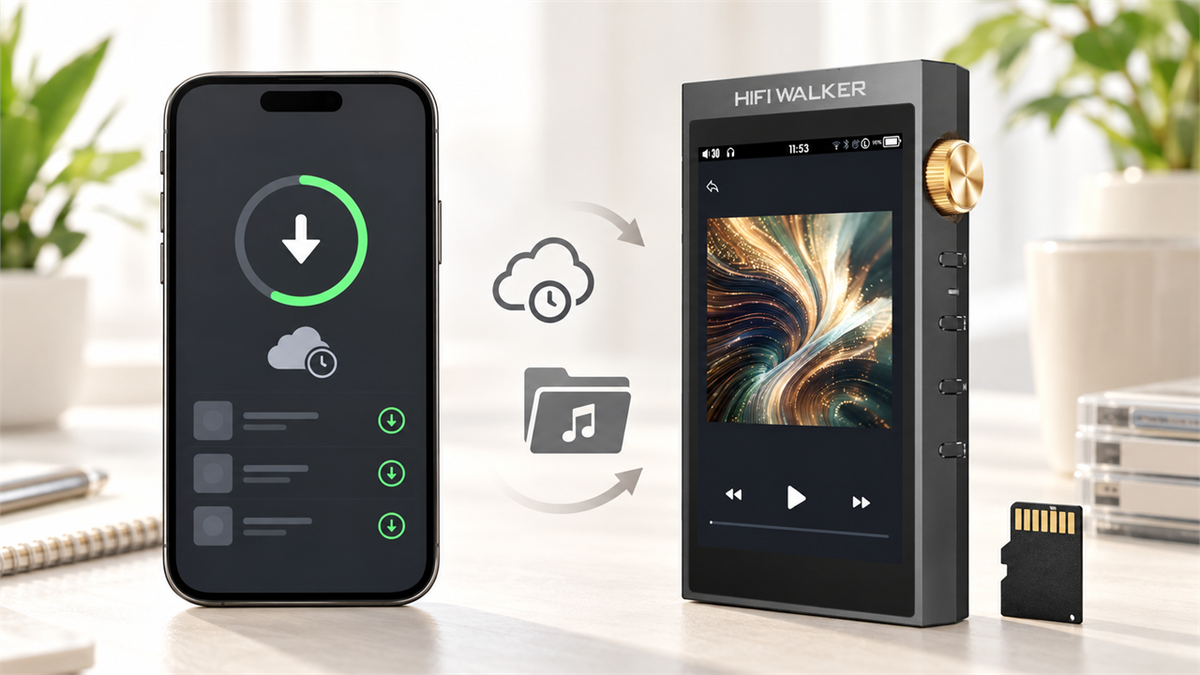
- Offline downloads inside a streaming app are part of that subscription: they stay managed by the app and remain available on the service's own terms, which is a different thing from owning a copy of the file.
- Format handling differs by app rather than following a single rule: streaming downloads are managed by the service inside its own app, while local-file apps read supported files such as FLAC straight from storage.
- The gap between an app and a dedicated player shows up most clearly under stress — long flights, tight phone storage, or a battery already stretched by other background processes.
- ►1. The Best Offline Music App Depends on One Thing: Where Your Files Actually Live
- ►2. How These Offline Music Apps Are Compared
- ►3. Offline Music Apps Compared
- ►4. Where Streaming Apps Quietly Fall Short
- ►5. When a Dedicated Player Beats Any App on Your Phone
- ►6. For a Bigger Library and a Touchscreen: H20 Ultra
- ►7. How Much Does the Phone Itself Matter?
- ►8. Offline Music Apps 2026: Quick Picks by Situation
- ►9. The Bottom Line for 2026
How These Offline Music Apps Are Compared
Before the comparison, here are the criteria used throughout: documented offline-download behaviour, local-file support, platform availability, subscription requirements, and format handling. Every app below is judged on those five points and nothing else. There is no scored ranking here, because we have not run a controlled test of these apps against each other.
What Sounds Good on Paper
- Advertises offline downloads
- Claims high-quality streaming
- Free tier with ads
- Works on any phone
What Actually Matters Day-to-Day
- Downloads survive an app update
- File format isn't re-compressed on save
- Storage limit before you hit a paywall
- Battery drain from background streaming checks
Format support is the one that catches people out, but it does not work the same way everywhere. Offline behaviour differs by app: streaming downloads stay managed inside the app that made them, while local-file apps such as Poweramp or VLC for Mobile play supported files, FLAC included, directly from storage. Check the format and offline rules for the specific app and platform you use rather than assuming one rule covers all of them.
Offline Music Apps Compared
Here are the apps, compared on the criteria above. Streaming-app offline modes and local-file apps sit in the same table because they are both apps. Dedicated hardware players are covered separately further down, as an alternative rather than an entry in this list.

Where Streaming Apps Quietly Fall Short
Streaming apps are built around a subscription staying active. Offline downloads are a convenience feature bolted onto that model, not the model itself. That shows up in three specific ways once you actually rely on offline mode for more than a weekend trip.
Downloads Depend on an Active Plan
Offline downloads are tied to a live subscription, and each service sets its own reconnection rule. YouTube Music Premium, for example, documents a reconnection at least once every 30 days. Check the current rule for the service you use; it is not the same everywhere.
Storage Competes With Everything Else
A phone's storage is shared with photos, other apps, and system updates. A large offline library often gets trimmed automatically when space runs low.
Background Activity While You Listen
Streaming apps can also run background activity such as connection checks, play-count sync or ad refresh, depending on the app and your settings. How much battery that costs varies by app and device, and it is not something a local-file player does at all.
If you already have a library of FLAC or high-bitrate files sitting on a hard drive somewhere, none of this really applies to you — you are the exact person this format problem was built for. That is where local-file players start to look less like a niche choice and more like the obvious one.
When a Dedicated Player Beats Any App on Your Phone
An app is still an app — it runs on a phone doing a dozen other things at once. A dedicated player has exactly one job. That difference shows up most clearly in three situations: long flights, gym sessions where you don't want notifications interrupting a playlist, and any time your phone's battery is already stretched thin by everything else it's doing.

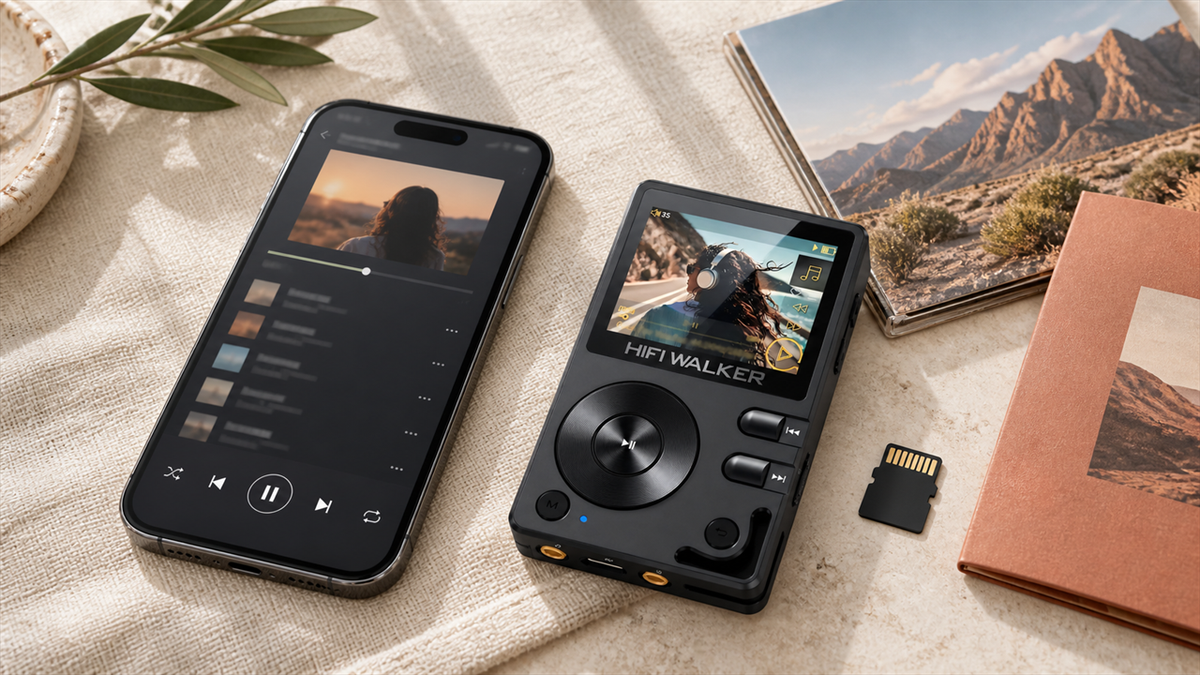
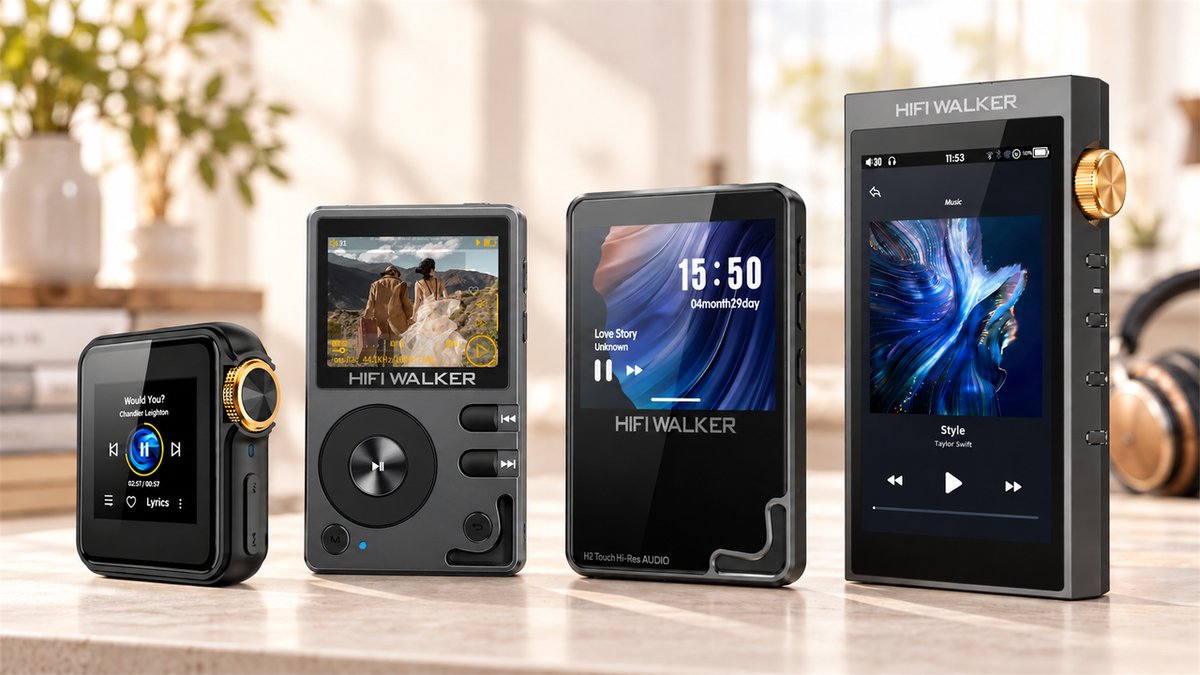
The H2 Mini plays local files off a microSD card (SDHC/SDXC up to 512GB, with a 64GB card included) through an ESS9218PC DAC with an integrated headphone amp — no app, no login screen, no background sync. For anyone who has ever lost an offline playlist to a forced app update, that alone is worth the switch.

↑ Back to Top
Back to Top ↑For a Bigger Library and a Touchscreen: H20 Ultra
If your local library has grown past a casual playlist — years of ripped CDs, downloaded FLAC albums, whatever you've been collecting — browsing it on a tiny screen gets old fast. This is where the H20 Ultra earns its spot on the list.


The H20 Ultra reads files off a T-Card slot (up to 512GB, with a 128GB card included) and supports DSD256 alongside standard formats — the kind of headroom that matters once your 'offline music' folder stops being a curated playlist and starts being an actual archive.
For a deeper look at how local-file players compare to streaming apps across battery life and format handling, our local files vs streaming comparison breaks down the tradeoffs in more detail than a single list section can.
How Much Does the Phone Itself Matter?
Since this comes up in almost every 'best music app' search: playback on a phone depends on the audio hardware and the OS-level format support in that specific model, not on the app you install on top of it. A great app still routes audio through whatever hardware the phone has, and those implementations differ from model to model. Compare the published specifications for the phone you actually own rather than assuming a general rule.
That is a separate problem from the one this list solves. Choosing the best offline music app fixes where your files live and whether they survive a signal dropout. It does not fix the DAC bottleneck between the file and your ears — that's a hardware question, and it's why USB DAC dongles and dedicated players exist as a category at all.

Offline Music Apps 2026: Quick Picks by Situation
Not everyone needs the same answer. Here is the shortest version, sorted by what you actually need solved.
Stick With an App If
- You already pay for Spotify, Apple Music, or Tidal
- Your library is mostly playlists, not owned files
- You reconnect to WiFi at least monthly
- Storage space on your phone isn't tight
Move to a Dedicated Player If
- You own FLAC or high-bitrate files already
- Downloads have expired on you before
- You want zero notification interruptions on long trips
- Phone battery is already stretched by other apps
If you're weighing that second column seriously, our guide to offline music players that work without internet goes further into device selection than a single section here can. And if Android is your platform of choice either way, our Android music player guide covers both the app and hardware sides of that specific setup.

The Bottom Line for 2026
If you want one music app 2026 recommendation and nothing else: keep whichever streaming app you already pay for, and treat its offline mode as what it is — a convenience for short trips, not a permanent library solution.
But if you've been burned by an expired download or you're the person still holding onto a folder of ripped albums from a decade ago, no app on this list solves that as cleanly as just letting the files live on their own device. That's a different kind of best — and it's the one that doesn't depend on your next phone update.
You can browse the full lineup of local-file players in our Hi-Res MP3 player collection if you want to compare specs side by side before deciding.
There Is a Quieter Way to Own Your Music Than Any App Offers
Once you stop thinking about music as something an app manages for you, a different set of questions opens up — about where files come from, how they're organized, and what a listening setup looks like when nothing needs a signal.
None of this requires giving up your streaming app. It just means the app stops being the only option on the table.
Frequently Asked Questions
Q1: What is the best offline music app in 2026?
It depends on where your music lives. If you already pay for Spotify, Apple Music, Tidal or YouTube Music, that service's own app is the least friction: its downloads stay inside the app and follow that service's subscription and reconnection rules. If your library is made up of files you own, a local-file app or a dedicated player avoids the subscription dependency altogether.
Q2: Do all offline music apps re-compress high-quality files?
No, it depends on the app. Streaming downloads are managed inside the app that created them, and the format used is set by the service and your plan. Local-file apps such as Poweramp or VLC for Mobile play supported files, including FLAC, directly from storage without re-encoding them. Check the documentation for the specific app and platform before assuming either behaviour.
Q3: Can I use offline music apps without a subscription?
Free apps like VLC for Mobile can play local files you already own without any subscription, but they don't offer a streaming catalog. Paid apps like Spotify or Tidal require an active plan for offline downloads to keep working long-term.
Q4: Why would I use a dedicated player instead of a phone app?
A dedicated player like the HIFI WALKER H2 Mini Hi-Res Music Player or H20 Ultra Hi-Res Audio Player runs local files directly off a microSD card with no app, no login, and no background battery drain from notifications or sync checks — useful if you've had downloads expire or storage get squeezed on your phone before.
Q5: Does the phone itself affect music playback quality?
Playback on a phone comes down mostly to the audio hardware and OS-level format support in that specific model, not the app installed on top. Those implementations vary between models, so check the published specifications for your own phone. Where they fall short, a separate USB DAC or a dedicated player changes more than switching apps does.