Can You Actually Listen to YouTube Music Offline
Yes, with a YouTube Music Premium subscription. Downloads live inside the app: you save tracks, albums, and playlists, and they play back without a connection. Without Premium, YouTube Music does not offer offline downloads of its licensed music catalog at all — that restriction is built into the app, and it is the gap that trips up most people searching for how to listen to YouTube Music offline without Premium.
One thing to clear up before going further: the separate YouTube Audio Library gets suggested as the free alternative, and it is not one. It is a free asset library built for creators making videos, not a substitute for the YouTube Music catalogue. There is a short section on it below, but the real answer to this question is Premium.
Expert Insights: Key Takeaways
- The YouTube Audio Library and YouTube Music Premium downloads solve two completely different problems — one is free stock music for creators, the other is paid access to a licensed catalog. Searching for one when you need the other is where most confusion starts.
- YouTube Music's offline downloads are conditional on three things at once: an active Premium subscription, content the service makes available for download, and the app reconnecting at least once every 30 days. Miss any one of them and the saved tracks stop playing.
- App-based offline downloads are convenient but temporary by design — they expire without reconnection. A local file on a device built just to play music does not carry that expiration problem.
- ►1. Can You Actually Listen to YouTube Music Offline
- ►2. How to Play YouTube Music Offline With Premium
- ►3. Why a Download Fails, Stalls, or Disappears
- ►4. A Note on the YouTube Audio Library: It Is Not a Substitute
- ►5. Comparing Your Offline Options
- ►6. Building an Offline Library That Does Not Depend on Any App
- ►7. Frequently Asked Questions
How to Play YouTube Music Offline With Premium
If you already pay for YouTube Music Premium or YouTube Premium, offline downloads live inside the app itself. No extra tools, no browser extensions — just a download icon on every song, album, or playlist page.
Open the song, album, or playlist
In the YouTube Music app, find the track or playlist you want offline. The download option only shows up on content YouTube has cleared for offline caching under your subscription.
Tap the download arrow
Look for the downward arrow icon next to the play button. On playlists, there is usually a toggle at the top that downloads the whole list in one tap.
Wait for the download to finish over Wi-Fi
Downloads default to Wi-Fi only unless you change that in Settings > Data Saving. Large playlists on mobile data can eat through a plan fast if you skip this check.
Switch to Offline mode when you need it
In the app's library settings, there is an offline-only toggle. Turning it on hides anything that requires a live connection, which is the fastest way to confirm a download actually worked.
Reconnect at least once every 30 days
Downloads need the app to reconnect to the internet at least once every 30 days. If the device stays offline past that window, saved tracks stop playing until you reconnect, so a playlist you saved months ago for a flight is worth refreshing before you travel again.

Why a Download Fails, Stalls, or Disappears
Most offline problems on YouTube Music come down to one of a handful of conditions, and none of them need a third-party tool to fix. The download arrow only appears on content YouTube Music makes available for download, so a track showing no arrow is usually not eligible rather than broken.
Check These First
- An active Premium subscription is required for catalogue downloads
- Downloads default to Wi-Fi only unless you change Settings > Data Saving
- The device needs enough free storage for the files
- Saved tracks need the app online at least once every 30 days
What Will Not Help
- Third-party downloaders and converters, which the platform's terms do not permit
- Reinstalling the app before checking eligibility and storage
- Assuming the Audio Library covers the same catalogue
- Expecting saved tracks to move out of the app as files
That last point is the one worth internalising: YouTube Music's downloads are a playback feature inside the app, not files you can copy out of it. They stay on the device that saved them, for as long as the subscription and the reconnection window hold.
A Note on the YouTube Audio Library: It Is Not a Substitute
Without Premium, YouTube Music does not offer offline downloads of its licensed music catalog. The separate YouTube Audio Library serves creators and is not a substitute for YouTube Music: it is a free catalogue of royalty-free background music and sound effects intended for use in videos, not the songs most people are actually looking for.
If you do want it, the official route is YouTube Studio on the web: sign in, choose Audio Library from the left menu, or open youtube.com/audiolibrary directly. Every track carries its own licence. YouTube's own guidance is that Audio Library tracks can be used in monetised YouTube videos when the applicable licence and attribution rules are followed — check each track's licence individually, and note that YouTube does not provide legal guidance for use outside YouTube.

↑ Back to Top
Back to Top ↑Comparing Your Offline Options
Put side by side, the three routes solve different problems. Premium downloads give you the full catalogue, but keep it inside the app and on a subscription clock. The Audio Library is free, but it is royalty-free stock music rather than the popular songs people usually mean. A local library of files you own has no catalogue at all until you build one, and then nothing expires.
This is the point where most people either accept a Premium subscription or start building a local library out of files they already own — CDs they ripped themselves, purchased downloads, or Audio Library tracks for background use. For the file-management side of that, our guide on listening to your own music offline on a dedicated player goes into more detail.
Our broader breakdown of the YouTube Audio Library and how creators actually use it in 2026 covers licensing edge cases if you are sourcing music for a project rather than just personal listening.
Building an Offline Library That Does Not Depend on Any App
App-based downloads share one weakness: they need the app to reconnect at least once every 30 days, and they stop the moment a subscription lapses. A local file — whether from the Audio Library, a CD you ripped yourself, or a purchased download — does not have that problem once it lives on a device built to just play files.

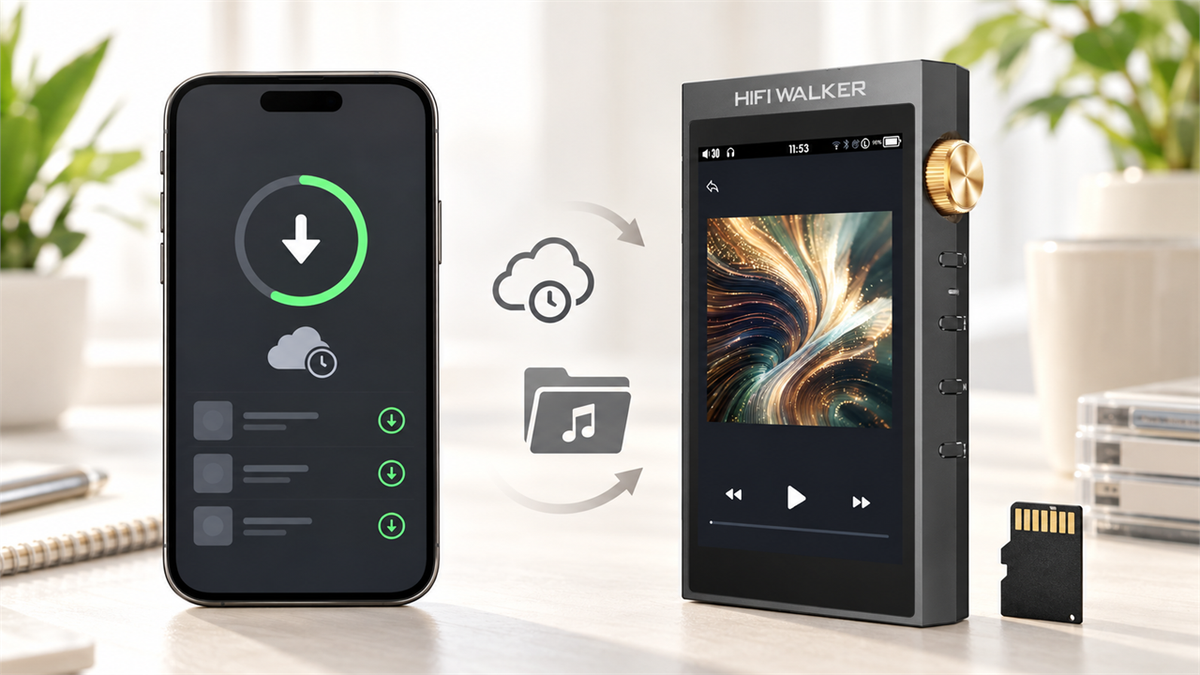
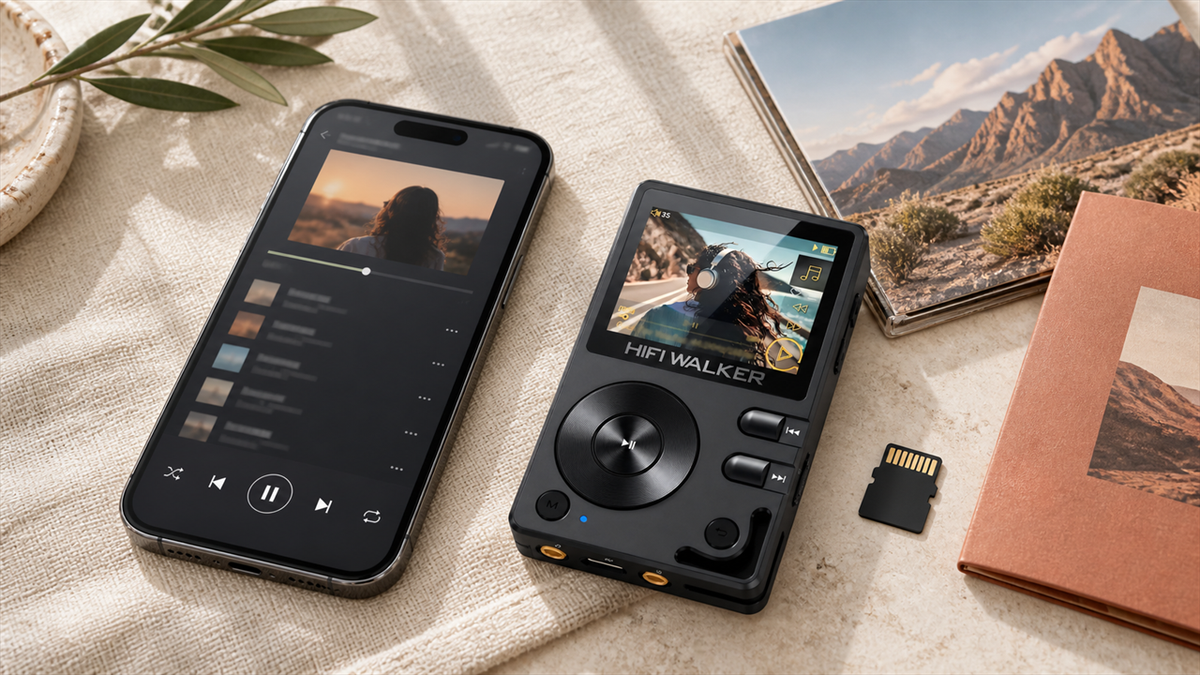
That is where a dedicated player earns its keep — not as a Premium replacement, but as the place downloaded and ripped files go to actually get played without a phone, a subscription check, or a battery shared with everything else on the device.

Frequently Asked Questions
A few quick answers to the questions that come up most around offline YouTube listening.
What Offline Listening Looks Like Once You Stop Renting It
Downloads that expire and apps that need a login are one kind of offline. There is another kind that just sits on a device and plays, no matter what your subscription status is next month.
None of this replaces Premium if the catalog is what you need. But for the music you already own, or plan to own, there is a version of offline that never expires.
Frequently Asked Questions
Q1: How do I listen to YouTube Music offline without Premium?
YouTube Music does not offer offline downloads of its licensed music catalog without Premium — that restriction is built into the app. The separate YouTube Audio Library is royalty-free music for creators, not the same catalogue, so it is not a substitute. If you want music playable offline with no subscription, move files you already own onto a dedicated player.
Q2: How long do YouTube Music offline downloads last?
They stay available while your subscription is active and the app reconnects to the internet at least once every 30 days. If a device stays offline past that window, saved tracks stop playing until you reconnect and the app can re-check your account.
Q3: Why will a YouTube Music track not download?
The download option only appears on content YouTube Music makes available for download, and it requires an active Premium subscription. Downloads also default to Wi-Fi only unless you change that in the app's data-saving settings, and the device needs enough free storage. Check those three before assuming something is broken.
Q4: How do I access the YouTube Audio Library in YouTube Studio in 2026?
Sign into YouTube Studio at studio.youtube.com with a Google account tied to a channel, then choose Audio Library from the left menu, or open youtube.com/audiolibrary directly. From there you can filter by genre, mood, or attribution requirement and download tracks. Check each track's licence before you use it, particularly for anything outside YouTube.
Q5: Can I use YouTube Music offline at all without paying anything?
Not for the actual YouTube Music catalogue — offline downloads there require Premium. If your goal is simply having music without an internet connection, building a local library from files you already own and playing them on a device that needs no app and no subscription is the route that holds up long-term.