The Short Answer: Which Free Player Should You Pick
Three free players cover almost everyone looking for the best music player for Windows: foobar2000 for control and format support, MusicBee for library organization, VLC for a no-questions-asked backup that plays literally anything. All three have real limits, and we'll get into those.
The catch with any music player for PC — free or paid — is that it's still playing through your motherboard's onboard sound chip and whatever headphones or speakers are plugged into it. The software can be perfect. The hardware underneath it usually isn't.
What Software Controls
- Library organization and tagging
- Format support (FLAC, DSD, etc.)
- Equalizer and playback settings
- Plugin ecosystem
What Software Can't Fix
- Onboard DAC quality
- Headphone jack noise floor
- Output power for hard-to-drive headphones
- Portability away from the desk
Expert Insights: Key Takeaways
- Free doesn't mean equivalent — foobar2000 and MusicBee both handle FLAC and DSD out of the box, while apps like Windows Media Player rely on you not noticing they haven't kept up.
- The player you pick changes how your library feels to use. It does not change what your onboard audio chip is capable of outputting.
- A USB-C DAC/amp dongle is the lowest-friction upgrade for desktop listening because it works underneath whichever software you already prefer, rather than asking you to switch apps.
- ►1. The Short Answer: Which Free Player Should You Pick
- ►2. How We're Ranking These 8 Players
- ►3. The 8 Players, Ranked
- ►4. Price Comparison: What Free Actually Costs You
- ►5. Where Software Hits a Wall: The Hardware Underneath
- ►6. When It Makes Sense to Skip the PC Entirely
- ►7. Picking the Right One for Your Situation
How We're Ranking These 8 Players
Before the list, here's the actual criteria — because best windows music player rankings that don't explain their standard are just opinion dressed up as authority.
Price and licensing
Free with no nag screens beats free with a paid upgrade wall. We note where a player is genuinely free versus freemium.
Format support
Does it handle FLAC, ALAC, DSD, and high-res files out of the box, or does it need a plugin just to open a lossless file?
Library size and stability
A player that indexes fine at 500 songs and chokes at 20,000 isn't a music player for pc — it's a demo.
Resource use
Does it sit quietly in the background, or does it eat CPU and RAM while you're trying to game or work?
We're not testing sound quality differences between these apps on the same hardware — that's a hardware question, not a software one, and we'll come back to it near the end. This list is about what each app does and doesn't do.
The 8 Players, Ranked

1. foobar2000 — Free, no catch. Handles FLAC, ALAC, DSD, and dozens of formats via plugins. The interface looks like it's from 2004 because it basically is, but nothing beats it for a huge, meticulously tagged library. This is the closest thing to the best mp3 player for windows if you measure by raw control.
2. MusicBee — Free, with a much friendlier interface than foobar2000. Auto-tagging, album art fetching, and a built-in equalizer. If you want library management to feel less like a spreadsheet, this is the pick.
3. VLC Media Player — Free, open source, plays almost any file you throw at it including video. Not built as a dedicated music library tool, but as a fallback that never fails, it's hard to beat.
4. AIMP — Free, lightweight, low on system resources. Good for older PCs. Format support covers the common lossy and lossless formats without heavy plugin hunting.
5. Windows Media Player (legacy) — Free, built in, unglamorous. Fine for casual listening if you don't have a large or complicated library. Not the best music player for windows 11 in any technical sense, but it's already installed.
6. Media Monkey — Freemium. The free tier handles basic library management fine; the paid Gold tier adds auto-tagging automation and sync tools. Good if your library is messy and needs cleanup help.
7. Clementine — Free, open source, built around a simple interface with internet radio support baked in. Development has slowed, but it still runs fine for straightforward playback.
8. Winamp (modern relaunch) — Free for personal use. The nostalgia is real, and the modern build has cleaned up a lot of the old bloat, but plugin compatibility with the classic era is inconsistent.
Price Comparison: What Free Actually Costs You
Free software has trade-offs that don't show up on the price tag. Here's how the top contenders stack up on the things that actually matter for daily use.
Notice what's missing from every row: none of these change what your PC's onboard audio chip is capable of. A free app playing a FLAC file through a $2 laptop DAC still sounds like a $2 laptop DAC. That's not a software problem — it's the next section.
↑ Back to Top
Back to Top ↑Where Software Hits a Wall: The Hardware Underneath
Here's the thing none of these apps can advertise honestly: the best audio player for windows software still routes through whatever DAC and amp circuit is soldered to your motherboard. On most desktops and laptops, that's a budget chip picked for cost, not fidelity.

Signs You've Hit the Ceiling
- FLAC and MP3 sound nearly identical on your setup
- Volume maxes out but still sounds quiet with hard-to-drive headphones
- Audible hiss or hum from the onboard jack
- No way to output a balanced signal
What a Dedicated DAC/Amp Adds
- A DAC chip chosen for audio, not cost
- Cleaner separation from motherboard electrical noise
- More headroom to drive demanding headphones
- A dedicated output stage instead of a shared circuit
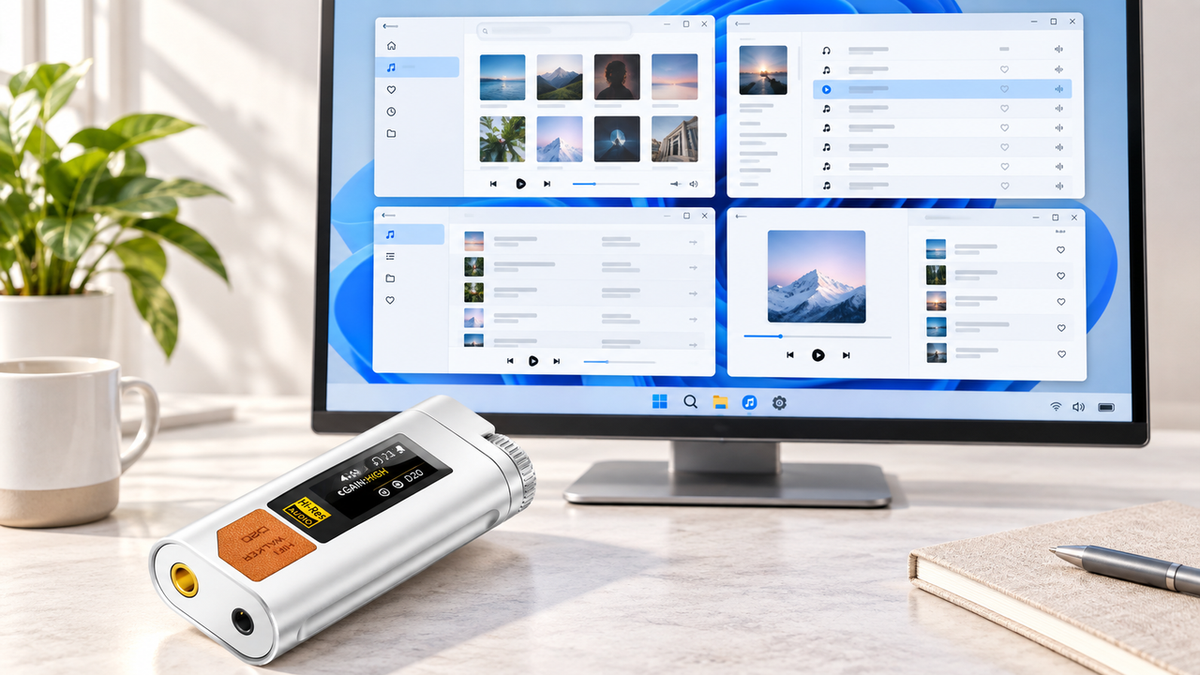
This is where a USB-C DAC/amp dongle like the HIFI WALKER D20 USB-C DAC/Amp Dongle changes the equation without changing your software at all. It plugs between your PC and your headphones, and your existing music player — foobar2000, MusicBee, whatever you picked from the list above — just sees a better audio output device.

When It Makes Sense to Skip the PC Entirely
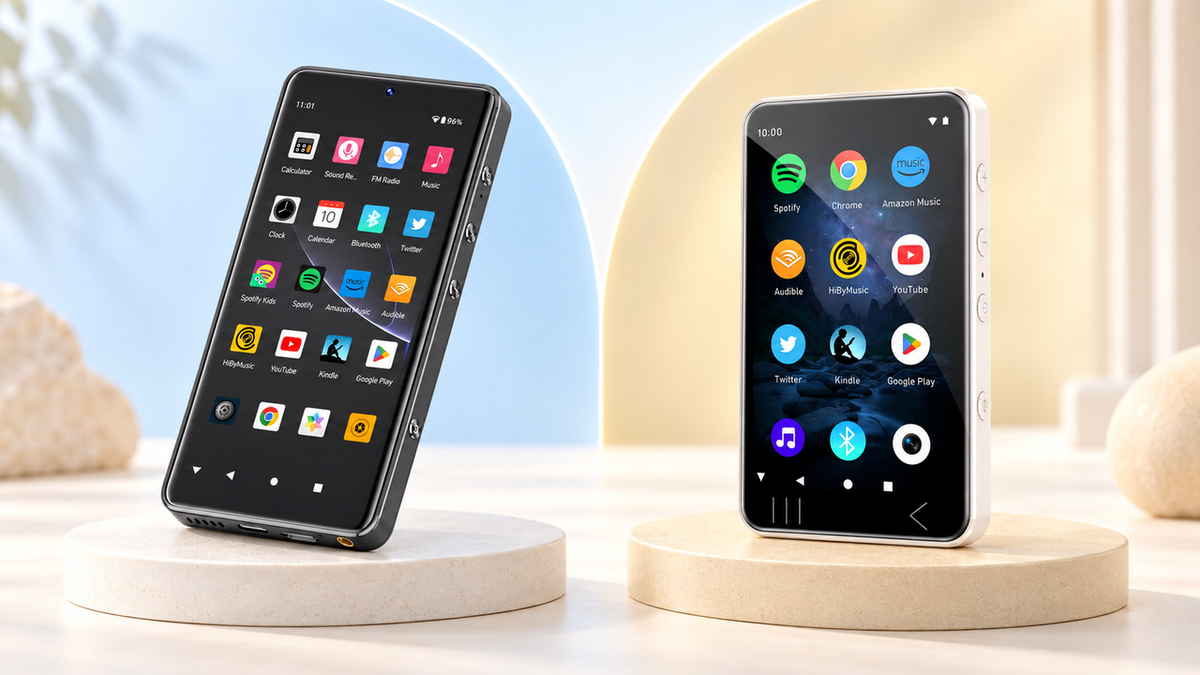
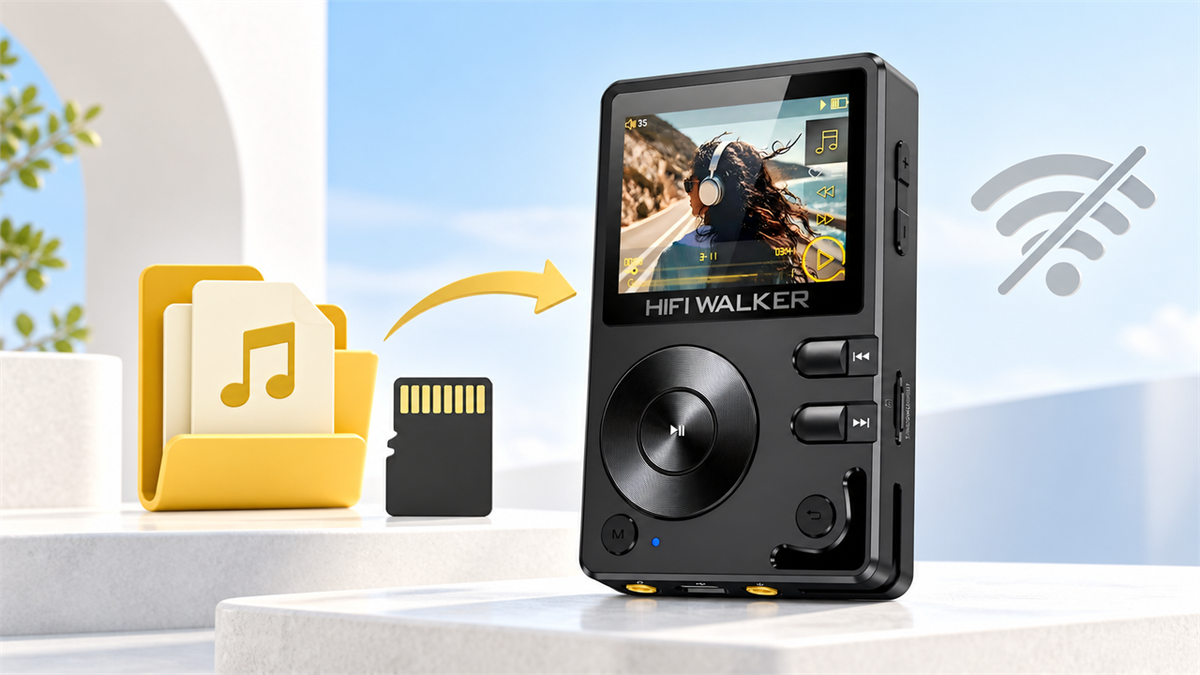
Software solves organization. A DAC/amp solves output quality at your desk. Neither one solves the fact that your music library is now tied to a PC that isn't coming with you. If you've built a serious FLAC library and want to listen to it away from the desk, that's a different problem — and it's the one dedicated players like the HIFI WALKER H20 Ultra Hi-Res Audio Player or the HIFI WALKER H2 Hi-Res Audio Player are built to solve.


Neither of these replaces your Windows music player — you'll still load and organize files with something like foobar2000 or MusicBee on the PC side. They replace the PC as the thing that has to be in the room when you actually want to listen. For a deeper look at how these compare to the software route, our guide to the best audio players for Windows goes further into the trade-offs.

Picking the Right One for Your Situation
If your library is under a few thousand songs and you just want something that opens fast and plays cleanly, MusicBee or AIMP will cover it without any learning curve.
If you've got tens of thousands of tracks, obsessive tagging, and opinions about ReplayGain, foobar2000 is still the tool built for that job — the interface hasn't aged well, but the engine underneath has.
If you mostly stream and only occasionally play local files, keeping VLC as a backup next to your streaming app covers both bases without installing three separate programs. And if you've noticed your headphones sound flat no matter which music player windows app you're running, that's your cue to look at the D20 dongle rather than trying a twelfth app. For more angles on this exact decision, our guide to the best music player apps breaks down mobile-first options too.
What's Past the App Store Search
Picking a Windows music player is usually step one, not the whole project. Once the software question is settled, a few other doors tend to open on their own.
None of this is required to enjoy your music. It's just what's sitting one layer below the software question.
Frequently Asked Questions
Q1: What is the best free music player for Windows in 2026?
For most people, foobar2000 or MusicBee cover the bases — foobar2000 for raw format support and control over a large library, MusicBee for an easier-to-use interface with the same core lossless format support. Both are genuinely free, not freemium.
Q2: Is there a best music player for Windows 11 specifically?
The apps on this list all run fine on Windows 11 — none of them require special Windows 10 compatibility mode. The built-in Windows Media Player still exists but hasn't been meaningfully updated, so it's more of a fallback than a first choice.
Q3: Does the music player app affect sound quality, or is that all hardware?
Software controls format support, EQ, and library handling. But the actual audio signal still passes through your PC's onboard DAC and headphone jack, which is a hardware limitation no app can fix. That's a separate question from which player to install.
Q4: Can I use a USB-C DAC/amp with any of these Windows music players?
Yes. A USB-C DAC/amp dongle like the HIFI WALKER D20 works as a Windows audio output device, so whichever player you've chosen from this list will simply route through it instead of your motherboard's onboard chip. Its published compatibility list covers Windows 10 and earlier plus macOS 10 and later — for Windows 11, check the product page before you buy.
Q5: Should I use a PC music player or a dedicated portable player instead?
They solve different problems. A PC music player organizes and plays your library at your desk. A dedicated player like the H2 or H20 Ultra lets you carry that same lossless library away from the PC entirely, without your phone in the loop.