

Last updated: March 21, 2026
Expert Insights: Android Music Optimization
- Android's default 48kHz resampling affects 90% of music files - bypass it with apps like Poweramp for immediate quality gains
- Parametric EQ provides 10x more precision than graphic EQ - essential for correcting specific headphone frequency response issues
- Dedicated Android DAPs eliminate smartphone RF interference that degrades sensitive audio circuits by up to 15dB
Essential Android Audio Settings That Transform Your Sound
Before diving into advanced music player apps, these Android audio settings will immediately improve your listening experience. Most users never discover these hidden controls that can dramatically enhance sound quality.
Disable System Sound Processing: Navigate to Settings > Sound > Sound Quality and Effects, then turn off manufacturer enhancements like "Dolby Atmos" or "Samsung Sound Alive." These processing layers often muddy the original audio mix and prevent your chosen Android music player from delivering pure, uncolored sound.
Optimize Bluetooth Audio Codecs: Enable Developer Options (tap Build Number 7 times), then go to Developer Options > Bluetooth Audio Codec. Switch from standard SBC to LDAC or aptX HD for wireless listening. This single change can triple your Bluetooth audio quality when paired with compatible headphones.
Configure Sample Rate Settings: In Developer Options, disable "Absolute Volume" to prevent digital clipping at high volumes. For advanced users, some phones allow you to set the sample rate manually - choose "48kHz/16-bit" for most content or match your music files' native resolution when possible.

- ›1. Essential Android Audio Settings That Transform Your Sound
- ›2. Building Your Perfect Digital Music Library
- ›3. 2026's Top Android Music Player Apps Compared
- ›4. Advanced Audio Features: EQ, Resampling, and Bit-Perfect Output
- ›5. Why Dedicated Android DAPs Outperform Smartphones
- ›6. Streaming Apps Optimized for Audiophile Hardware
- ›7. Troubleshooting Common Android Music Player Issues
Building Your Perfect Digital Music Library
A well-organized music library is the foundation of any great Android music player experience. Whether you're using local FLAC files or managing downloaded streaming content, proper organization saves time and enhances discoverability.
Master Folder Architecture: Create a logical hierarchy on your device storage: Music/[Artist]/[Year] - [Album]/[Track#] - [Title].flac. This structure works flawlessly with any Android music app and makes manual browsing intuitive. Store your highest-quality files on fast internal storage for instant loading.
Perfect Your Metadata Tags: Use desktop software like MusicBrainz Picard or mobile apps like Automatic Tag Editor to ensure consistent ID3 tags. Focus on these critical fields: Artist, Album Artist, Album, Track Number, Year, and Genre. Properly tagged files create beautiful library views in apps like Poweramp and Musicolet.
Album Art Optimization: Embed high-quality album art (500x500px minimum) directly into your files. This ensures artwork displays correctly across all Android music player apps, even without internet connectivity. Tools like Mp3tag can batch-process entire collections efficiently.
2026's Top Android Music Player Apps Compared
The Android music player you choose becomes your daily interface with your entire music collection. After testing dozens of options in 2026, these standout apps offer superior sound quality, advanced features, and reliable performance across different hardware configurations.
Poweramp: The Audiophile's Choice
Poweramp remains the gold standard for Android music player apps, featuring a custom audio engine that bypasses Android's problematic audio mixer. Its 10-band parametric equalizer offers surgical precision, while the built-in limiter prevents digital distortion at high volumes.
Key Strengths: Bit-perfect playback up to 32-bit/384kHz, gapless playback for live albums, advanced crossfade controls, and support for virtually every audio format including DSD. The app's custom resampler outperforms Android's default SRC processing significantly.
UAPP (USB Audio Player PRO): Professional Grade
UAPP specializes in bypassing Android's entire audio stack, connecting directly to USB DACs and supporting native DSD playback. This makes it the perfect companion for high-end portable audio equipment and professional monitoring setups.
Best For: Users with external DACs, studio monitors, or dedicated audio equipment. UAPP's bit-perfect output ensures zero digital processing between your files and your DAC's analog conversion.
Musicolet: The Lightweight Champion
For users prioritizing simplicity and battery life, Musicolet offers excellent audio quality without overwhelming features. Its clean interface and efficient resource usage make it ideal for older devices or users who prefer straightforward playback.
Unique Features: Multiple playlist queues, sleep timer, folder-based browsing, and completely offline operation. Despite being free, Musicolet includes many premium features found in paid alternatives.
Advanced Audio Features: EQ, Resampling, and Bit-Perfect Output
Understanding advanced audio processing helps you maximize your chosen Android music player's potential. These technical features separate professional-grade apps from basic playback software.
Parametric vs Graphic Equalization: Most basic players offer graphic EQs with fixed frequency bands (60Hz, 125Hz, 250Hz, etc.). Professional apps like Poweramp provide parametric EQs where you can select any frequency, adjust its bandwidth (Q factor), and apply precise gain/cut values. This surgical precision allows you to correct specific headphone deficiencies or room acoustics.
The Resampling Problem: Android's audio mixer typically resamples all audio to 48kHz regardless of source material. This process introduces quantization noise and timing jitter. Apps like UAPP and Poweramp include custom resamplers or bypass Android's mixer entirely, preserving your music's original sample rate and bit depth.
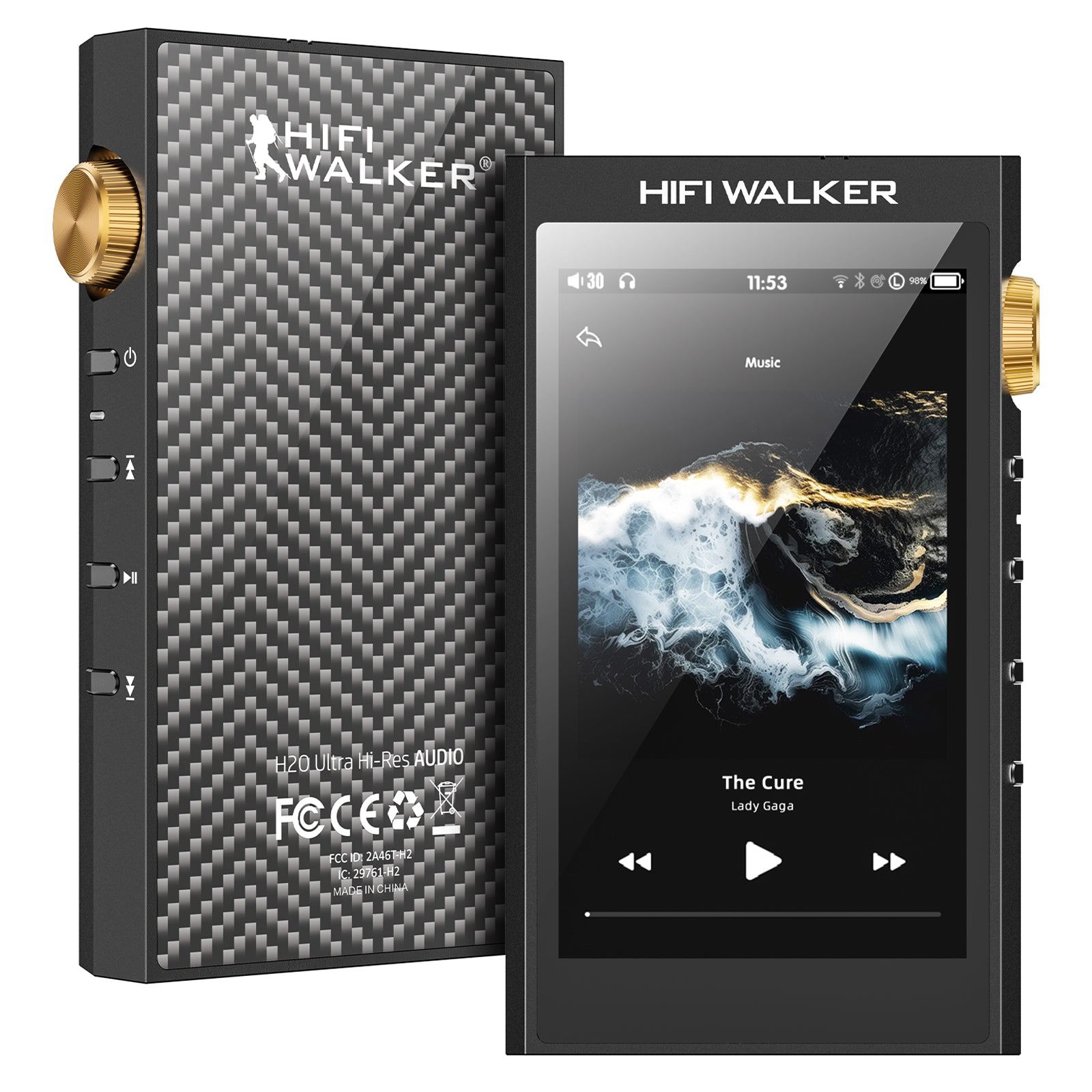
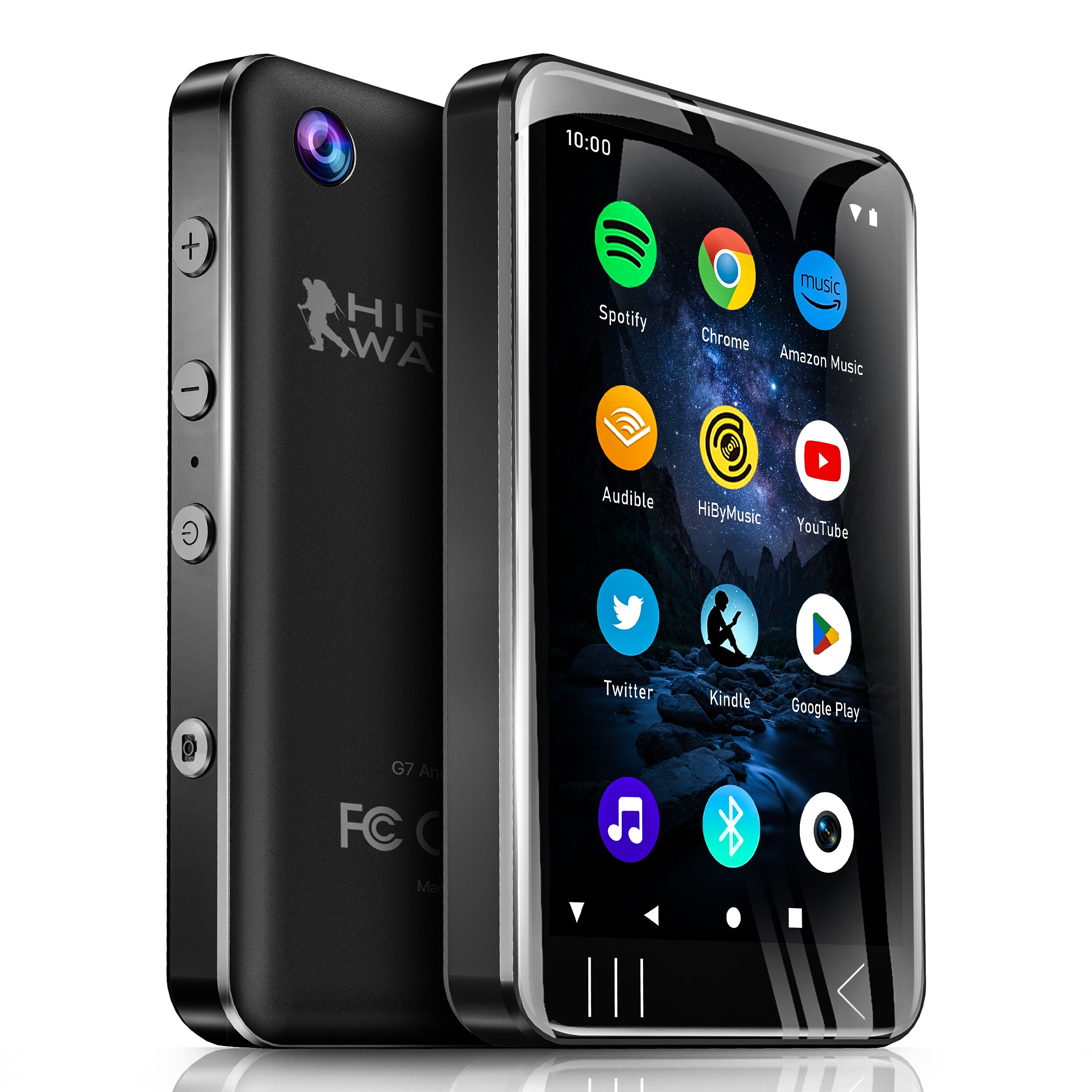
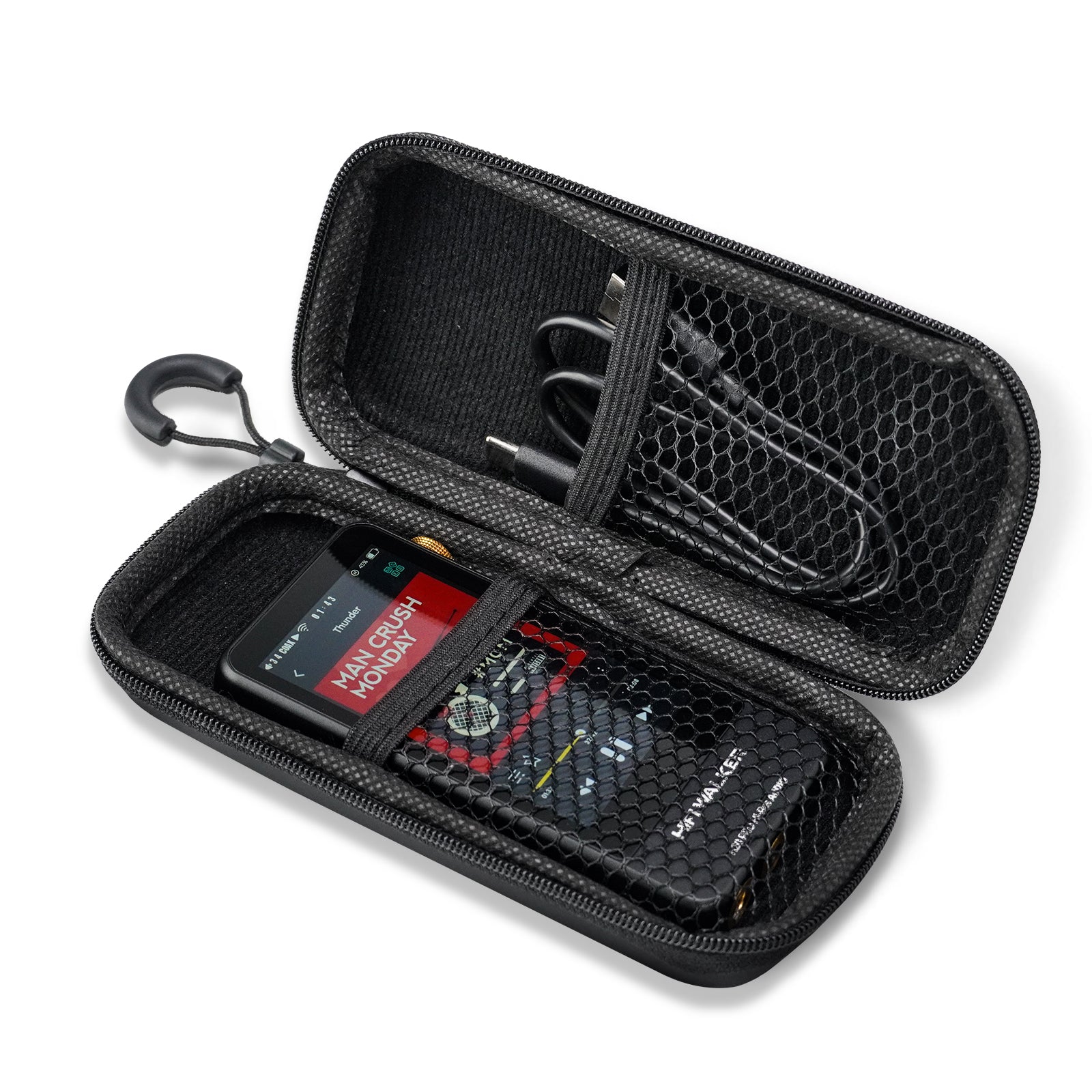
Achieving Bit-Perfect Audio: True bit-perfect playback means your music file's digital data reaches your DAC completely unaltered. This requires bypassing Android's audio processing, volume controls, and system mixer. Dedicated Android DAPs like the HIFI WALKER G7 provide hardware-level bit-perfect output that smartphone apps cannot match.

Getting lost in the details?
Back to Top ↑Why Dedicated Android DAPs Outperform Smartphones
Even the best Android music player app faces limitations when running on smartphone hardware. Dedicated Android players eliminate these bottlenecks through purpose-built audio circuitry and optimized system configurations.
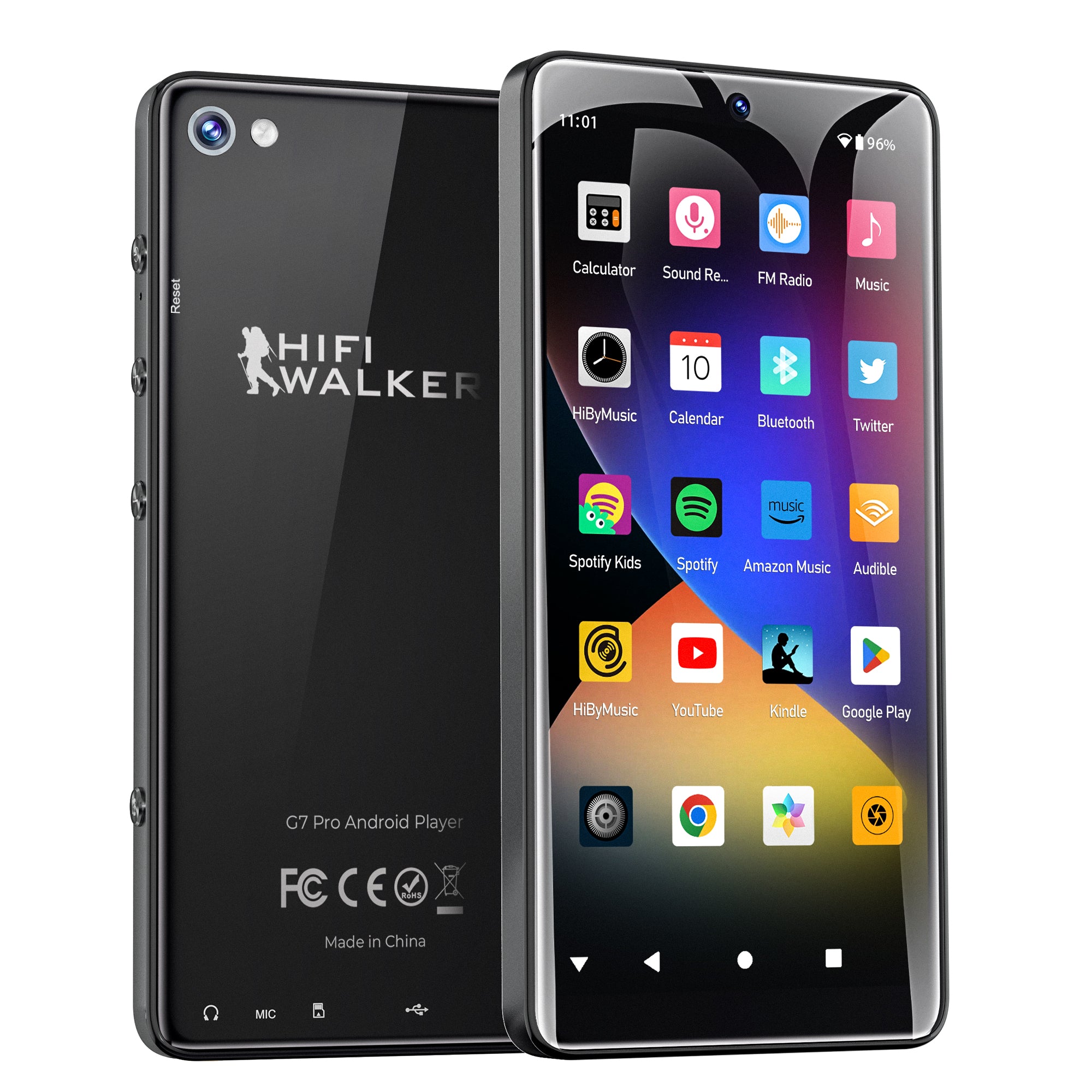
Professional Audio Circuitry: The HIFI WALKER G7 ($74.25) combines full Android app compatibility with audiophile-grade hardware. Its ESS Sabre DAC chip delivers measurably lower distortion than smartphone audio, while the dedicated headphone amplifier provides clean power for demanding headphones.
Interference-Free Design: Smartphones generate RF interference from cellular radios, WiFi, and Bluetooth that can affect sensitive audio circuits. Dedicated players isolate audio components from these interference sources, resulting in a blacker noise floor and improved dynamic range.
Optimized Android Performance: With dedicated Android DAPs, your favorite music apps run without competing against calls, notifications, or background processes. This ensures consistent audio performance and eliminates dropouts during critical listening sessions.

Streaming Apps Optimized for Audiophile Hardware
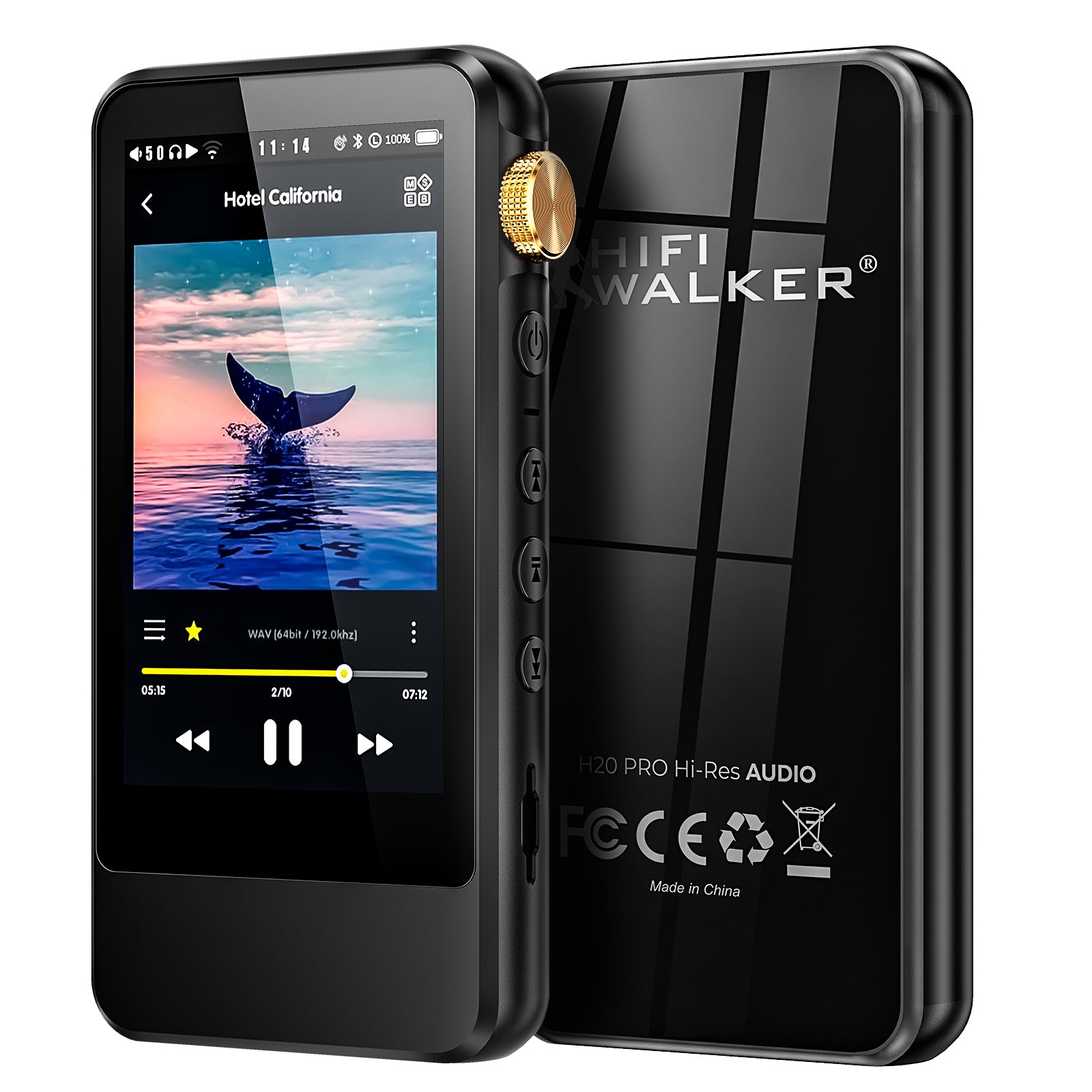
Popular streaming services transform when running on dedicated audio hardware. The HIFI WALKER G7 Pro ($90.00) unlocks the full potential of these platforms through superior processing power and clean audio output.
Spotify Premium on G7 Pro: Download your entire library in "Very High" quality (320kbps Ogg Vorbis) for offline listening. The G7 Pro's 512GB expandable storage holds thousands of songs, while its optimized Android 13 system ensures smooth navigation through large playlists without the lag experienced on older smartphones.
Tidal HiFi Excellence: Experience true lossless streaming with Tidal's FLAC quality tracks. The G7 Pro's dedicated audio pathway bypasses Android's typical resampling, delivering bit-perfect streams directly to its ESS DAC. MQA unfolding reveals studio master quality that standard phones cannot reproduce.
Apple Music Lossless: Android users can access Apple Music's lossless catalog through the web player or third-party apps. The G7 Pro's powerful 8-core processor handles high-resolution streams effortlessly, while its long battery life supports extended listening sessions without phone interruptions.
Troubleshooting Common Android Music Player Issues
Even the best Android music player apps can encounter problems. These solutions address the most frequent issues reported by audiophiles in 2026.
Gapless Playback Problems: If tracks have audible gaps during album playback, check your app's gapless setting and ensure your music files don't have embedded silence. Apps like Poweramp analyze tracks for seamless transitions, but this process requires proper file preparation.
High-Resolution File Compatibility: Not all Android devices support native playback above 48kHz/24-bit. If your FLAC or DSD files won't play, verify your device's hardware limitations. Dedicated DAPs typically support much higher resolutions than smartphones.
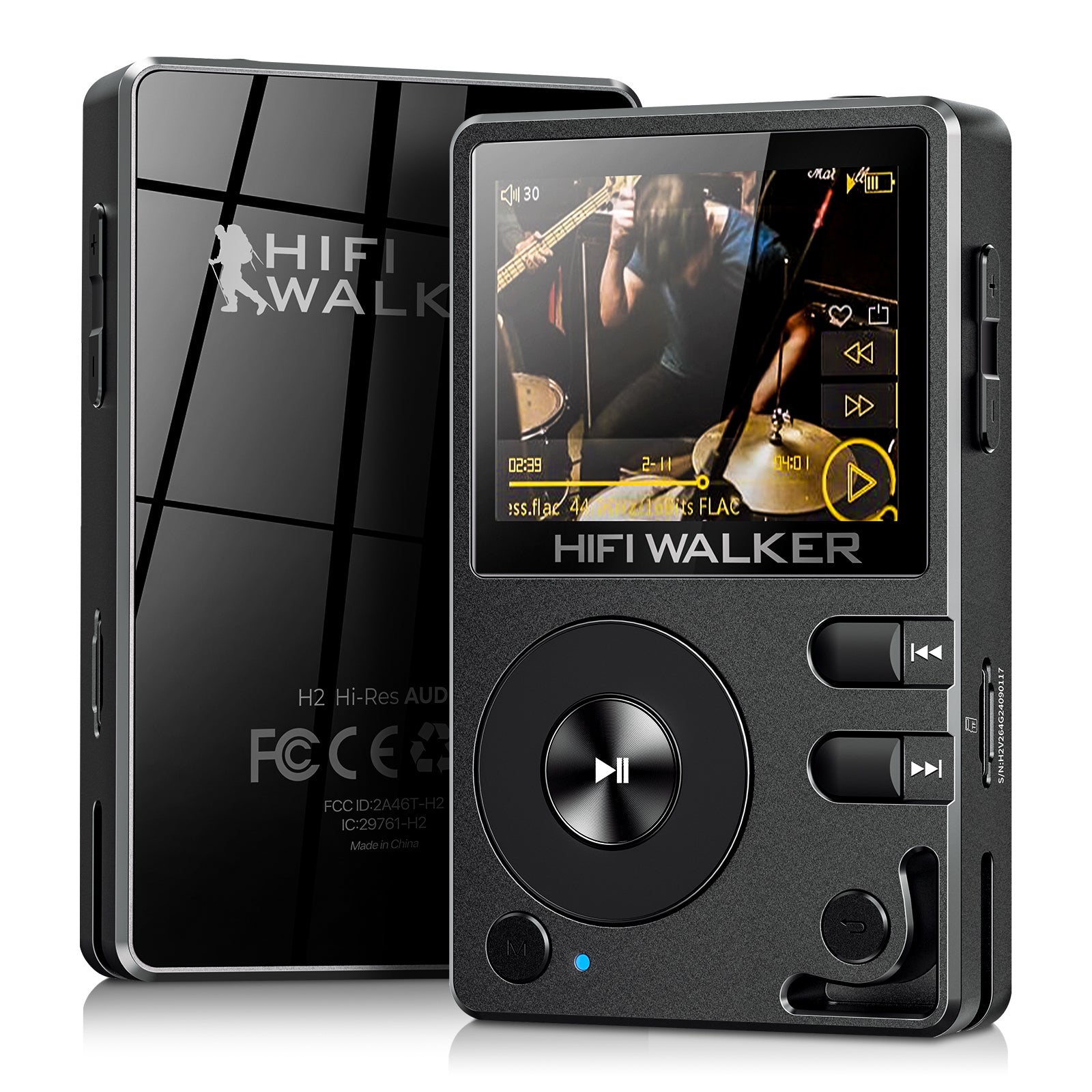
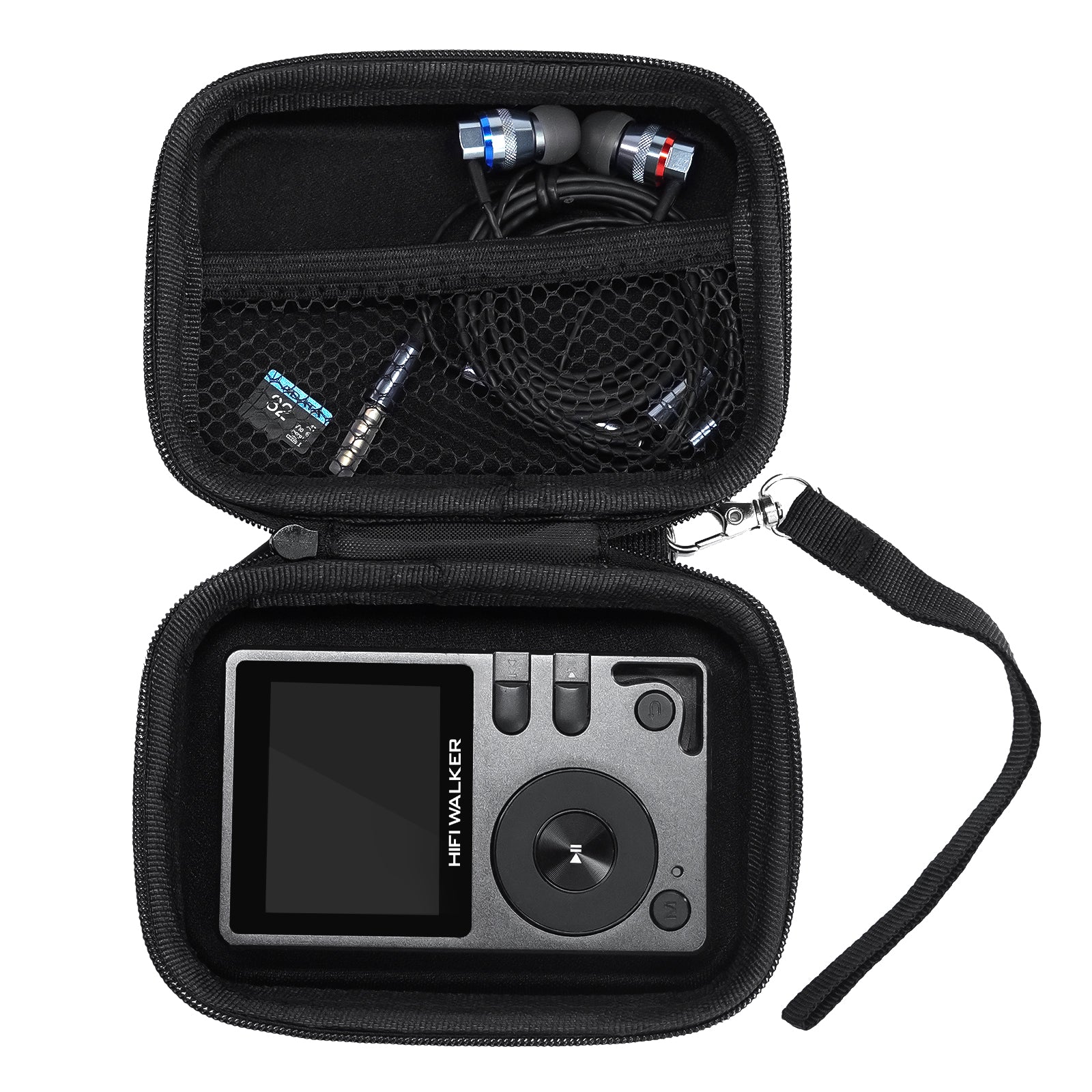
Battery Drain During Playback: Audio processing is CPU-intensive, especially with advanced EQ and effects. Reduce background apps, disable unnecessary audio processing, and consider using a dedicated player to preserve your phone's battery. The HIFI WALKER H2 ($119.20) offers 45+ hours of continuous playback without affecting your phone.
Bluetooth Codec Issues: If wireless audio sounds compressed, verify both your device and headphones support the same high-quality codec (LDAC, aptX HD, or LHDC). In Developer Options, you can force specific codecs and monitor connection quality in real-time.
Frequently Asked Questions
Q1: What's the difference between Android music players and dedicated DAPs?
Android music player apps run on smartphones but are limited by the phone's basic audio hardware. Dedicated Android DAPs like the HIFI WALKER G7 Pro combine the same apps with audiophile-grade DACs, amplifiers, and interference-free audio circuits for superior sound quality.
Q2: Can Android music player apps play high-resolution files?
Yes, apps like Poweramp and UAPP support files up to 32-bit/384kHz and DSD256. However, your device's hardware determines the actual output quality. Standard phones typically downsample everything to 48kHz, while dedicated players maintain native resolution.
Q3: Which Android music player app offers the best sound quality?
Poweramp and UAPP lead in audio quality due to their custom audio engines that bypass Android's problematic mixer. Poweramp excels for general use, while UAPP specializes in bit-perfect output to external DACs and supports native DSD playback.
Q4: How do I enable high-quality Bluetooth audio on Android?
Enable Developer Options, then navigate to Bluetooth Audio Codec settings. Switch from SBC to LDAC, aptX HD, or LHDC depending on your headphones' capabilities. Both your device and headphones must support the same codec for optimal quality.
Q5: Why should I use a paid Android music player when free options exist?
Paid apps like Poweramp ($4.99) include advanced features like parametric EQ, custom audio engines, gapless playback, and bit-perfect processing. They often bypass Android's audio limitations that free players cannot overcome, resulting in measurably better sound quality.