
Last updated: January 29, 2026
💡 2026 Expert Insights
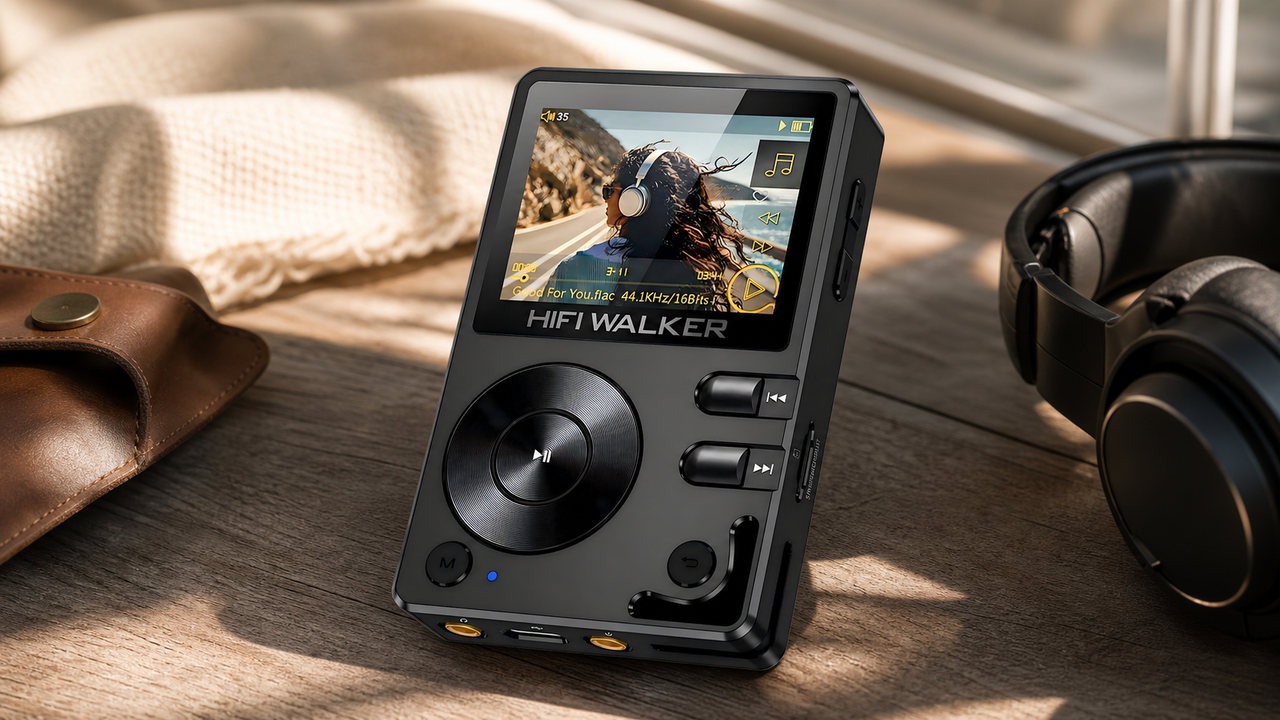
- Flagship Choice: The HIFI Walker G7 Pro offers the ultimate DSD256 experience.
- Best Performance: G7 Series supports up to 2TB microSD expansion for lossless libraries.
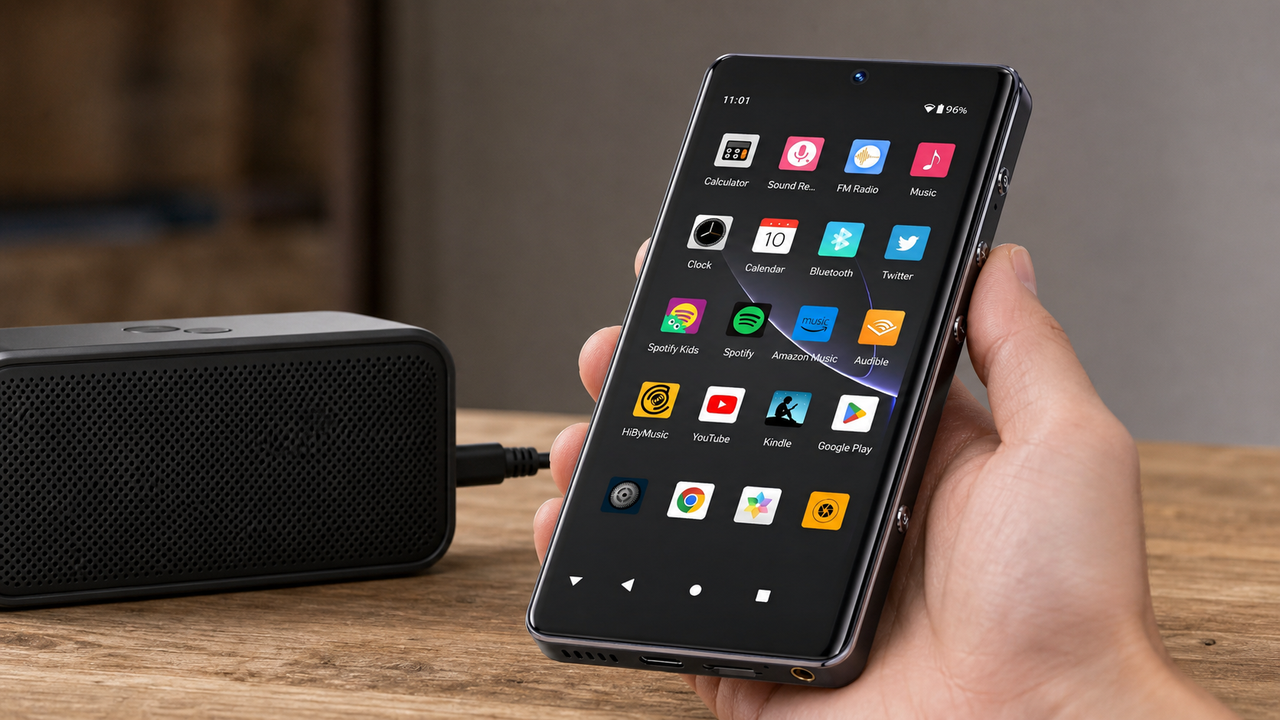
- Direct Streaming: Download Spotify directly to your G7 Series Player via Android 13.
This article encompasses key content points, including:
- ➤ 1. Why MP3 Players Still Matter in 2026
- ➤ 2. Step-by-Step Guide to Transferring Music
- ➤ 3. The "Lazy Man's" Way: One-Click Sync (Exclusive to G7 Series)
- ➤ 4. Legal Music Sources & Format Compatibility
- ➤ 5. Troubleshooting Common Issues
- ➤ 6. Tips for Organizing Your Music Library
- ➤ 7. Top MP3 Players of 2026 (Featuring G7 Pro)
In a world dominated by streaming services, MP3 players have evolved into niche yet indispensable tools for audiophiles, travelers, and anyone seeking uninterrupted, high-fidelity audio.
Whether you own a feature-rich HIFI Walker G7 Pro Flagship or a premium G7 Series Android device, this comprehensive 2026 guide will walk you through downloading.


"Stop tethering your music to a computer."
Why spend your weekend managing folders? G7 Pro turns the 2-hour USB struggle into a 5-minute wireless breeze.
Why MP3 Players Still Matter in 2026
While smartphones dominate daily use, MP3 players offer unique advantages:
- Uncompromised Sound Quality: High-end models like the HIFI Walker G7 Pro support DSD256, MQA, and 32-bit/384kHz FLAC.
- Extended Battery Life: The G7 provides 18+ hours of playback—ideal for long flights.
- Data Privacy: No ads, algorithms, or data tracking—just pure music control.
- Smart Functionality: Android 13 OS on the G7 Series enables direct app installations (Spotify, Tidal) without a computer.

Wait! Stop Wasting Hours on USB Transfers
Traditional MP3 players force you into a "time trap"—finding cables, manual dragging, and folder errors. Don't let manual syncing ruin your music experience.
- ❌ Search for compatible USB cables
- ❌ Manual folder drag & drop
- ❌ 2 Hours to sync 1000 songs
- ✅ One-click Wi-Fi sync
- ✅ Automatic album art & sorting
- ✅ 5 Minutes to clone your library
Step-by-Step Guide to Transferring Music
Method 1: From Computer (Windows/Mac)
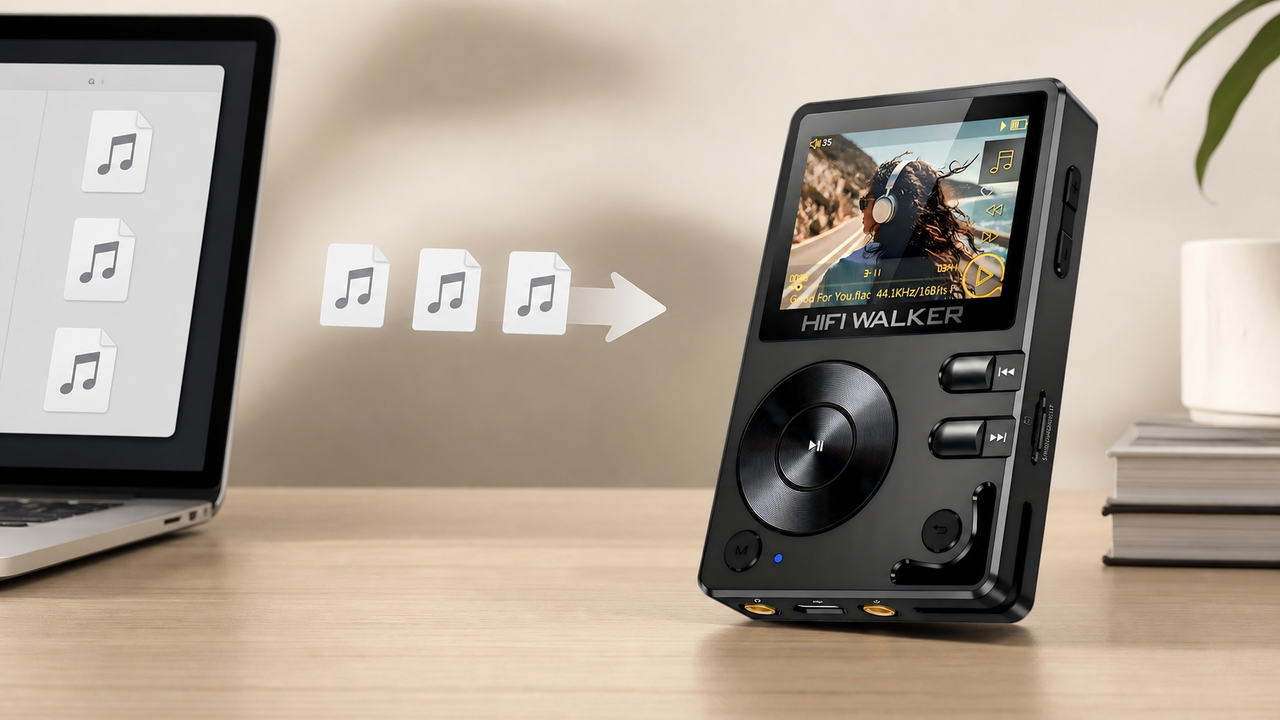
- Connect via USB: Ensure you use the original USB-C cable, or avoid this hassle entirely with G7 Pro’s wireless sync.
-
Drag-and-Drop Files:
-
Windows: Navigate to
This PC > HIFI Walker G7 > Music. - Mac: Use Android File Transfer for seamless access.
-
Windows: Navigate to
Method 2: From Streaming Services (Spotify/Apple Music)
- Spotify Premium: Download songs directly on the G7 Series via the app for offline play.
- Apple Music: Use TunesKit to convert DRM-protected tracks.
The "Lazy Man's" Way: One-Click Sync (Exclusive to G7 Series)
Why bother with manual downloads? The HIFI WALKER G7 Pro, powered by Android 13, introduces a revolutionary "Wireless Library Cloning" system. This isn't just transferring files—it's a complete mirror of your high-res library via high-speed Wi-Fi.
Legal Music Sources & Format Compatibility
| Platform | Formats | Best For |
|---|---|---|
| Qobuz | FLAC, WAV | Hi-Res audiophiles |
| Bandcamp | FLAC, MP3 | Supporting indie artists |
| Tidal | MQA, FLAC | Master-quality streaming |
G7 Pro Tips: Utilize the dual ES9038Q2M DACs on the HIFI WALKER G7 Pro for MQA Rendering.

Troubleshooting Common Issues
- Incompatible Formats: Convert to MP3 using VLC or Audacity. The G7 Pro plays all files natively.
- Connection Issues: Ensure you use the original USB-C cable for the G7 Series, or bypass drivers via Wi-Fi downloads.

Tips for Organizing Your Music Library
- Create Playlists: Sort by genre, artist, or mood.
- Back Up Your Music: Always back up your digital music to prevent loss.

Top MP3 Players of 2026
Flagship Pick: HIFI Walker G7 Pro Android DAP
Specs: 128GB + 2TB microSD, Dual ES9038Q2M DACs, Android 13.
Versatile Choice: HIFI Walker G7 Android Player.

Conclusion
Now you know how to download music to MP3 player with ease. For the best sound, visit HiFi WALKER for premium G7 Series Players.

FAQs
Q1: Can I use Apple Music on the HIFI Walker G7?
A: Yes! Install the Apple Music APK and convert DRM-free files via TunesKit.
Q2: How to improve G7’s battery life?
A: Lower screen brightness to 40% and enable “Airplane Mode” during playback.
Q3: Does the G7 support Bluetooth headphones?
A: Yes, with LDAC/AptX HD codecs for lossless wireless audio.
Q4: What’s the max microSD card capacity?
A: 2TB (tested with SanDisk Extreme Pro).