
Expert Insights: Key Takeaways
- The H2 Mini's compact form factor doesn't compromise on audio quality - its dedicated DAC chip and optimized power supply rival much larger players in terms of sound quality and noise floor performance.
- Custom EQ settings should complement, not drastically alter, your headphones' natural signature. Subtle adjustments (±2dB) often yield better long-term listening satisfaction than dramatic frequency reshaping.
- DSD playback on the H2 Mini truly shines with acoustic and classical recordings where the format's analog-like smoothness enhances the natural instrument timbres and spatial information present in quality recordings.
Understanding Your H2 Mini's Audio Capabilities
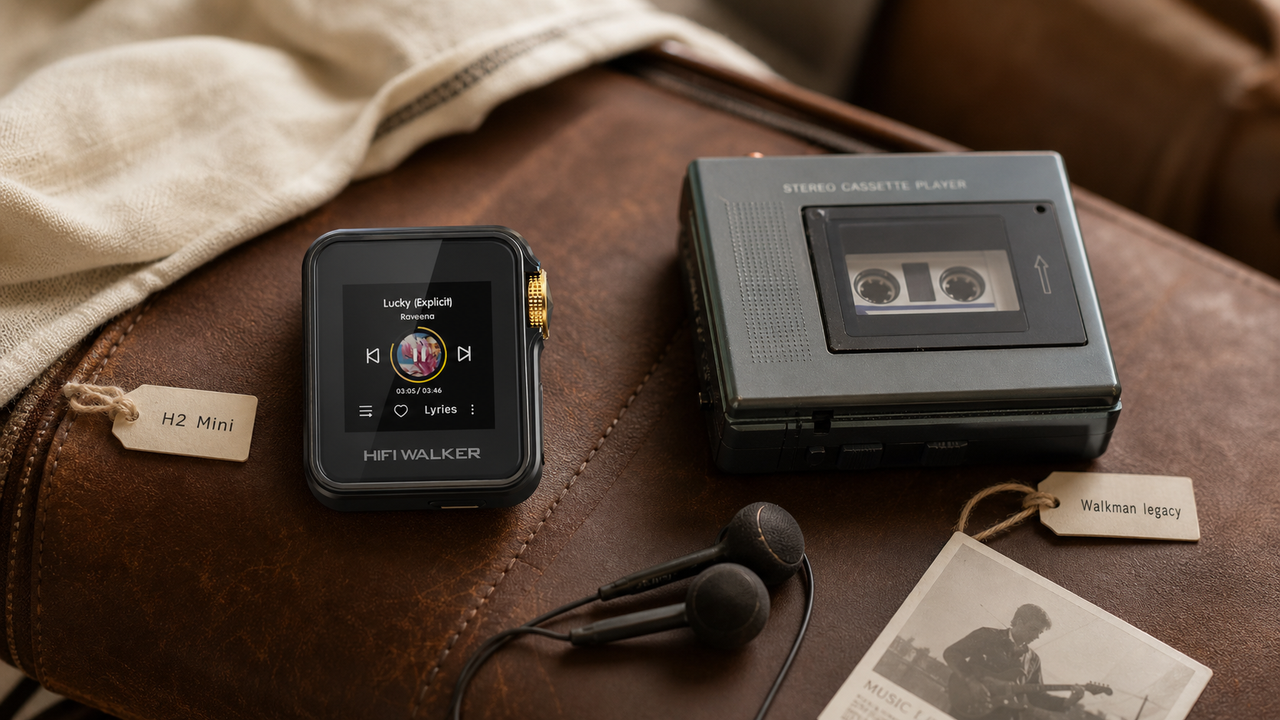
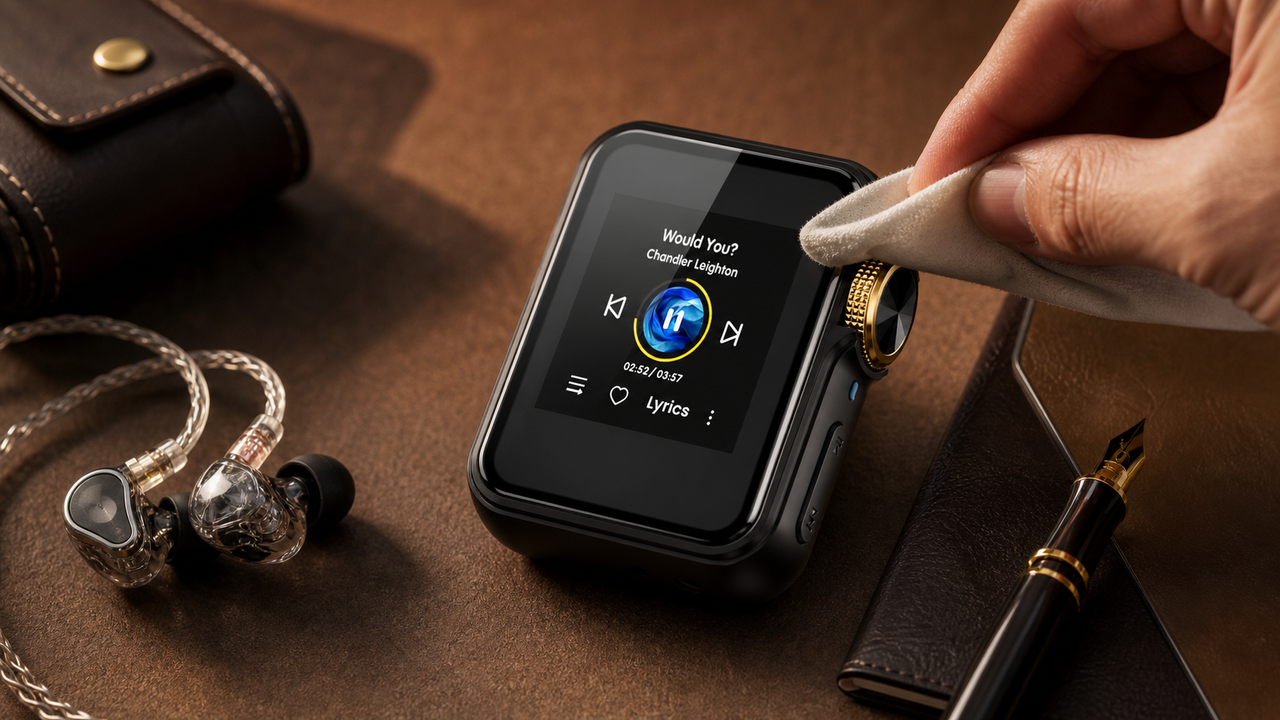
The HIFI WALKER H2 Mini Hi-Res Music Player stands out as an exceptional DAP player that delivers audiophile-grade performance in a compact form factor. This comprehensive guide will help you optimize every aspect of your portable music player to achieve the best possible sound quality.
Stock Settings Limitations
- Generic EQ presets lack precision
- DSD playback may sound flat
- Volume levels not optimized for headphones
- Digital filters set to default mode
Optimized Configuration Benefits
- Custom EQ curves match your preferences
- DSD native playback unlocked
- Perfect gain staging for any headphone
- Advanced filtering for cleaner sound

Unlike smartphone audio or basic music players, the H2 Mini offers genuine hi-res audio processing with dedicated components designed specifically for critical listening. Understanding these capabilities is crucial for maximizing your investment.
- ►1. Understanding Your H2 Mini's Audio Capabilities
- ►2. Essential EQ Settings for Different Music Genres
- ►3. DSD Configuration and Native Playback Setup
- ►4. Advanced Digital Filter Settings
- ►5. Gain Settings and Impedance Matching
- ►6. Comparing H2 Mini with Other HIFI WALKER Models
- ►7. Troubleshooting Common Audio Issues
- ►8. Advanced Tips for Audiophile Performance
Essential EQ Settings for Different Music Genres
The HIFI WALKER H2 Mini features a sophisticated 10-band equalizer that allows precise frequency adjustment. Rather than relying on generic presets, custom EQ curves will transform your listening experience across different musical genres.
Classical & Acoustic Settings
Boost 250Hz (+2dB) for warmth, slight dip at 2kHz (-1dB) to reduce harshness, gentle lift at 8kHz (+1.5dB) for air and detail. This preserves natural instrument timbre.
Rock & Pop Optimization
Enhance bass impact with +3dB at 80Hz, cut muddy frequencies at 200Hz (-2dB), boost presence at 3kHz (+2dB), and add sparkle at 12kHz (+2dB) for modern productions.
Jazz & Blues Tuning
Subtle bass warmth at 100Hz (+1dB), preserve midrange clarity with minimal adjustment, slight boost at 5kHz (+1dB) for saxophone and vocal presence.
Electronic & Hip-Hop
Strong sub-bass emphasis at 40Hz (+4dB), controlled low-mid at 150Hz (+1dB), crisp highs at 10kHz (+3dB) to highlight synthetic textures and beats.
DSD Configuration and Native Playback Setup
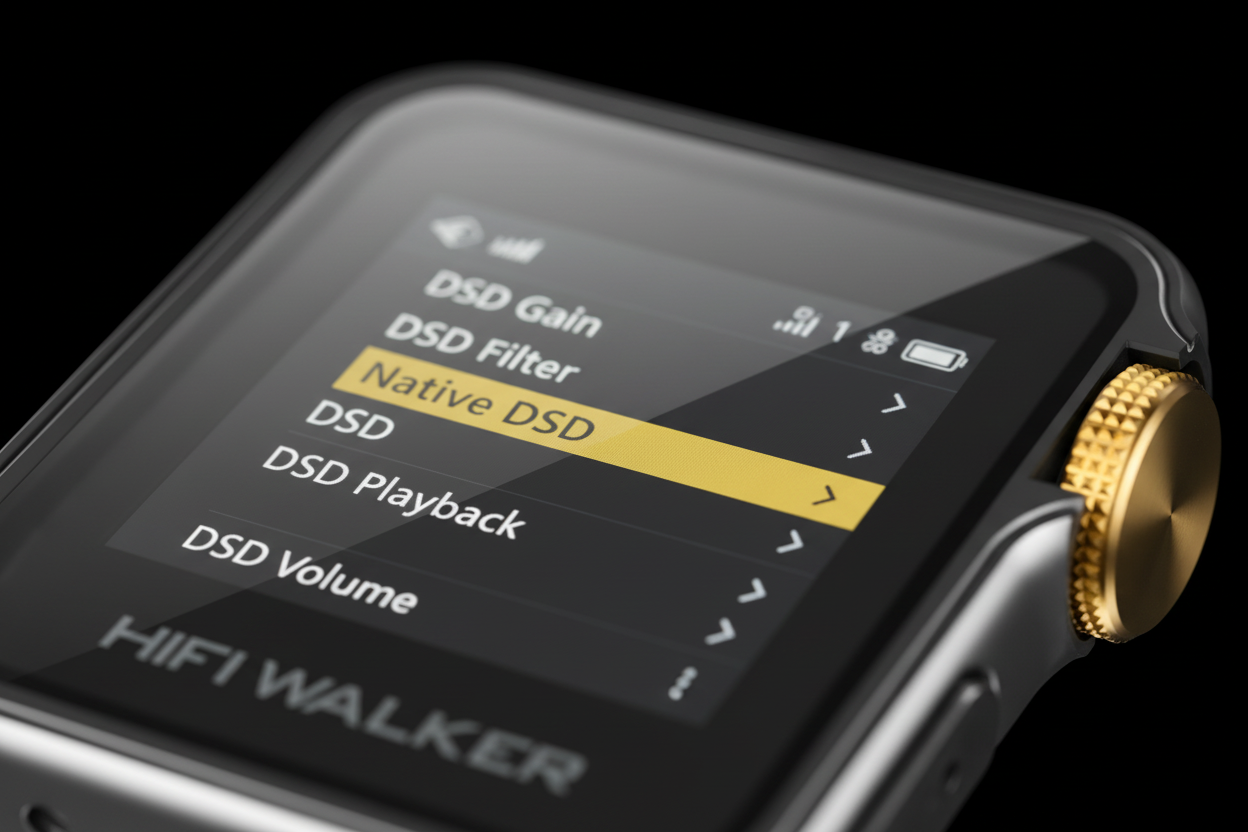
The H2 Mini supports native DSD playback up to DSD128, offering superior resolution compared to standard PCM formats. Proper DSD configuration ensures you're hearing these high-resolution files as intended by the mastering engineer.
DSD Setup Process
- Navigate to Settings > Audio > DSD Mode
- Select 'Native DSD' over 'DoP'
- Enable DSD Direct for bypass processing
- Set DSD filter to 'Slow Roll-off'
Performance Benefits
- Eliminates unnecessary PCM conversion
- Preserves original analog-like smoothness
- Reduces digital artifacts and harshness
- Maintains the format's natural warmth

When playing DSD files, the H2 Mini's dedicated DAC chip processes the single-bit stream directly, bypassing the typical PCM conversion stage that can introduce artifacts. This results in a more analog-like presentation that many audiophiles prefer for acoustic and classical recordings.
Advanced Digital Filter Settings
The HIFI WALKER H2 Mini offers multiple digital filter options that significantly impact sound character. Understanding these filters helps tailor the sound signature to your preferences and headphone pairing.
Assess Your Headphones
Bright headphones pair well with Slow Roll-off filters, while darker signatures benefit from Sharp Roll-off to maintain clarity and detail.
Consider Music Type
Classical and acoustic music often sounds more natural with Minimum Phase, while electronic music may benefit from Linear Phase precision.
Test and Compare
Use the same familiar track to A/B test different filters. The differences are subtle but meaningful for long-term listening enjoyment.
Gain Settings and Impedance Matching
Proper gain staging is crucial for optimal performance from your portable music player. The H2 Mini offers multiple gain settings to accommodate everything from sensitive IEMs to high-impedance headphones.
Low Gain (IEMs & Efficient Headphones)
- Impedance: 16-32 ohms
- Sensitivity: >100 dB/mW
- Volume range: 20-40
- Examples: Most IEMs, portable headphones
High Gain (Demanding Headphones)
- Impedance: 150+ ohms
- Sensitivity: <95 dB/mW
- Volume range: 35-65
- Examples: HD600, DT880, Planar magnetics
Incorrect gain settings can result in background hiss with sensitive earphones or insufficient power for demanding headphones. The sweet spot is typically between 30-70% volume in the appropriate gain mode, ensuring optimal signal-to-noise ratio and dynamic range.
↑ Back to Top
Back to Top ↑Comparing H2 Mini with Other HIFI WALKER Models
Understanding how the HIFI WALKER H2 Mini fits within the broader HIFI WALKER lineup helps contextualize its capabilities and determine if it's the right DAP player for your needs.


While the H2 Mini offers excellent value and portability, users requiring extensive local storage or longer battery life might consider the H20 Pro Hi-Res Audio Player for more demanding use cases. However, for most users, the H2 Mini provides the perfect balance of performance, portability, and affordability.
Troubleshooting Common Audio Issues
Even with optimal settings, you may encounter audio issues that require systematic troubleshooting. Here are the most common problems and their solutions for the HIFI WALKER H2 Mini.
Background Hiss Resolution
Lower gain setting, check impedance matching, ensure clean audio files (96kHz/24-bit minimum), and verify headphone cable integrity.
Distortion at High Volumes
Reduce aggressive EQ boosts, check for clipping indicators, ensure adequate headroom in recordings, and verify power supply stability.
DSD Playback Issues
Verify file integrity, check DSD mode settings (Native vs DoP), ensure sufficient processing power by closing background apps, update firmware if available.
Channel Imbalance
Test with different headphones, check balance settings in menu, clean headphone jack, and verify cable connections are secure.

Advanced Tips for Audiophile Performance
To extract maximum performance from your music player, these advanced techniques go beyond basic settings to optimize every aspect of the audio chain from source to ear.
Source Optimization
- Use only high-quality source files (FLAC/DSD)
- Avoid transcoded or compressed formats
- Organize library with proper metadata
- Use high-quality microSD cards (Class 10+)
Environmental Factors
- Allow warm-up time (30+ minutes)
- Avoid electromagnetic interference
- Use quality interconnects and adapters
- Maintain clean connections and contacts
Remember that the H2 Mini is designed to be part of a complete audio system. Your headphone choice, source material quality, and listening environment all contribute significantly to the final result. For comprehensive reviews of HIFI WALKER products and setup guides, visit our DAP reviews and comparisons section.

Frequently Asked Questions
Q1: What's the difference between DSD Native and DoP mode on the H2 Mini?
DSD Native mode processes the single-bit DSD stream directly without conversion, preserving the format's analog-like character. DoP (DSD over PCM) wraps DSD data in a PCM container, which may introduce slight artifacts. Always choose Native mode when available for the purest DSD playback experience.
Q2: How do I know which gain setting to use with my headphones?
Use Low Gain for headphones under 50 ohms impedance or sensitivity above 100dB/mW (most IEMs and portable headphones). Use High Gain for headphones over 150 ohms or sensitivity below 95dB/mW (like HD600, DT880). The optimal volume range should be 30-70% in the correct gain setting.
Q3: Can aggressive EQ settings damage the H2 Mini or my headphones?
The H2 Mini has built-in protection circuits, but extreme EQ boosts (+6dB or more) combined with high volume can cause distortion or potentially damage sensitive drivers. Keep EQ adjustments moderate (±3dB) and monitor for any signs of distortion, especially in the bass frequencies.
Q4: Why does my H2 Mini sound different after firmware updates?
Firmware updates can modify digital signal processing algorithms, filter implementations, or default settings. After updating, review your EQ settings, digital filter selection, and DSD configuration to ensure they match your preferences. Some updates may reset custom settings to defaults.
Q5: What's the best microSD card for optimal H2 Mini performance?
Use Class 10 or UHS-I microSD cards from reputable brands like SanDisk or Samsung. For DSD and high-resolution files, ensure minimum 30MB/s read speeds. Avoid fake cards as they can cause playback stuttering, file corruption, or random crashes during operation.