

Last updated: March 18, 2026
💡 2026 Expert Insights: The Spotify Solution
- DRM Reality: Direct transfer is impossible due to encryption; the only legitimate way is through native app playback.
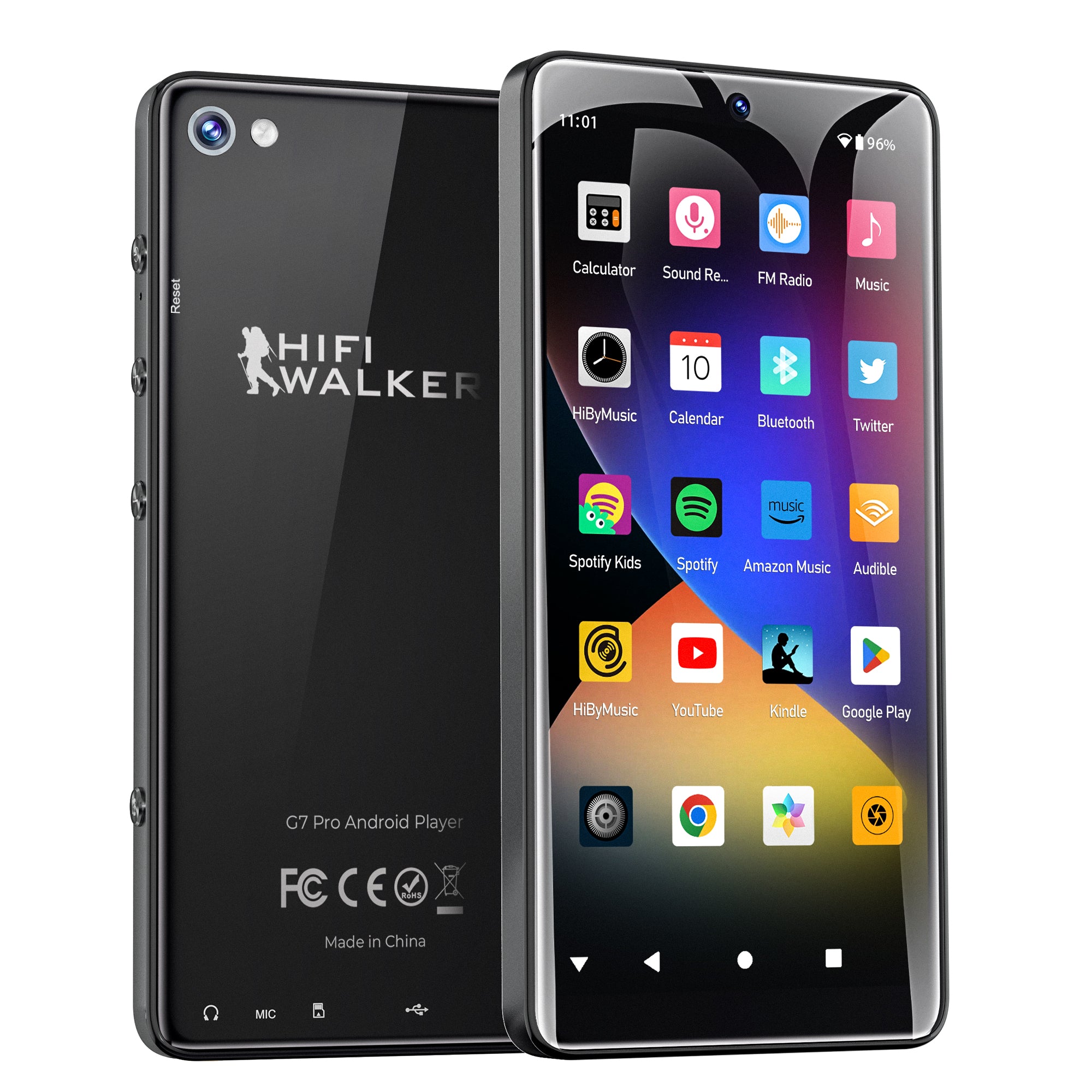
- Hardware Power: G7 Pro’s Android 13 ecosystem is built to handle heavy Spotify libraries without smartphone lag.
- Superior DAC: Dedicated ESS Sabre chips deliver 100% original fidelity from your 320kbps Spotify streams.
🛒 Stop Trying to Transfer — Start Streaming
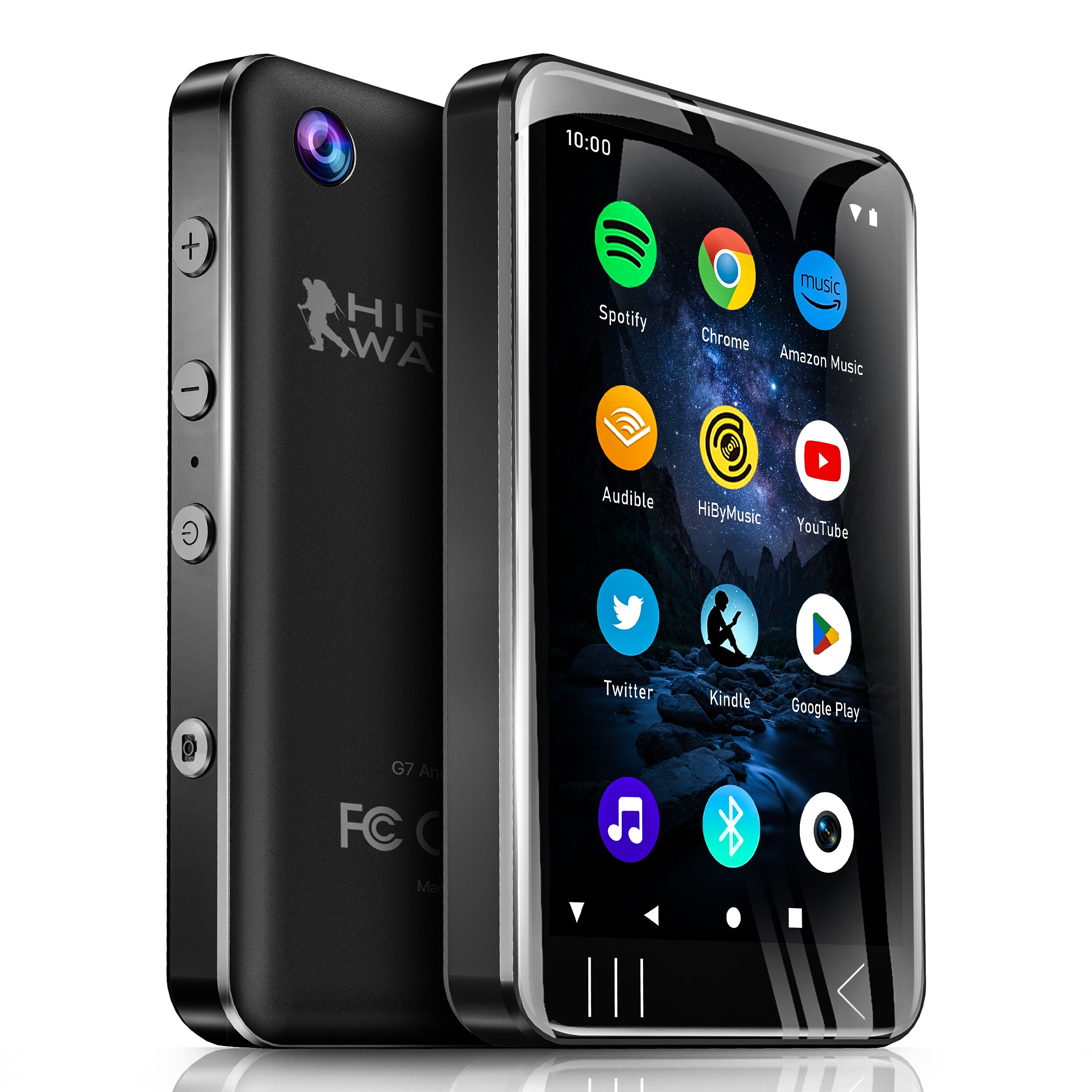
HIFI WALKER G7 Pro (Android 13 / ESS DAC / Flagship Multimedia)
Get the Flagship G7 Pro NOW →This article encompasses key content points, including:
Introduction: The Common Question Every Spotify User Asks
You have great playlists on Spotify, and you own a small, trusty MP3 player that’s perfect for the gym, a run, or your daily commute. Naturally, you ask the question: "How can I transfer my Spotify music to my MP3 player?"
It’s one of the most common questions we see, and you've come to the right place for an honest answer. The solution might not be what you expect, but it's easier and much better for your listening experience.
Why Direct Transfer Isn't Possible: Understanding Spotify's DRM
The simple reason you can't copy Spotify songs like regular MP3 files is because of something called DRM (Digital Rights Management).
Think of it like this: a Spotify song is like a movie you rent from a streaming service, while a traditional MP3 file is like a DVD you own. The rented movie will only play on that service's official app. You can't copy it to a USB drive and play it anywhere else. Spotify's music works the same way. This system protects the artists and music licenses, which is an important part of how the music industry works. According to Spotify's Terms of Service, copying, redistributing, or converting tracks is not permitted.
While some third-party software online claims to "convert" Spotify music to MP3, these tools often come with risks, including poor audio quality, potential security threats to your computer, and a violation of Spotify's terms.
📊 Digital Audio Clarity: G7 Pro vs. Old MP3 Players
The Modern Solution: A Player That Runs the Spotify App
So, if you can't bring Spotify music to an old MP3 player, what's the solution? You get a modern player that can run the official Spotify app!
This is where Android Digital Audio Players (DAPs) come in. Instead of a simple device that only plays files, an Android DAP is a small, powerful computer dedicated to one thing: providing an incredible audio experience.
These devices have the full Android OS, just like a phone, which means you can go to the Google Play Store and download the official Spotify app directly. This is the legitimate, high-quality, and hassle-free way to take your playlists anywhere.
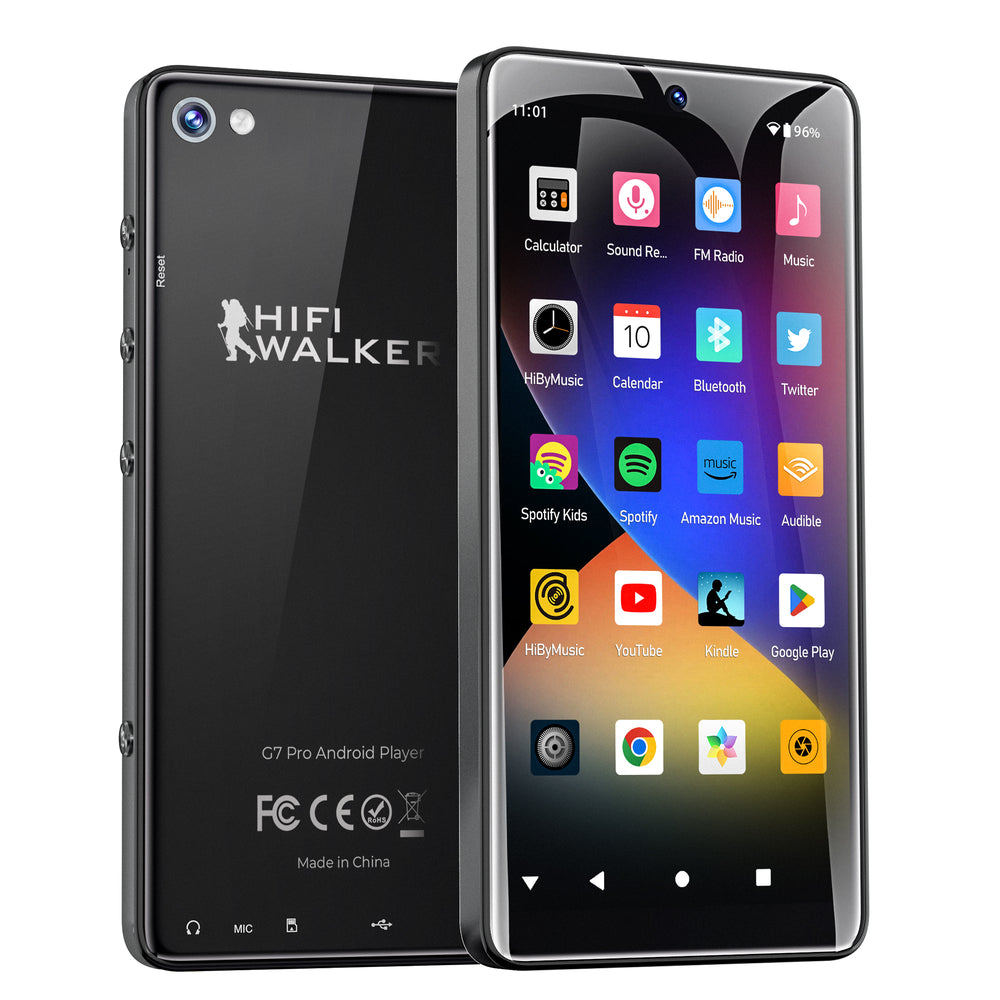
Devices like the HIFI WALKER G7 and G7 Pro are perfect examples. They are built specifically for listeners who want the freedom of Spotify with the sound quality of a Hi-Fi device.
The Old Way vs. The New Way: A Clear Comparison
Here’s why using an Android DAP is a far better solution than trying to convert files for a traditional MP3 player.
| Feature | The Old Way (Convert Files) | The New Way (Android DAP) |
|---|---|---|
| Audio Quality | Often low quality; details lost. | Perfect high-quality 320kbps. |
| Legality | Violates Spotify Terms. | 100% legitimate & supported. |
| Ease of Use | Complicated converter software. | Easy "Download" via WiFi. |
| Security | Risk of Malware from tools. | Safe, using official Play Store. |
| Playlists | Static; won't update. | Automatic sync & updates. |
How to Use Spotify on an Android Music Player (The Easy Way)
Getting your Spotify playlists on a device like the HIFI WALKER G7 Pro is incredibly simple. Here’s all you have to do:
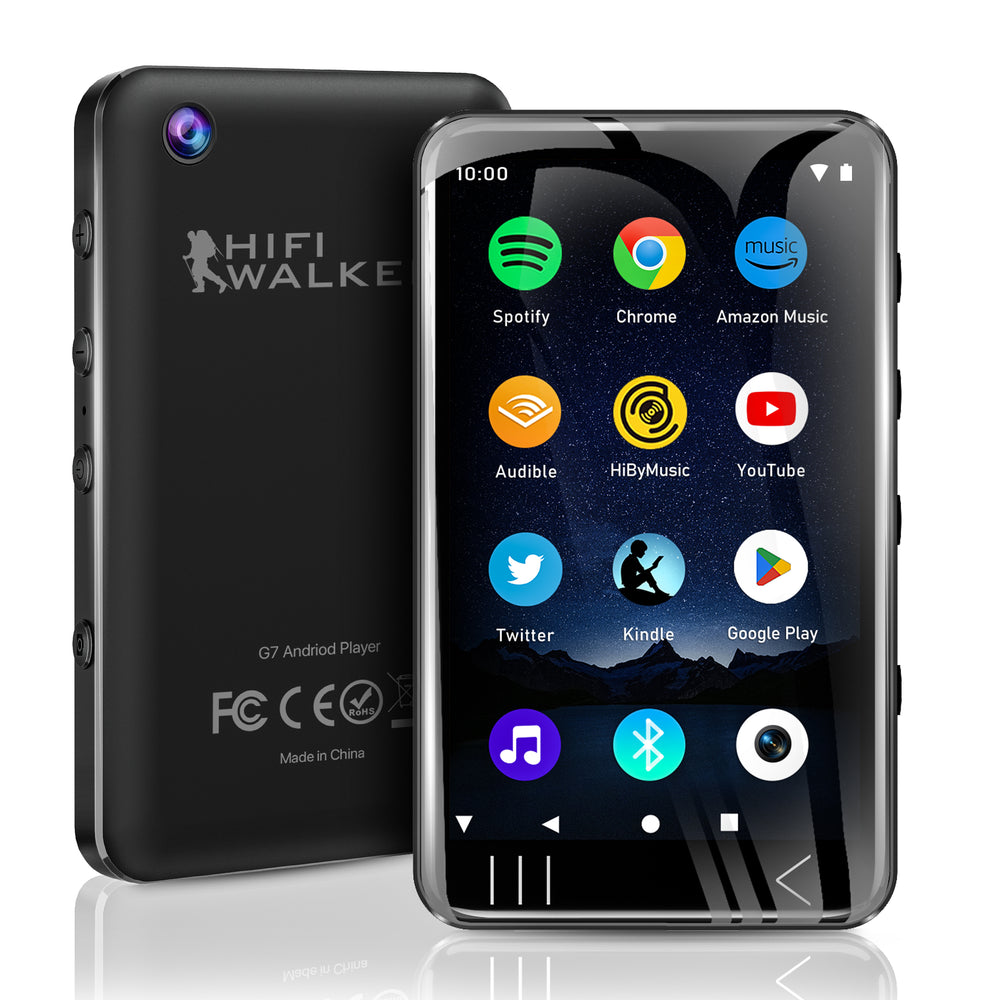
- Connect to Wi-Fi: Turn on your player and connect to your home Wi-Fi network.
- Open the Play Store: Tap the Google Play Store icon, just like on a phone.
- Install Spotify: Search for "Spotify" and tap "Install".
- Log In & Download: Open the app, log in to your Spotify Premium account, and tap the "Download" icon.
That's it! Your music is saved for offline listening anywhere. Check out The Ultimate Guide to the Best MP3 Player with Spotify for more.
Conclusion: Stop Trying to Transfer, Start Enjoying Your Music
While you can't directly transfer Spotify tracks to a traditional MP3 player because of DRM protection, the good news is that there's a much better way to achieve your goal.
Instead of fighting with risky file converters, a modern Android DAP gives you the best of all worlds: the complete Spotify library, easy offline downloads, incredible battery life, and superior sound quality—all on a device free from the distractions of your phone.
Frequently Asked Questions (FAQ)
1. Is the sound quality on an Android DAP really better than my phone?
Yes, significantly. Dedicated DAPs have superior audio hardware, including specialized DACs, which translate digital files into sound more cleanly than smartphone chips. As explained by What Hi-Fi?, a better DAC results in a richer, more immersive listening experience.
2. Do I need a Spotify Premium account for this to work?
Yes. To download playlists for offline listening on any device, you need a Spotify Premium subscription.
3. Can I use other music apps on these devices?
Absolutely. Because devices like the G7 and G7 Pro run on Android, you can also install Tidal, Apple Music, and Amazon Music.
4. Why not just use my phone?
A dedicated player saves your phone's battery, provides superior sound, and allows distraction-free listening.
5. Is an Android DAP difficult to use?
Not at all. If you know how to use a smartphone, you will find the interface very familiar.