
Expert Insights: Key Takeaways
- The best Audio Technica record player with speakers setups balance analog warmth with modern convenience—don't be afraid to integrate digital sources
- Room acoustics matter more than expensive cables—focus on speaker positioning and basic acoustic treatment before chasing marginal upgrades
- Future-proof your system by choosing components that accommodate both analog and digital sources, preparing for the continued convergence of audio formats
Why Audio Technica Record Players Need the Right Speaker Setup
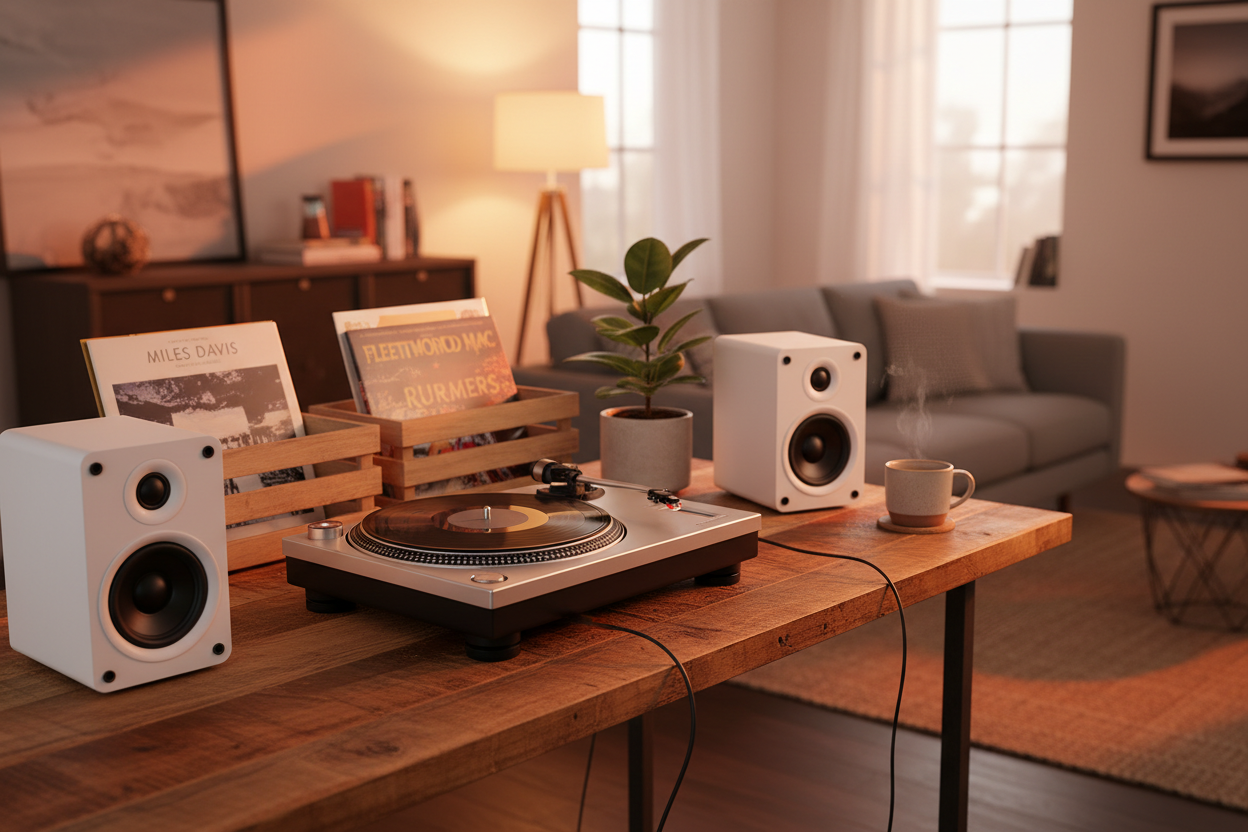
Setting up an audio technica record player with speakers is more than just connecting cables—it's about creating a complete vinyl ecosystem that honors both classic analog warmth and modern audio precision. Audio Technica turntables, from the entry-level AT-LP60X to the audiophile AT-LP120XUSB, require carefully matched speakers to unlock their full potential.
Traditional Vinyl Challenges
- Limited frequency response from built-in speakers
- Lack of bass extension
- Interference from motor noise
- No room correction capabilities
Modern Solution Benefits
- Full-range studio monitors
- Digital room correction
- Wireless streaming integration
- Hi-res audio recording capabilities

The modern vinyl enthusiast faces a unique opportunity: combining the tactile joy of records with today's audio technology. Whether you're digitizing rare pressings or streaming high-resolution files between vinyl sessions, the right system bridges analog and digital worlds seamlessly.
- ►1. Why Audio Technica Record Players Need the Right Speaker Setup
- ►2. Essential Components for Your Audio Technica Setup
- ►3. Best Speaker Options for Audio Technica Players
- ►4. Bridging Analog and Digital: Modern Vinyl Solutions
- ►5. Room Acoustics and Positioning for Optimal Sound
- ►6. Advanced Setup Tips and Troubleshooting
- ►7. Future-Proofing Your Audio Technica Setup
Essential Components for Your Audio Technica Setup
Building the perfect Audio Technica record player system requires understanding each component's role in the signal chain. From cartridge to speakers, every element affects your listening experience.
Choose Your Turntable Model
Audio Technica offers entry-level automatic models and higher-end manual/direct-drive models. Consider direct drive vs belt drive based on your listening habits.
Select Appropriate Speakers
Active monitors eliminate the need for separate amplification. Look for speakers with at least 50W per channel for medium rooms.
Plan Your Preamp Strategy
Many AT models include built-in preamps, but external preamps offer better sound quality and more connectivity options.
Consider Digital Integration
USB-equipped models like AT-LP120XUSB allow direct computer connection for digitization and streaming integration.

Best Speaker Options for Audio Technica Players
Selecting speakers for your Audio Technica setup depends on room size, budget, and whether you prioritize convenience or ultimate sound quality. Active speakers simplify setup, while passive speakers offer more upgrade flexibility.
Active Speaker Advantages
- No separate amplifier needed
- Optimized amp-to-driver matching
- Built-in crossovers
- Often include digital inputs
- Simpler cable management
Passive Speaker Benefits
- Amplifier upgrade flexibility
- Generally better long-term value
- Wider selection available
- No power cord clutter
- Classic audiophile approach

For most Audio Technica setups, active bookshelf speakers in the $200-600 range provide the best balance of convenience and performance. Models like the Audioengine A5+ or Klipsch The Fives offer multiple inputs, allowing you to connect both your turntable and digital sources.
Bridging Analog and Digital: Modern Vinyl Solutions
Today's vinyl enthusiasts don't live in purely analog worlds. The best Audio Technica setups integrate seamlessly with digital music libraries, streaming services, and high-resolution audio files. This hybrid approach maximizes your music enjoyment across all formats.

Digitize Your Vinyl Collection
Use USB-equipped Audio Technica models to convert rare pressings on a computer. For example, the AT-LP120XUSB lists USB A/D and D/A at 16-bit/44.1 kHz or 48 kHz; software like Audacity or Adobe Audition handles the recording process.
Create Seamless Playlists
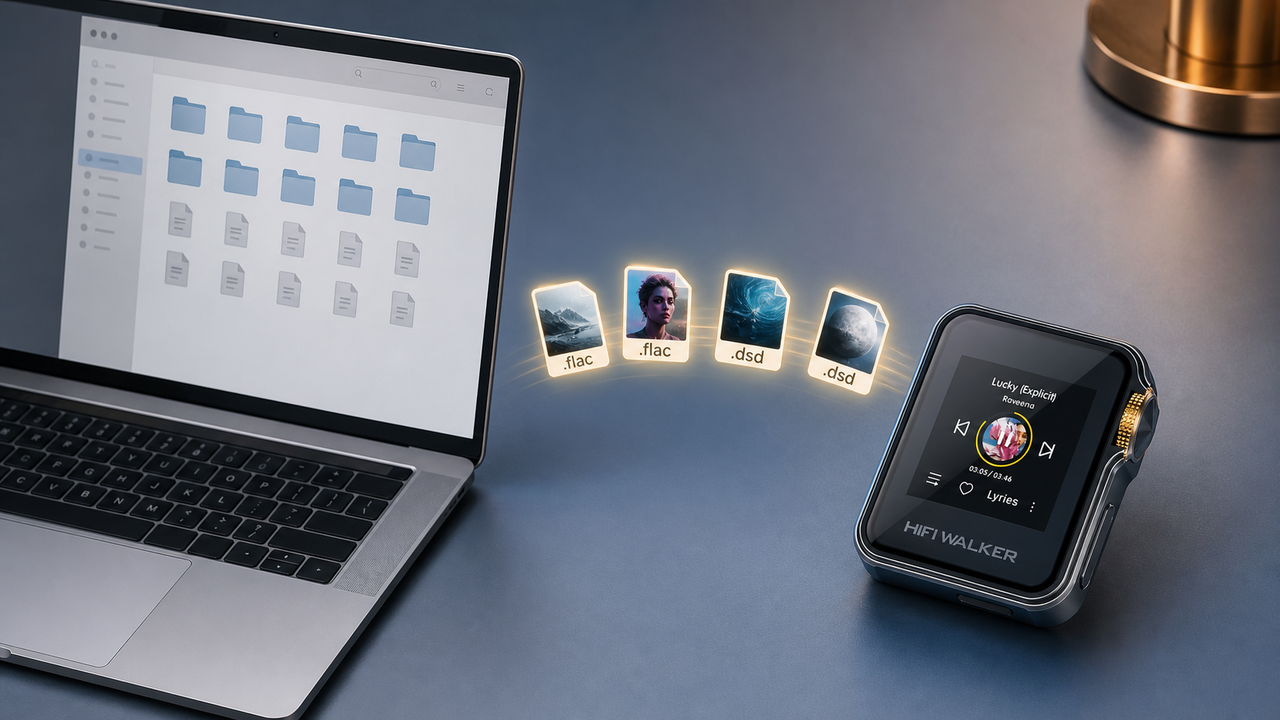
Mix vinyl rips with local lossless files on a dedicated player. The HIFI WALKER H20 Ultra supports native DSD256 and high-resolution local playback for transferred files.
Optimize Your Digital Chain
Use dedicated Hi-Res audio players for local FLAC, WAV, DSD, and other supported lossless files. Match the player to the formats you actually store and transfer.
Integrate Streaming Services
Android players can run streaming apps, while local Hi-Res players such as the H20 Ultra are better used for downloaded or transferred music files alongside your vinyl collection.
The H20 Ultra Hi-Res Audio Player fits this hybrid setup as a local Hi-Res playback device. At $239.99, it offers an ESS9038Q2M DAC, native DSD256 support, USB DAC use, Type-C coaxial output, 3.5mm/line out, and 4.4mm balanced headphone output.
↑ Back to Top
Back to Top ↑Room Acoustics and Positioning for Optimal Sound
Even the best Audio Technica record player with speakers can sound mediocre in a poorly treated room. Understanding basic acoustic principles and speaker placement transforms good equipment into exceptional sound systems.
Common Room Problems
- Bass buildup in corners
- Flutter echoes from parallel walls
- Early reflections from hard surfaces
- Standing wave null points
- Turntable vibration feedback
Simple Solutions
- Pull speakers away from walls
- Angle speakers toward listening position
- Add soft furnishings and rugs
- Use isolation pads under turntable
- Position turntable away from speakers
Create the Triangle
Position speakers and your listening chair in an equilateral triangle, typically 6-8 feet apart for bookshelf speakers.
Mind the Walls
Keep speakers at least 2 feet from back walls and 1 foot from side walls to minimize boundary reflections.
Isolate Your Turntable
Place your Audio Technica on a solid surface away from speakers. Use isolation feet or a platform to minimize vibration.
Toe-in for Focus
Angle speakers slightly toward your listening position (15-30 degrees) for better imaging and reduced room interaction.

Remember that room acoustics affect your entire music system. Whether playing vinyl or high-resolution digital files through a dedicated hi-fi player, proper speaker positioning and basic acoustic treatment will improve everything you hear.
Advanced Setup Tips and Troubleshooting
Once you've mastered the basics, fine-tuning your Audio Technica system involves addressing subtle issues that separate good sound from great sound. These advanced techniques help you extract maximum performance from your investment.

Calibrate Tracking Force
Use a digital scale to set precise tracking force. Most Audio Technica cartridges perform best at the middle of their recommended range.
Align Your Cartridge
Use a protractor to ensure perfect tangency. Even small misalignments cause audible distortion and increased record wear.
Level Your Turntable
Use a bubble level on the platter. An unlevel turntable causes tracking issues and potential stylus damage.
Optimize Anti-Skate
Set anti-skate force equal to tracking force as a starting point, then fine-tune by ear using test records.
Advanced users often compare their vinyl setup with local digital files to understand cartridge, speaker, and room differences. The H2 Touch Hi-Res Audio Player at $143.20 can be used as a local-file playback source for those listening checks.
Future-Proofing Your Audio Technica Setup
Building a lasting Audio Technica record player system means considering not just today's needs, but tomorrow's possibilities. Smart component choices and modular thinking ensure your investment grows with your passion for music.
Upgrade Path Components
- Separate preamp for flexibility
- Passive speakers for amp swapping
- Quality cables worth keeping
- Modular turntable platforms
- Digital integration capability
Future Technology Trends
- Higher resolution streaming
- AI-powered room correction
- Wireless high-resolution audio
- Advanced cartridge technologies
- Hybrid analog-digital systems
Start with Quality Foundations
Invest more in turntable and speakers initially. These components last decades with proper care and have the biggest impact on sound quality.
Plan Digital Integration
Choose turntables with USB output and systems that accommodate high-resolution digital playback for maximum versatility.
Consider Streaming Integration
Modern setups benefit from seamless switching between vinyl and streaming. Look for speakers with multiple digital inputs.
Budget for Gradual Upgrades
Plan component upgrades over 2-3 years rather than all at once. This allows you to learn what improvements matter most to your ears.

The convergence of analog and digital audio continues accelerating. Systems that embrace both formats—like combining your Audio Technica turntable with high-resolution digital audio players—position you perfectly for whatever the future brings to music reproduction.
Frequently Asked Questions
Q1: Do I need a preamp with my Audio Technica record player?
Many Audio Technica models include built-in preamps (look for LINE/PHONO switches), but external preamps often provide better sound quality and more connectivity options. Check your turntable's specifications and your speakers' input requirements.
Q2: What's the difference between active and passive speakers for turntables?
Active speakers have built-in amplifiers and connect directly to your turntable's line output, making setup simpler. Passive speakers require a separate amplifier but offer more upgrade flexibility and typically better long-term value.
Q3: Can I connect my Audio Technica turntable to computer speakers?
Yes, but computer speakers often lack the frequency response and dynamics needed for vinyl. Dedicated bookshelf speakers or studio monitors provide much better sound quality for serious listening.
Q4: How do I digitize my vinyl collection with an Audio Technica turntable?
Models with USB output (like AT-LP120XUSB) connect directly to computers for recording. Use software like Audacity (free) to capture at 16-bit/44.1 kHz or 48 kHz quality. Consider pairing with high-quality DAPs for optimal digital playback.
Q5: What speaker placement works best for Audio Technica setups?
Position speakers to form an equilateral triangle with your listening position, keep them 2+ feet from walls, and angle them slightly toward you. Place the turntable away from speakers to avoid vibration feedback.