Last updated: April 27, 2026
Expert Insights: Maximizing Your Music Experience
- The 256kbps limitation becomes most noticeable with complex orchestral pieces and bass-heavy electronic music
- Browser choice significantly impacts audio quality - Safari and Chrome provide better Apple Music compatibility than Firefox
- Combining web streaming convenience with backup high-resolution player ensures uninterrupted music access in any scenario
Apple Music Web Player: Stream 100M+ Songs Instantly
The Apple Music Web Player transforms any browser into a complete streaming platform. In 2026, over 100 million songs stream instantly through music.apple.com - perfect for shared computers, Chromebooks, and quick music access anywhere without downloads.
Web Player Benefits
- Zero installation required
- Universal device compatibility
- Always up-to-date features
- Instant library access
Perfect For
- Office and public computers
- Chrome OS and Linux systems
- Storage-limited devices
- Temporary music access

What is the Apple Music Web Player?
While convenient for casual streaming, web players have audio quality limitations. The 256kbps ceiling becomes noticeable with complex orchestral pieces and bass-heavy electronic music.
- ►1. Apple Music Web Player: Stream 100M+ Songs Instantly
- ►2. Essential Web Player Features Worth Using in 2026
- ►3. Complete Apple Music Web Player Setup Guide
- ►4. Web Player vs Desktop App: 2026 Performance Analysis
- ►5. Real-World Performance: Web Player Pros and Cons
- ►6. Troubleshooting Apple Music Web Player Issues
- ►7. Audio Quality Optimization: Getting Better Browser Sound
- ►8. When Web Streaming Isn't Enough: Alternative Solutions
- ►9. Future-Proofing Your Music Setup Beyond 2026
Essential Web Player Features Worth Using in 2026
The Apple Music web player official site at music.apple.com has evolved dramatically since beta launch. In 2026, it offers sophisticated capabilities that rival desktop applications.
Universal Device Support
Works flawlessly on Windows, Mac, Linux, Chrome OS, and any device with modern browsers
Complete Library Access
All playlists, albums, saved music, and purchase history available instantly without syncing
Live Radio Integration
Stream Apple Music 1, Hits, Country, and curated radio stations with zero buffering
Spatial Audio Support
Dolby Atmos tracks provide immersive listening experiences through compatible headphones
Unlike offline-capable players such as the H2 Player ($119.20) with 8GB storage plus microSD expansion, web streaming requires constant internet but compensates with automatic updates.
Complete Apple Music Web Player Setup Guide
Getting started with the Apple Music Web Player takes under two minutes, but understanding its full interface capabilities unlocks significantly more functionality.

How to Use the Apple Music Web Player
Navigate to music.apple.com
Works in Chrome, Safari, Firefox, and Edge browsers with consistent performance
Sign in with Apple ID
Use identical credentials from iPhone, iPad, or Mac devices for seamless access
Verify subscription status
Individual ($10.99), Family ($16.99), or Student ($5.99) plans all supported
Enable browser permissions
Allow notifications and media controls for optimal streaming experience
Power User Tips
- Spacebar to pause/play music
- Arrow keys skip between tracks
- Right-click for context menus
- Number keys to rate songs
Search Shortcuts
- Use quotes for exact matches
- Type "artist:" for targeted results
- Filter by genre or year
- Access advanced search options
Web Player vs Desktop App: 2026 Performance Analysis
Choosing between web streaming and desktop applications depends on specific listening needs. Each approach serves distinct purposes in modern music consumption workflows.

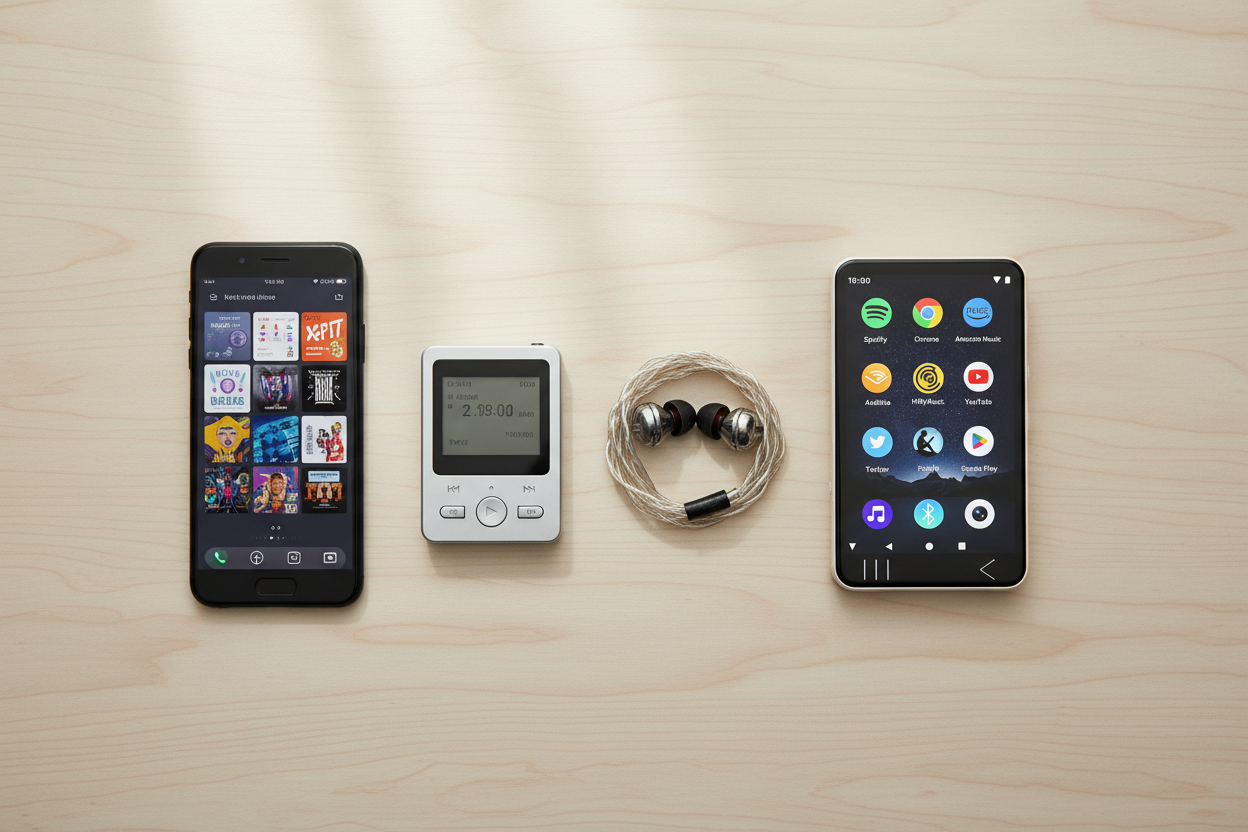
Web player vs dedicated audio player comparison
Real-World Performance: Web Player Pros and Cons
After extensive testing across browsers, devices, and network conditions throughout 2026, the Apple Music Web Player reveals distinct strengths and limitations that impact daily usage.
Major Advantages
- Universal device compatibility
- Sub-2-second song loading
- Familiar desktop app interface
- Real-time library synchronization
- Lower resource usage than apps
Key Limitations
- 256kbps audio quality ceiling
- No offline playback capability
- Browser-dependent performance
- Limited playlist management
- Missing mini-player mode
The 256kbps streaming quality becomes most noticeable with complex orchestral pieces and bass-heavy electronic music. For critical listening, the G7 Android Player ($74.25) ensures optimal audio quality with local file support.

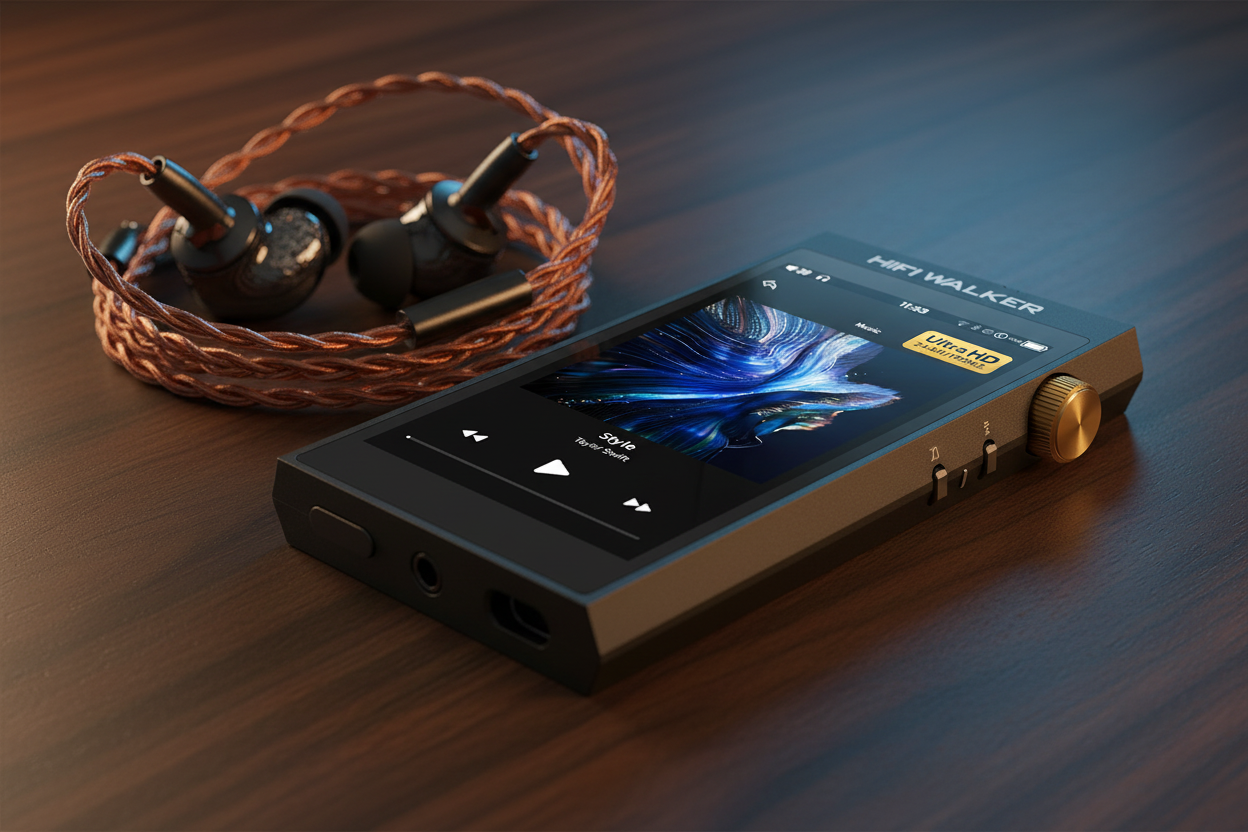
HIFI WALKER H20 Pro Hi-Res Audio Player
↑ Back to Top
Back to Top ↑Troubleshooting Apple Music Web Player Issues
Even reliable streaming services encounter technical difficulties. These proven solutions resolve the most common Apple Music Web Player problems experienced in 2026.
Clear Browser Cache
Remove accumulated data that interferes with streaming protocols and authentication
Disable Extensions
Ad blockers and VPNs often conflict with DRM protection systems
Check System Status
Verify Apple Music service availability at apple.com/support/systemstatus
Update Browser
Newer versions include crucial streaming optimizations and security fixes
Try Incognito Mode
Isolate issues caused by extensions or cached authentication data
Audio Quality Issues
- Enable Dolby Atmos in settings
- Close competing browser tabs
- Use wired internet connection
- Adjust browser audio settings
Connection Problems
- Test minimum 1 Mbps speed
- Configure router QoS settings
- Switch DNS to 8.8.8.8
- Restart modem and router

HIFI WALKER H20Ultra Hi-Res Audio Player
Audio Quality Optimization: Getting Better Browser Sound
While the Apple Music Web Player can't match dedicated audiophile hardware, several techniques dramatically improve listening experiences within browser-imposed limitations.
System Optimizations
- Disable competing audio apps
- Update audio drivers
- Set high priority in Task Manager
- Use external USB DACs
Spatial Audio Setup
- Open web player settings
- Navigate to Audio Quality
- Enable Dolby Atmos support
- Test with spatial playlists
For users demanding studio-quality reproduction, pairing web convenience with premium hardware like the A20Pro Hi-Fi Earphone ($63.99) provides dramatic sound improvements over standard computer speakers.
When Web Streaming Isn't Enough: Alternative Solutions
While Apple Music Web Player excels in convenience and accessibility, specific scenarios demand more robust solutions. Understanding when to complement web streaming ensures optimal music experiences.
Scenarios Requiring Alternatives
- Unreliable internet environments
- Critical listening sessions
- Professional audio work
- Extended mobile usage
- Data-limited situations
Solution Categories
- Offline-capable portable players
- High-resolution audio devices
- Multi-format compatibility
- Long battery life options
- Local storage systems
HIFI WALKER H20Ultra Hi-Res Audio Player
Daily Commuting Solution
H2 Player provides 8GB storage plus microSD expansion for offline libraries
Premium Listening Setup
H20Ultra delivers DSD256 support and balanced output for reference quality
Versatile Usage Device
G7 Pro runs Android, supporting local files and streaming apps simultaneously
Future-Proofing Your Music Setup Beyond 2026
As streaming technology evolves rapidly in 2026, creating a flexible music ecosystem ensures preparation for changing formats, platforms, and listening preferences emerging in coming years.
Emerging Trends
- Spatial Audio expansion
- High-resolution streaming growth
- AI-powered music discovery
- Cross-platform integration
Preparation Strategies
- Multi-format device support
- Platform independence
- Local storage capabilities
- Quality scalability planning
HIFI WALKER H20 Pro Hi-Res Audio Player

Future-ready music ecosystem setup
The Android-based audio players from HIFI WALKER exemplify future-ready approaches, supporting high-resolution local playback and multiple streaming services through app installations.
Frequently Asked Questions
Q1: Can I use Apple Music Web Player without a subscription?
No, you need an active Apple Music subscription to stream music through the web player. However, you can browse the interface and see track listings without playing songs. Subscription options include Individual ($10.99), Family ($16.99), or Student ($5.99) plans.
Q2: Does Apple Music Web Player work on Chromebooks?
Yes, the web player works perfectly on Chromebooks and other Chrome OS devices. This makes it an excellent solution for schools, budget laptops, and environments where desktop app installation isn't possible.
Q3: What audio quality does Apple Music Web Player provide?
The web player streams at up to 256kbps, which is CD quality but lower than lossless formats available in desktop apps or high-resolution audio players like the H20Ultra with DSD256 support.
Q4: Can I download songs from Apple Music Web Player for offline listening?
No, the web player doesn't support offline downloads. For offline listening, you need the desktop app or a dedicated music player with local storage capability like the H2 or H20 Pro.
Q5: Why won't Apple Music Web Player work in my browser?
Common issues include outdated browsers, disabled JavaScript, ad blockers, or VPN interference. Try updating your browser, disabling extensions, clearing cache, or using incognito mode to resolve playback problems.
Q6: Is Apple Music Web Player better than the desktop app?
Each serves different purposes. Web player excels in convenience, universal compatibility, and zero installation, while desktop apps offer offline downloads, better audio quality, and advanced library management features.