
Expert Insights
- DAC optimization is a iterative process - small adjustments often yield better results than dramatic changes
- The interaction between digital filters and oversampling rates significantly impacts transient response and imaging
- Proper impedance matching between your DAC's output stage and headphone load is crucial for optimal dynamics and frequency response
Understanding DAC Fundamentals in Modern Portable Audio
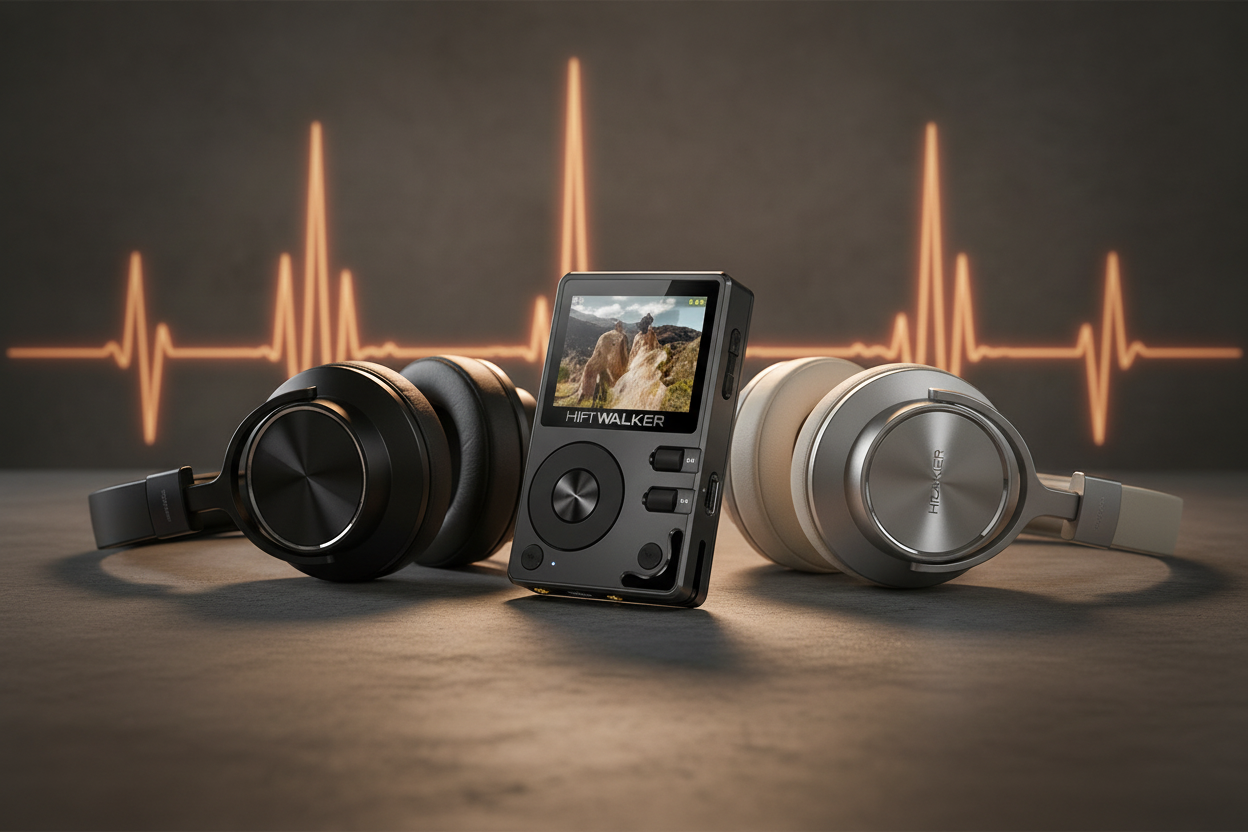
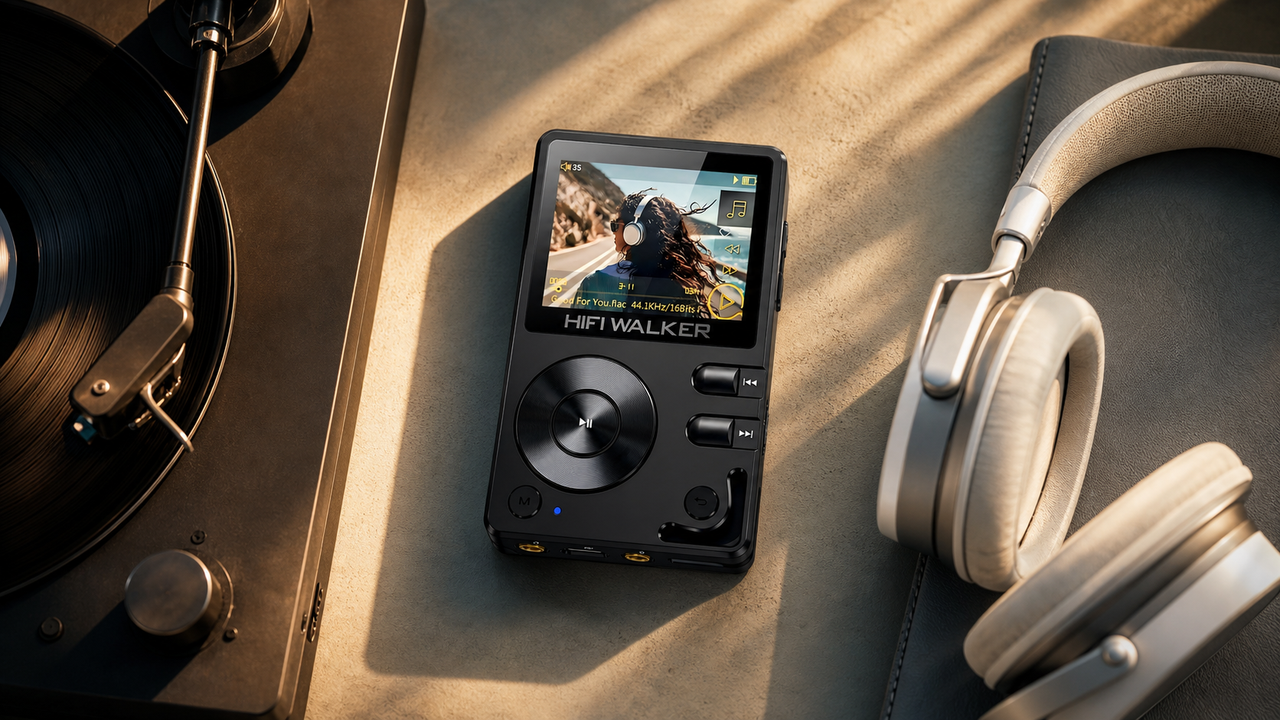
The Digital-to-Analog Converter (DAC) serves as the heart of any portable hi-fi audio device, transforming digital files into the analog signals that drive your headphones. Unlike vintage retro walkman style players that relied on analog tape mechanisms, today's sophisticated audio players feature advanced DAC chips that can dramatically impact your listening experience when properly configured.
Basic DAC Functions
- Converts digital audio to analog signals
- Determines maximum resolution and sample rates
- Controls dynamic range and noise floor
- Manages output impedance matching
Optimization Benefits
- Enhanced detail retrieval and clarity
- Improved soundstage width and imaging
- Reduced digital artifacts and distortion
- Better headphone compatibility across impedance ranges

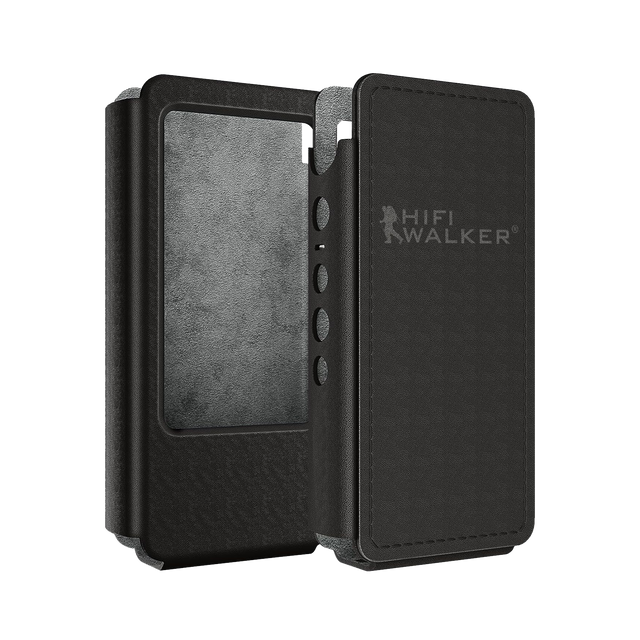
Modern portable players like those in the HIFI WALKER collection incorporate sophisticated DAC architectures that require proper configuration to achieve their full potential. Understanding these fundamentals enables you to make informed adjustments that enhance your audio experience significantly.
- ►1. Understanding DAC Fundamentals in Modern Portable Audio
- ►2. Essential Firmware Update Procedures
- ►3. Advanced DAC Configuration Techniques
- ►4. Output Stage and Gain Structure Optimization
- ►5. EQ and DSP Processing Configuration
- ►6. Format Support and Bitrate Optimization
- ►7. Troubleshooting Common DAC Configuration Issues
- ►8. Advanced Tips for Audiophile-Grade Performance
Essential Firmware Update Procedures
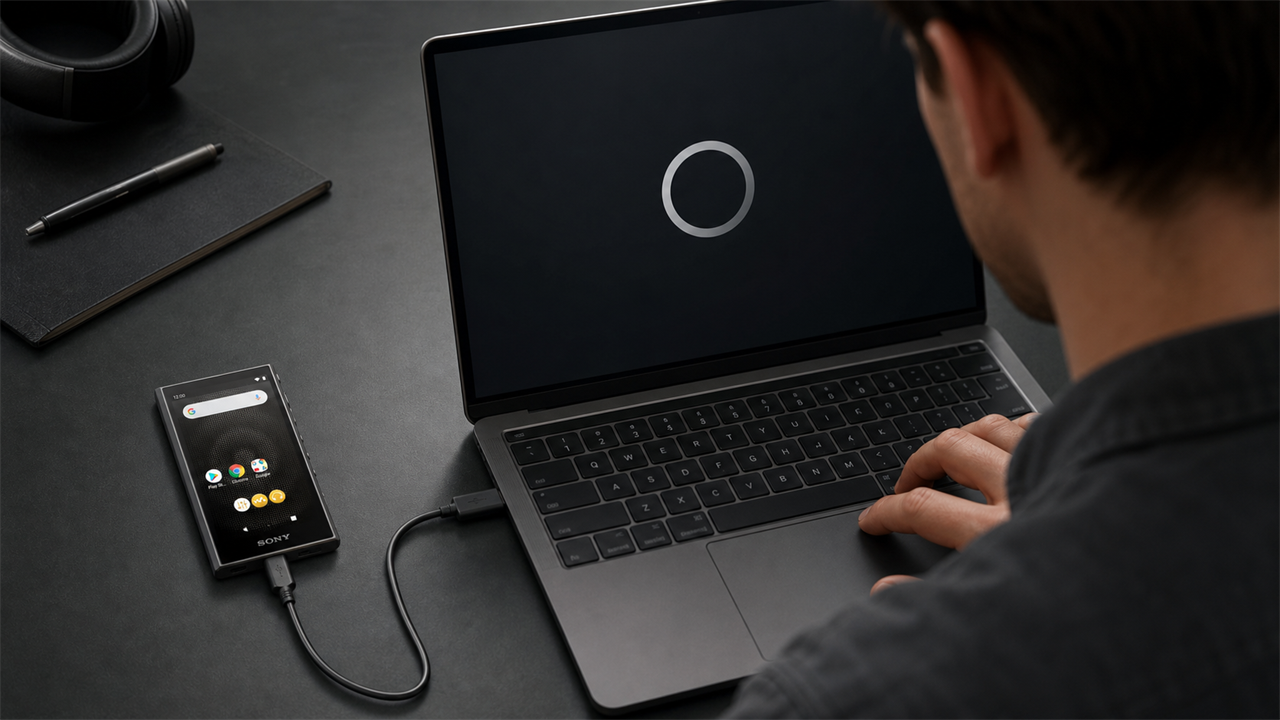
Regular firmware dac update procedures ensure your portable audio player operates with the latest optimizations and bug fixes. These updates often include improved DAC algorithms, enhanced digital filters, and expanded format support that can transform your device's performance characteristics.
Backup Current Settings
Export your existing EQ presets and configuration files to prevent data loss during the update process.
Download Official Firmware
Visit the manufacturer's official website and download the latest firmware version specifically designed for your model.
Prepare Update Environment
Ensure your device has at least 50% battery charge and use a high-quality USB cable for stable data transfer.
Execute Installation
Follow the manufacturer's step-by-step installation guide, avoiding interruptions during the critical update phase.
Verify and Optimize
Test all functions post-update and reconfigure your preferred DAC settings for optimal performance.

Advanced DAC Configuration Techniques
Professional DAC configuration extends beyond basic volume adjustments, encompassing digital filter selection, oversampling rates, and output stage optimization. These advanced settings allow you to tailor the sonic signature to match your preferences and headphone characteristics precisely.
Digital Filter Types
- Sharp Roll-off: Maximum detail retrieval
- Slow Roll-off: Warmer, more analog sound
- Minimum Phase: Improved transient response
- Apodizing: Reduced pre-ringing artifacts
Oversampling Options
- 2x: Standard processing with low CPU load
- 4x: Enhanced detail with moderate processing
- 8x: Maximum resolution for critical listening
- NOS: Non-oversampled for vintage character

The output stage configuration directly impacts your portable hi-fi audio device performance with different headphone loads. Proper gain structure prevents both underpowering high-impedance headphones and overdriving sensitive in-ear monitors, ensuring optimal dynamics and minimal distortion.

Understanding impedance matching principles allows you to select appropriate gain settings and output configurations. This knowledge proves especially valuable when switching between different headphone types throughout your listening sessions.
EQ and DSP Processing Configuration
Digital Signal Processing (DSP) capabilities in modern portable players extend far beyond simple EQ adjustments. Advanced DSP features include crossfeed processing, dynamic range compression, and room correction algorithms that can significantly enhance your listening experience when properly configured.
Analyze Your Headphones
Use frequency response measurements or manufacturer specifications to understand your headphones' sonic characteristics and identify areas for improvement.
Set Parametric EQ Points
Configure 3-5 key frequency bands targeting specific issues like mid-bass bloat, harsh treble, or recessed midrange.
Configure Crossfeed Settings
Adjust crossfeed levels for headphone listening to create a more natural, speaker-like soundstage presentation.
Fine-tune Dynamic Processing
Set gentle compression ratios for consistent volume levels across different recording dynamic ranges.
Test and Validate
Use familiar reference tracks to verify improvements and make final adjustments to your configuration.

↑ Back to Top
Back to Top ↑Format Support and Bitrate Optimization
Maximizing your DAC's capabilities requires understanding supported audio formats and their optimal playback configurations. Modern portable hi-fi audio device units support various high-resolution formats, each requiring specific settings for optimal reproduction quality.
Lossless Formats
- FLAC: Universal compatibility, excellent compression
- ALAC: Apple ecosystem integration
- WAV: Uncompressed reference quality
- DSD: Native high-resolution format
Optimization Tips
- Match sample rates to source material
- Avoid unnecessary upsampling
- Use native DSD mode when available
- Configure appropriate bit-depth settings
The retro walkman style aesthetic of some modern players shouldn't deceive you about their technical capabilities. Today's devices can handle DSD256 where supported unfolding, and PCM rates up to 32-bit/384kHz, provided they're configured correctly for each format type.
Troubleshooting Common DAC Configuration Issues
Even experienced audiophiles encounter configuration challenges when optimizing their portable players. Understanding common issues and their solutions can save significant time and prevent potential hardware damage from incorrect settings.
Identify the Problem
Document specific symptoms and the conditions under which they occur to narrow down potential causes.
Reset to Defaults
Restore factory settings to eliminate custom configuration issues and establish a known working baseline.
Systematic Testing
Gradually reapply your custom settings one parameter at a time to isolate the problematic configuration.
Check Hardware Connections
Verify all cables, adapters, and headphone connections are secure and functioning properly.

Advanced Tips for Audiophile-Grade Performance
Achieving reference-quality performance from your portable setup requires attention to details beyond basic DAC settings. Environmental factors, power management, and signal chain optimization all contribute to the final audio quality your system delivers.
Power Optimization
- Use dedicated power supplies when available
- Maintain battery levels above 30%
- Avoid charging during critical listening
- Consider external battery packs for extended sessions
Signal Chain Purity
- Minimize adapter connections
- Use high-quality interconnects
- Avoid electromagnetic interference sources
- Position away from wireless devices
Professional audiophiles often overlook the importance of firmware dac update scheduling and maintenance routines. Regular updates not only provide new features but often include critical bug fixes and performance optimizations that can significantly impact audio quality. For comprehensive guides on portable audio optimization, visit our DAP guides section for additional expert insights.
 Frequently Asked Questions
Q1: How often should I update my portable DAP's firmware?
Check for firmware updates every 2-3 months, or immediately when experiencing audio issues. Manufacturers typically release updates quarterly with performance improvements and bug fixes.
Q2: Will changing DAC settings void my warranty?
No, adjusting software settings through the device's menu system will not void your warranty. However, avoid unauthorized firmware modifications or hardware alterations.
Q3: Why does my high-impedance headphone sound quiet even on high gain?
This indicates insufficient power output. Check that you're using the correct balanced output if available, and ensure your player is designed for high-impedance loads.
Q4: Can I damage my headphones with incorrect DAC settings?
While unlikely with software settings alone, excessive gain with sensitive IEMs can cause hearing damage. Always start with low settings and gradually increase volume.
Q5: What's the difference between balanced and single-ended outputs?
Balanced outputs provide more power and better noise rejection for compatible headphones, while single-ended works with all headphones but with lower power output.