

Expert Insights
- The 1980s marked the transition from analog to digital recording, making format choice crucial for authentic reproduction on modern hi-res systems.
- Many iconic 80s albums benefit more from subtle analog warmth than clinical digital accuracy, despite being recorded digitally.
- The era's heavy use of synthesizers and drum machines requires audio players with excellent DAC linearity and low THD+N specifications for proper reproduction.
The Renaissance of 1980s Music in Hi-Res Format
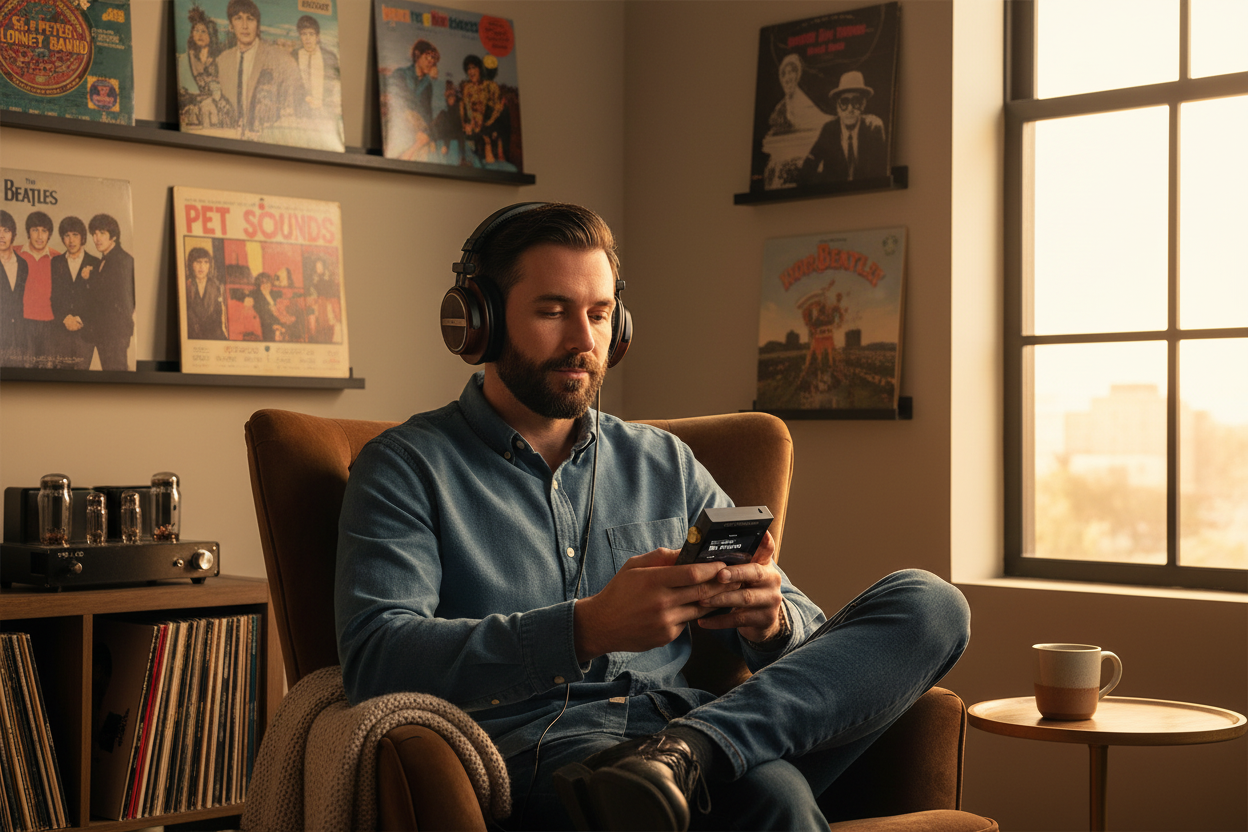
The desire to play 1980s music with pristine audio quality has never been stronger. As we enter 2026, hi-res audio players are revolutionizing how we experience iconic tracks from Duran Duran, Prince, and Madonna. Unlike the compressed digital files that dominated the early 2000s, today's remastered 80s albums reveal details that were lost for decades.
Original 80s Audio Issues
- Heavy compression for radio play
- Limited dynamic range on CDs
- Mastering optimized for analog systems
- Background noise and artifacts
Hi-Res Audio Benefits
- Full dynamic range restoration
- 24-bit/96kHz or higher resolution
- Eliminated digital artifacts
- Studio-quality sound reproduction

- ►1. The Renaissance of 1980s Music in Hi-Res Format
- ►2. Finding High-Quality 1980s Music Sources
- ►3. Optimal Hi-Res Audio Player Selection for 80s Music
- ►4. Essential Audio Settings for 1980s Music Playback
- ►5. File Organization and Metadata Management
- ►6. Headphone Pairing for 1980s Music Genres
- ►7. Advanced Playback Techniques and Features
- ►8. Troubleshooting Common 1980s Audio Issues
Finding High-Quality 1980s Music Sources
To truly play 1980s music at its finest, sourcing high-quality files is crucial. Major streaming platforms now offer hi-res versions of classic albums, but owning your files provides the best control over quality and playback experience.
Check Hi-Res Music Stores
Visit HDTracks, ProStudioMasters, or Qobuz Store for remastered 80s albums in FLAC 24/96 or DSD formats. Look for "Original Master Recording" or "Half-Speed Mastered" versions.
Verify Audio Specifications
Ensure files are genuine hi-res (24-bit/96kHz minimum) rather than upsampled CD rips. Use audio analysis software like Spek to verify frequency content extends beyond 22kHz.
Consider Specialized Remasters
Seek out audiophile labels like Mobile Fidelity Sound Lab (MFSL) or Audio Fidelity for superior 80s remasters with enhanced dynamic range and clarity.
Popular hi-res 80s albums include Michael Jackson's "Thriller" (SACD rip), Def Leppard's "Hysteria" (24/96), and Duran Duran's "Rio" (remastered). These releases showcase the era's production techniques without the limitations of original CD mastering.
Optimal Hi-Res Audio Player Selection for 80s Music
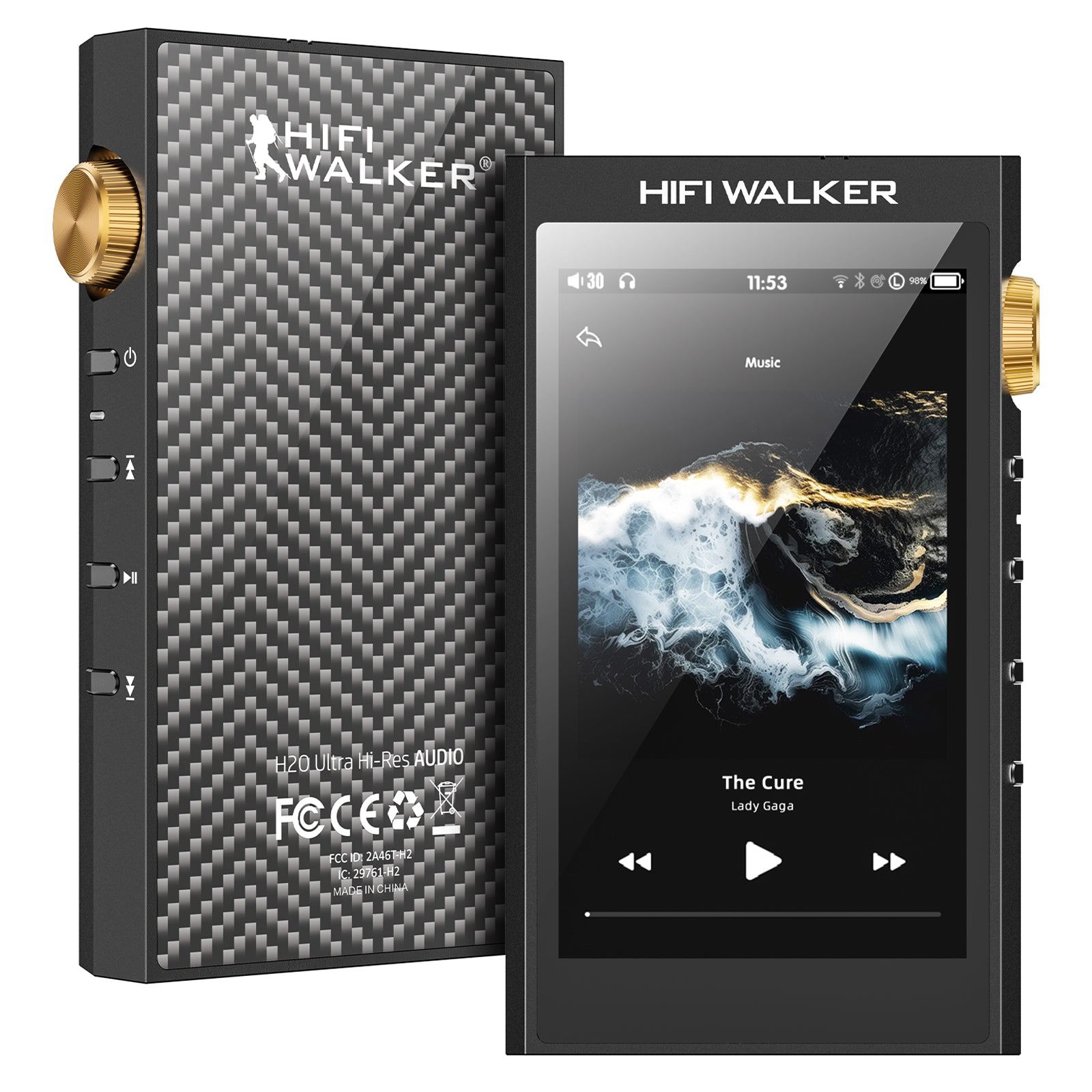
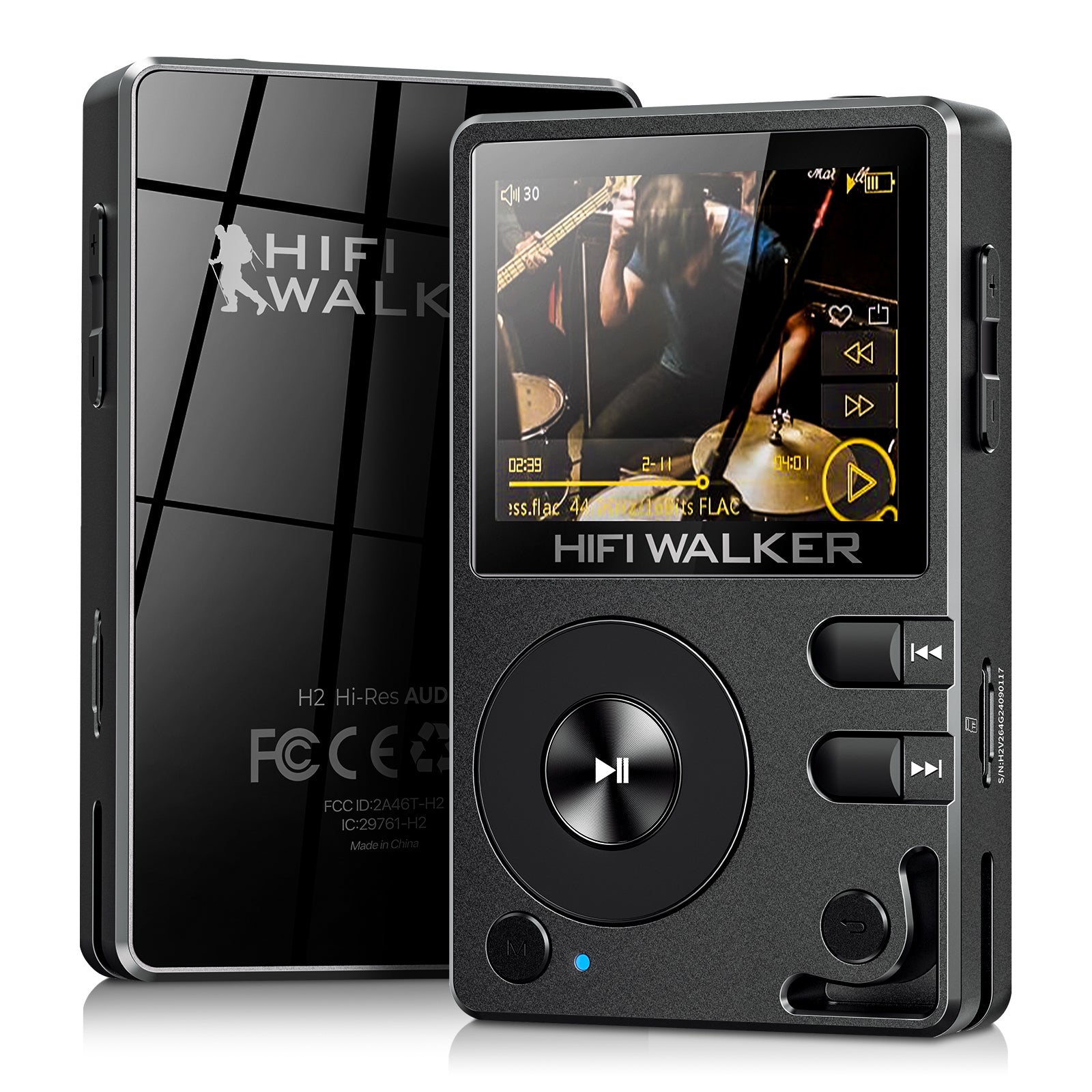
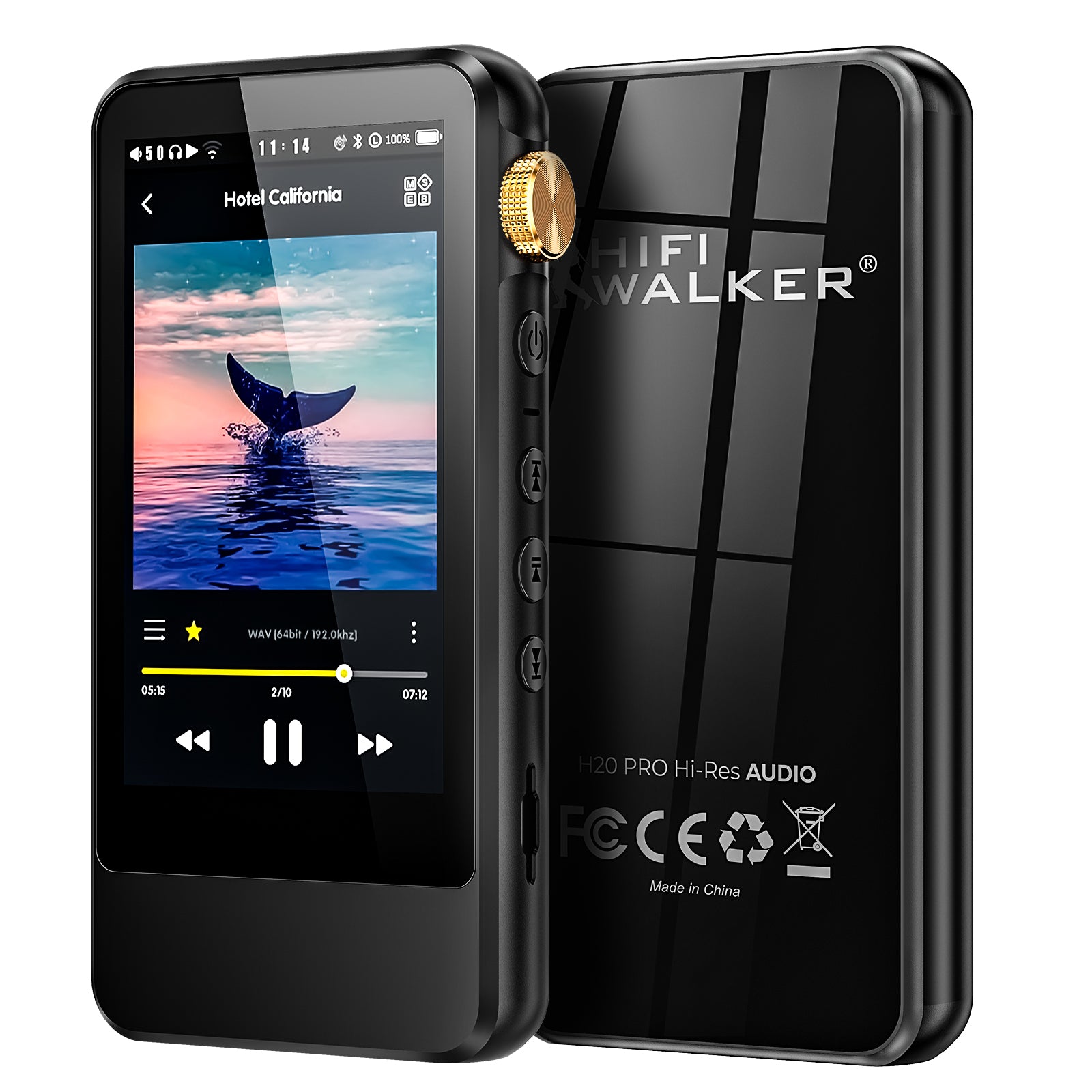
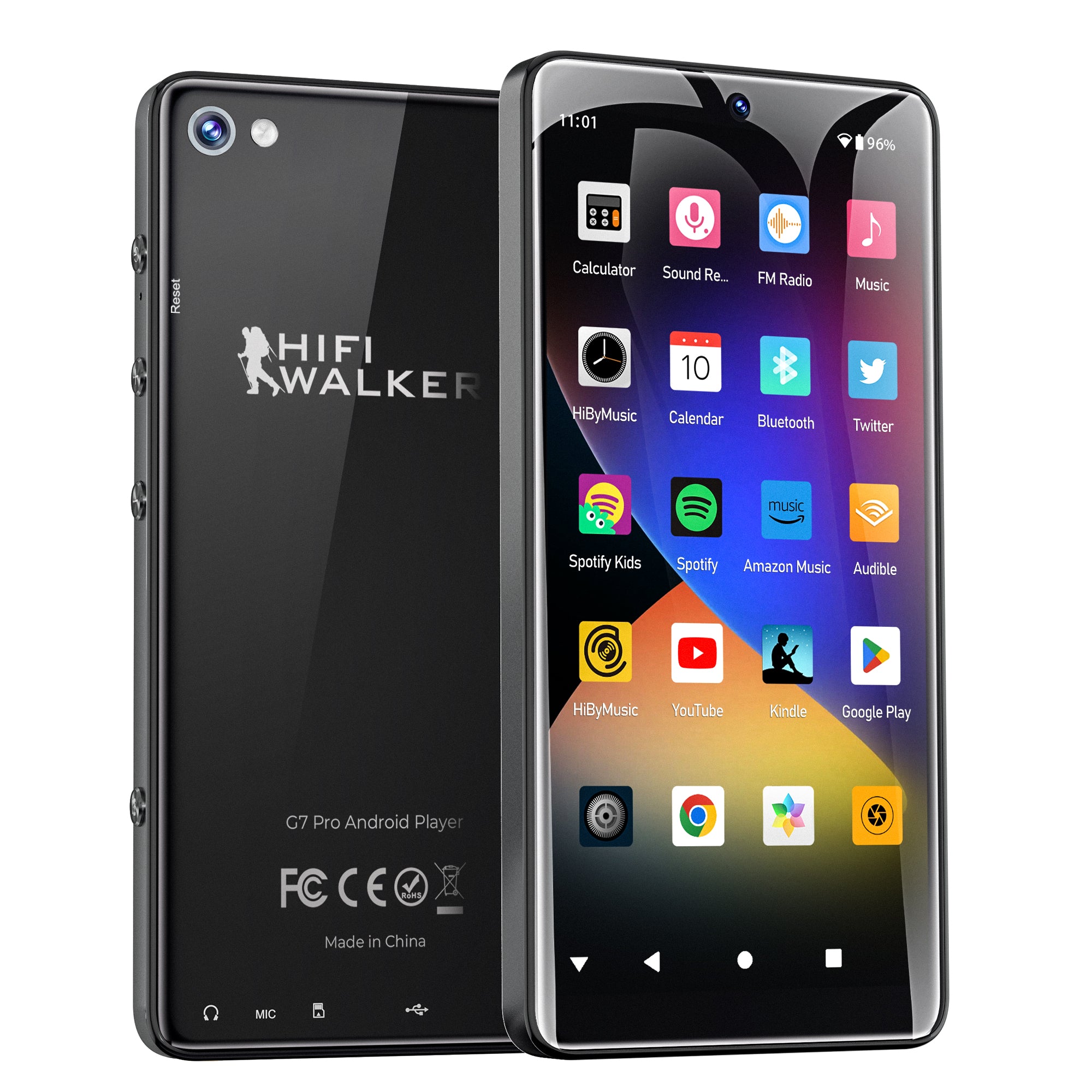
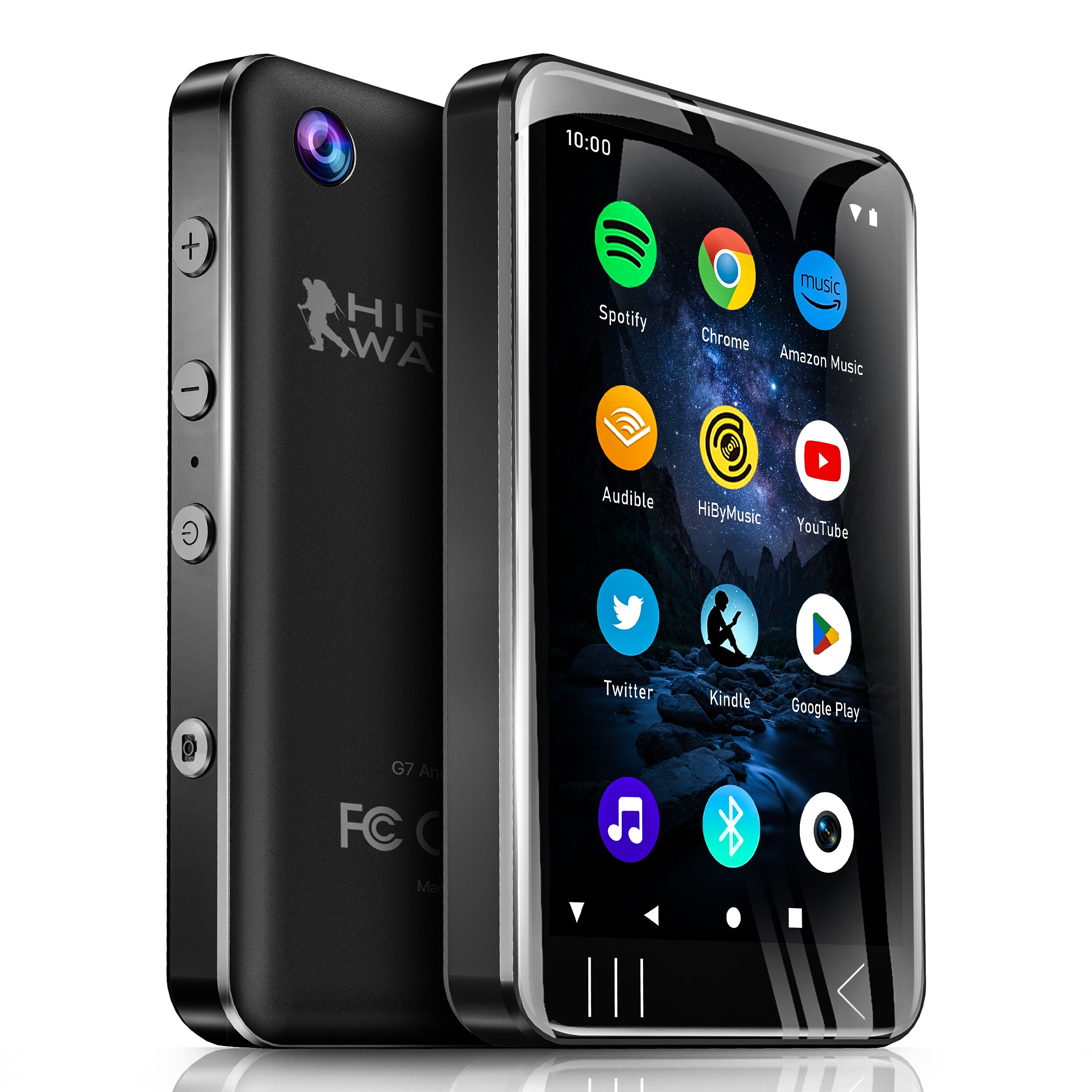
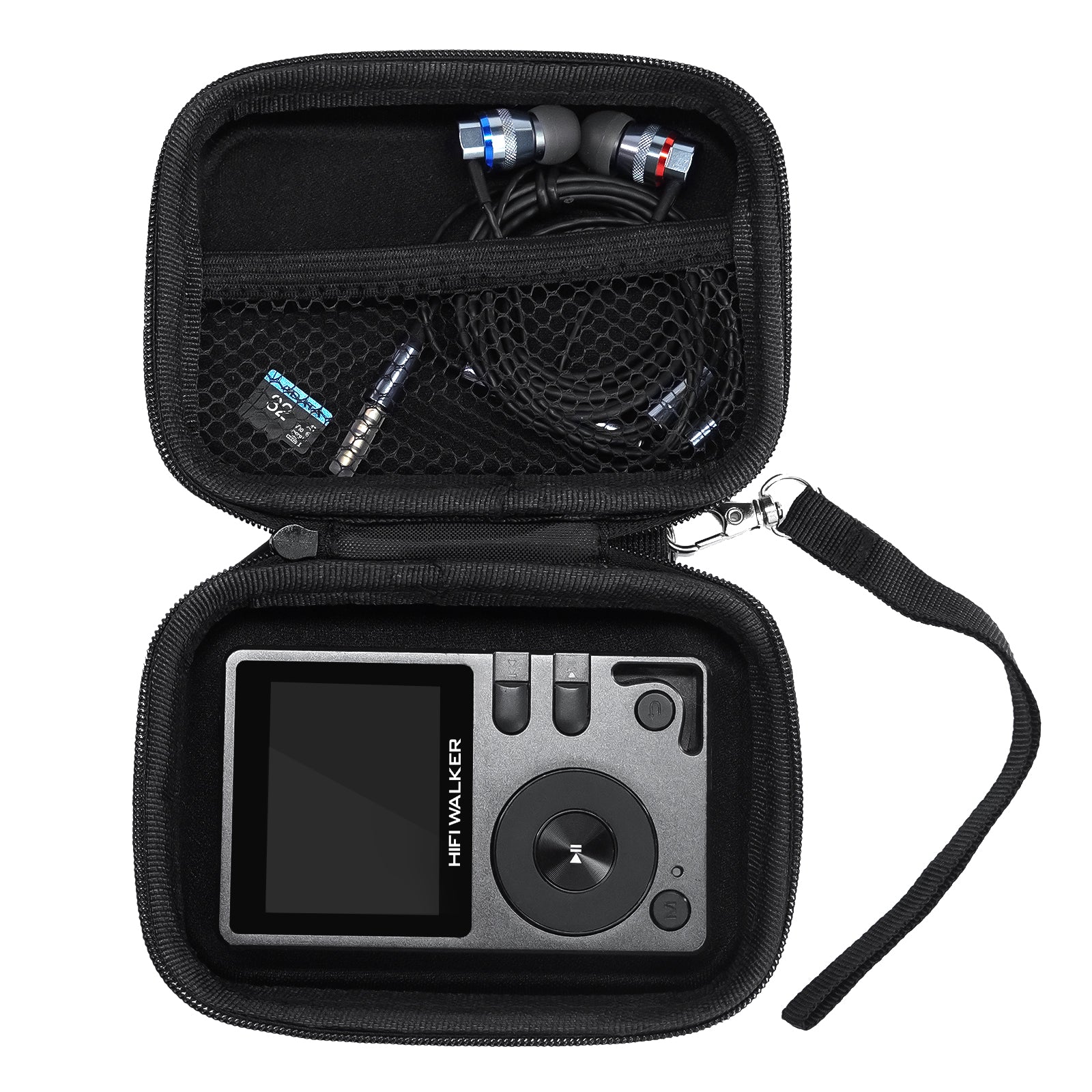
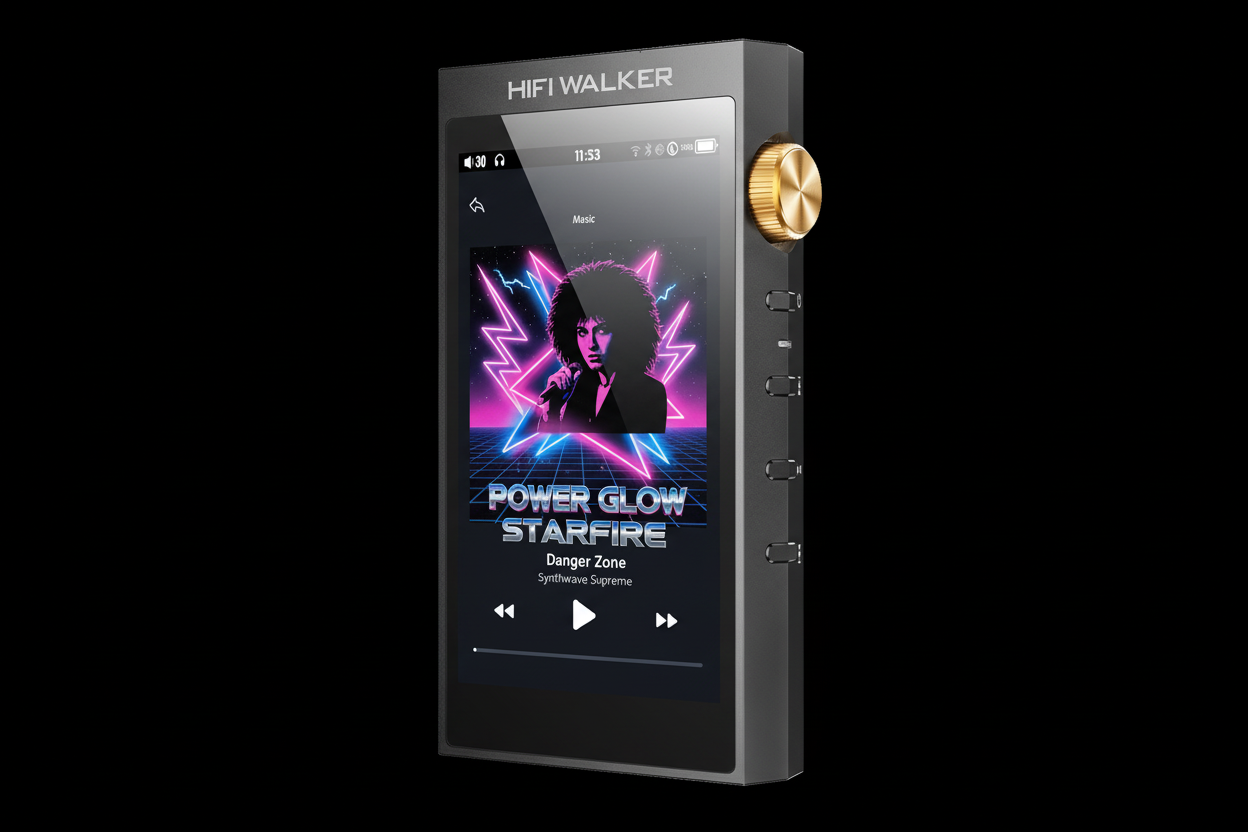
Not all audio players handle 1980s music equally well. The synthesizer-heavy arrangements and dynamic percussion of the era require players with excellent DAC performance and sufficient power output for detailed reproduction.


Essential Audio Settings for 1980s Music Playback
Configuring your hi-res audio player correctly can dramatically improve how 1980s tracks sound. The era's unique production characteristics require specific attention to EQ, output modes, and digital filters.
Select Appropriate Digital Filter
Choose "Sharp Roll-off" or "Slow Roll-off" filters for 80s music. Sharp filters preserve the punchy, digital-era sound, while slow filters add analog warmth to overly bright masters.
Configure Output Mode
Use balanced output (4.4mm or XLR) for maximum dynamic range with power-hungry headphones. Single-ended (3.5mm) works well for IEMs and efficient headphones.
Adjust Gain Settings
Set low gain for IEMs, high gain for planar magnetics. 80s music benefits from clean amplification to preserve synthesizer detail and vocal clarity.
Fine-tune EQ (Optional)
Subtle bass boost (+2dB at 60Hz) enhances drum machines. Slight presence boost (+1dB at 3kHz) brings forward lead vocals typical of 80s mixes.
Recommended for Bright 80s Masters
- Slow roll-off digital filter
- Slightly warmer tube sound mode
- Gentle treble reduction (-1dB at 8kHz)
- Medium gain setting
Recommended for Dark 80s Masters
- Sharp roll-off digital filter
- Clean solid-state mode
- Subtle presence boost (+1dB at 4kHz)
- High gain for dynamics
File Organization and Metadata Management
Properly organizing your 1980s music collection enhances the listening experience and makes navigation effortless on your hi-res audio player. Consistent metadata ensures album art displays correctly and search functions work reliably.
Create Decade-Based Folder Structure
Organize as: Music → 1980s → Artist → Album (Year) → Track files. This structure works perfectly with most HIFI WALKER audio players.
Standardize Metadata Tags
Use tools like Mp3tag or MusicBrainz Picard to ensure consistent Artist, Album, Year, and Genre tags. Set Genre as "New Wave," "Synthpop," or "80s Rock" for easy filtering.
Embed High-Quality Album Art
Include 600x600px or larger album artwork in JPEG format. Many 80s albums have iconic covers that enhance the visual experience on color-screen players.

↑ Back to Top
Back to Top ↑Headphone Pairing for 1980s Music Genres
Different 80s genres benefit from specific headphone characteristics. Synthpop requires excellent treble extension, while 80s rock demands powerful bass and forward mids for guitar and vocal clarity.

Consider the recording quality when choosing headphones. Well-mastered 80s albums like "Brothers in Arms" by Dire Straits reward analytical listening, while more compressed releases benefit from forgiving, musical transducers that add warmth.
Advanced Playback Techniques and Features
Modern hi-res audio players offer sophisticated features that can enhance 80s music playback beyond basic file reproduction. Understanding these tools helps you extract maximum enjoyment from your collection.
Gapless Playback Benefits
- Essential for concept albums like "The Wall"
- Preserves live album flow
- Maintains DJ mix continuity
- Critical for extended dance tracks
Crossfade Applications
- Smooths transitions between songs
- Great for 80s mixtape recreation
- Enhances party/workout playlists
- Reduces jarring volume changes
Enable Gapless Playback
Activate this feature for albums like Pink Floyd's "The Wall" or concept albums where tracks flow seamlessly. Most quality players detect gapless automatically.
Utilize Custom EQ Presets
Create genre-specific EQ curves: "80s Rock" with slight mid boost, "Synthpop" with enhanced treble clarity, and "80s Ballads" with warm, intimate sound.
Leverage Playlist Features
Build era-specific playlists: "80s Workout," "New Wave Essentials," or "80s Road Trip" with appropriate crossfade settings for seamless listening experiences.

Troubleshooting Common 1980s Audio Issues
Many 1980s recordings present unique challenges when played on modern hi-res systems. Understanding these issues and their solutions ensures optimal playback quality across your entire 80s collection.
Some 80s albums benefit from specific playback approaches. For example, early CD transfers may sound better with tube emulation or warm digital filters, while modern remasters often prefer clean, analytical reproduction. Experiment with your player's sound shaping options.
Remember that not all 80s music was recorded equally. Studio albums from major artists typically offer better sonic quality than live recordings or B-sides. For the best experience when you play 1980s music, prioritize well-regarded remasters and avoid low-quality digital transfers when possible.
Frequently Asked Questions
Q1: What's the best audio format for playing 1980s music on hi-res players?
FLAC 24-bit/96kHz or higher provides excellent quality for 80s music. Look for official remasters rather than upsampled files. DSD versions of classic albums offer exceptional analog-like warmth when available.
Q2: Do I need expensive headphones to enjoy 80s music on hi-res audio players?
Not necessarily. Mid-range headphones ($100-300) paired with a quality DAP often outperform expensive headphones with smartphone sources. Focus on matching headphone characteristics to 80s genres you prefer most.
Q3: Why do some 80s songs sound too bright on my hi-res audio player?
Many 80s CD remasters were optimized for car stereos and boom boxes, resulting in bright, compressed sound. Try using warmer digital filters, slight treble reduction, or seek out audiophile remasters with better dynamic range.
Q4: How can I recreate the authentic 80s listening experience with modern equipment?
Use tube emulation modes if available, apply subtle analog-style warmth, and consider the original listening context. Many 80s albums were mixed for specific playback systems, so some tonal adjustment may enhance authenticity.
Q5: Are streaming services good enough for 80s music, or should I buy files?
Hi-res streaming services like Qobuz or Tidal offer excellent 80s catalogs, but owning files gives you control over versions and guaranteed access. Many rare 80s remasters are only available for purchase, not streaming.