Expert Insights
- The transition from streaming to owned music libraries often leads to more intentional listening habits and deeper musical appreciation
- High-quality dedicated MP3 players can reveal details in familiar tracks that compressed streaming formats mask, enhancing the listening experience significantly
- Building a curated digital music collection provides long-term value and independence from streaming service changes or availability issues
Understanding Spotify Playlist to MP3 Player Transfer
Many music lovers wonder how to play a spotify playlist with mp3 files on their dedicated MP3 players. While Spotify's streaming model doesn't directly support offline playback on non-Spotify devices, there are legitimate ways to enjoy your curated playlists on high-quality audio players.
Spotify Limitations
- DRM-protected streaming content
- Requires internet connection
- Limited to Spotify-compatible devices
- Compressed audio quality (320kbps max)
MP3 Player Advantages
- Lossless audio format support
- Offline playback capability
- Dedicated audio hardware
- Extended battery life for music
This comprehensive guide will walk you through legal methods to recreate your Spotify experience on dedicated MP3 players, ensuring you maintain audio quality while enjoying offline listening freedom.

- ►1. Understanding Spotify Playlist to MP3 Player Transfer
- ►2. Legal Methods to Convert Spotify Playlists
- ►3. Essential Tools for Playlist Recreation
- ►4. Step-by-Step Playlist Transfer Process
- ►5. Best MP3 Players for Playlist Management
- ►6. Audio Quality Considerations
- ►7. Managing Large Music Libraries
- ►8. Troubleshooting Common Issues
Legal Methods to Convert Spotify Playlists
Before diving into technical methods, it's crucial to understand the legal landscape. Spotify's terms of service protect their content, but there are legitimate approaches to recreate your playlists using your own music library or alternative sources.
Export Playlist Information
Use tools like Exportify or Playlist Converter to extract playlist data (song titles, artists, albums) without downloading copyrighted content.
Match with Your Library
Cross-reference exported playlist data with your existing digital music library or CD collection for legal conversion.
Purchase Missing Tracks
Buy high-quality versions of missing songs from platforms like Bandcamp, HDtracks, or iTunes to complete your playlist legally.
This approach ensures you maintain legal ownership while building a high-quality music collection optimized for your MP3 player's capabilities.
Essential Tools for Playlist Recreation
Successfully transferring playlist concepts from Spotify to MP3 players requires the right combination of software tools and organizational strategies. Here are the most effective solutions for different user needs.
Popular playlist export tools include Exportify for Spotify playlist data extraction and SongShift for cross-platform playlist migration. These tools provide the foundation for recreating your curated listening experience on dedicated hardware.

Step-by-Step Playlist Transfer Process
Now that we've covered the legal and technical foundation, let's walk through the complete process of recreating your Spotify playlists for MP3 player compatibility.
Prepare Your Playlist Data
Log into Spotify Web Player and use Exportify to download your playlist as a CSV file. This creates a tracklist you can reference for building your offline collection.
Organize Your Music Library
Create a dedicated folder structure on your computer matching your Spotify playlist organization. Use consistent naming conventions for easy management.
Source High-Quality Audio Files
Acquire lossless versions of your playlist tracks from legal sources like your CD collection, digital purchases, or subscription services that offer download options.
Convert and Optimize Files
Use audio conversion software to ensure all files match your MP3 player's optimal format. Consider FLAC for audiophile players or high-bitrate MP3 for standard devices.
Add Metadata and Album Art
Use tools like Mp3tag or MusicBrainz Picard to add consistent metadata, ensuring proper organization on your MP3 player's interface.
This systematic approach ensures your recreated playlists maintain the organization and discovery experience you enjoyed on Spotify, while taking advantage of your MP3 player's superior audio capabilities.
Best MP3 Players for Playlist Management
Not all MP3 players handle large music libraries and complex playlists equally well. Here are our top recommendations for devices that excel at playlist management and audio quality.

Premium Features to Look For
- Large storage capacity (256GB+)
- Advanced playlist management
- Lossless format support
- Long battery life
- Intuitive navigation interface
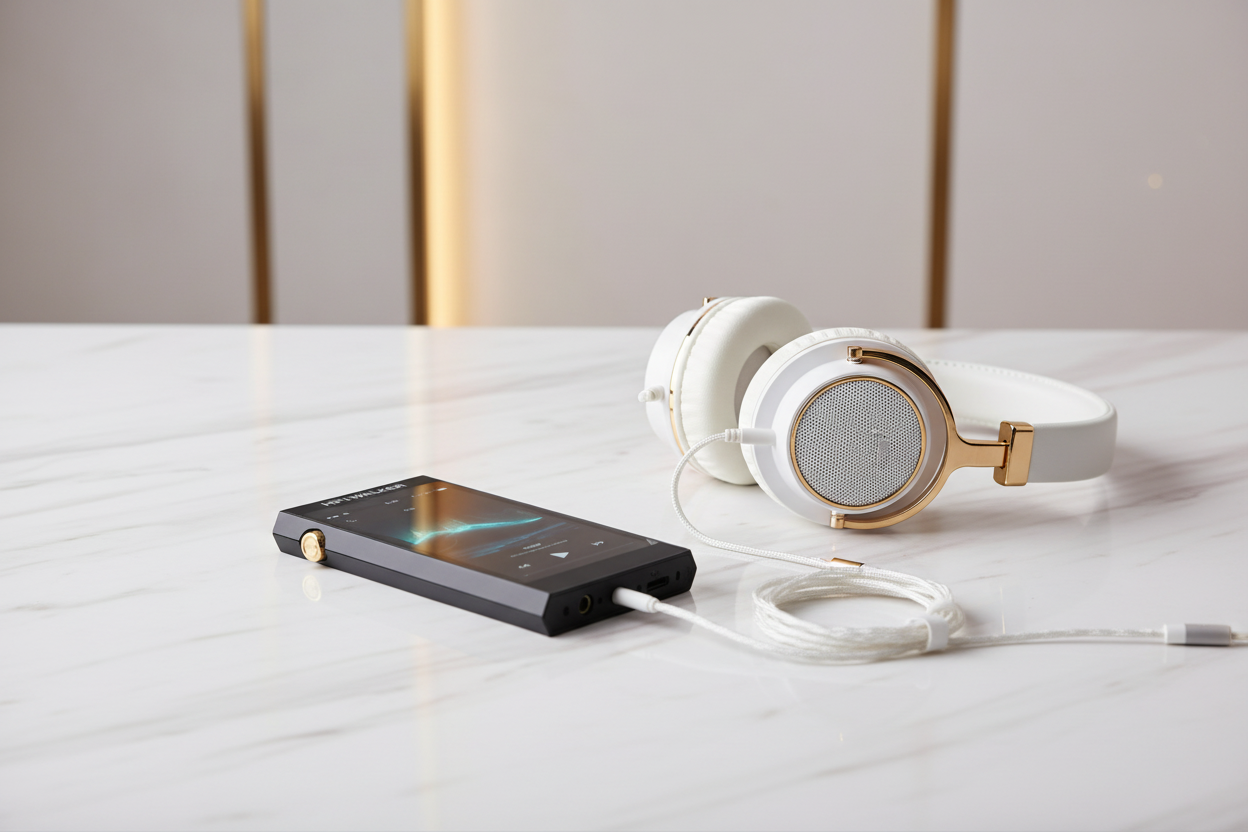
HIFI WALKER Advantages
- High-resolution DAC chips
- Expandable microSD storage
- Custom firmware optimization
- Professional build quality
- Comprehensive format compatibility

Both options provide the storage capacity and organizational features needed to manage large, converted playlist collections while delivering superior audio quality compared to smartphone playback.
↑ Back to Top
Back to Top ↑Audio Quality Considerations
One major advantage of moving from Spotify to dedicated MP3 players is the potential for significant audio quality improvements. Understanding format choices and conversion settings is crucial for optimal results.
For most listeners, high-quality MP3 (320kbps) provides excellent results while maintaining reasonable file sizes. Audiophiles should consider FLAC or higher resolution formats to fully utilize premium MP3 players' capabilities.

Managing Large Music Libraries
As your converted playlist collection grows, effective library management becomes essential. Modern MP3 players offer various organizational features to help you navigate thousands of tracks efficiently.
Establish Folder Hierarchy
Create a logical folder structure: Artist → Album → Tracks, or Genre → Artist → Album depending on your listening preferences.
Maintain Consistent Metadata
Ensure all tracks have complete ID3 tags including artist, album, track number, genre, and year for proper sorting and search functionality.
Create Smart Playlists
Use your MP3 player's playlist features to recreate Spotify's dynamic organization, grouping tracks by mood, genre, or listening context.
Regular Library Maintenance
Periodically review and update your library, removing duplicates and adding new discoveries to keep your collection fresh and organized.
Proper organization transforms a large music collection from overwhelming to enjoyable, making it easy to rediscover forgotten favorites and explore your musical tastes more deeply than streaming algorithms allow.
Troubleshooting Common Issues
Even with careful planning, you may encounter challenges when transitioning from Spotify playlists to MP3 player libraries. Here are solutions to the most common problems users face.
Common Problems
- Files won't play on device
- Missing album artwork
- Incorrect track information
- Playlist sync issues
- Storage space limitations
Quick Solutions
- Check format compatibility
- Use metadata editing tools
- Verify ID3 tag accuracy
- Rebuild playlist files
- Optimize compression settings
Most issues stem from format incompatibility or metadata problems. Always test a small batch of converted files before processing your entire library, and maintain backup copies of your original high-quality files for future re-conversion if needed.

Frequently Asked Questions
Q1: Can I directly download Spotify playlists to my MP3 player?
No, Spotify uses DRM protection that prevents direct downloads to non-Spotify devices. You need to recreate playlists using legally obtained music files from your own collection or purchased from digital music stores.
Q2: What's the best audio format for MP3 players?
For most users, 320kbps MP3 provides excellent quality with reasonable file sizes. Audiophiles with compatible players should consider FLAC for lossless quality, while casual listeners can use 256kbps AAC for good quality and smaller files.
Q3: How much storage do I need for my converted playlists?
This depends on format choice and library size. A 100-song playlist requires about 800MB in 320kbps MP3, 3GB in FLAC, or up to 20GB in high-resolution formats. Consider players with expandable storage for large libraries.
Q4: Will my playlist organization transfer to the MP3 player?
Playlist organization depends on proper file naming and metadata. Most modern MP3 players can create playlists based on folder structure, metadata tags, or manual playlist files you create during the transfer process.
Q5: How do I maintain my playlists as I discover new music?
Keep your computer library as the master source, adding new tracks there first. Then sync changes to your MP3 player. Many players support incremental sync, so you only transfer new additions rather than the entire library each time.