Last updated: February 3, 2026
💡 2026 USB DAC Insights
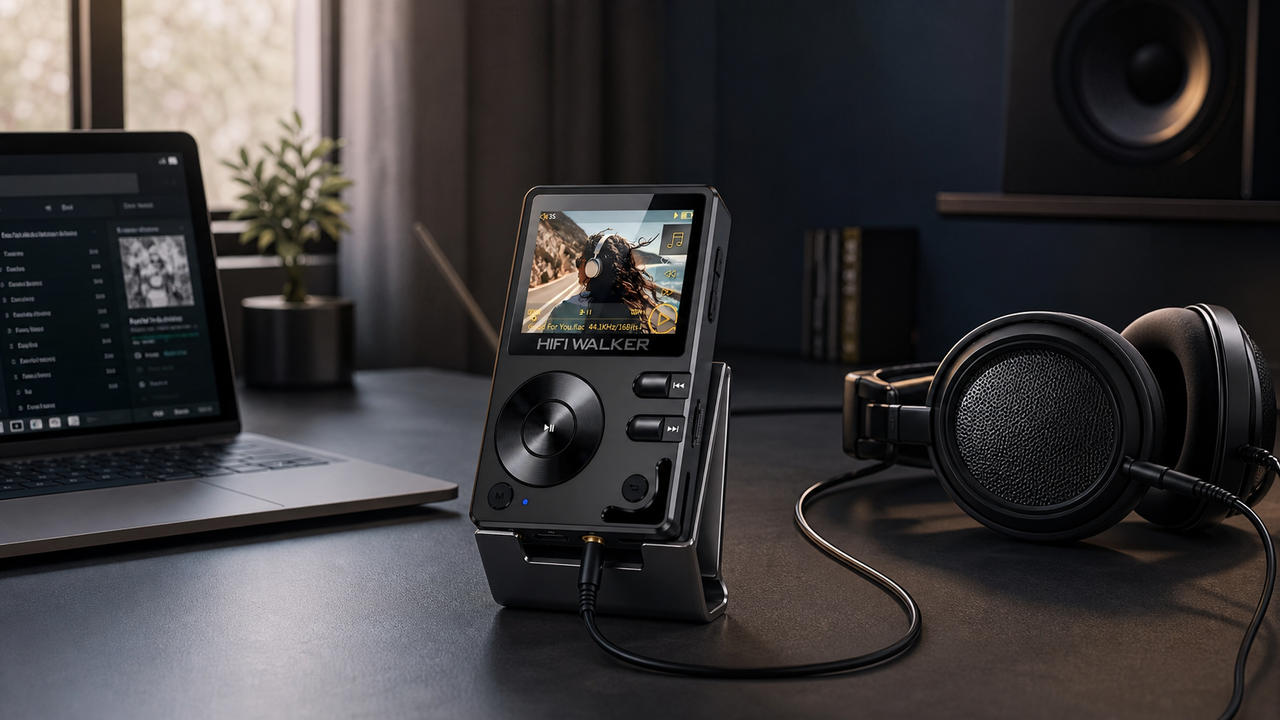
- Pro Solution: Modern players like the HIFI WALKER H20 Pro feature a high-end USB DAC mode.
- Better Sound: Using an external DAC bypasses electrical noise inside your computer for pure Hi-Res audio.
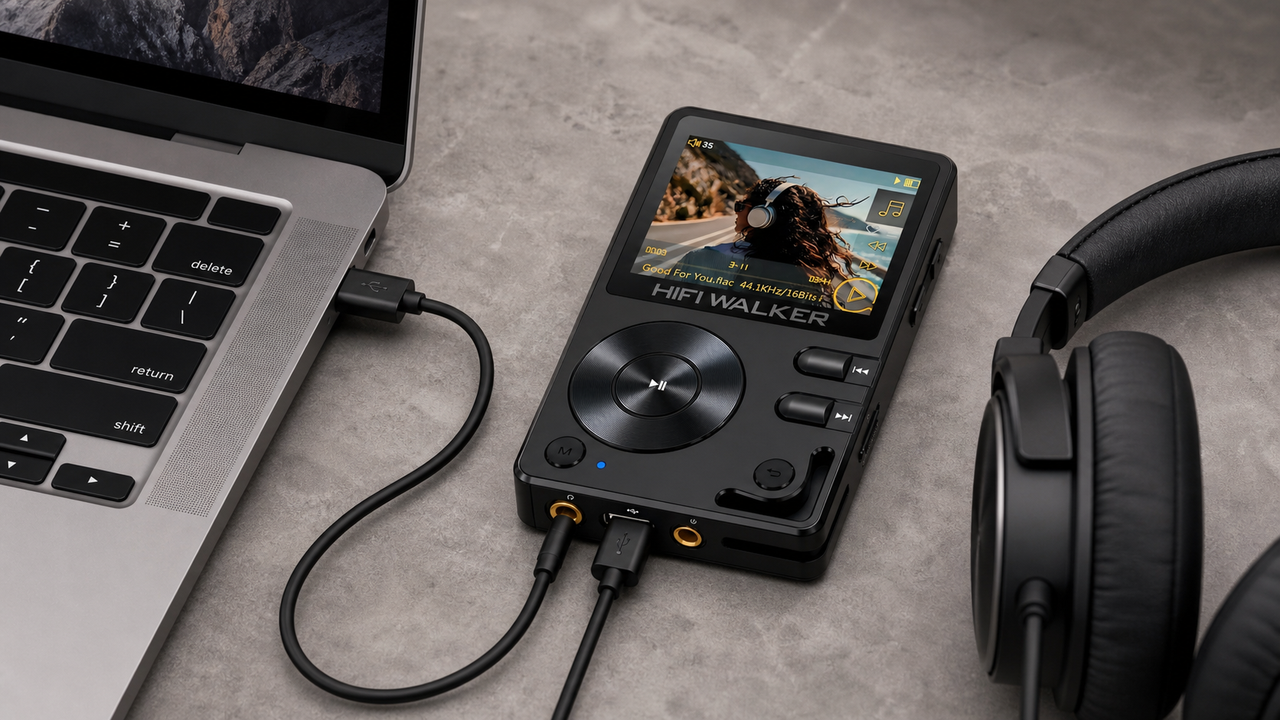
- Plug & Play: Most HIFI WALKER DAPs are instant DAC upgrades via USB-C.
- Introduction: The Growing Popularity of USB DACs
- What Is a USB DAC (2025-2026)? Decoding This Audio Enhancer
- Why You Need a USB DAC: Unlocking Superior Sound
- Different Types of USB DACs to Consider
- How to Choose a USB DAC: A 2026 Buyer’s Guide
- Best USB DAC Considerations for HIFI WALKER Products
- Tips for Using a USB DAC to Enhance Your Experience
- Conclusion
- Frequently Asked Questions (FAQ)
Introduction: The Growing Popularity of USB DACs
In the digital age, listening to music on our computers and laptops is commonplace. However, the built-in audio of these devices often falls short for those seeking high-fidelity sound. This is where the USB DAC comes in, a compact yet powerful device that has gained significant popularity in 2025-2026 for its ability to drastically improve your listening experience.
What Is a USB DAC? Decoding This Audio Enhancer
A USB DAC is an external device that connects to your computer via USB. Its job? Bypassing your computer’s internal sound card and converting digital audio signals into high-quality analog output. This process is crucial for delivering Hi-Res audio to your headphones or speakers with greater accuracy.
| Component | Function |
|---|---|
| USB Input | Receives digital audio from computer |
| DAC Chip | Converts digital signals to analog |
| Headphone Amp | Drives high-impedance headphones (if included) |
| Line Port | Connects to speakers or headphone amps |
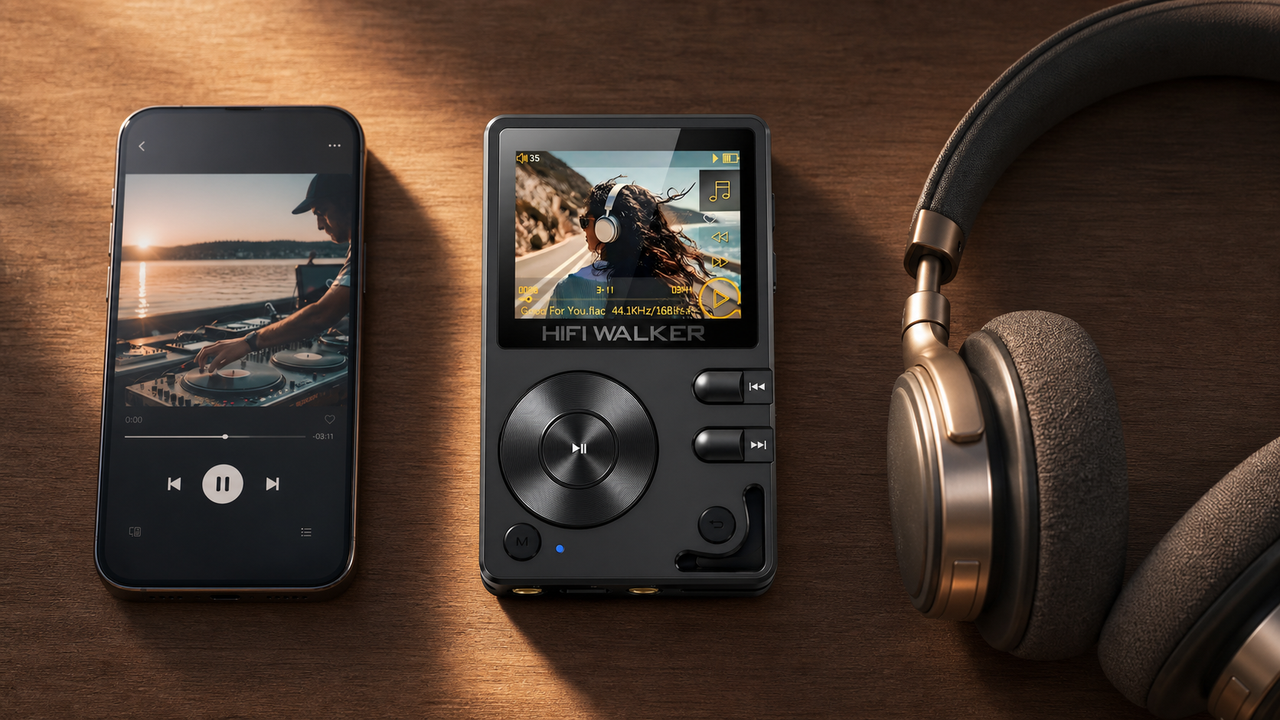
Devices like the HIFI WALKER H20 Pro double as portable music players and USB DACs, making them a versatile choice for any audiophile looking to elevate their digital audio experience. To learn more about USB DACs, please click here: best-dacs.

Why You Need a USB DAC: Unlocking Superior Sound
So, why should you consider a USB DAC? Here are some key benefits:
- Enhanced Audio Quality: A dedicated USB DAC typically uses higher-quality components, leading to increased clarity, detail, and dynamic range.
- Reduced Noise and Interference: External DACs isolate the audio processing from computer noise, resulting in cleaner sound.
- Support for Hi-Res Audio: Many USB DACs support high-resolution formats like FLAC and DSD.
- Improved Headphone Output: Powerful amplifiers can drive high-impedance headphones more effectively.
Different Types of USB DACs to Consider
The USB DAC market offers a range of options in 2026:
| Type | Description |
|---|---|
| Portable USB DAC | Ideal for laptops and travel; compact and efficient. |
| Desktop USB DAC | Best for home setups; includes more outputs. |
| USB DAC + Amp | Combines DAC with amplifier to power demanding headphones. |
| High-End USB DAC | Audiophile-grade gear with top-tier components. |
For a deeper understanding of USB audio standards, I recommend reading "What Class is my USB Audio?" to learn about Class 1.0 vs Class 2.0.
How to Choose a USB DAC: A 2026 Buyer’s Guide
Selecting the best USB DAC for your needs involves considering several factors:
- Your Budget: Determine if you need a sub-$100 entry-level or $1000+ flagship.
- Headphones/Speakers: Ensure the DAC can effectively drive your specific gear.
- Supported Formats: Ensure compatibility with Hi-Res Audio formats (e.g., FLAC, DSD).
- Portability: Look for a compact model like the H2 Series for mobile use.
Best USB DAC Considerations for HIFI WALKER Products
Many HIFI WALKER Hi-Res Audio Players can act as high-performance USB DACs:
- The HIFI WALKER H2 is perfect for casual listeners wanting a portable DAC solution.
- The H2 Touch adds touchscreen controls for easy navigation.
- The flagship H20 Pro offers enhanced DAC chips for the ultimate PC audio upgrade.

When using these players as USB DACs, connect via USB-C and switch to USB DAC mode. Explore our Hi-Res Audio Player collection.
Tips for Using a USB DAC to Enhance Your Experience
- Install Drivers: Check manufacturer's instructions for optimal performance.
- Set as Default: Ensure your USB DAC is selected as the default playback device in settings.
- Use High-Quality Files: Listen to lossless formats to truly appreciate the benefits.
- Experiment with Settings: Find the sound profile that best fits your ears.
Conclusion
A USB DAC is a fantastic investment for significantly improving audio quality. By bypassing internal sound processing, you unlock a new level of detail. Explore the Hi-Res Audio Players from HIFI WALKER that offer dual-mode functionality for both portable and desktop high-fidelity audio.
Upgrade Your PC Audio Today
Discover the H20 Pro Flagship or the versatile H2 Series.
Frequently Asked Questions (FAQ)
Q1: What is the main advantage of a USB DAC?
The primary advantage is a significant improvement in sound quality compared to the built-in audio of most computers and laptops.
Q2: Are USB DACs easy to install?
Yes, most USB DACs are plug-and-play, requiring minimal setup. Some may need driver installation.
Q3: Can I use a USB DAC with my smartphone?
Some portable USB DACs are compatible with smartphones, but you may need an adapter.
Q4: How much should I spend on a good USB DAC?
A good entry-level USB DAC that offers a noticeable improvement can be found for under $100, while higher-end options can cost several hundred dollars or more.
Q5: Do USB DACs work with both headphones and speakers?
Yes, most USB DACs have outputs for connecting both headphones and powered speakers.