Expert Insights: Key Takeaways
- Using USB DAC mode can be a practical way to bypass a laptop's built-in analog audio path and use the H20 Ultra's dedicated DAC and amplifier stages instead.
- The 4.4mm balanced output on the H20 Ultra meaningfully reduces crosstalk compared to single-ended connections, especially noticeable with higher-impedance headphones during long sessions.
- Local FLAC and DSD256 libraries stored on a dedicated microSD card remove the file-management chaos that comes with scattered folders across cloud drives and local disks.
The Hidden Cost of Laptop Audio at the Office
If you spend eight hours a day at a desk with headphones on, you have probably noticed that usb dac mode for pc audio is quietly becoming a favorite phrase among serious listeners in 2026. That is because the tiny audio chip inside your laptop was never built for critical listening, and after months of straining through thin, hissy playback during study or work blocks, advanced audiophiles are routing their sound through a dedicated hi-res player instead.
Onboard laptop DACs share power circuitry with the CPU, the fan, and every USB peripheral plugged in. The result is measurable electrical noise bleeding into your headphone output, especially noticeable during long study or office sessions when battery-saving modes kick in and distort dynamics.
Typical Laptop Audio Output
- Shared power rail with CPU and fan noise
- Weak headphone amp, thin bass on demanding tracks
- Volume steps that clip quiet passages
- Lossless playback support depends on the source files and computer software
USB DAC Mode via H20 Ultra
- Isolated ESS9038Q2M DAC chip dedicated to audio only
- 112mW at 3.5mm, 380mW at 4.4mm balanced output
- Published 119dB SNR at 1kHz for the H20 Ultra
- Feeds straight from your laptop, bypassing its internal chip entirely
- ►1. The Hidden Cost of Laptop Audio at the Office
- ►2. USB DAC Mode Explained: What Actually Happens
- ►3. Building a Distraction-Free Music Player Setup for Deep Work
- ►4. Why a Hi-Res DAC for Laptop Audio Beats Built-In Sound Chips
- ►5. Inside the H20 Ultra: Signal Path and Battery Design
- ►6. Setting Up Your Office Listening Setup, Step by Step
- ►7. H20 Ultra vs H20 Pro: Choosing the Right USB DAC for Your Desk
- ►8. Protecting Your Investment on a Busy Desk
USB DAC Mode Explained: What Actually Happens
USB DAC mode explained simply: your computer stops trying to convert digital audio to analog itself. Instead, it sends the raw digital signal over a USB Type-C cable to an external device built specifically for that conversion job, then that device drives your headphones.
Connect via USB Type-C
Plug the H20 Ultra Hi-Res Audio Player into your laptop using its USB Type-C port, rated for 5V/1.5A, the same port used for charging.
Switch to USB DAC Mode
Select USB DAC mode from the device menu. The Linux-based system on the H20 Ultra recognizes the incoming signal and takes over conversion duties.
Use the Dedicated Amplifier Stages
Signal passes through the ESS9038Q2M DAC chip and paired RT6862/RT6863 amplifier stages before reaching your headphone jack.
Choose Your Output
Use the 3.5mm single-ended or 4.4mm balanced output depending on your headphones, with impedance support from 16Ω to 300Ω.
Building a Distraction-Free Music Player Setup for Deep Work
A distraction-free music player is not just about sound quality, it is about removing every notification, popup, and battery-anxiety moment from your workflow. For anyone doing focused study sessions or long report-writing blocks, a dedicated audio player for studying eliminates that mental tax entirely.

The H20 Ultra Hi-Res Audio Player runs on its own Linux-based system, completely separate from your laptop's operating environment. The player has no app notifications competing for attention, while the computer remains the playback source in USB DAC mode.

Why a Hi-Res DAC for Laptop Audio Beats Built-In Sound Chips
Numbers tell the story better than opinions. Here is how the H20 Ultra's core specifications compare to what a typical laptop headphone jack can deliver during a full workday of listening.
The H20 Ultra supports compatible DSD256 local playback and can also work as a USB DAC for computer audio, while native DSD handling on a computer depends on its playback software and output configuration.
Inside the H20 Ultra: Signal Path and Battery Design
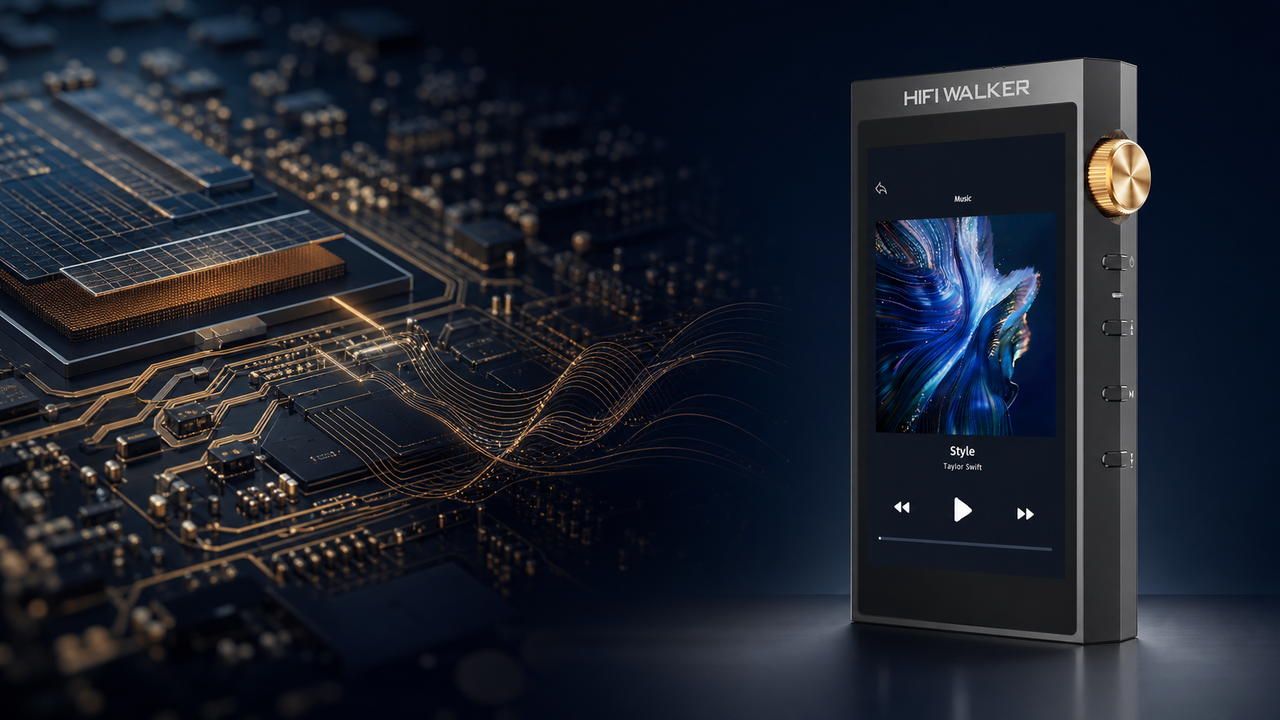
Understanding what happens between your USB cable and your ears helps explain why the difference is so audible. Every stage of the H20 Ultra's internal design exists purely to protect signal integrity.

Signal Chain Stages
- USB Type-C connection with selectable USB DAC mode
- ESS9038Q2M DAC conversion
- Dual RT6862 IV stage for stability
- Dual RT6863 amplifier stage for headroom
Battery for All-Day Sessions
- 3.7V/3000mAh dedicated battery
- Over 10 hours playback with screen off
- Charges in approximately 3.5 hours
- No competing power drain from other tasks
↑ Back to Top
Back to Top ↑Setting Up Your Office Listening Setup, Step by Step
An office listening setup audiophile approach means treating your headphone chain with the same care you give your keyboard or monitor. Here is how advanced listeners are configuring their desks in 2026.
Storage matters too. The H20 Ultra accepts microSD cards up to 512GB and ships with a 128GB card included, so an entire lossless FLAC library for study or work sessions fits without ever touching cloud folders or sync apps.

For readers who want to compare portable options before committing to a desk setup, our full hi-res audio player collection covers everything from entry-level to flagship builds.
H20 Ultra vs H20 Pro: Choosing the Right USB DAC for Your Desk
Not every desk needs the same level of gear. If you are deciding between models in the H20 lineup for office duty, here is how the flagship H20 Ultra Hi-Res Audio Player stacks against the H20 Pro Hi-Res Audio Player.

The H20 Ultra pulls ahead for anyone prioritizing USB DAC duties specifically, thanks to its ESS9038Q2M chip, 4.4mm balanced output at 380mW, and Bluetooth 5.1 connectivity with aptX-HD and LDAC support for wireless headphones during breaks.
The H20 Ultra includes a 1-year warranty and a 30-day return window; its current price also qualifies for the store's free-shipping-over-$79 offer. For deeper comparisons, browse our DAP reviews and comparisons hub.
Protecting Your Investment on a Busy Desk
A player that lives on your desk all day, gets tossed in a bag for a commute between meetings, or slides into a drawer at night needs a bit of protection. A dedicated case helps protect the 118x64x21.5mm precision-machined aluminum body and glass panel from everyday scuffs.


Frequently Asked Questions
Q1: What is usb dac mode for pc audio and how does it work?
USB DAC mode for pc audio means your computer sends raw digital audio data over a USB Type-C cable to an external device, which handles the digital-to-analog conversion instead of your laptop's internal sound chip. The H20 Ultra Hi-Res Audio Player uses its ESS9038Q2M DAC chip and dedicated amplifier stages to complete that conversion with a 119dB signal-to-noise ratio.
Q2: Do I need special drivers to use USB DAC mode with the H20 Ultra?
The H20 Ultra supports USB DAC mode over its USB Type-C connection. Driver requirements can vary by computer operating system and configuration, so follow the current H20 Ultra instructions and any prompts shown by the computer. Most setups recognize the connection without extra configuration.
Q3: How long can I listen before needing to recharge during a workday?
The H20 Ultra runs on a 3.7V/3000mAh battery rated for over 10 hours with the screen in standby, and recharges in approximately 3.5 hours, which comfortably covers a full study or office session.
Q4: What headphone impedance range does the H20 Ultra support?
The H20 Ultra supports headphone impedances from 16Ω to 300Ω, with 112mW output at 3.5mm single-ended and 380mW at 4.4mm balanced into 32Ω loads, covering most portable and desktop-friendly headphones.
Q5: What happens if the H20 Ultra does not fit my listening setup?
Every H20 Ultra purchase includes a 1-year warranty and a 30-day return window; its current price also qualifies for the store's free-shipping-over-$79 offer.