

Best MP3 Players Compatible With Apple Music in 2026
Last updated: January 23, 2026
Key Takeaways
- Not every MP3 player works with Apple Music. Traditional offline-only MP3 players usually cannot run the Apple Music app.
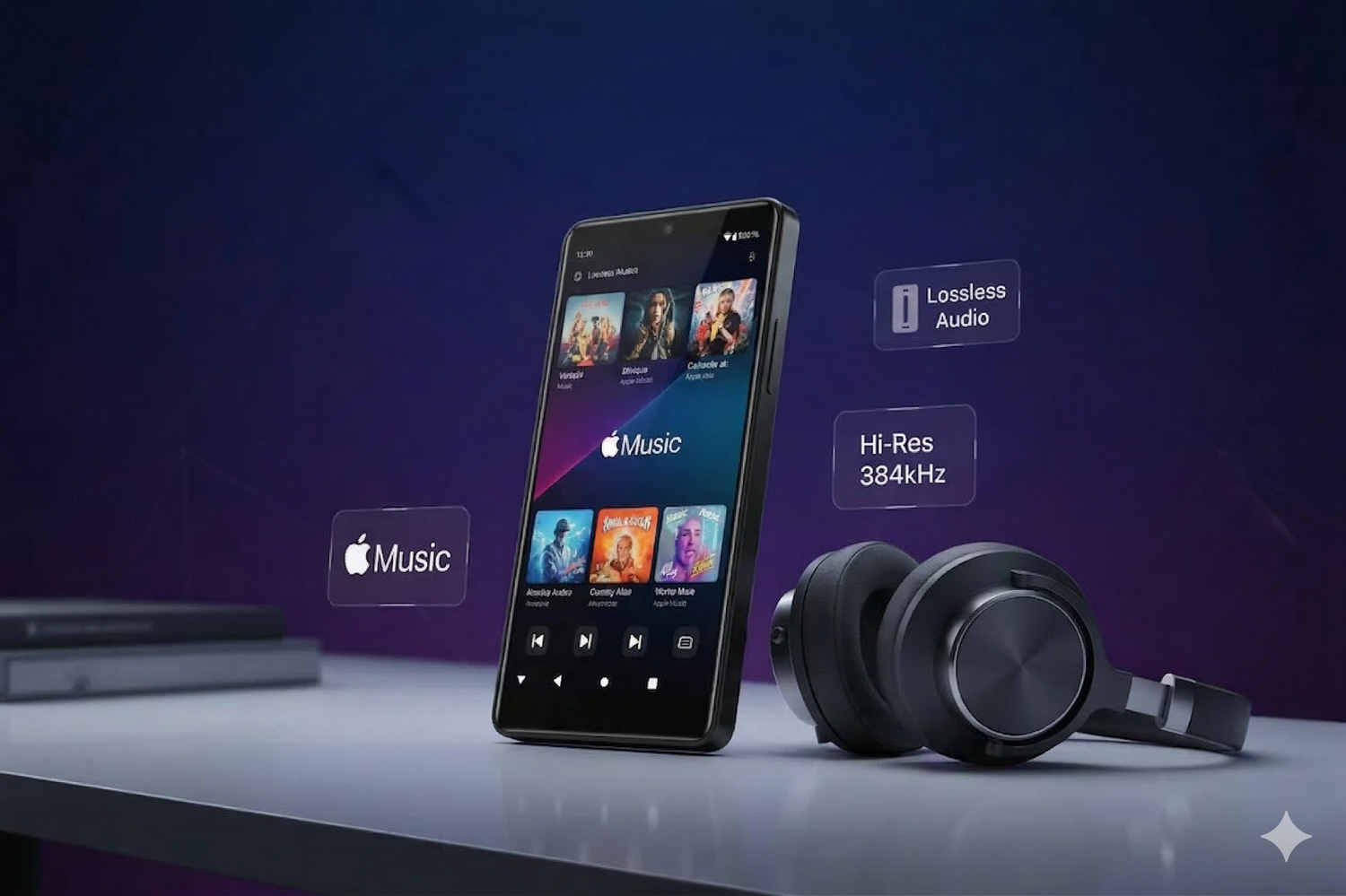
- Android-based music players are the best fit. Devices like the HIFI WALKER G7 Pro and G7 can install the official Apple Music app and support offline listening inside the app.
- Lossless-ready playback matters. Compatible Android-based players support popular high-quality audio formats such as FLAC, APE, WAV, AAC, and MP3 for a better dedicated listening experience.
- Choose by use case. Pick the G7 Pro for a smoother app experience, larger screen, and longer battery life, or choose the G7 for a more budget-friendly Apple Music-compatible player.
Table of Contents
- ➤ Can an MP3 Player Work With Apple Music?
- ➤ Why Apple Music Compatibility Is Different From Local MP3 Playback
- ➤ What to Look for in an Apple Music-Compatible Player
- ➤ Best MP3 Players Compatible With Apple Music in 2026
- ➤ How to Use Apple Music on an Android Music Player
- ➤ How Offline Listening Works With Apple Music
- ➤ Final Recommendation
- ➤ Frequently Asked Questions
Can an MP3 Player Work With Apple Music?
Yes, but only certain types of players. If you are searching for an Apple Music MP3 player, an MP3 player compatible with Apple Music, or an MP3 player that works with Apple Music, the most important thing to know is this:
Apple Music does not work like a traditional folder of MP3 files. It works through the official Apple Music app, which means a compatible player needs to support app installation and streaming features.
That is why modern Android-based digital audio players (DAPs) are the best option. They combine the focus and sound quality of a dedicated player with the flexibility needed to run Apple Music.
- Distraction-free listening: No calls, messages, or social apps interrupting playback.
- Better audio hardware: Dedicated DACs and cleaner output than most smartphones.
- Expandable storage: Important for large offline Apple Music libraries.
- Longer battery life: Better for travel, commuting, and focused listening sessions.
Why Apple Music Compatibility Is Different From Local MP3 Playback
A common question is: Can I download Apple Music to an MP3 player? The short answer is: not like a normal MP3 file transfer.
Apple Music tracks are protected and designed to work inside the official Apple Music app on supported devices. That means a traditional offline-only MP3 player usually cannot play Apple Music tracks directly.
If you want a dedicated player for Apple Music, look for a device that can:
- Run an Android operating system
- Install the official Apple Music app
- Connect to Wi-Fi for login, syncing, and downloads
- Provide enough storage for offline listening
Compatibility quick summary
- Traditional MP3 player: Usually no Apple Music app support
- Android-based music player: Yes, if it can install the official Apple Music app
- Best for Apple Music offline listening: Android DAPs with Wi-Fi, app support, and expandable storage

What to Look for in an Apple Music-Compatible Player
| Criteria | What to Look For | Why It Matters for Apple Music |
|---|---|---|
| Operating System | Android OS with app support | You need the official Apple Music app to stream and download tracks legally. |
| Storage | 32GB+ plus microSD support | Apple Music offline files can take up a lot of space, especially with Lossless audio. |
| Wi-Fi | Stable Wi-Fi connection | Required for app setup, account login, library sync, and offline downloads. |
| Audio Hardware | Dedicated audio hardware and strong wired output | Helps you hear more detail from Apple Music than you usually get from a phone. |
| Battery Life | Long playback time | Important if you want a phone-free music device for travel, commuting, or work. |
| Price | A balance between features and budget | Some users want the strongest overall experience, while others want a more affordable Apple Music-compatible player. |
Best MP3 Players Compatible With Apple Music in 2026
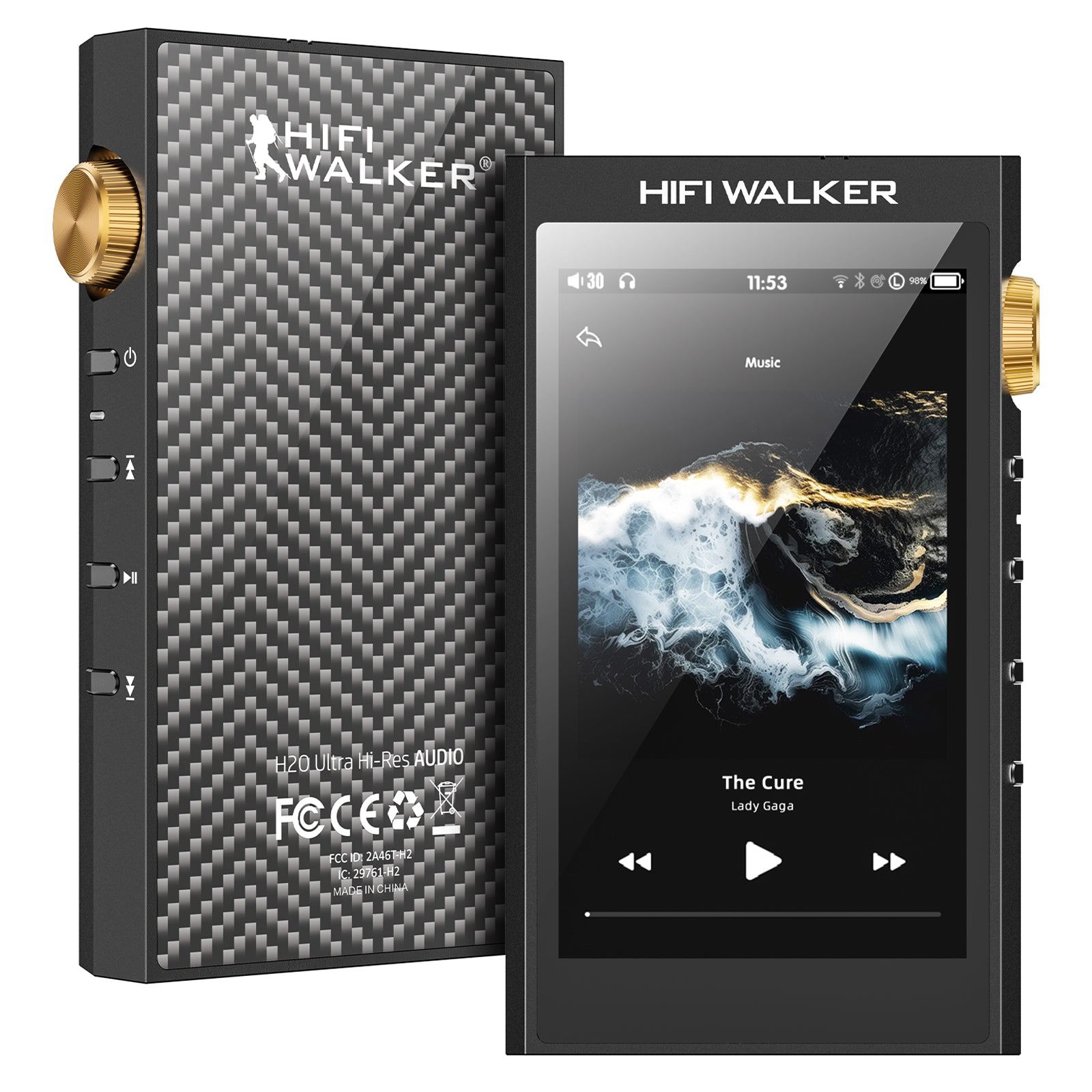
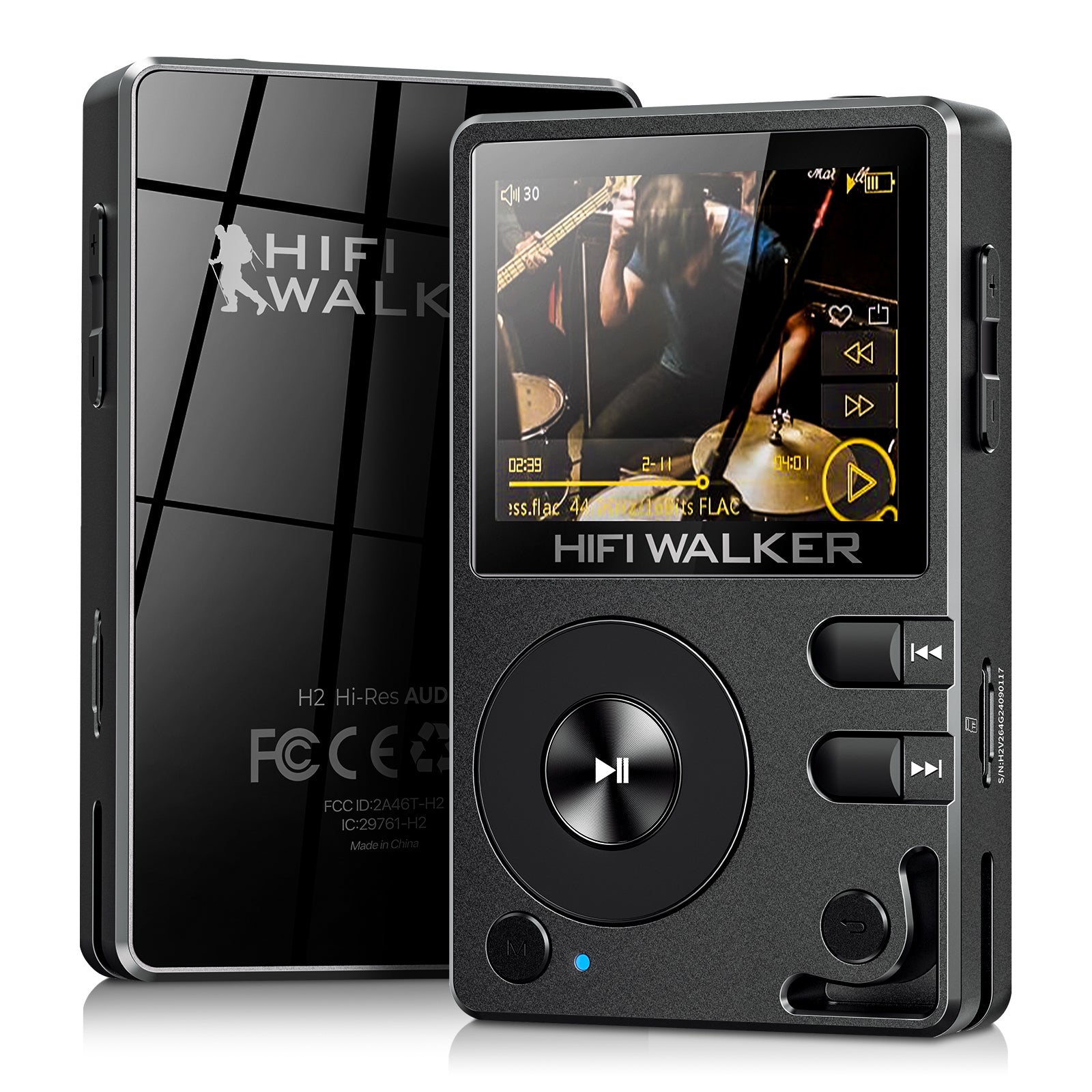
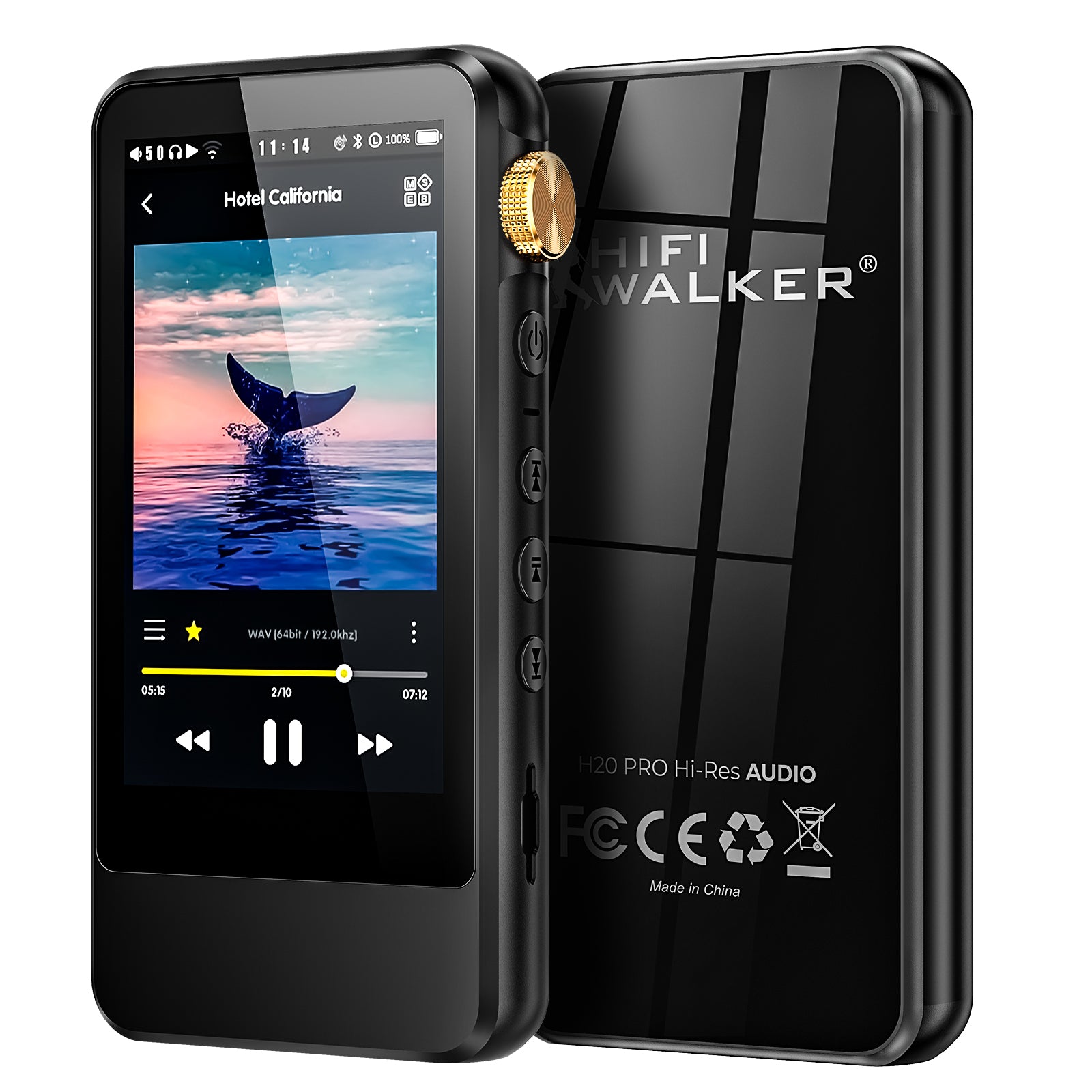
If your goal is to use Apple Music on a dedicated music player, the best fit is usually an Android-based DAP. For HIFI WALKER users, the most relevant options are the G7 series.
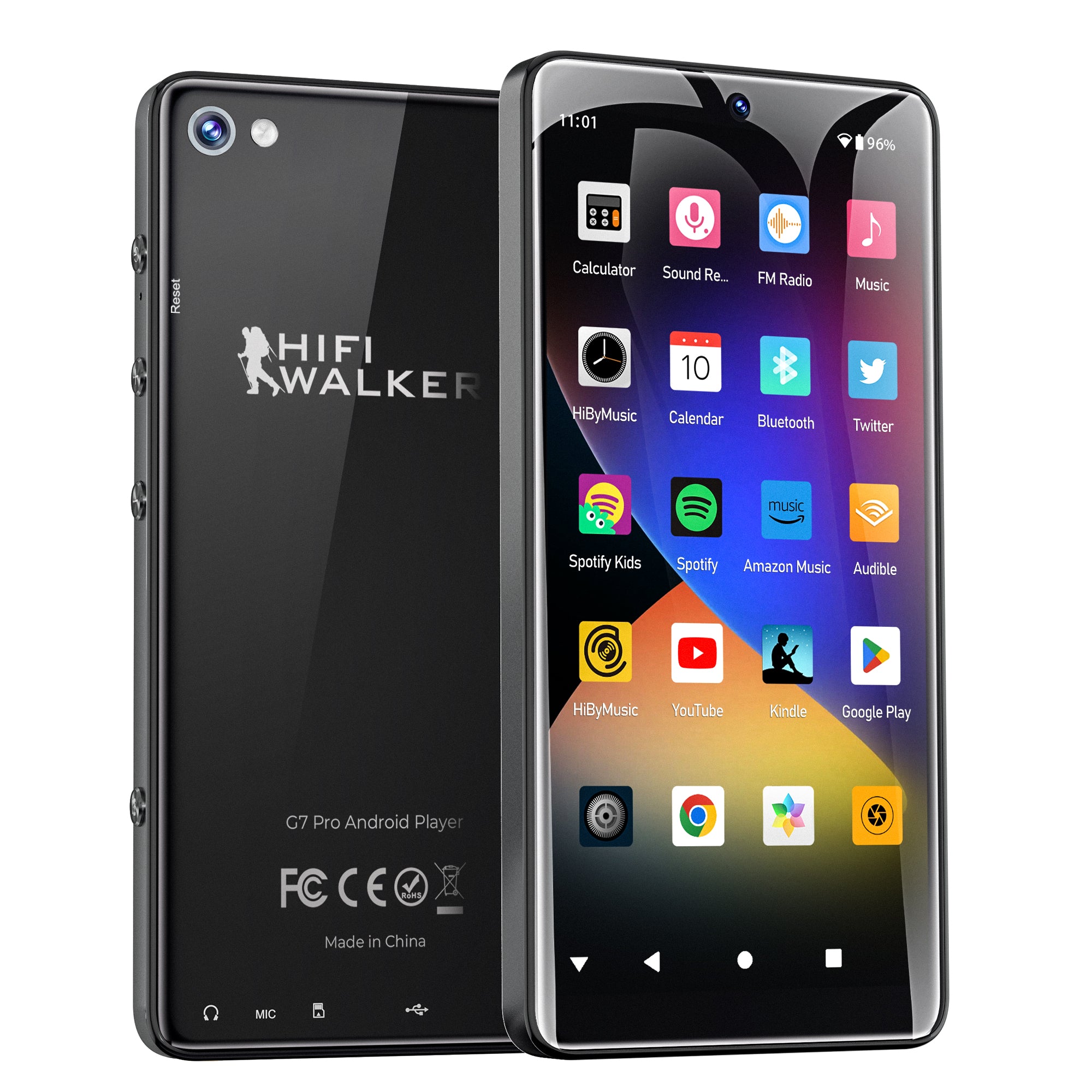
Best Overall Experience: HIFI WALKER G7 Pro
The G7 Pro is a strong choice for users who want a smoother Apple Music experience on a dedicated player.
- 5.2-inch HD touchscreen: Easier browsing, playlists, album art, and app navigation
- Octa-core 2.0GHz processor + 3GB RAM: Better responsiveness for streaming apps
- 3GB RAM + 32GB ROM: More room for apps and offline music storage
- Longer battery life: Better for users who want a more capable all-in-one Apple Music device
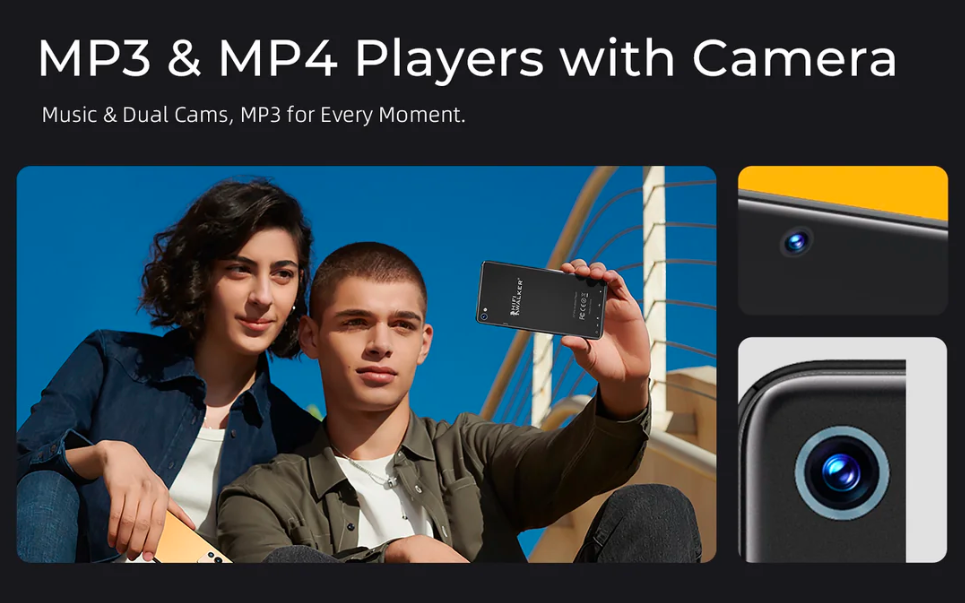
- 13MP rear camera + 5MP front camera: Extra functionality beyond music playback

Recommended for: Users who care about screen size, app usability, longer battery life, and a more versatile Android music player.
Read more: our feature spotlight on the G7 Pro.
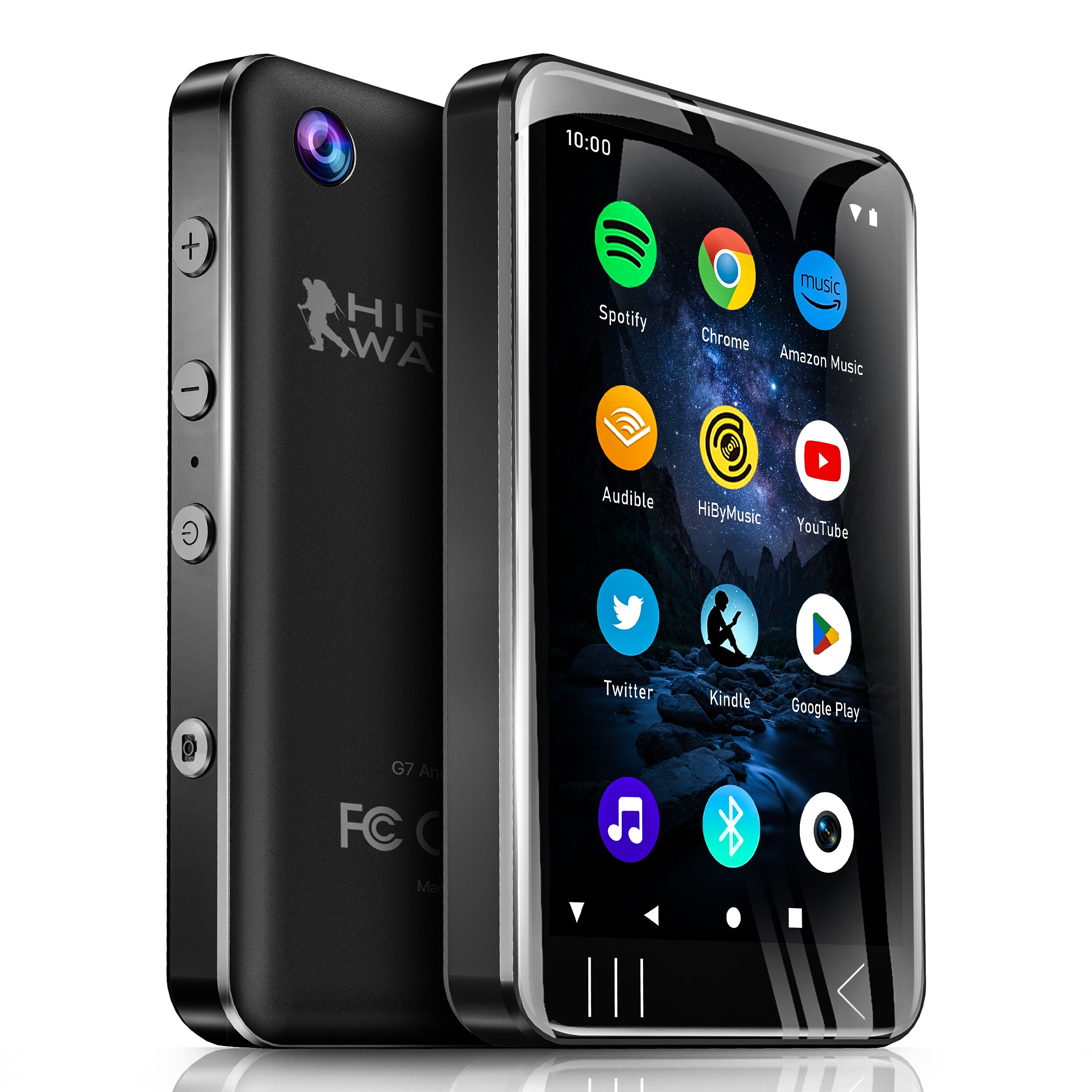
Best Value Choice: HIFI WALKER G7
The G7 is a better fit for users who want an Apple Music-compatible player at a more affordable price point.
- 4.0-inch touchscreen: Compact and easier to carry for everyday use
- Octa-core 1.5GHz processor + 3GB RAM: Supports smooth app use for a portable player
- 3GB RAM + 16GB ROM: Supports local playback plus expandable storage
- More budget-friendly positioning: A practical option for users who want Apple Music compatibility without paying for a larger-screen flagship device
- Rear 5MP camera, no front camera: Simpler design focused more on portable daily use

Recommended for: Users who prioritize value, portability, and a lower-priced Android music player for Apple Music.
How to Use Apple Music on an Android Music Player
Using Apple Music on a compatible Android music player is simple:
- Connect to Wi-Fi.
- Open the app store on your player and install Apple Music.
- Sign in with your Apple ID.
- Sync your library and start streaming.
- Download albums or playlists inside the app for offline listening.
How Offline Listening Works With Apple Music
Offline listening is one of the main reasons people want an Apple Music-compatible MP3 player. On a supported Android-based player, you can save tracks inside the Apple Music app for later playback.
- Make sure your Apple Music subscription is active.
- Connect the player to Wi-Fi.
- Open Apple Music and choose the album or playlist you want.
- Tap the download button inside the app.
- Access your saved songs later from the Downloaded section.
Important: These files stay inside the Apple Music ecosystem. They are not normal transferable MP3 files.
Final Recommendation
If you are specifically looking for an MP3 player that works with Apple Music, focus on devices that support the Apple Music app rather than traditional offline-only MP3 players.
For HIFI WALKER users, the choice is straightforward:
- Choose the G7 Pro if you want a better screen, smoother app experience, and longer battery life.
- Choose the G7 if you want a more budget-friendly Apple Music-compatible player.
Both are much more suitable for Apple Music than basic MP3 players that cannot run modern streaming apps.
Explore our Android music player collection to compare the G7 series and other compatible options.
Frequently Asked Questions
1. Can I use Apple Music on a non-Apple music player?
Yes, if the player runs Android and supports the official Apple Music app. This is why Android-based DAPs are the most practical choice for Apple Music users.
2. What MP3 player works best with Apple Music?
The best option is usually an Android-based music player with app support, Wi-Fi, enough storage, and solid audio hardware. For example, the HIFI WALKER G7 Pro is better for users who want a larger screen and stronger overall experience, while the G7 is better for users who want a more budget-friendly option.
3. Can I transfer Apple Music songs to a traditional MP3 player?
Usually no. Apple Music files are protected and designed to work inside the official app on supported devices, not as regular drag-and-drop MP3 files.
4. Can I use Apple Music on a dedicated player without an iPhone?
Yes. If your music player supports Android apps, you can sign in with your Apple ID directly on the device and use Apple Music without relying on an iPhone for playback.
5. Do I need wired headphones for Apple Music Lossless?
For the full benefit of Lossless and Hi-Res Lossless audio, wired headphones are recommended. Bluetooth is convenient, but it usually compresses audio and does not deliver the full lossless signal path.
6. What is the main difference between the G7 and G7 Pro for Apple Music?
The G7 Pro is better for users who want a larger screen, stronger overall experience, and longer battery life. The G7 is the better choice for users who want a more budget-friendly Apple Music-compatible player.
7. How much storage do I need for Apple Music offline downloads?
Apple Music Lossless files can be much larger than standard compressed files, so expandable storage is highly useful if you want to keep a large offline library on your player.
Looking for a Dedicated Player for Apple Music?
Compare Android-based Hi-Fi players designed for streaming, offline listening, and better sound on the go.
Shop Android Music Players