Expert Insights
- Variable bitrate encoding (VBR) typically produces better quality than constant bitrate at similar average bitrates, allocating more bits to complex passages and fewer to simple ones.
- The LAME encoder remains the gold standard for MP3 conversion, with continuous development ensuring optimal quality algorithms that surpass proprietary alternatives.
- Proper metadata handling during conversion preserves album artwork, lyrics, and detailed tagging information that enhances the listening experience on quality audio players.
Understanding FLAC vs MP3: Why Convert?
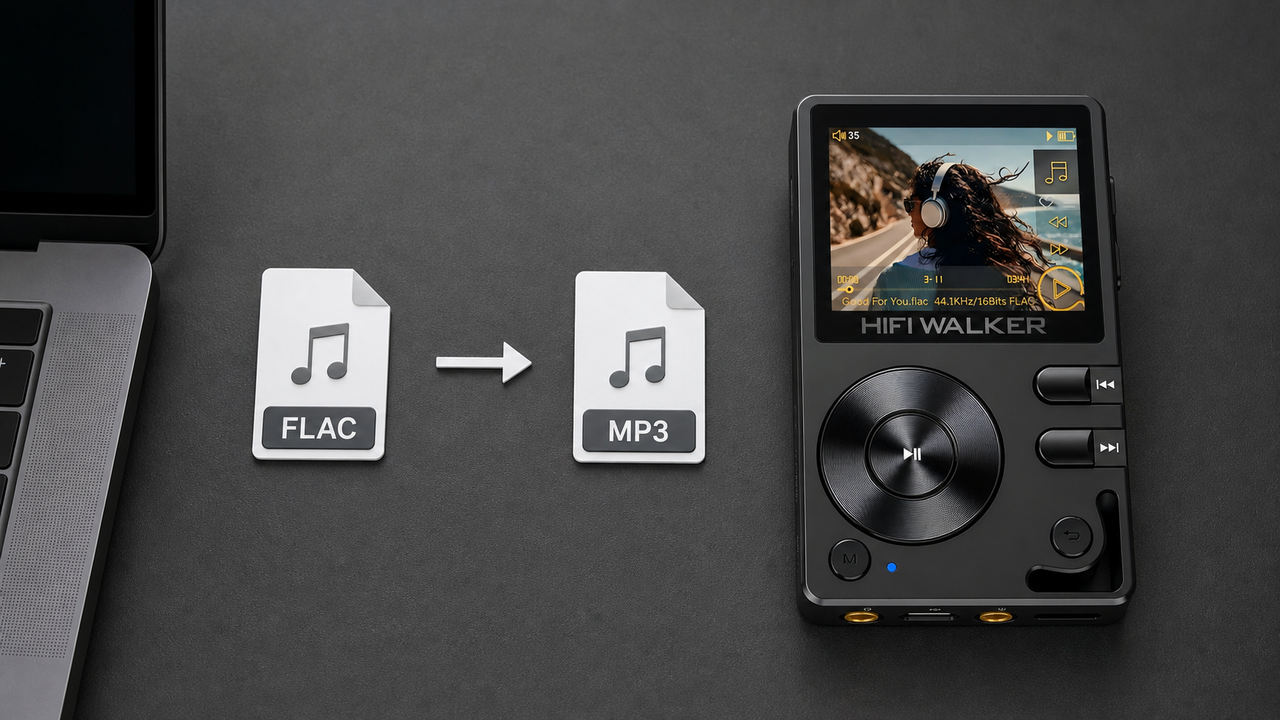
When you need to convert FLAC format to MP3, you're essentially trading file size for audio quality. FLAC (Free Lossless Audio Codec) preserves every bit of original audio data, while MP3 uses compression to reduce file size by up to 90%. This conversion becomes necessary when dealing with storage limitations or compatibility issues across different devices.
FLAC Advantages
- Lossless audio quality
- Perfect archival format
- No generational loss
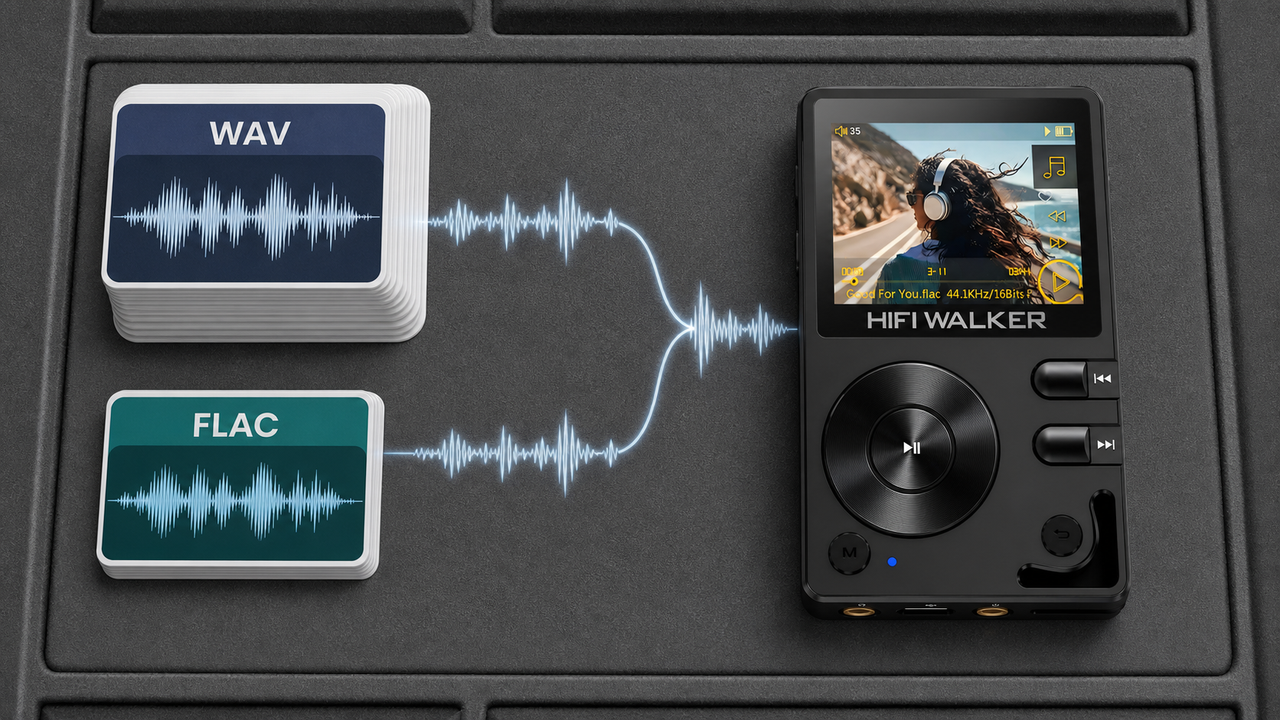
- Supported by audiophile DAPs
MP3 Benefits
- Universal device compatibility
- 90% smaller file sizes
- Faster streaming and transfers
- Lower storage requirements

The key challenge lies in maintaining acceptable audio quality during conversion. While you'll inevitably lose some fidelity, choosing the right bitrate and encoder settings can preserve most of the musical detail that matters to discerning listeners.
- ►1. Understanding FLAC vs MP3: Why Convert?
- ►2. Essential Software for FLAC to MP3 Conversion
- ►3. Step-by-Step Conversion Process
- ►4. Optimal MP3 Encoding Settings for Audiophiles
- ►5. Best Portable Audio Players for Converted Files
- ►6. Managing Large Music Libraries During Conversion
- ►7. Quality Verification and Troubleshooting
- ►8. Advanced Tips for Audiophile Conversion
Essential Software for FLAC to MP3 Conversion
Selecting the right conversion software determines both the quality of your output files and the efficiency of your workflow. Professional-grade encoders offer superior algorithms that minimize audible artifacts during the lossy compression process.
For Windows users, dBpoweramp offers the most sophisticated LAME encoder implementation with batch processing capabilities. Mac users can achieve identical results using XLD (X Lossless Decoder), which includes the same high-quality encoding algorithms without any cost.
Step-by-Step Conversion Process
Converting your FLAC library to MP3 requires careful attention to encoder settings and quality parameters. Following these detailed steps ensures optimal results while maintaining workflow efficiency.
Install Quality Encoder Software
Download dBpoweramp (Windows) or XLD (Mac) from official sources. These applications include the latest LAME encoder for superior MP3 quality.
Configure Encoder Settings
Set bitrate to 320 kbps CBR or V0 VBR for maximum quality. Enable joint stereo and choose 44.1kHz sample rate for compatibility.
Preserve Metadata Tags
Ensure ID3v2.4 tags are enabled to transfer artist, album, and track information from your FLAC files to the MP3 output.
Set Output Directory
Choose a destination folder with clear naming conventions. Consider organizing by Artist/Album structure for easy library management.
Begin Batch Conversion
Add your FLAC files or entire folders to the queue. Start conversion and monitor progress for any error messages or failed files.
The conversion process typically processes files at 5-10x real-time speed on modern computers. A complete album usually converts in under two minutes, making large library conversions manageable overnight projects.
Optimal MP3 Encoding Settings for Audiophiles
Achieving the best possible MP3 quality from your FLAC sources requires understanding the relationship between bitrate, file size, and audible quality. Modern LAME encoders offer several encoding modes optimized for different use cases.
Variable Bitrate (VBR)
- V0: ~245 kbps average, transparent quality
- V2: ~190 kbps average, excellent quality
- Smaller files than CBR
- Better quality per bit
Constant Bitrate (CBR)
- 320 kbps: Maximum compatibility
- 256 kbps: Good quality balance
- Predictable file sizes
- Universal device support
For audiophile applications, V0 VBR represents the sweet spot between quality and file size. This setting achieves transparency (indistinguishable from the source) for most music while maintaining reasonable storage requirements.

Best Portable Audio Players for Converted Files
After converting your FLAC library to MP3, choosing the right playback device ensures you hear the full benefit of your careful encoding work. High-quality portable audio players can reveal subtle details that smartphones often mask through inferior DAC implementations.

The dual ES9038Q2M DAC chips in premium players like the H20 Ultra ensure that even 320 kbps MP3 files sound remarkably close to their FLAC origins. This level of digital-to-analog conversion quality becomes especially important when you've invested time in careful format conversion.


Managing Large Music Libraries During Conversion
Converting extensive FLAC collections requires strategic planning to maintain organization while managing storage requirements. Proper file management prevents the chaos that often accompanies large-scale format conversions.
Create Separate Directory Structure
Maintain your original FLAC library intact while creating parallel MP3 folders. This preserves your lossless archive for future needs.
Implement Consistent Naming
Use standardized folder structures like 'Artist - Album (Year)' to ensure both FLAC and MP3 libraries remain synchronized and searchable.
Batch Process by Genre or Artist
Convert related albums together to maintain consistency in encoding settings and simplify quality verification across similar musical content.
Verify Conversion Quality
Spot-check converted files using A/B comparison tools to ensure your encoding settings produce acceptable results before processing entire collections.
Consider using music management software like MusicBee or MediaMonkey to maintain synchronized libraries. These applications can automatically update playlists and ratings across both FLAC and MP3 versions of your collection.

Quality Verification and Troubleshooting
Ensuring conversion quality requires systematic verification methods and understanding common issues that can compromise your audio files. Professional audio engineers rely on both objective measurements and subjective listening tests.
Objective Testing Methods
- Spectral analysis using Spek or SoX
- Dynamic range measurement tools
- File integrity verification
- Metadata consistency checks
Subjective Evaluation
- A/B testing with reference tracks
- Critical listening on quality headphones
- Focus on cymbals and vocal sibilants
- Check low-frequency definition
Common conversion problems include incorrect sample rate handling, metadata corruption, and encoding artifacts from poorly configured settings. Always test a few representative tracks before committing to batch conversion of large collections.

Advanced Tips for Audiophile Conversion
Experienced audio enthusiasts can employ advanced techniques to extract maximum quality from the MP3 format. These methods require additional processing time but deliver superior results for critical listening applications.
Consider ReplayGain analysis during conversion to normalize loudness across your entire library. This prevents jarring volume differences between tracks while preserving dynamic range integrity. Most quality conversion software includes ReplayGain calculation as an optional post-processing step.
For ultimate quality, explore the LAME 3.100 encoder with custom presets developed by the hydrogenaud.io community. These presets optimize specific parameters for different musical genres, achieving better results than generic settings for specialized content like classical or electronic music.
Advanced users should also consider maintaining a conversion log with settings and source information. This documentation proves invaluable when troubleshooting quality issues or when you need to re-convert specific albums with different parameters. Read more about audio optimization techniques in our detailed guides.
Frequently Asked Questions
Q1: What's the best MP3 bitrate for converting from FLAC?
For audiophile use, 320 kbps CBR or V0 VBR (~245 kbps average) provides transparent quality indistinguishable from the source for most listeners. V0 VBR offers better quality per bit and smaller file sizes.
Q2: Will I lose audio quality when converting FLAC to MP3?
Yes, MP3 is a lossy format that discards audio information to reduce file size. However, with proper encoding settings (320 kbps or V0), the difference is minimal and often imperceptible in normal listening conditions.
Q3: Can I convert MP3 files back to FLAC later?
No, you cannot recover the original FLAC quality from MP3 files. MP3 conversion permanently removes audio data. Always keep your original FLAC files as a backup archive.
Q4: How long does it take to convert a large FLAC library?
Modern computers can convert FLAC to MP3 at 5-10x real-time speed. A typical album converts in 1-2 minutes, so a 1000-song library might take 3-4 hours depending on your hardware.
Q5: Which audio player works best with converted MP3 files?
High-quality DAPs like the HIFI WALKER H20 Ultra with dedicated audio components will reveal more detail from your converted files compared to smartphones, making the conversion effort more worthwhile.