Expert Insights
- Both WAV and FLAC preserve identical audio data - the choice comes down to storage efficiency and metadata needs rather than sound quality differences
- FLAC's compression algorithms are specifically designed for audio, achieving better size reduction than general-purpose compression while maintaining perfect reconstruction
- Modern hi-res players have sufficient processing power to handle FLAC decompression transparently, making storage efficiency the primary practical advantage
Understanding WAV vs FLAC: The Lossless Format Battle
When building a high-quality music library for your hi-res audio player, the WAV vs FLAC debate becomes crucial. Both formats preserve every bit of your original recording, but they approach storage and playback differently. Understanding these differences helps you make informed decisions for your portable audio setup.
WAV Characteristics
- Uncompressed PCM audio data
- Larger file sizes (3-5x bigger)
- Universal compatibility
- Minimal processing overhead
FLAC Advantages
- Lossless compression algorithm
- 50-70% smaller file sizes
- Embedded metadata support
- Open-source standard

- ►1. Understanding WAV vs FLAC: The Lossless Format Battle
- ►2. Technical Differences: Compression vs Raw Audio
- ►3. Sound Quality Analysis: Do You Hear the Difference?
- ►4. Storage Considerations for Portable Players
- ►5. Performance Impact on Hi-Res Players
- ►6. Metadata and Library Management
- ►7. Choosing the Right Format for Your Setup
Technical Differences: Compression vs Raw Audio
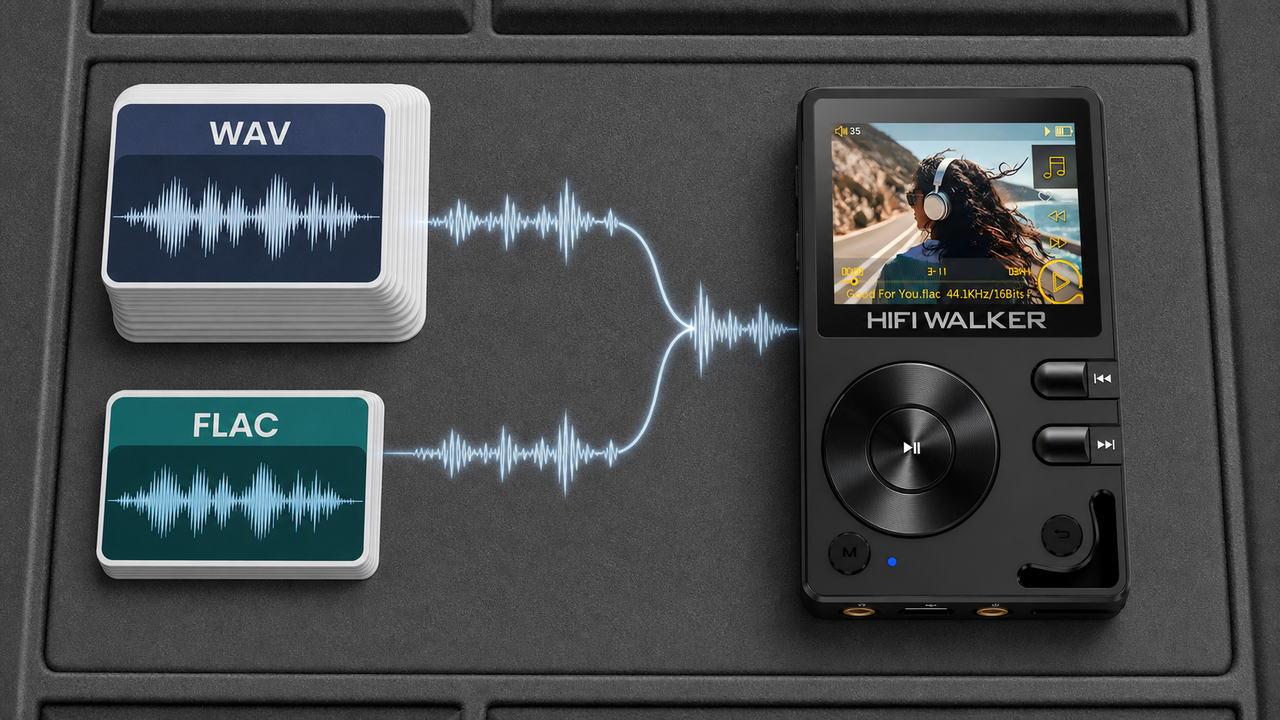
The fundamental difference between WAV and FLAC lies in data handling. WAV stores audio as uncompressed Pulse Code Modulation (PCM) data, exactly as captured during recording. Every sample remains untouched, creating perfect bit-for-bit accuracy.
FLAC uses lossless compression algorithms that analyze audio patterns and remove redundant information. Like ZIP files for audio, FLAC reconstructs the original PCM data perfectly during playback, but requires processing power for real-time decompression.
Audio Capture
Both formats start with identical PCM audio data from the source recording
Storage Processing
WAV stores data directly; FLAC analyzes and compresses using mathematical algorithms
Playback Reconstruction
WAV reads directly; FLAC decompresses in real-time to recreate original PCM
Sound Quality Analysis: Do You Hear the Difference?
From a technical audio perspective, WAV and FLAC deliver identical sound quality. Both preserve the complete frequency response, dynamic range, and stereo imaging of your original recording. The difference lies not in what you hear, but in how your player processes the data.
Perceived Quality Factors
- DAC performance matters more
- Amplifier section quality
- Output impedance matching
- Digital filter implementation
Format-Agnostic Elements
- Source recording quality
- Mastering engineer decisions
- Original bit depth/sample rate
- Headphone/IEM characteristics


Storage Considerations for Portable Players
Storage capacity becomes critical when building extensive libraries for portable players. A typical hi-res album in 24-bit/96kHz WAV format consumes 1.5-2GB, while the same album in FLAC averages 800MB-1.2GB. This difference significantly impacts your music collection size.
Calculate Your Library Size
Estimate total albums × average format size to determine storage needs
Consider MicroSD Costs
High-capacity cards get expensive; FLAC allows more music per dollar spent
Plan for Growth
Account for future purchases and higher-resolution format adoption
↑ Back to Top
Back to Top ↑Performance Impact on Hi-Res Players
Modern dedicated audio players handle both formats excellently, but performance characteristics differ. WAV playback requires minimal CPU resources, potentially extending battery life marginally. FLAC decompression uses more processing power but remains negligible on quality players.
WAV Performance Profile
- Direct file streaming
- Lower CPU utilization
- Slightly better battery efficiency
- Faster file access times
FLAC Performance Profile
- Real-time decompression
- Moderate CPU usage
- Advanced buffering systems
- Metadata parsing overhead


Metadata and Library Management
FLAC's superior metadata capabilities provide significant advantages for library organization. While WAV supports basic ID3 tags, FLAC offers comprehensive embedded information including album art, detailed credits, and custom fields that enhance your browsing experience.
Tag Your Collection
FLAC stores artist, album, genre, and custom tags directly within the file
Embed Album Artwork
High-resolution cover art displays beautifully on player screens
Organize by Metadata
Advanced players can sort and filter using embedded tag information

Choosing the Right Format for Your Setup
Your optimal choice between WAV vs FLAC depends on specific priorities and usage patterns. Consider storage limitations, library size, and whether metadata organization matters for your listening habits. Most audiophiles find FLAC offers the best balance of quality, efficiency, and features.
Choose WAV If You
- Have abundant storage space
- Prefer maximum compatibility
- Want minimal processing overhead
- Use simple playback systems
Choose FLAC If You
- Need storage efficiency
- Value metadata organization
- Build large music libraries
- Stream over networks frequently
Professional recommendation: Start with FLAC for new purchases and gradually convert existing WAV files as storage needs grow. Quality hi-res players handle both formats transparently, making this a practical rather than audible decision.
Frequently Asked Questions
Q1: Does WAV really sound better than FLAC on high-end players?
No, both formats are mathematically identical in audio content. Any perceived differences come from the player's DAC, amplifier, and digital processing implementation, not the format itself.
Q2: How much storage space do I save with FLAC vs WAV?
FLAC typically reduces file sizes by 50-70% compared to WAV. A 24-bit/96kHz album that's 1.5GB in WAV becomes approximately 800MB-1GB in FLAC.
Q3: Does FLAC compression affect battery life on portable players?
Modern DAPs handle FLAC decompression efficiently with minimal battery impact. The processing overhead is negligible compared to display, wireless, and amplifier power consumption.
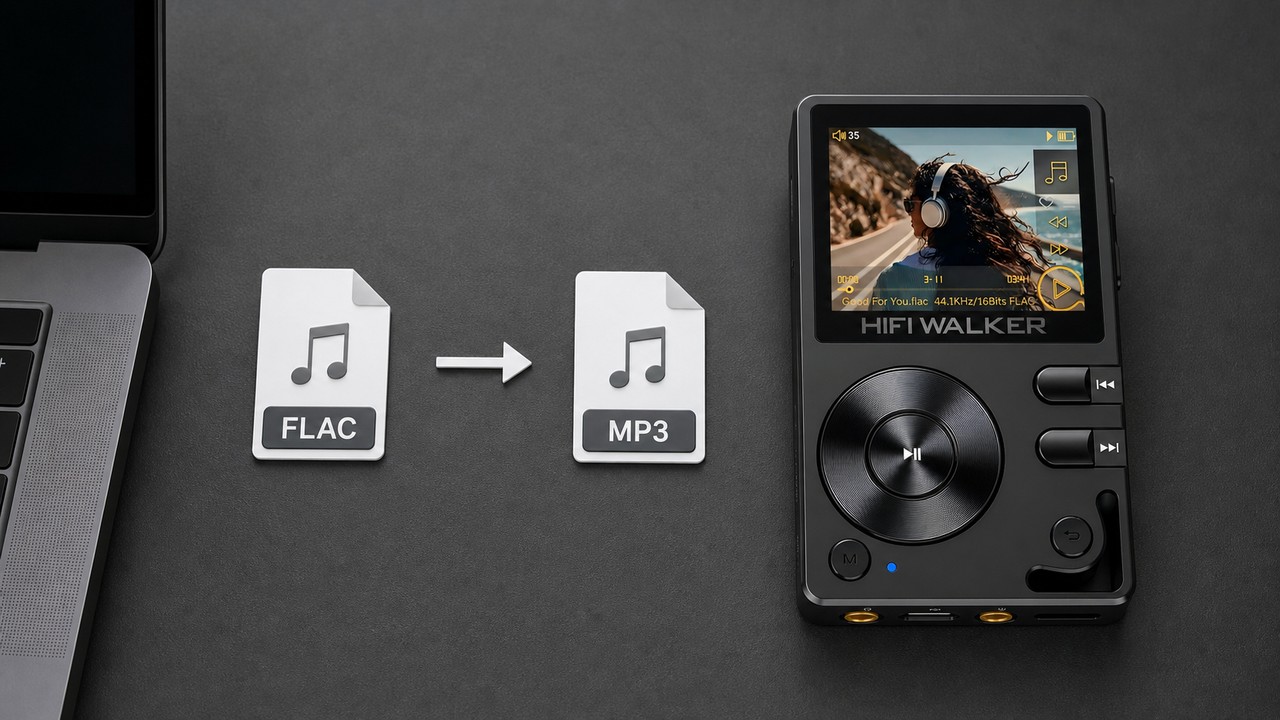
Q4: Can I convert between WAV and FLAC without quality loss?
Yes, converting WAV to FLAC is completely lossless. Converting FLAC back to WAV also recreates the identical original data. You can switch formats freely without audio degradation.
Q5: Which format works better for streaming to wireless headphones?
FLAC's smaller file sizes make it more efficient for wireless streaming and network playback, reducing bandwidth requirements and potential dropouts during transmission.