
Expert Insights
- Implement the 3-2-1 backup rule religiously - it's the only protection against data loss disasters that can destroy years of collection building
- Invest in quality storage hardware upfront rather than upgrading frequently - enterprise drives cost more initially but offer superior reliability and warranty terms
- Metadata consistency pays dividends across decades - establish tagging conventions early and stick to them religiously for seamless device compatibility
Understanding FLAC File Storage Fundamentals
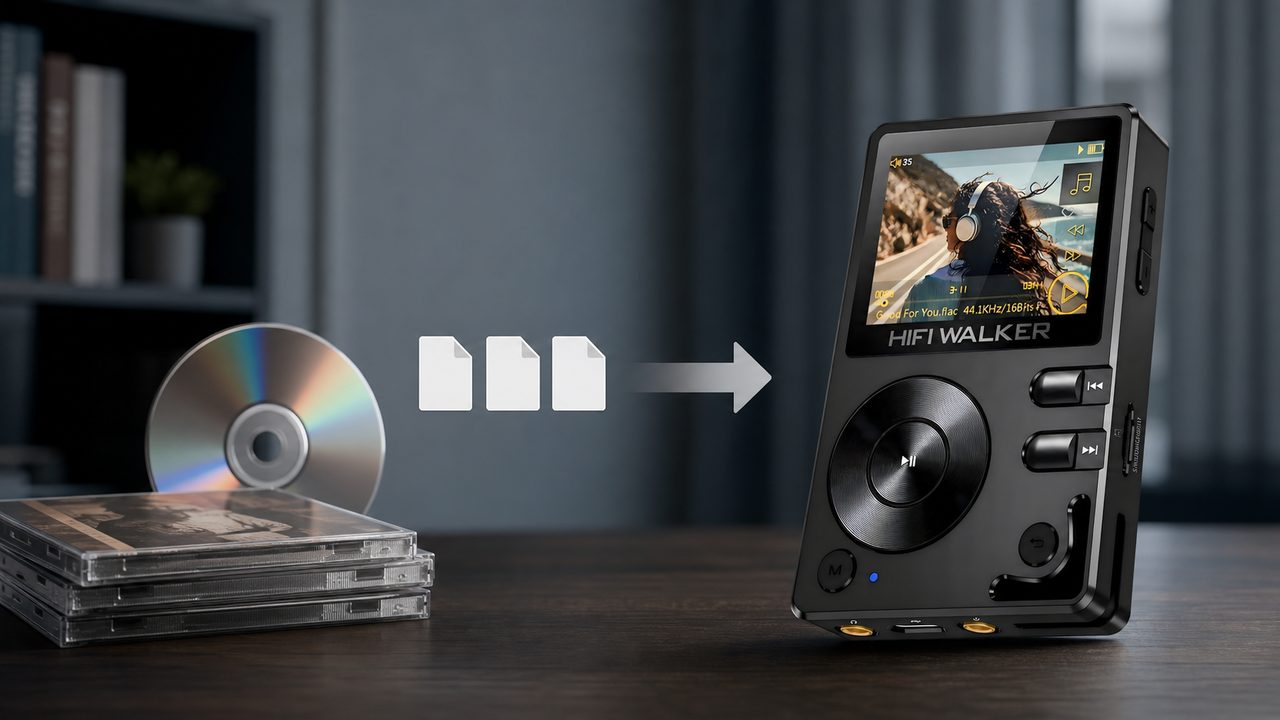
Learning how to store FLAC files properly is crucial for any audiophile serious about preserving their high-resolution music collection. Unlike compressed formats, FLAC (Free Lossless Audio Codec) files retain perfect audio quality but require specific storage considerations due to their larger file sizes and metadata complexity.
Common Storage Mistakes
- Random folder structures without naming conventions
- Single drive storage without backup redundancy
- Ignoring metadata organization and tagging
- Using inappropriate file systems for large collections
Professional Storage Approach
- Hierarchical folder structure with consistent naming
- Multi-tier backup strategy across different media
- Comprehensive metadata management system
- Scalable storage infrastructure planning
The average FLAC file ranges from 25-40MB per track, meaning a 1,000-album collection requires approximately 250-400GB of storage space. This substantial footprint demands careful planning for both immediate access and long-term preservation.

- ►1. Understanding FLAC File Storage Fundamentals
- ►2. Choosing the Right Storage Hardware
- ►3. Creating an Organized Folder Structure
- ►4. Metadata Management and Tagging Best Practices
- ►5. Backup Strategies for FLAC Collections
- ►6. Network Storage and Streaming Solutions
- ►7. Optimizing Storage for Portable Players
- ►8. Future-Proofing Your FLAC Storage System
Choosing the Right Storage Hardware
Selecting appropriate hardware forms the foundation of effective FLAC storage. Your choice depends on collection size, access patterns, and portability requirements. Modern audiophiles typically employ a hybrid approach combining multiple storage types.
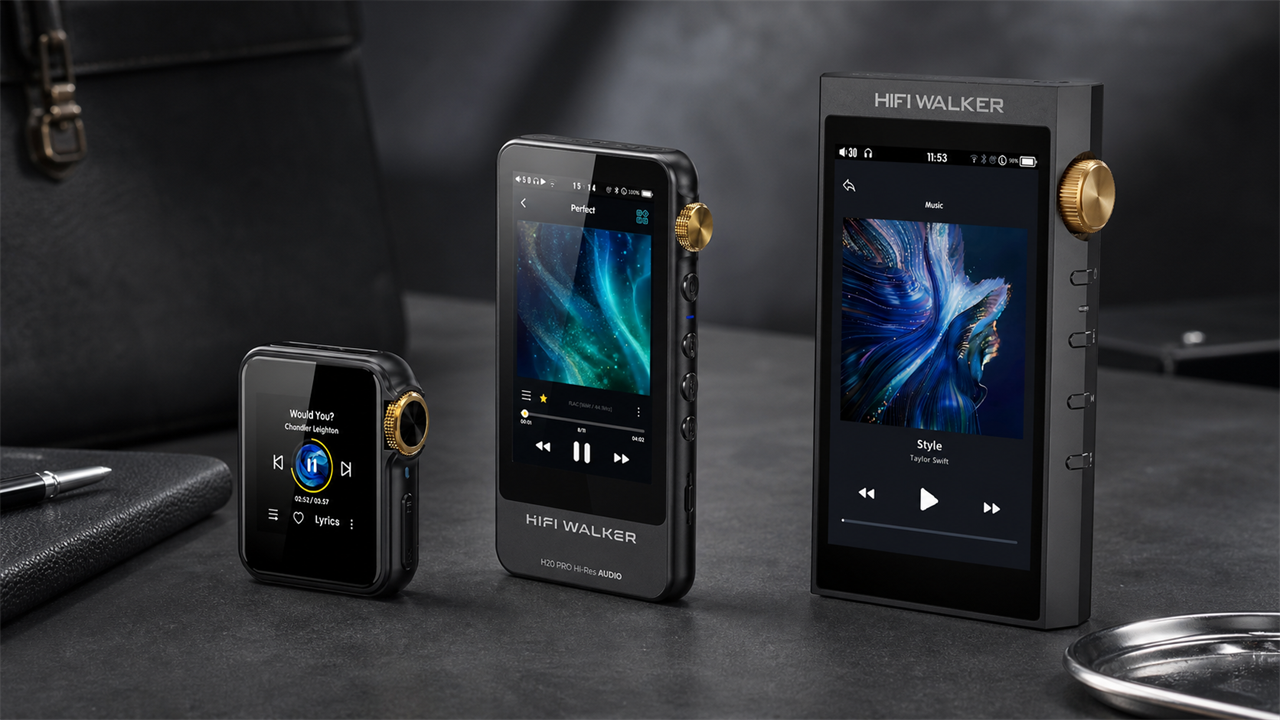
For optimal performance when syncing with portable players, prioritize USB 3.0+ connections and consider storage that matches your DAP's internal capacity. High-quality portable audio players often support large microSD cards, making portable storage particularly important.

Creating an Organized Folder Structure
A well-designed folder hierarchy serves as the backbone of FLAC file organization. Consistency in naming conventions ensures quick navigation and prevents duplicate files, especially important when managing collections across multiple devices and platforms.
Establish Root Structure
Create main folders: Music/FLAC for your primary collection, Music/FLAC_Backup for redundant copies, and Music/FLAC_Staging for new additions awaiting organization.
Artist-Album Hierarchy
Use format: Artist Name/Year - Album Name. Example: 'Pink Floyd/1973 - The Dark Side of the Moon'. Include year for easy chronological browsing.
Track Naming Convention
Format tracks as: 'TrackNumber - Song Title.flac'. Use two-digit track numbers (01, 02) to maintain proper sorting across all operating systems.
Special Collections
Create separate folders for compilations (Various Artists), soundtracks, and high-resolution remasters to maintain organization clarity.
Consider creating genre-based top-level folders for very large collections (10,000+ tracks). However, avoid over-categorization that might complicate cross-genre artists or collaborative works.

Metadata Management and Tagging Best Practices
Proper metadata ensures your FLAC files display correctly across all playback devices and software. Comprehensive tagging becomes essential when using advanced DAPs that support detailed library browsing and playlist creation.
Essential FLAC Tags
- TITLE - Track name
- ARTIST - Performing artist
- ALBUM - Album title
- ALBUMARTIST - Album-level artist (for compilations)
- DATE - Release year
- GENRE - Musical genre
- TRACKNUMBER - Position in album
Advanced Tags
- COMPOSER - For classical music
- DISCNUMBER - For multi-disc sets
- REPLAYGAIN - Volume normalization data
- MUSICBRAINZ_* - Unique identifiers
- COMMENT - Personal notes or source info
- BPM - Beats per minute for DJs
- ALBUMART - Embedded cover art
Use dedicated tagging software like Mp3tag (Windows), Kid3 (cross-platform), or MusicBrainz Picard for batch operations. These tools can automatically populate metadata from online databases while preserving FLAC audio quality.

Backup Strategies for FLAC Collections
A comprehensive backup strategy protects years of music collection effort against hardware failures, accidental deletion, and data corruption. The 3-2-1 rule applies perfectly to FLAC storage: maintain 3 copies, on 2 different media types, with 1 stored off-site.
Primary Storage Setup
Keep your working collection on fast storage (SSD or high-speed HDD) for daily access and playback. This drive should prioritize speed over capacity.
Local Backup Creation
Maintain identical copies on separate physical drives. Use automated sync software like FreeFileSync or robocopy to keep backups current.
Off-site/Cloud Backup
Upload compressed archives or use cloud services supporting FLAC. Consider services like Backblaze or Amazon Glacier for cost-effective long-term storage.
Verification Schedule
Regularly verify backup integrity using checksum tools. Schedule monthly spot-checks and annual full verification passes.
For valuable or irreplaceable recordings, consider archival-quality optical storage (M-DISC) as a fourth backup layer. These discs offer 1,000-year longevity ratings and immunity to electromagnetic interference.

↑ Back to Top
Back to Top ↑Network Storage and Streaming Solutions
Network Attached Storage (NAS) systems provide centralized FLAC storage accessible from multiple devices. Modern NAS solutions support real-time transcoding and streaming, making your collection available throughout your home and remotely.
Popular NAS brands like Synology and QNAP offer dedicated audio applications. Features like Audio Station or Music Station provide web-based players optimized for high-resolution formats, including native FLAC support and gapless playback.
NAS Advantages
- Centralized storage eliminates file duplication
- RAID redundancy protects against drive failures
- Remote access enables streaming from anywhere
- Automatic backup scheduling and versioning
Considerations
- Initial setup requires networking knowledge
- Power consumption increases with capacity
- Streaming quality depends on network speed
- Higher upfront cost than simple external storage
Optimizing Storage for Portable Players
Portable DAPs have storage constraints requiring strategic FLAC management. Understanding your device's capabilities and implementing smart synchronization practices ensures optimal portable listening experiences without sacrificing audio quality.
Assess Storage Capacity
Calculate total available space including internal storage and maximum microSD support. Factor in OS overhead and leave 10-15% free space for optimal performance.
Create Portable Playlists
Design rotation playlists based on listening habits. Create 'Currently Playing', 'Recent Additions', and 'Favorites' collections that fit your device's capacity.
Implement Smart Sync
Use software like MediaMonkey or MusicBee to automatically sync high-priority tracks while managing space constraints. Set up rules based on ratings, play counts, or date added.
Optimize File Organization
Mirror your main collection's structure on portable devices. This ensures familiarity and enables easy manual browsing when needed.
Consider maintaining a separate 'portable collection' with slightly compressed FLAC files (16-bit/44.1kHz) alongside your reference 24-bit masters. This approach maximizes capacity while preserving lossless quality for mobile listening.
Future-Proofing Your FLAC Storage System
Technology evolution requires adaptable storage strategies. Planning for format migration, capacity expansion, and emerging playback devices ensures your FLAC collection remains accessible and valuable for decades to come.
Technology Trends
- Storage costs continue declining annually
- Cloud bandwidth increases enable streaming
- AI-powered music organization emerges
- Blockchain music ownership systems develop
Preparation Strategies
- Maintain format-agnostic folder structures
- Document collection sources and modifications
- Export metadata regularly to standard formats
- Test restoration procedures annually
Stay informed about emerging audio formats and codec developments. While FLAC remains the gold standard, new lossless formats may offer improved compression or features. Maintaining comprehensive metadata ensures seamless migration when necessary.
For more insights into managing high-resolution audio collections, explore our DAP reviews and comparisons to find devices that best complement your storage strategy.

Frequently Asked Questions
Q1: What's the ideal storage capacity for a FLAC collection?
Plan for 30-40MB per track on average. A moderate collection of 2,000 albums (20,000 tracks) requires approximately 600-800GB. Include 50% overhead for future growth, making 1TB minimum recommended capacity.
Q2: Should I store FLAC files on SSD or HDD?
Use SSD for frequently accessed music and active playlists due to faster seek times and silent operation. HDD works well for archival storage and large collections where cost per GB matters more than speed.
Q3: How do I maintain FLAC file integrity over time?
Use file verification tools like foobar2000's 'Verify Integrity' function or dedicated utilities like ExactAudioCopy. Run checks annually and immediately after any drive errors or power failures.
Q4: Can I compress FLAC files further for storage?
FLAC files are already compressed losslessly. You can re-encode at different compression levels (0-8), but gains are minimal. For space savings, consider downsampling 24-bit/96kHz+ files to 16-bit/44.1kHz for portable use.
Q5: What's the best way to organize classical music FLAC files?
Use 'Composer/Work Title/Performer - Year - Album Name' structure. Include opus numbers in work titles and use ALBUMARTIST tag for conductors/orchestras while keeping individual movement performers in ARTIST tags.