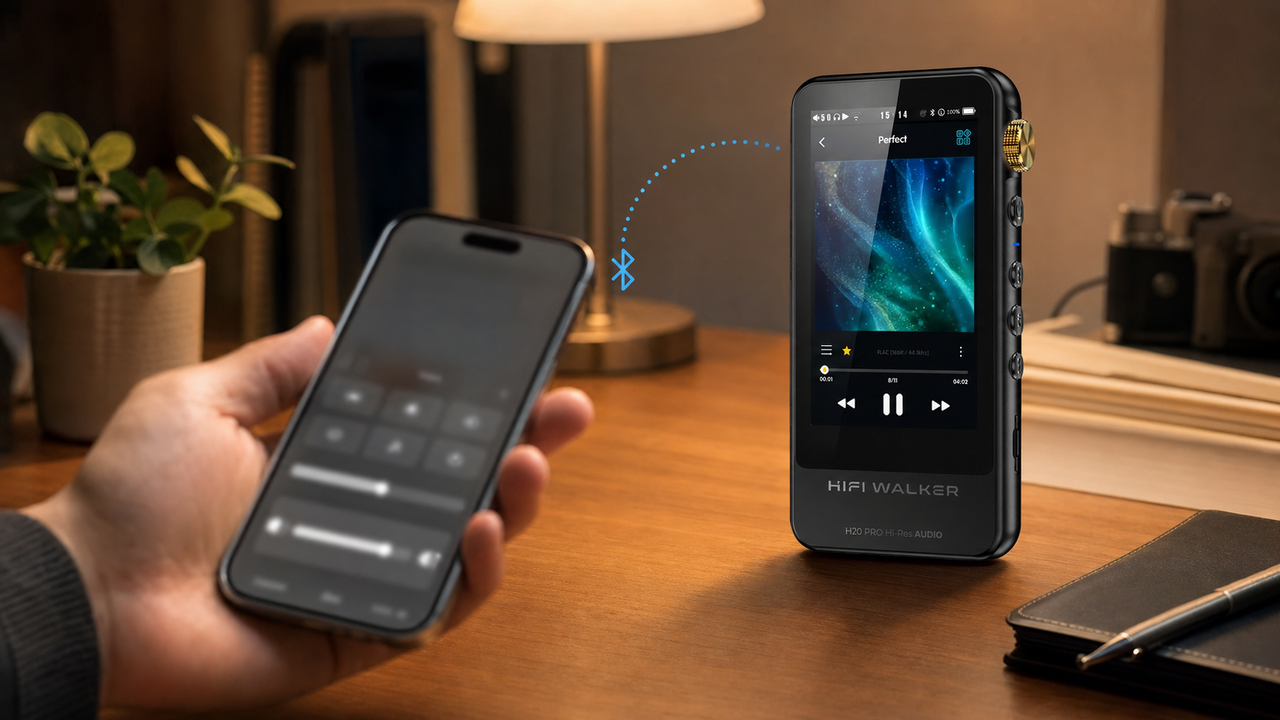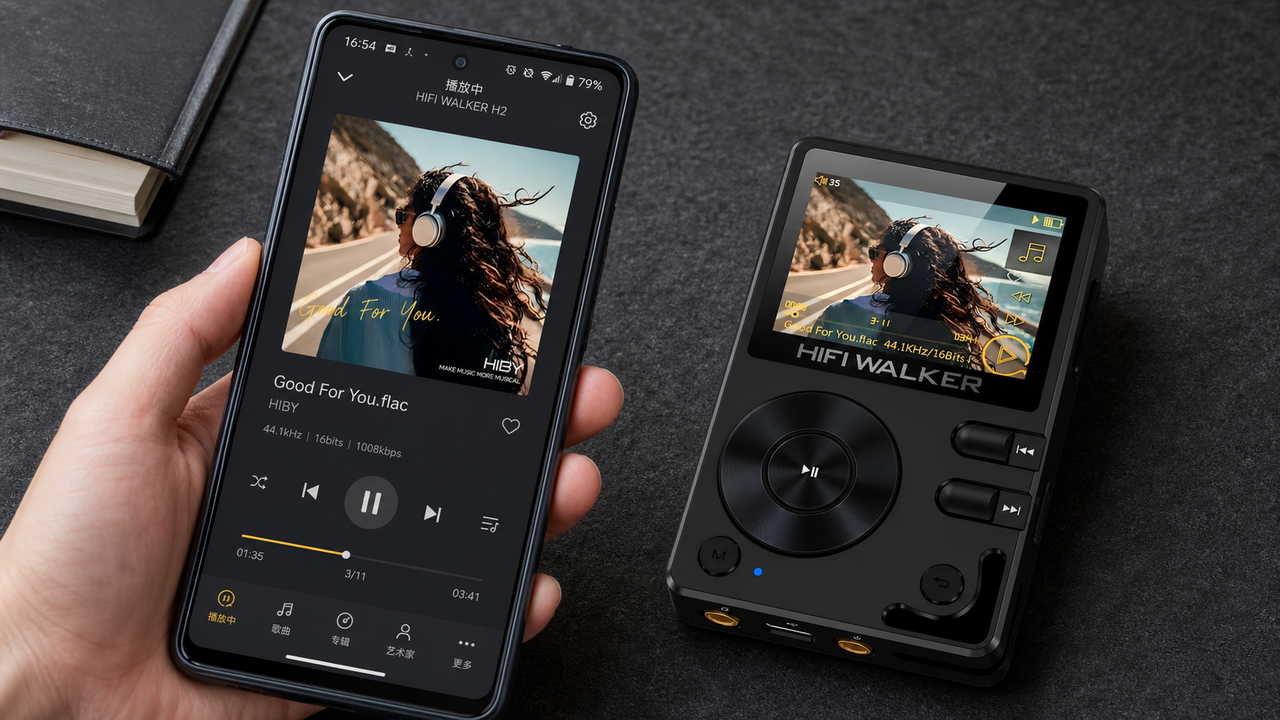
HiBy Link enables remote control of HiBy hardware players via Bluetooth or WiFi using the HiBy Music app. First, please download and install the HiBy Music app.
For Apple iOS: https://itunes.apple.com/cn/app/hai-bei-yin-le/id1048838844?l=zh&ls=1&mt=8
For Android: https://android.myapp.com/myapp/detail.htm?apkName=com.hiby.music
How to Connect HiBy Link:
1. Open the HiBy Music app, select the HiBy Link icon, enable the client, and allow Bluetooth access.
2. Turn on HiBy Link on the player, which will connect via Bluetooth by default.
3. In the HiBy Link list within the app, locate and tap the “Player Model.” The first connection will require pairing.
4. Once connected, you can see the player’s songs in the phone’s song list and control them remotely.