Last updated: May 12, 2026
Expert Insights: Getting the Most from Your G7 Pro Music Apps
- Enable 'Hi-Res Audio' output in Poweramp's settings under Audio → Output. Select 'OpenSL ES HD' or 'AudioTrack' with Hi-Res enabled to ensure the G7 Pro's hardware DAC receives the full-resolution signal rather than an Android-downsampled version.
- In Neutron Music Player, activate 'Direct USB Output' mode if you're using an external DAC via USB-C. This bypasses the Android audio mixer entirely and delivers bit-perfect PCM output — critical for measuring true DAC performance.
- Tidal HiFi Plus users should verify that Master Quality (MQA) is enabled in Tidal's settings, and that Tidal is set as the exclusive audio focus app to prevent other Android services from interfering with the bit-perfect stream to the G7 Pro's DAC.
- For the best battery life during long listening sessions, use the G7 Pro in airplane mode with Wi-Fi only (no cellular scanning) and set the display to auto-brightness. Local FLAC playback via Poweramp is noticeably more battery-efficient than continuous streaming.
Why the HIFI WALKER G7 Pro Is Built for Music App Lovers
Most portable music players lock you into a walled ecosystem. The HIFI WALKER G7 Pro takes a different approach: pair a dedicated audiophile DAC and amplifier circuit with a full Android 13 OS, and you get a device that can run virtually any music app while delivering hardware-level sound quality that a standard phone simply cannot match.
With a MediaTek MT6762 octa-core processor, 3GB of RAM, and 160GB total storage (32GB built-in + 128GB microSD), the G7 Pro handles multitasking effortlessly. Switch from Spotify to Poweramp mid-session, browse your offline library, or stream a podcast — all without a stutter. This is what separates a dedicated Android DAP from an ordinary phone.
Standard Phone
- Audio processed by integrated SoC DAC
- Constant notification interruptions
- Battery drained by calls, apps, social media
- Limited EQ and audio output control
HIFI WALKER G7 Pro
- Dedicated DAC + amplifier hardware
- Distraction-free music-first Android 13
- Battery optimized purely for audio playback
- Full Google Play Store access for any music app

- ►1. Why the HIFI WALKER G7 Pro Is Built for Music App Lovers
- ►2. Top Streaming Apps That Shine on the G7 Pro
- ►3. Best Local Music Player Apps for Hi-Res Playback
- ►4. Streaming vs. Local Playback: Which Is Right for You?
- ►5. Podcasts, Audiobooks & Beyond: The Full Android Audio Experience
- ►6. G7 Pro Hardware: The Engine Behind Every App
- ►7. Using the G7 Pro in Every Listening Environment
- ►8. Comparing the G7 Pro to Other HIFI WALKER Android Players
Top Streaming Apps That Shine on the G7 Pro
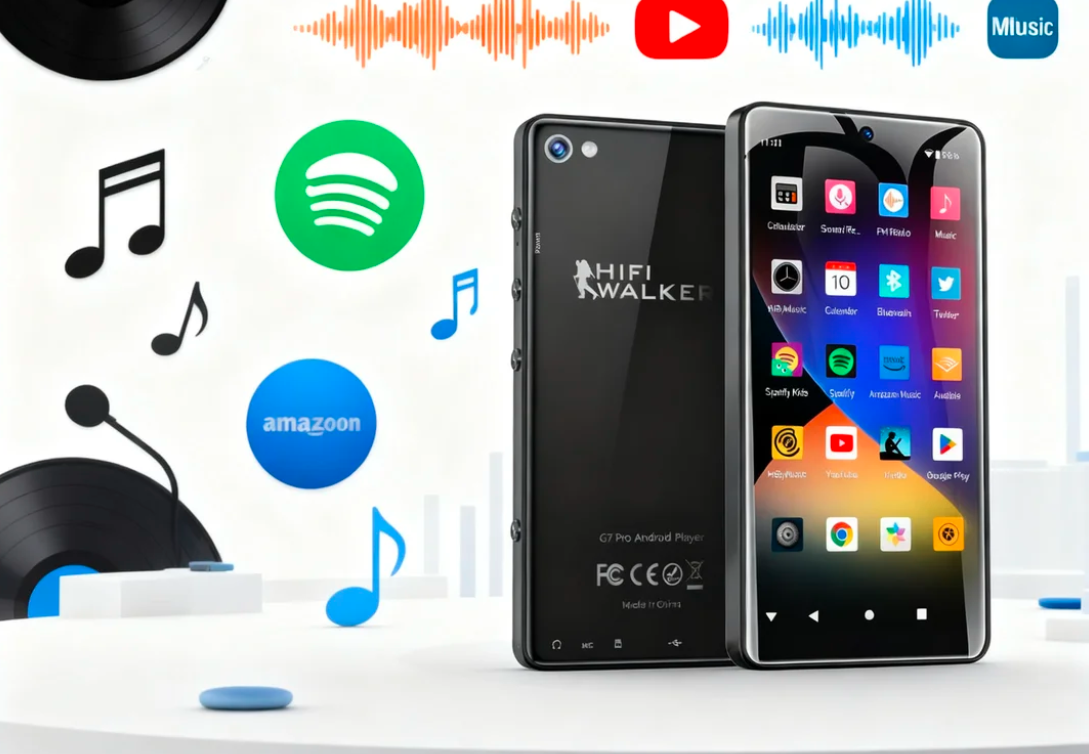
Because the HIFI WALKER G7 Pro runs a full Android 13 environment with Google Play Store access, you can install any streaming service available on the platform. But which apps take best advantage of its dedicated audio hardware? Here are the top picks for best music apps for Android DAP users in 2026.

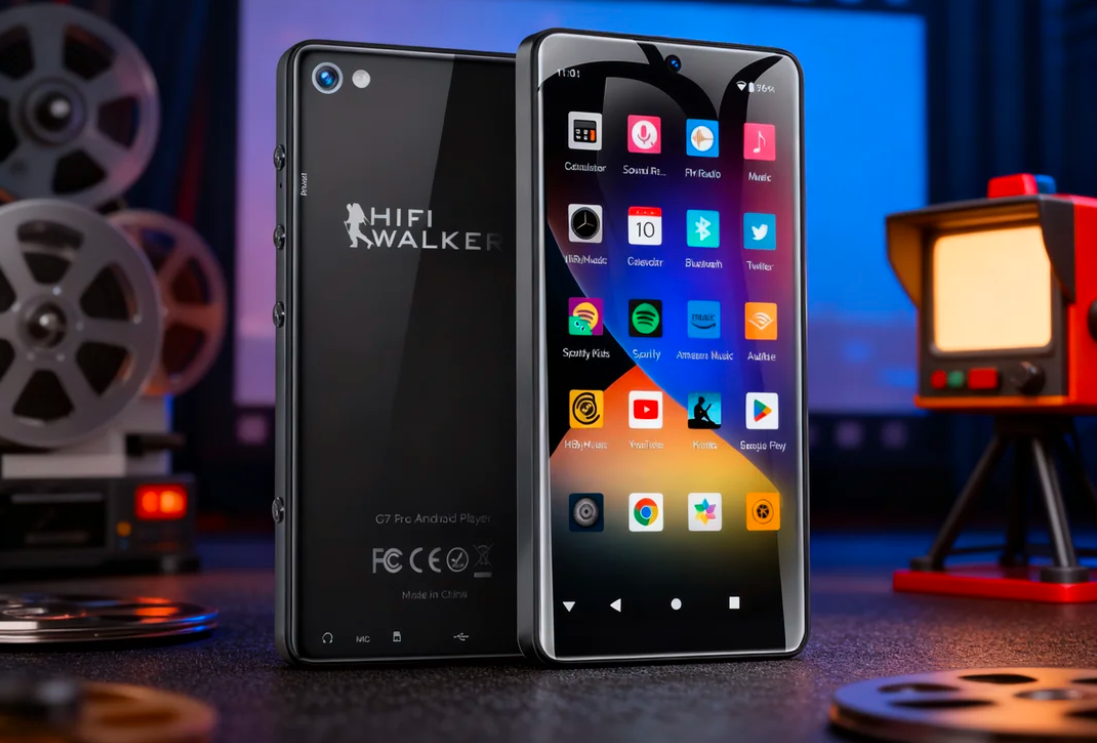
The G7 Pro's 5.2-inch display makes navigating streaming apps like Spotify and YouTube Music a smooth, enjoyable experience.
Spotify
The world's most popular streaming platform integrates seamlessly with the G7 Pro. Enable Spotify's 'Very High' quality setting (320 kbps OGG Vorbis) and the G7 Pro's dedicated DAC renders noticeably more detail in the high-frequency range compared to typical phone output. Premium subscribers can download playlists for offline playback — perfect for commutes.
YouTube Music
Stream or download up to 256 kbps AAC on Premium. YouTube Music's library includes official releases, live sessions, and rare recordings that other platforms miss. On the G7 Pro's 5.2-inch display, browsing artist catalogs and music videos over Wi-Fi is genuinely enjoyable.
Amazon Music Unlimited
Amazon Music's HD and Ultra HD tiers stream up to 24-bit/192kHz FLAC — the G7 Pro's hardware is built to handle exactly this kind of signal. Subscribers get access to tens of millions of Hi-Res Audio tracks, making this one of the most rewarding pairings with the G7 Pro's DAC.
Tidal
Tidal HiFi and HiFi Plus offer MQA and lossless FLAC streaming. The G7 Pro decodes these streams through its dedicated hardware, delivering a level of spatial detail and instrument separation you simply don't get on an integrated phone chipset.
Pandora
For music discovery and genre radio, Pandora's algorithm remains one of the best. On the G7 Pro, even standard quality streams benefit from cleaner amplification — reducing listener fatigue during longer sessions.
Best Local Music Player Apps for Hi-Res Playback
Streaming is convenient, but audiophiles know that locally stored Hi-Res audio files — FLAC, DSD, WAV, APE — represent the absolute ceiling of portable audio quality. The HIFI WALKER G7 Pro supports DSD playback and stores up to 160GB of your own library. These local player apps unlock its full hardware potential.
Poweramp
The gold standard for Android local players. Poweramp's 32-bit audio engine and 10-band EQ with tone controls give you surgical control over the G7 Pro's output. It handles FLAC, MP3, AAC, OGG, WMA, and more. The paid version (one-time purchase) is absolutely worth it for serious listeners.
Neutron Music Player
Designed from the ground up for audiophiles, Neutron bypasses Android's standard audio pipeline and outputs directly to hardware. This is critical for getting true Hi-Res output from the G7 Pro's DAC. It supports DSD (via DoP), 32-bit integer/float audio, and advanced DSP features including crossfeed for headphone listening.
VLC Media Player
Free, open-source, and remarkably capable. VLC plays virtually every format you can throw at it — FLAC, APE, WV, ALAC, Opus — with no codec packs needed. It's the ideal 'catch-all' player for mixed libraries and is a great starting point before investing in a paid app.
USB Audio Player PRO (UAPP)
For users who connect external DACs via USB-C, UAPP is the definitive solution. It bypasses Android's audio mixer entirely, delivering bit-perfect output. Combined with the G7 Pro's USB-C connectivity, this enables audiophile-grade external DAC pairing at full resolution.
Streaming vs. Local Playback: Which Is Right for You?
One of the G7 Pro's defining strengths is that you don't have to choose between streaming convenience and audiophile-grade local playback — it does both brilliantly. That said, understanding the trade-offs helps you configure the device to match your listening priorities.

Streaming apps offer discovery; local players deliver uncompressed audio quality. The G7 Pro excels at both.
Our recommendation: Use a streaming app like Tidal HiFi or Amazon Music Unlimited for discovery and new releases, and maintain a local library of your favorite albums in FLAC or DSD for critical listening sessions. The G7 Pro's 160GB storage gives you plenty of room for both approaches simultaneously.
Podcasts, Audiobooks & Beyond: The Full Android Audio Experience
The G7 Pro's Android 13 ecosystem extends well beyond music. Its 5.2-inch IPS display and dedicated audio circuitry make it a compelling device for long-form audio content. Here are the apps that round out a complete audio lifestyle on this device.
Audiobook Apps
- Audible — industry-leading audiobook library, easy navigation on the 5.2" screen
- Libby / OverDrive — free audiobooks from your local library
- Storytel — subscription-based with a vast multilingual catalog
Podcast Apps
- Podcast Addict — download episodes for fully offline listening
- Pocket Casts — clean UI with speed controls and chapter markers
- Google Podcasts (via web) — free, syncs with your Google account
Apps like Music Speed Changer are particularly useful on the G7 Pro for audiobook listeners — adjust playback speed from 0.5x to 3x without pitch distortion, and the device's clean audio hardware ensures even sped-up narration remains natural and fatigue-free during long listening sessions.
↑ Back to Top
Back to Top ↑G7 Pro Hardware: The Engine Behind Every App
Understanding the HIFI WALKER G7 Pro's hardware explains why music apps perform better on it than on an equivalent phone. The combination of purpose-built audio circuitry and a capable Android processor creates a foundation that elevates every app you install — regardless of whether you're streaming at 320kbps or playing a DSD128 file locally.
Real-world users consistently report that the G7 Pro runs "super smooth" with no audio-to-video sync issues, even during demanding streaming sessions. The MTK 6762's dedicated hardware media decoder handles high-bitrate audio without taxing the CPU, which also means better battery life during extended playback.
Using the G7 Pro in Every Listening Environment
A dedicated Android DAP should fit seamlessly into your daily routine. The HIFI WALKER G7 Pro has been designed with real-world listening scenarios in mind — from your home listening chair to your morning commute to in-car audio. Here's how to configure it for each environment.

From home audio to car integration, the G7 Pro adapts to every listening environment with Bluetooth 5.0 and Wi-Fi connectivity.
At Home: Wired Hi-Res Listening
Plug your reference headphones into the 3.5mm jack and fire up Neutron or Poweramp with your FLAC/DSD library. Set Poweramp's output to Hi-Res Direct mode to bypass Android's audio resampler and feed bit-perfect audio directly to the G7 Pro's hardware DAC. This is the highest-quality listening mode available on the device.
Commuting: Wireless LDAC Streaming
Pair your LDAC-compatible wireless headphones via Bluetooth 5.0. In Android developer options, set the Bluetooth codec to LDAC at 990kbps for near-lossless wireless audio. Stream Tidal HiFi or play local FLAC files — the LDAC connection preserves significantly more detail than standard SBC or AAC Bluetooth codecs.
In the Car: Android Auto Integration
Connect via Bluetooth 5.0 to your car's head unit. Spotify, YouTube Music, and Amazon Music all support Android Auto's simplified interface, which keeps your eyes on the road while still giving you playback control. Music Speed Changer works alongside audiobook apps for safe, hands-free listening on longer drives.
Travel: Offline Library Mode
Load your 128GB microSD card with FLAC albums before you travel. With Wi-Fi unavailable, a local player like Poweramp or VLC gives you your entire library at full quality. The G7 Pro's battery handles extended playback sessions — ideal for long-haul flights or road trips where streaming isn't practical.
Comparing the G7 Pro to Other HIFI WALKER Android Players
HIFI WALKER offers a range of Android-capable music players at different price points. If the G7 Pro interests you, it's worth understanding how it compares to the G7 and the more advanced H20Ultra to make the right choice for your needs.
For most users stepping up from a phone or basic MP3 player, the G7 Pro at $90 hits the perfect sweet spot — enough hardware quality to reveal the benefits of Hi-Res audio apps, with full Android 13 flexibility to install whatever you need. Explore the full Android MP3 Player collection to compare all options.

Frequently Asked Questions
Q1: What are the best music apps for the HIFI WALKER G7 Pro in 2026?
The G7 Pro runs Android 13 with full Google Play Store access, so it supports virtually any music app. Top picks include Spotify and Tidal for streaming, Poweramp and Neutron Music Player for local Hi-Res file playback, and VLC for format versatility. For Hi-Res audio streaming, Amazon Music HD and Tidal HiFi Plus pair especially well with the G7 Pro's dedicated DAC hardware.
Q2: Can the HIFI WALKER G7 Pro play DSD audio files?
Yes. The G7 Pro supports DSD playback through compatible apps like Neutron Music Player and USB Audio Player PRO. Neutron in particular can output DSD via DoP (DSD over PCM), routing the signal through the device's hardware DAC for authentic Hi-Res playback rather than software conversion.
Q3: Does the G7 Pro support LDAC Bluetooth for wireless Hi-Res audio?
Yes, the G7 Pro features Bluetooth 5.0 with LDAC codec support. LDAC transmits up to 990kbps — roughly three times more data than standard SBC Bluetooth — which means your wireless headphones receive significantly more audio detail. Enable LDAC in Android developer settings for the best wireless sound quality.
Q4: How much music can I store on the HIFI WALKER G7 Pro?
The G7 Pro has 32GB of built-in storage plus a 128GB microSD card included, giving you 160GB total. In practical terms, that's approximately 250+ CD-quality FLAC albums (at ~500MB each) or thousands of MP3 tracks alongside your installed apps. You can expand storage further with a larger microSD card if needed.
Q5: What is the difference between streaming on the G7 Pro vs. a regular phone?
The G7 Pro uses dedicated DAC and amplifier hardware separate from the processor, whereas phones route audio through an integrated SoC chip optimized for power efficiency rather than audio quality. This means the G7 Pro produces lower noise floor, better channel separation, and more accurate frequency response — even when streaming from the exact same Spotify or Tidal source.
Q6: Can I use the G7 Pro with my car stereo?
Yes. The G7 Pro connects to car stereos via Bluetooth 5.0 and supports Android Auto for a simplified driving interface. Streaming apps like Spotify and Amazon Music display on Android Auto's UI. You can also use a 3.5mm aux cable for a direct wired connection to your car's audio system.