What Can You Actually Save From YouTube on Android?
Two things are supported, and they are not the same thing. The YouTube Music app offers offline downloads on a Premium subscription, which stay inside the app. Separately, you can work with audio you own or are licensed to use — your own uploads, or files a rights holder has given you. YouTube's own help pages state that the YouTube app does not download audio, music or MP3 files; a video you uploaded yourself can be retrieved as a video file.
Put plainly: YouTube does not provide a feature to export catalogue tracks as audio files. Use the service in its official app on a compatible device, or build a separate local library from DRM-free purchases and files you have the right to copy. Copyright rules differ by country and by the licence attached to a specific work, so treat the sections below as a description of what the platform offers, not as legal advice.
Not Supported by the Platform
- Third-party YouTube-to-MP3 sites and apps
- Against YouTube's Terms of Service
- No official support, and downloads of unknown provenance
- Nothing here is covered by this guide
What the Official Apps Offer
- YouTube Music Premium offline downloads, kept inside the app
- Requires an internet reconnection at least once every 30 days
- Your own uploads, retrieved through YouTube Studio or Google Takeout
- Files a rights holder has given you directly
Expert Insights: Key Takeaways
- Offline downloads in the YouTube Music app are the only offline audio feature the official apps provide, and they come with conditions: an active Premium subscription, an internet reconnection at least once every 30 days, and features that vary by region.
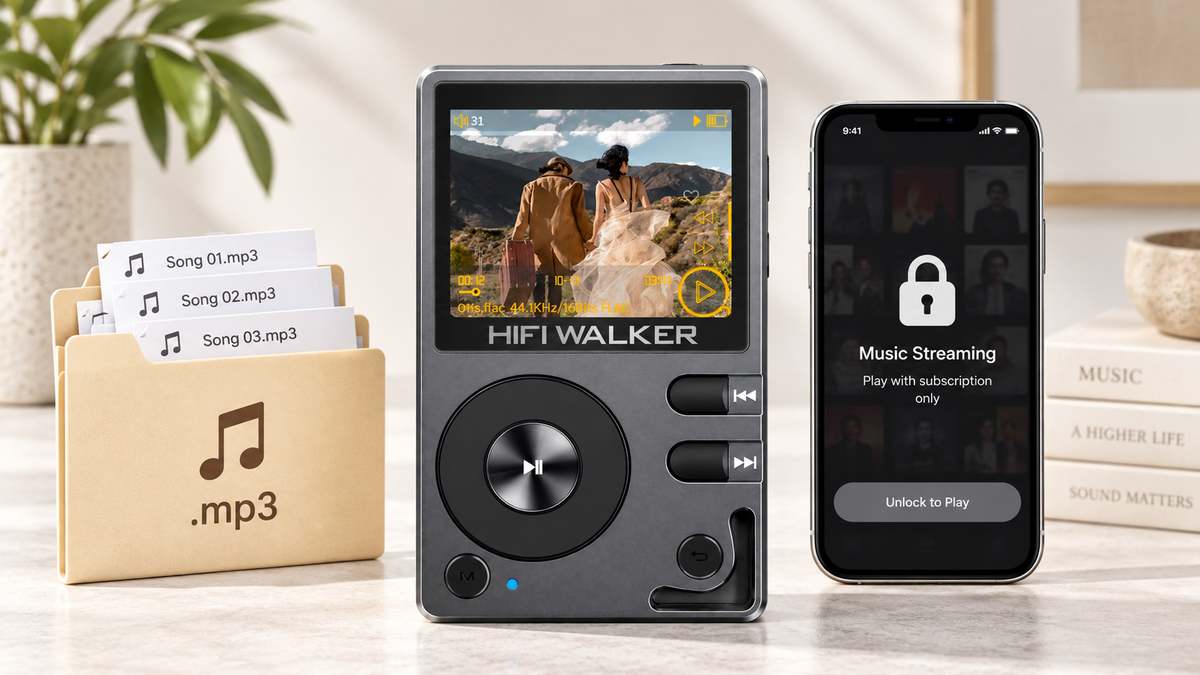
- Downloaded files inside an app's sandbox are not the same as portable MP3 files; they cannot be moved to another device or player, which is the root of most download-related frustration.
- A dedicated player is a home for files you already own or are licensed to use. It is not a route around an app's download rules, and nothing in this guide turns an app-managed download into a portable file.
- ►1. What Can You Actually Save From YouTube on Android?
- ►2. Offline Listening in the YouTube Music App on Android
- ►3. Working With Audio You Have the Rights To
- ►4. Moving Audio Files You Own Off an Android Phone
- ►5. Why a Phone Is a Bad Home for a Growing Audio Library
- ►6. The MP3 Player Route: What to Look For
- ►7. Troubleshooting the Most Common Snags
- ►8. Building a Library That Outlasts Any One App
Offline Listening in the YouTube Music App on Android
If your actual question is how to download YouTube music on Android for offline listening, YouTube Music Premium is the sanctioned answer. It is a youtube music premium download mp3 workaround in spirit — not a literal MP3 file you can move around, but an offline cache tied to your subscription and the app.
Subscribe to YouTube Music Premium
Open the YouTube Music app on Android and subscribe if you have not already. Downloads are locked behind the paid tier — the free version streams only.
Find the Song or Album
Search for the track, playlist, or album you want. Tap the three-dot menu next to it rather than the play button.
Tap Download
Select Download from the menu. A small progress circle appears, then fills in once the track is saved to your device's app storage.
Find It Under Offline
Go to Library then Downloads to confirm the track saved correctly. This is the step people skip, and then wonder why a song vanished mid-flight.
Play Offline, and Reconnect at Least Every 30 Days
Switch your phone to airplane mode and confirm playback still works. If it stutters or refuses to load, the download did not fully complete - delete and retry. Keep in mind that YouTube Music Premium downloads require an internet reconnection at least once every 30 days to remain available, and features can vary by region.
The catch: these downloads live inside the YouTube Music app. You cannot drag them into a folder, move them to a different device, or play them in another music app, and they need an internet reconnection at least once every 30 days to stay available. That is the trade-off of an app-managed download, and it is the main reason people go looking for an mp3 player with YouTube Music app support instead.
Working With Audio You Have the Rights To
Here is where most tutorials get vague. There is no MP3 export button on YouTube, and a licence on its own does not create one. A Creative Commons BY licence may permit reuse with attribution, for example, but it does not add a download option to the player. What you can work with is a file you already hold: a video you uploaded, an audio file a creator sent you, or material from a library that supplies downloadable files directly.
Where a File Is Yours to Work With
- You uploaded the video yourself
- The creator or rights holder gave you the file or a download link
- The work carries a licence that permits your intended use, such as CC BY with attribution
- You retrieved your own upload through YouTube Studio or Google Takeout
Where There Is No Supported Route
- Catalogue tracks in the YouTube Music app
- Audio taken from official artist channels
- Converter sites that scrape YouTube's servers
- Passing converted files on to other people
If a file is yours to work with, the process is straightforward: retrieve your own upload through YouTube Studio or Google Takeout, or start from the source file you already have, then export the audio from your editor or hosting dashboard and transfer the resulting MP3 or FLAC to your Android device over USB or cloud storage. Check the licence terms that apply to your particular use before you do. No converter site is involved at any point.
Moving Audio Files You Own Off an Android Phone
For readers asking about handling audio files on Android specifically — a podcast host who shares direct audio links, files a rights holder sent you, or your own uploaded content — the process below covers the file-management side.

Confirm You Have the Rights to the File
Direct download links from podcast hosts, purchases from download stores, and your own uploads are all files you hold. Browser extensions promising one-click YouTube rips are not, and they fall outside what this guide covers.
Save the File to Downloads
Most Android browsers save direct audio links straight to the Downloads folder automatically — check your notification shade for a completed download alert.
Locate It in Files by Google
Open the Files app, tap Downloads, and confirm the MP3 or M4A file is there and playable.
Move It Off the Phone
Copy the file to a microSD card or connect a USB-C cable to transfer it to a dedicated player. This is the point where a lot of people realize their phone's storage is already full of app data.
Rename and Organize
Sort files into folders by artist or album before transferring — dedicated players read folder structure the same way a phone's file manager does, and a messy Downloads folder makes for a messy library later.
Why a Phone Is a Bad Home for a Growing Audio Library
A phone doing music duty is also the phone you need for maps, texts, and the boarding pass. Every downloaded album competes with photos and apps for the same storage pool, and background processes quietly drain the battery you were counting on for a long trip.
None of that makes a phone a bad device — it just means it was never built to be a music library. Files you legally download deserve a player that treats them as the point, not as one more app competing for RAM.

↑ Back to Top
Back to Top ↑The MP3 Player Route: What to Look For
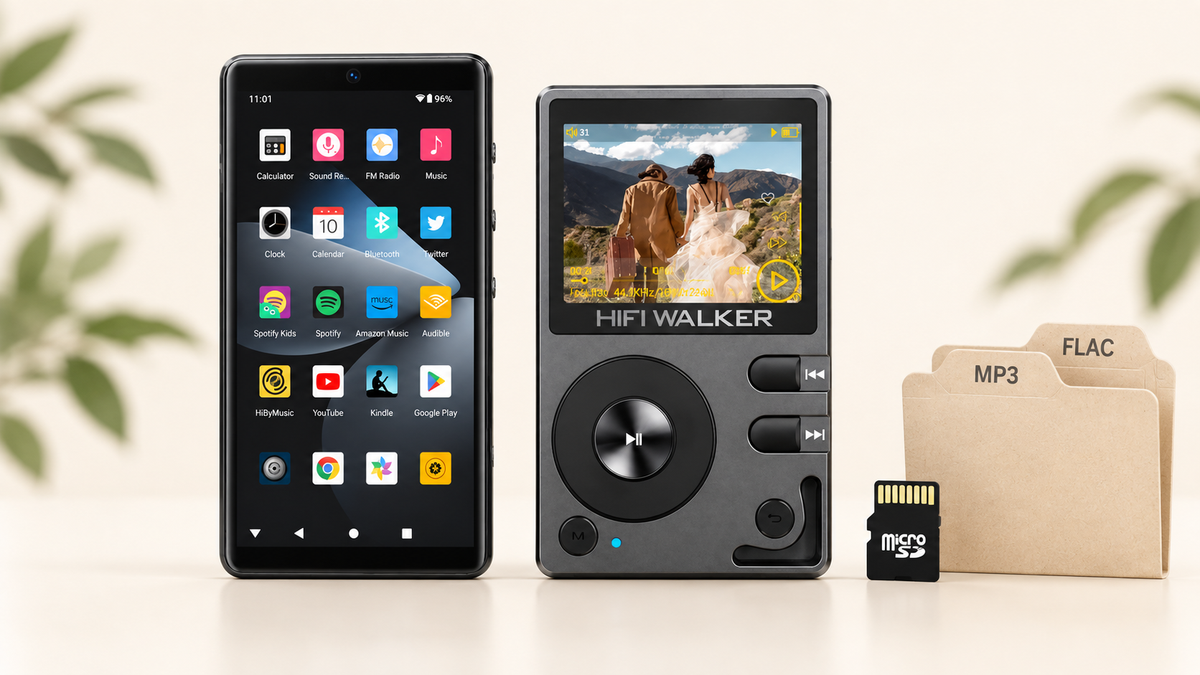
Search for an mp3 player with YouTube Music app download support and you will mostly find Android-based DAPs, since Linux-based hi-res players are built for local file playback rather than running streaming apps. That distinction is worth knowing before you buy.
If You Need App-Based Streaming Downloads
- An Android player that supports Google Play and streaming apps
- Wi-Fi and Bluetooth for connectivity
- Works with your existing YouTube Music Premium subscription
If You Just Need to Play Downloaded Files
- A dedicated Linux-based hi-res player for local audio
- No app management, just drag-and-drop file transfer
- Longer battery life focused purely on playback


If your library is mostly MP3 and FLAC files you own, a Linux-based player skips the app layer entirely. Once the files are on a microSD card, the next step is simply organising them into folders and letting a dedicated player read them; nothing about that route depends on a subscription staying active.
Troubleshooting the Most Common Snags
Most failed downloads trace back to one of three things: an expired subscription, a storage cap you did not notice, or a file format the receiving app does not recognize.
Common Symptoms
- Download stalls at 99%
- Song plays for a few seconds then stops
- File disappears after switching apps
- Downloaded folder shows 0 items
Usual Cause
- Premium subscription lapsed, or the app has not reconnected to the internet within the last 30 days
- Phone storage full, silently rejecting the write
- App cache corrupted, needs a clear-cache reset
- Wrong folder checked — look under app-specific storage, not general Downloads
If you have gone through every step above and audio still will not save reliably, it is worth checking whether your storage is actually full before blaming the app. This is exactly the bottleneck that pushes people toward transferring files to a dedicated player instead of fighting phone storage every week — a topic covered from a different angle in our guide on moving YouTube Music to an MP3 player safely.

Building a Library That Outlasts Any One App
Apps change their download rules, subscriptions lapse, and phones get replaced every couple of years. A library of legally-acquired MP3 and FLAC files, organized in folders and backed up to a card, survives every one of those changes.

That is really the quiet argument for owning a dedicated player at all: not that it sounds dramatically different on every track, but that it keeps your downloaded audio out of an ecosystem that can change its rules on you. Browse the full range of HIFI WALKER hi-res audio players if you are ready to give your downloaded library a permanent home.
What a Real Local Library Opens Up
Once audio files live outside an app's sandbox, a few doors open that streaming-only listening keeps closed.
None of this requires giving up your phone for anything else it does well — it just means the audio part gets its own space.
See the current lineup of HIFI WALKER hi-res audio players →
Frequently Asked Questions
Q1: What can I officially save from YouTube on Android?
Two things. YouTube Music Premium offers offline downloads that stay inside the app and require an internet reconnection at least once every 30 days. Separately, a video you uploaded yourself can be retrieved through YouTube Studio or Google Takeout. YouTube's help pages state that the YouTube app does not download audio, music or MP3 files, and there is no feature to export catalogue tracks.
Q2: How do I listen to YouTube music offline on Android without Premium?
Offline downloads in YouTube Music are a Premium feature; the free tier streams only. Without a subscription, what remains is audio you already hold: your own uploads, files a rights holder has given you, or material from a library that supplies downloadable files. Check the licence terms that apply to your use.
Q3: Can I turn a YouTube video into an MP3 file?
There is no MP3 export feature on YouTube, and a licence does not create one. If the video is your own upload, retrieve it through YouTube Studio or Google Takeout and export audio from that file or your original source. For anyone else's content you would need the file or a download link from the rights holder, plus the rights for your intended use. Converter sites that scrape YouTube are against its Terms of Service and are not covered here.
Q4: Is there an MP3 player that supports the YouTube Music app?
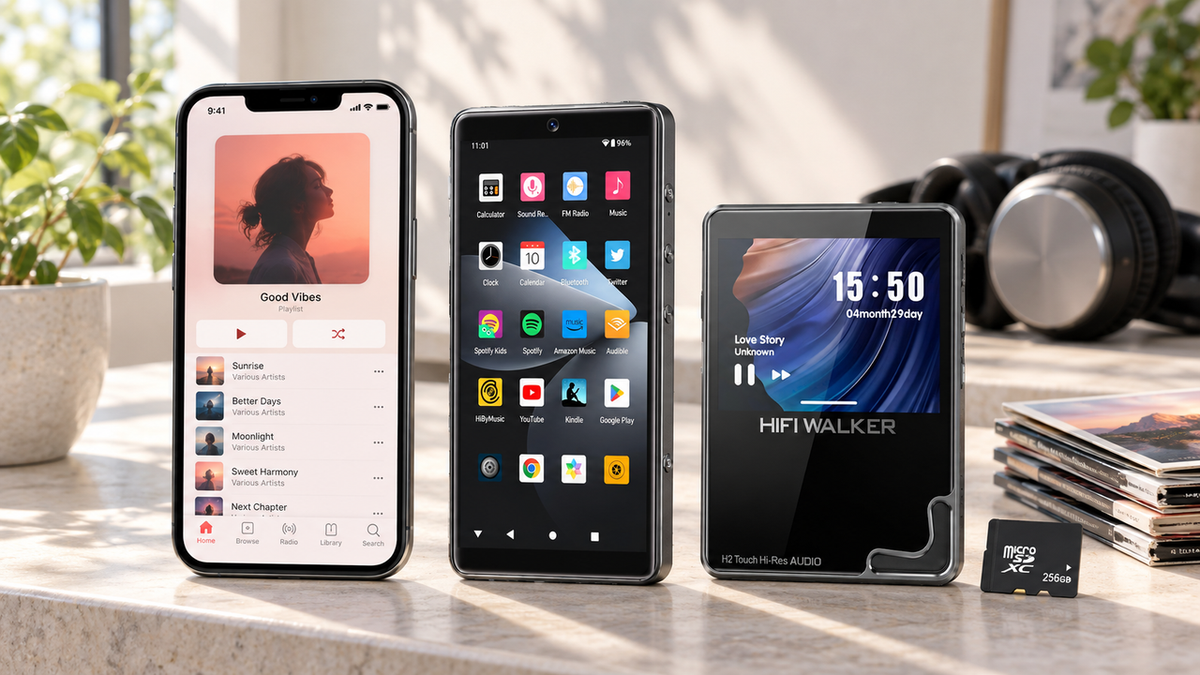
Android-based players like the G7 Pro Android Player run Android 13 with Google Play, so you can install YouTube Music and other apps directly. Linux-based hi-res players are built for local file playback rather than streaming apps, so they are better suited to a library of already-downloaded files.
Q5: Why do YouTube Music Premium downloads disappear when I switch devices?
Premium downloads are tied to the app and your account licence rather than saved as portable files, and they require an internet reconnection at least once every 30 days to stay available. Moving to a new phone or clearing app data removes them, which is different from an MP3 file you transferred and own outright.