So Which YouTube Music Player Device Should You Actually Buy
For most people asking this, the answer is an Android-based player, not a Linux-based Hi-Res DAP. A youtube music player device needs to run the actual app — log in, stream, build playlists — and that only happens on Android. If you want that plus Spotify and Tidal working out of the box, the HIFI WALKER G7 Pro Android Player is the one we'd point you toward first.
That's the short answer. The longer one depends on what you're actually trying to escape — your phone's battery drain, notification pop-ups mid-track, or just the awkwardness of doom-scrolling while you're supposed to be relaxing to a playlist. Different problems, different devices.
What a Phone Does Badly Here
- Notifications interrupt playback constantly
- Music app fights for battery with everything else running
- Screen-on time for streaming drains the battery you need for calls and navigation
What a Dedicated Device Fixes
- One job: play music, nothing competing for resources
- Battery budget goes entirely to playback
- No texts, no calls, no app-switching mid-song
Expert Insights: Key Takeaways
- The search term youtube music player device almost always means an Android device, not a specialized format or hidden category — the app requirement rules out Linux-based players entirely.
- Battery specs only tell half the story for streaming devices — a battery built for local file playback (like the Hi-Res lineup's) is not sized for constant Wi-Fi streaming, which is a heavier draw.
- Offline means two different things here. YouTube Music's own downloads stay inside the app on an Android device and require Premium plus a periodic reconnection to keep working; local files on a Linux player need no account, no app, and no connection at all.
- ►1. So Which YouTube Music Player Device Should You Actually Buy
- ►2. What People Actually Mean by YouTube MO3 Player and Similar Searches
- ►3. The Three Standards That Actually Matter
- ►4. The Two Android Players: G7 Pro and G7
- ►5. Comparing the Full Lineup
- ►6. When You Actually Want the Linux Players Instead
- ►7. Getting Your Library Onto Either Type of Device
- ►8. Picking Between Them: A Quick Gut Check
What People Actually Mean by YouTube MO3 Player and Similar Searches
If you've searched youtube mo3 player or youtube m3p player, you're probably not looking for a specific file format — you're describing what you want in slightly garbled terms: a small portable player that handles YouTube audio and MP3 files without needing your phone. That's a real category, and it's simpler than the search term suggests.
An offline youtube music player, in the plainest sense, is a device where the YouTube Music app is installed and works — meaning Android, Wi-Fi, and enough RAM to run it without lag. It's not a special format or a hidden feature. It's just a portable Android device doing what your phone does, minus the distractions.

Our take: the confusion in these search terms comes from people expecting a dedicated "YouTube player" hardware category to exist, separate from general Android devices. It doesn't. What exists is Android hardware built small and battery-focused enough to be a good music device — which is exactly what a good portable music player is supposed to be in the first place.
The Three Standards That Actually Matter
Before comparing specific models, it helps to know what you're grading them on. Three things separate a good music player with youtube music support from a frustrating one, and none of them are the ones most listings lead with.
Check responsiveness, not just whether it installs
Any Android device can technically install YouTube Music from the Play Store. How responsive it then is depends on the app version, available RAM and processor headroom, the software build, and network conditions together. We have not run a performance test on these devices, so treat responsiveness as something to check on the unit you buy rather than as a promise anyone can make for you.
Battery dedicated to streaming, not shared with everything else
Streaming audio over Wi-Fi is heavier on battery than local file playback. A device meant for this needs a battery budget built around that reality, not borrowed from a general-purpose phone spec sheet.
Screen size and usability for playlist navigation
If you're building playlists, searching artists, or skipping around a queue, screen size and touch responsiveness matter more on a streaming device than on a file-based player where you mostly just press play and forget it.
Our guide on choosing the right YouTube MP3 player goes deeper into how these tradeoffs play out across different price points, if you want the fuller breakdown before deciding.
The Two Android Players: G7 Pro and G7
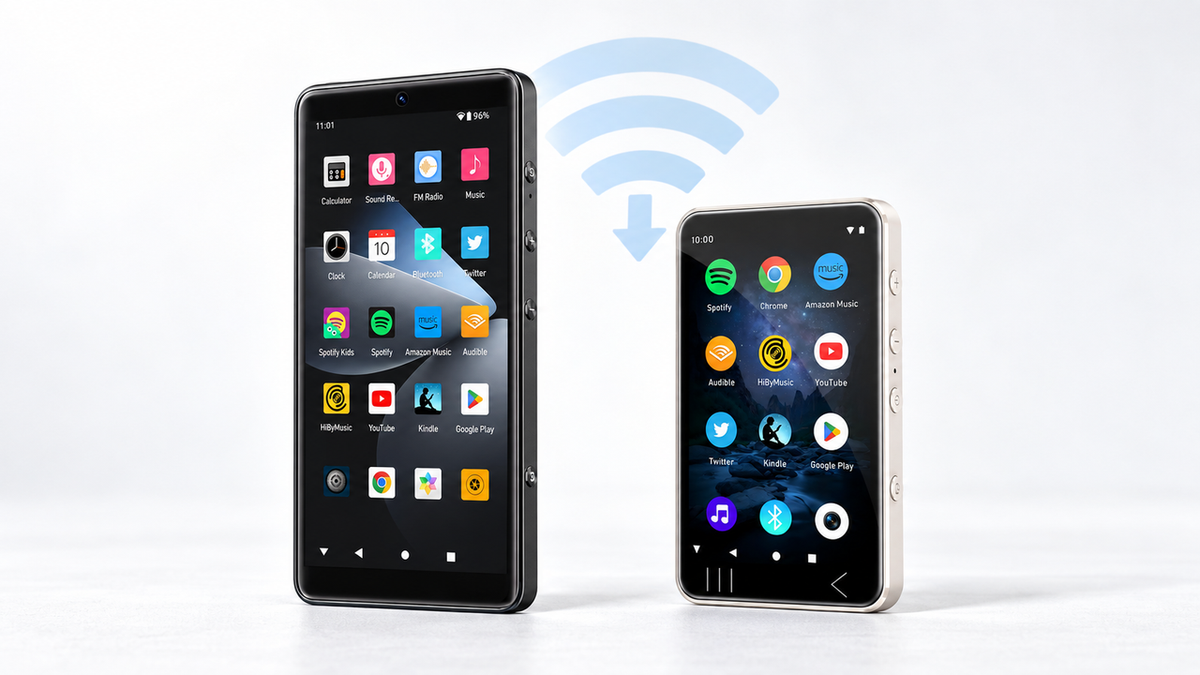
Two players in the lineup run Android and can install the YouTube Music app, so those are the two this section compares. To be explicit about the scope: this comparison covers two HIFI WALKER Android players against each other. It does not claim a market-wide ranking, and no performance test was run against devices from other brands.


Both models list Android 13, the same MTK6762 octa-core processor, and dual-band 2.4/5GHz Wi-Fi. App responsiveness and compatibility depend on the app version, device resources, software, and network conditions together rather than on any single one of them. The difference between the two is really screen size, camera specs, and how much you value pocketability over a bigger display for browsing playlists.
Comparing the Full Lineup
To be fair to the full HIFI WALKER catalog, here's how every relevant model stacks up — including the Linux-based Hi-Res players, which come up in these searches but serve a genuinely different purpose than an offline youtube music player.

That last column matters more than it looks. If someone searches youtube audio library official 2026 expecting a device that streams directly from YouTube's own library, none of the Linux players will do that — they're built for local files, not app-based streaming, and that's by design, not a limitation to apologize for.
↑ Back to Top
Back to Top ↑When You Actually Want the Linux Players Instead
Not everyone searching this term wants live streaming. Some people mean youtube mo3 player as shorthand for carrying a downloaded music collection — files they already own — on a small dedicated player. That's a different need, and it's the Linux lineup's whole reason for existing.

Our piece on listening to YouTube music offline on a DAP walks through this distinction in more detail — the short version is that "offline" means two very different things depending on whether you're using an Android app's offline mode or moving files onto a Linux-based player.
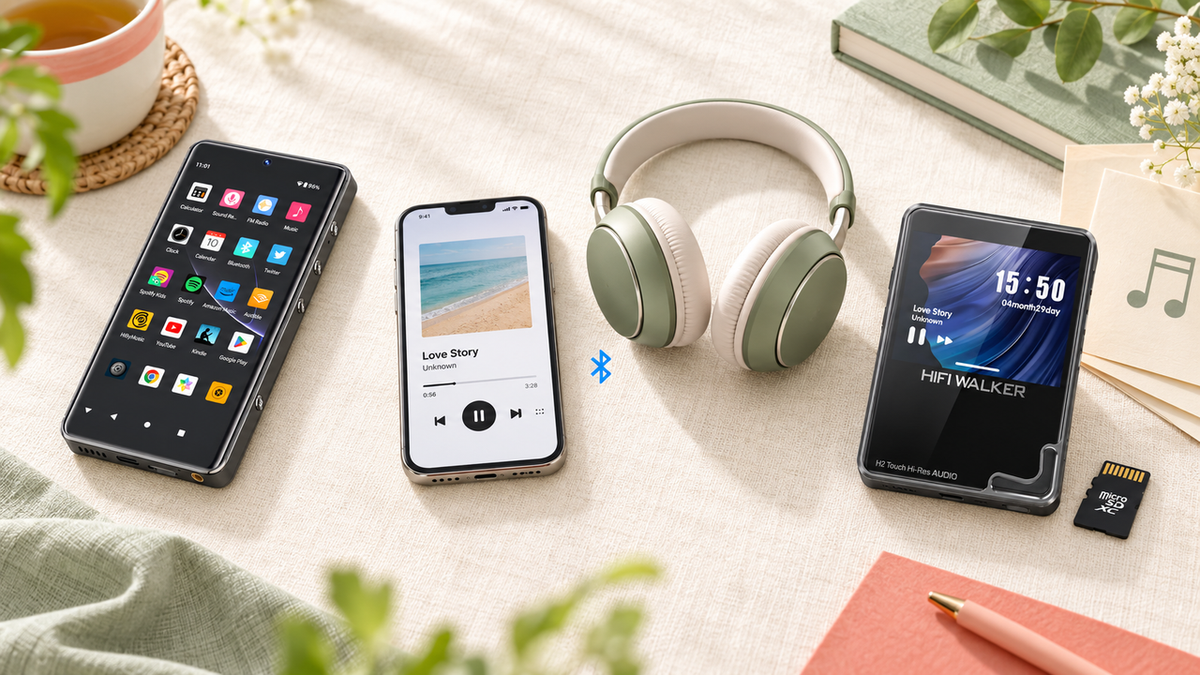
If you already have a legally sourced local library and just want a small, distraction-free way to carry it, a Hi-Res Linux player like the HIFI WALKER H2 Touch Hi-Res Audio Player is a genuinely lighter, longer-lasting option than running any streaming app ever would be — its 2.45-inch touchscreen makes browsing a local library simple without the overhead an Android system carries.
Getting Your Library Onto Either Type of Device
Whichever path you take, actually getting music onto the device is where most people get stuck. On the Android side, it's app login and playlist sync — no different from setting up YouTube Music on any new phone. On the Linux side, it's file transfer.
Android Devices (G7 / G7 Pro)
- Sign into Google Play, install YouTube Music
- Log into your existing account, playlists sync automatically
- Connect to Wi-Fi for streaming; the app's own offline downloads need YouTube Music Premium and stay inside the app
Linux Devices (H2 / H20 series)
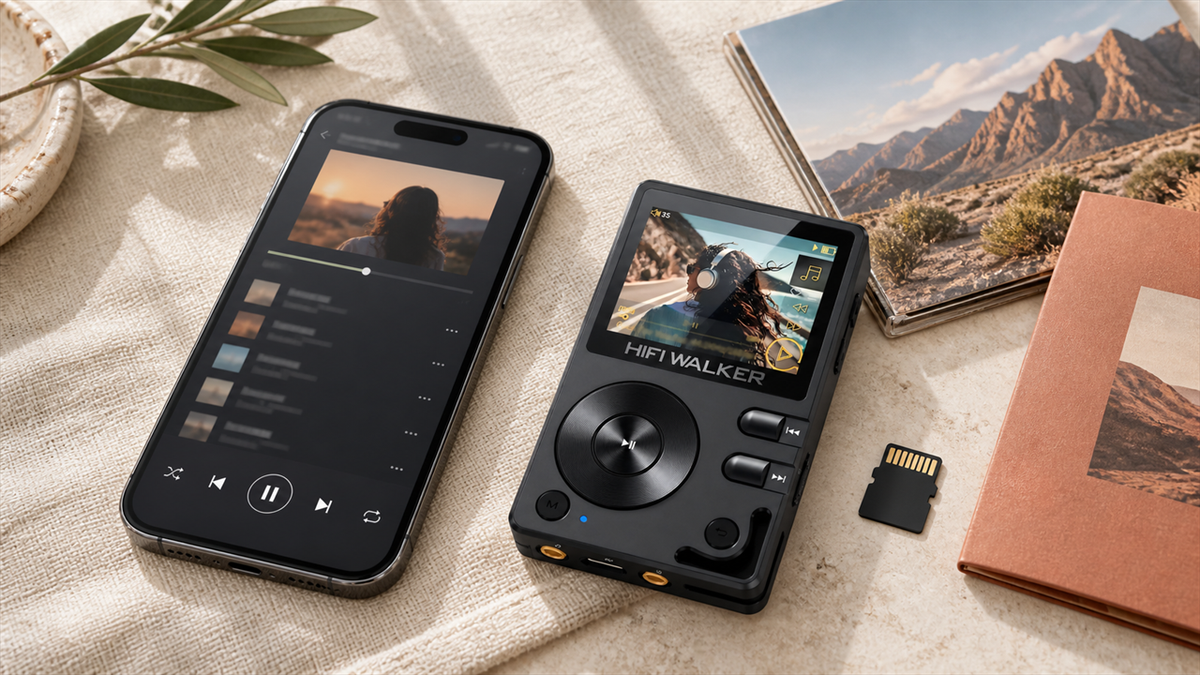
- Drag FLAC or MP3 files onto the microSD card via USB-C
- No account login, no app — just file management
- Files play back locally with no Wi-Fi dependency at all
For the file-transfer route specifically, our detailed walkthrough on building a local library for a file-based player covers the practical side: sourcing files you are entitled to copy, then getting them onto the card.
Picking Between Them: A Quick Gut Check
If you're still torn, here's the fastest way to decide. Ask yourself one question: do you want to log into an account and stream, or do you want a library of files you already own?
Streaming-first, always-connected, want Spotify and Tidal too — go with the G7 Pro. Want the same experience in a smaller footprint and don't mind the smaller screen — the standard G7. Already have a downloaded library and want the phone out of your pocket entirely, with no app, no login, no notifications ever — the H20 Ultra or H2 Touch, depending on how much screen and control you want.

There isn't a wrong answer here, just a mismatched one — buying an Android streamer when you actually own your files is overkill, and buying a Linux file player when you live inside a streaming account is a dead end. Match the device to what your music actually is, not to which one sounds fancier.
The Line Between Streaming and Owning Your Music
Once you start comparing streaming-capable devices against local file players, a bigger question tends to surface: how much of your music library do you actually want to depend on an account for?
Neither path is more correct than the other. The device you pick just decides which one you're building toward.
Frequently Asked Questions
Q1: What is the best youtube music player device in 2026?
For running the actual YouTube Music app, the HIFI WALKER G7 Pro Android Player is the strongest pick — it runs Android 13 on a 5.2-inch screen with Google Play, Spotify, Tidal, and Audible preinstalled and confirmed working, backed by a 2500mAh battery built for streaming use.
Q2: Can I use YouTube Music on a Hi-Res player like the H20 Ultra?
No. The H20 Ultra and the rest of the H2/H20 lineup run on Linux, not Android, so they cannot install the YouTube Music app or any streaming app. They're built for playing local FLAC and MP3 files you already own, not for app-based streaming.
Q3: What does youtube mo3 player actually mean as a search term?
It's typically a garbled way of searching for a portable player that handles YouTube-sourced audio or MP3 files. There's no special mo3 format — the real category being searched for is either an Android streaming device or a local file player, depending on whether the music is streamed or already downloaded.
Q4: Is the G7 or the G7 Pro better for streaming YouTube Music?
The G7 Pro has the larger 5.2-inch screen and confirmed app support for Spotify, Tidal, and Audible alongside YouTube Music, making it the better pick if you want a full streaming experience. The standard G7 is smaller and lighter, a better fit if pocketability matters more to you than screen size.
Q5: Do I need Wi-Fi to use these devices as a portable youtube music player?
Yes, for live streaming through the app you'll need a Wi-Fi connection, since the G7 and G7 Pro connect over 2.4/5GHz Wi-Fi. If you want a device that works with no internet connection at all, a Linux-based local file player like the H2 Touch is the better match.