Expert Insights: Key Takeaways
- The real difference between a DAP and a phone isn't storage — it's the dedicated DAC and amplifier stage that actually shapes the signal reaching your headphones.
- CD digitization into FLAC preserves the full detail of the original mastering, something MP3 compression permanently discards.
- USB DAC mode turns a portable player into a desktop upgrade too, useful for beginners organizing a ripped library on a computer before taking it on the road.
What Is a Hi-Res Audio Player, Really?
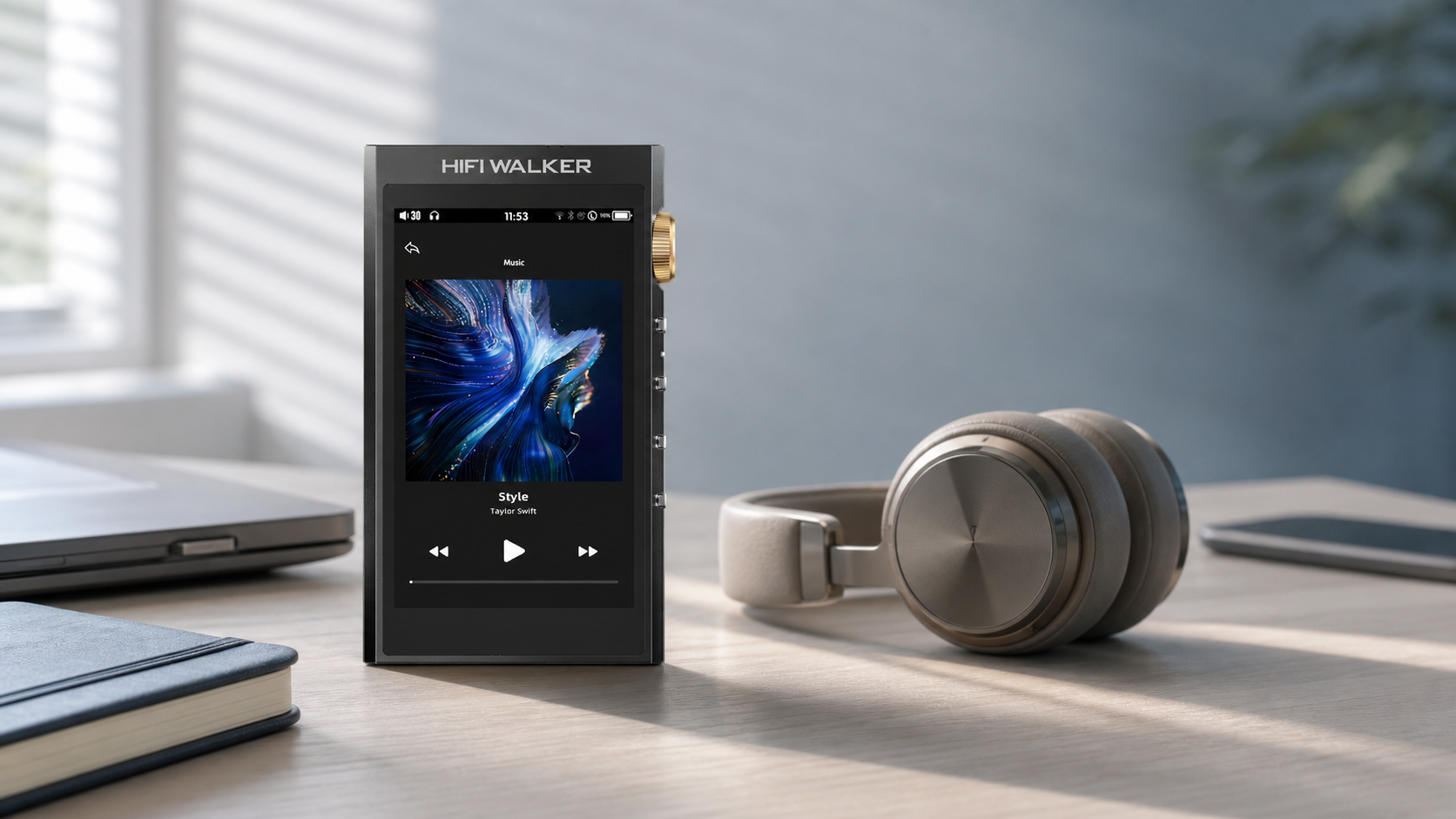
So, what is a hi-res audio player? In plain terms, it's a dedicated device built to play lossless and high-resolution music files through a purpose-built DAC and headphone amplifier. A lossless CD rip preserves the CD-quality audio stored on the disc; it does not create detail beyond the CD source.
If you've got a shelf of CDs gathering dust, this guide is for you. We'll use the CD-to-digital-file journey as our anchor point, because it's the easiest way to understand why hi-res matters — no engineering degree required.

- ►1. What Is a Hi-Res Audio Player, Really?
- ►2. DAP vs MP3 Player Explained: Why the Difference Matters
- ►3. CD Digitization: Turning Your Collection into Lossless Files
- ►4. DSD Explained for Beginners: The Format Behind Studio Masters
- ►5. USB DAC Mode Explained: Your Player as a Desktop Upgrade Too
- ►6. Offline Audio Player for Travel: No Interruptions, No Distractions
- ►7. Building Your First Hi-Res Library: A Beginner's Roadmap
- ►8. Ready to Start? Explore the HIFI WALKER Lineup
DAP vs MP3 Player Explained: Why the Difference Matters
An old-school MP3 player and a modern DAP (Digital Audio Player) look similar from the outside, but the guts are worlds apart. The MP3 era was built around compression — squeeze the file small, lose a little detail nobody would notice on earbuds.
MP3 Player Era
- Compressed formats only (MP3, low-bitrate AAC)
- Basic onboard amp, thin sound
- Built for portability, not fidelity
- No lossless file support
Modern DAP (H20 Ultra)
- FLAC, WAV, DSD, APE, MP3 all supported
- ESS9038Q2M DAC + dedicated headphone amp
- 3.5mm SE and 4.4mm balanced outputs
- DSD256 native decoding, SNR 119dB
This is the real dap vs mp3 player explained comparison: it's not about file storage, it's about what happens to the signal between your file and your ears. A dedicated DAC and amplifier stage can reveal differences with compatible headphones and well-mastered recordings.
CD Digitization: Turning Your Collection into Lossless Files
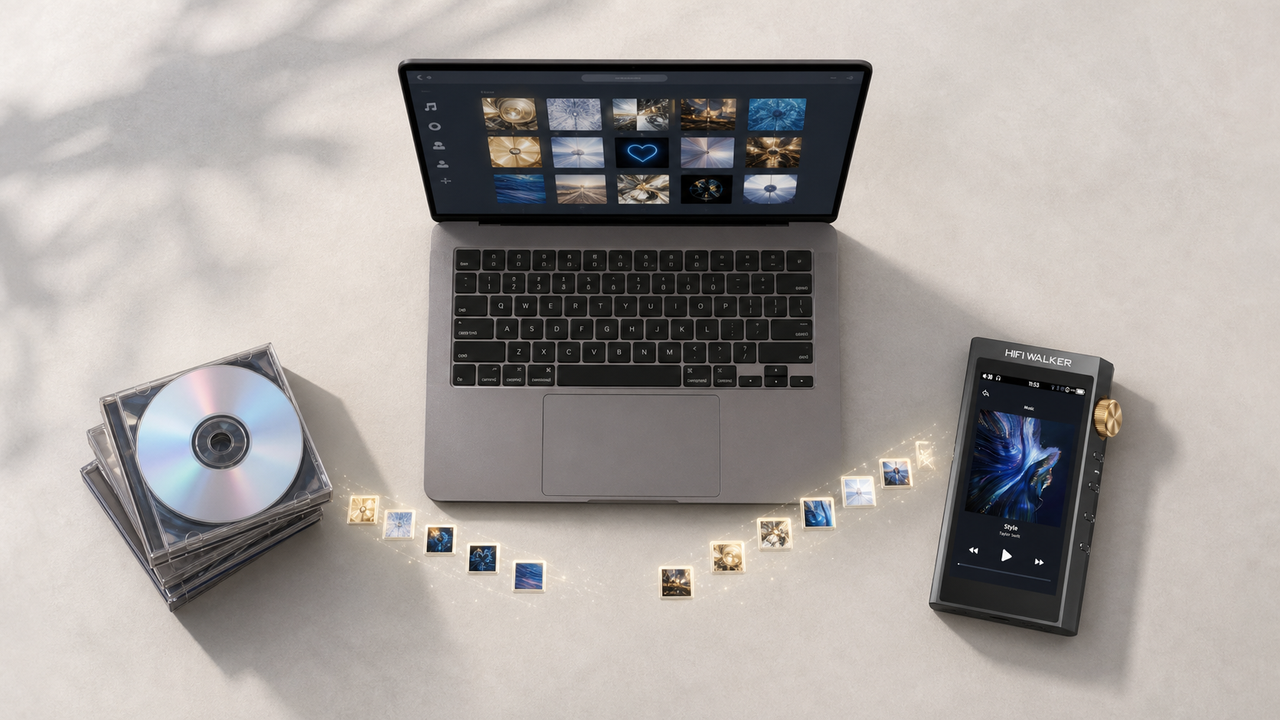
Here's where the practical part comes in. CD digitization simply means ripping your discs into lossless files—usually FLAC or WAV—so you preserve every bit stored on the disc without lossy-compression losses.
Rip Your CDs to Lossless Format
Use a CD ripping tool on your computer to convert discs into FLAC or WAV files. Skip MP3 — that's the compression you're trying to avoid.
Organize Onto microSD Storage
Copy your ripped library onto a microSD card. The H20 Ultra supports cards up to 512GB and even ships with a 128GB card to get you started immediately.
Load the Card and Play
Insert the card, let the player index your files, and you've got your entire CD shelf — thousands of albums — sitting in a device smaller than a deck of cards.
Choose Your Output
Use the 3.5mm single-ended output or the 4.4mm balanced output, which provides higher listed output power and improved channel separation with compatible headphones.

DSD Explained for Beginners: The Format Behind Studio Masters
DSD sounds intimidating but the concept is simple. Unlike the PCM format used by CDs, DSD represents audio as a high-rate one-bit stream. It is a different encoding method, not an automatic guarantee of better sound.
The H20 Ultra supports native DSD playback up to DSD256. Its listed specifications include a dynamic range above 118dB and THD below 0.005%, providing a capable signal path for compatible DSD files.
USB DAC Mode Explained: Your Player as a Desktop Upgrade Too
One feature beginners often overlook: USB DAC mode. Connect the H20 Ultra to your computer over its Type-C port, and it becomes an external sound card — your computer's digital audio routes through the H20 Ultra's ESS9038Q2M DAC and dedicated headphone output stage.
This matters a lot if you're organizing a CD digitization library on a desktop and want to A/B test rips right at your workstation, using the same dedicated output chain you'll carry around later.

↑ Back to Top
Back to Top ↑Offline Audio Player for Travel: No Interruptions, No Distractions
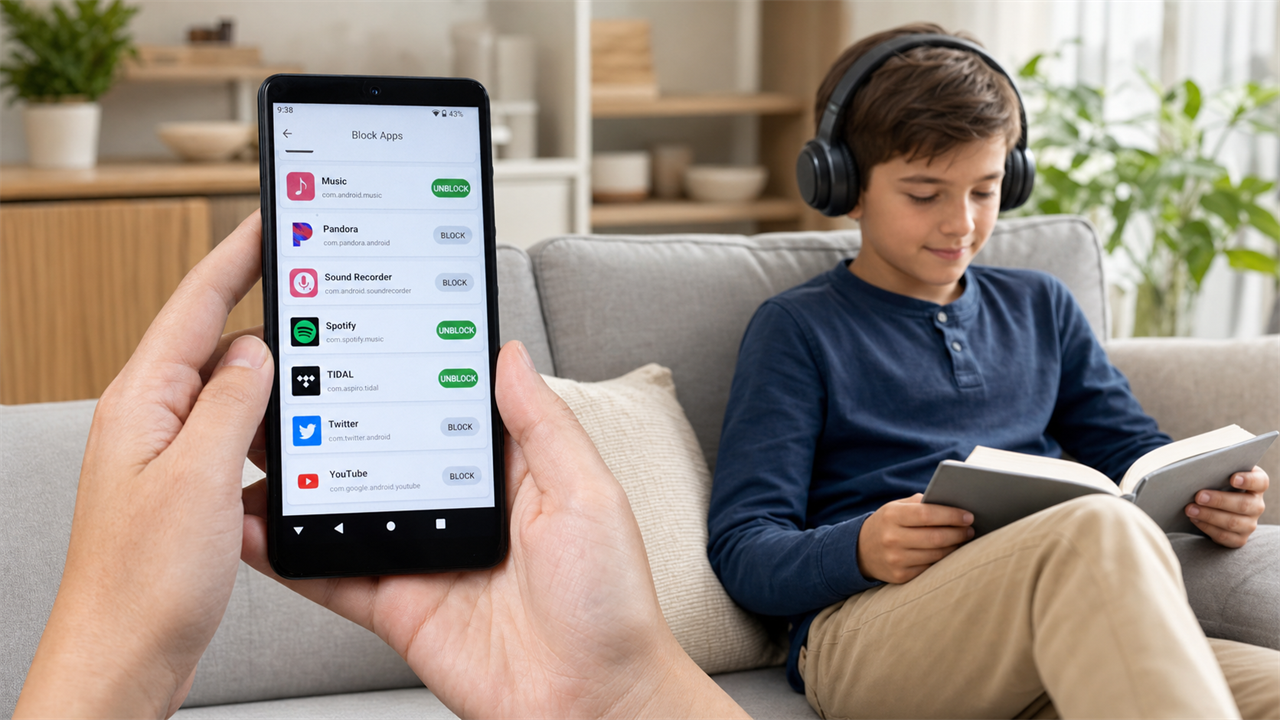
Long flights are where a dedicated offline audio player for travel really shows its value. Your entire digitized CD collection lives locally on the microSD card — no signal dependency, no interface interruptions, just your library exactly as you organized it.
On a Flight Without a DAP
- Battery split between notifications and playback
- Limited local storage for lossless files
- General-purpose amp, not tuned for headphones
On a Flight With the H20 Ultra
- 3000mAh battery, over 10 hours of dedicated playback
- 512GB expandable storage — your whole collection along
- 3.5mm and 4.4mm balanced outputs for serious headphones

Building Your First Hi-Res Library: A Beginner's Roadmap
If this is your first hi-res audio player for beginners purchase, start simple: rip a handful of favorite CDs to FLAC, load the included 128GB card, and spend a week just listening. Compare familiar tracks at matched volume and decide whether the dedicated playback chain benefits your headphones and listening preferences.

Ready to Start? Explore the HIFI WALKER Lineup
The H20 Ultra Hi-Res Audio Player is our recommended entry point for anyone serious about digitizing a CD collection into lossless files—3.5mm single-ended and 4.4mm balanced outputs, DSD256 decoding, and room to grow with 512GB expandable storage.
Want to compare other models first? Browse the full HIFI WALKER audio player collection, or read more beginner breakdowns on our HIFI WALKER blog. Buy with confidence: the H20 Ultra currently qualifies for free shipping, eligible returns can be requested within 30 days of receipt, and a 1-year limited warranty covers manufacturing defects—three practical protections that make choosing your first dedicated player easier.
Frequently Asked Questions
Q1: What is a hi-res audio player and how is it different from my phone?
A hi-res audio player is a dedicated device built around a purpose-designed DAC and headphone amplifier, designed to play lossless formats such as FLAC and high-resolution formats such as DSD without lossy audio compression.
Q2: Do I need special files to use a hi-res audio player like the H20 Ultra?
You can start with your existing CD collection. Rip discs to FLAC or WAV using free ripping software, then load the files onto a microSD card — the H20 Ultra supports up to 512GB and ships with a 128GB card.
Q3: What does DSD mean and do I need to understand it to enjoy hi-res audio?
DSD is a high-resolution audio format used in studio masters. You don't need to understand the technical details to enjoy it — the H20 Ultra decodes DSD256 natively, so you just load the files and press play.
Q4: Can the H20 Ultra work as a USB DAC for my computer?
Yes. Connect it through the Type-C port and enable USB DAC mode, and the computer's digital audio routes through the H20 Ultra's ESS9038Q2M DAC and dedicated headphone output stage.
Q5: What if the H20 Ultra isn't right for me after I order it?
The H20 Ultra currently qualifies for free shipping, eligible returns can be requested within 30 days of receipt, and its 1-year limited warranty covers manufacturing defects. Together, these policies give you a clearer, more confident way to order from the official store.