

Expert Insights
- Modern DAPs handle FLAC decoding so efficiently that battery life impact is typically under 15%, making storage savings the primary advantage
- Professional mastering engineers often work in WAV for workflow compatibility, but many now archive in FLAC for storage efficiency
- The metadata capabilities of FLAC make it superior for large personal libraries where organization and searchability are important
Understanding FLAC vs WAV: The Foundation of Digital Audio
The FLAC vs WAV debate has dominated audiophile forums for decades, and for good reason. Both formats represent the pinnacle of digital audio quality, yet they serve distinctly different purposes in the modern audiophile's arsenal. While WAV files offer bit-perfect reproduction as the original studio standard, FLAC provides lossless compression that maintains identical audio quality while reducing storage demands.
WAV Format Characteristics
- Uncompressed audio data
- Standard CD quality: 16-bit/44.1kHz
- Supports up to 32-bit/192kHz
- No metadata support
- Larger file sizes (10MB per minute)
- Universal compatibility
FLAC Format Advantages
- Lossless compression algorithm
- 50-70% smaller file sizes
- Comprehensive metadata support
- Open-source and royalty-free
- Perfect audio reconstruction
- Growing device compatibility

- ►1. Understanding FLAC vs WAV: The Foundation of Digital Audio
- ►2. Technical Deep Dive: Compression and Audio Integrity
- ►3. Audio Quality Analysis: Measurable Differences
- ►4. Storage and Library Management Considerations
- ►5. Playback Compatibility and Device Support
- ►6. Performance Impact: CPU Usage and Battery Life
- ►7. Professional vs Personal Use Cases
- ►8. Making the Right Choice: Recommendations by Scenario
Technical Deep Dive: Compression and Audio Integrity
The fundamental difference between FLAC and WAV lies in their approach to data storage. WAV files use linear PCM (Pulse Code Modulation) encoding, storing every audio sample without modification. FLAC employs sophisticated lossless compression algorithms that analyze audio patterns and remove statistical redundancy while preserving every bit of original audio information.
Audio Capture Process
Digital audio begins as analog-to-digital conversion, typically at 16-bit/44.1kHz for CD quality or higher resolutions up to 32-bit/384kHz for studio masters.
WAV Storage Method
WAV files store this digital data directly without processing, resulting in exact bit-for-bit reproduction but maximum file size requirements.
FLAC Compression Algorithm
FLAC analyzes audio patterns, predicts upcoming samples based on previous data, and stores only the prediction errors using variable-length coding.
Lossless Reconstruction
During playback, FLAC perfectly reconstructs the original audio by reversing the compression process, yielding identical output to the source WAV.
Audio Quality Analysis: Measurable Differences
From a purely technical standpoint, FLAC and WAV deliver identical audio quality when sourced from the same master recording. Both formats support high-resolution audio up to 32-bit depth and 384kHz sampling rates, though practical limitations of most DACs cap benefits at 24-bit/192kHz.

Objective Measurements
- THD+N: Identical at <0.001%
- Dynamic range: Perfect bit-for-bit match
- Frequency response: Linear to Nyquist limit
- Phase accuracy: Zero deviation
- Signal-to-noise ratio: Format independent
Subjective Factors
- Placebo effects in blind testing
- System-dependent playback chains
- Digital filter implementations
- Jitter from different decoders
- Psychological expectation bias

Storage and Library Management Considerations
The practical implications of choosing between FLAC and WAV extend far beyond audio quality. Modern audiophile libraries often contain thousands of high-resolution tracks, making storage efficiency and metadata organization crucial factors in format selection.
Calculate Storage Requirements
A 1000-album library in 24-bit/96kHz WAV format requires approximately 3-4TB, while the same collection in FLAC needs only 1.5-2TB of storage space.
Implement Metadata Strategy
FLAC files support comprehensive tagging including album art, ReplayGain data, and custom fields, while WAV files offer minimal metadata capabilities.
Consider Backup Efficiency
FLAC's smaller size reduces backup time and cloud storage costs, while maintaining perfect audio quality for archival purposes.
Plan for Future Expansion
As high-resolution downloads and streaming become standard, FLAC's compression advantage becomes increasingly valuable for large collections.
Playback Compatibility and Device Support
Device compatibility plays a crucial role in format selection. While WAV enjoys universal support across virtually every audio device ever manufactured, FLAC compatibility has expanded dramatically in recent years, now supported by most modern high-end portable audio players.
Universal WAV Support
- Every CD player and DAC
- Professional studio equipment
- Vintage and legacy devices
- Car audio systems
- Smart speakers and streaming devices
Growing FLAC Adoption
- Modern DAPs and streamers
- High-end audio software
- Mobile apps and services
- Network audio players
- Latest smartphone platforms

The decision between formats often depends on your primary playback ecosystem. Professional studios and mastering engineers frequently prefer WAV for its universal compatibility and zero processing overhead, while personal listening setups benefit from FLAC's storage efficiency and rich metadata support.
↑ Back to Top
Back to Top ↑Performance Impact: CPU Usage and Battery Life
Modern portable audio devices must balance audio quality with power efficiency. The computational overhead of FLAC decoding, while minimal on contemporary processors, can impact battery life in portable devices compared to WAV's direct playback method.

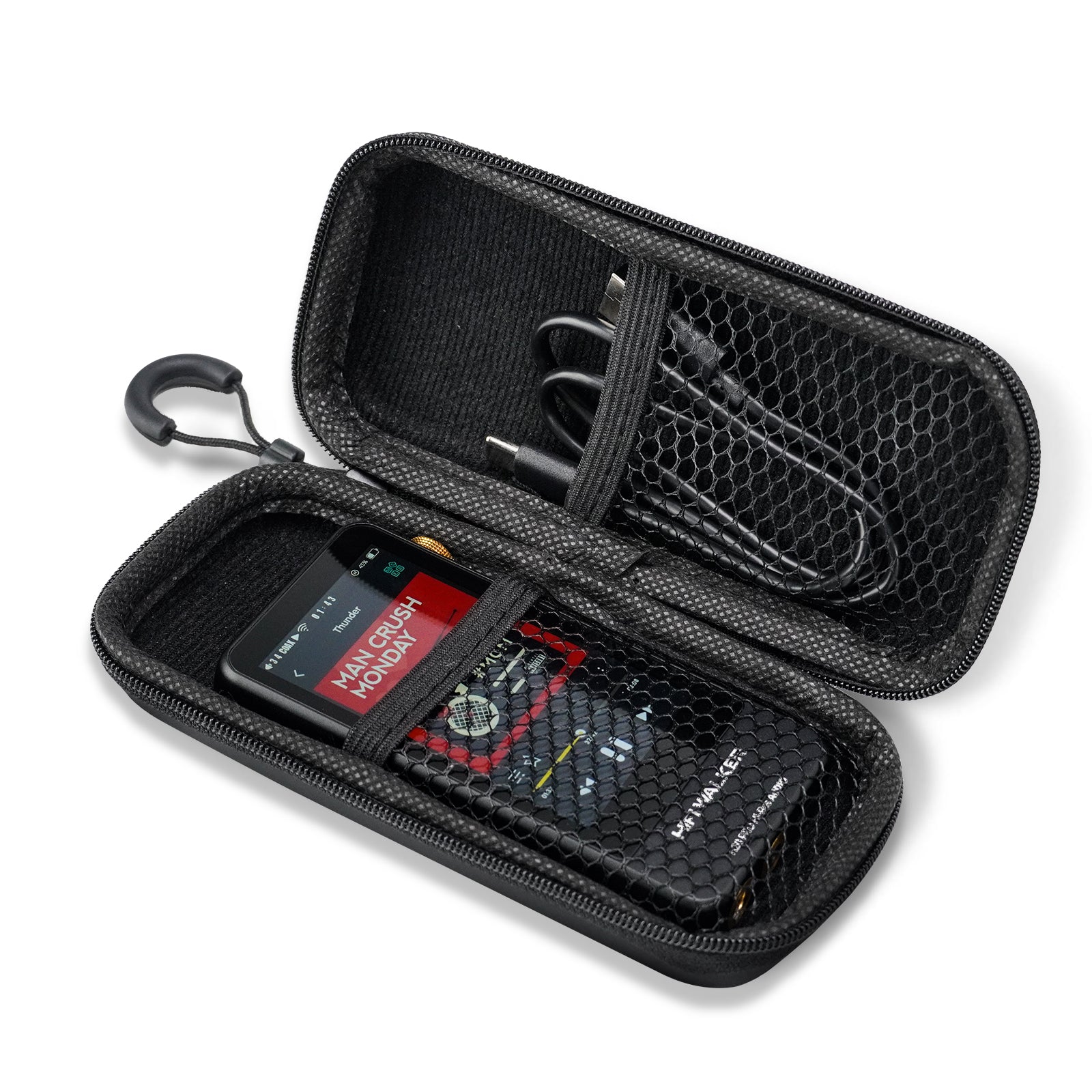
In practice, quality DAPs like those from our extensive DAP review collection handle FLAC decoding efficiently. Modern ARM processors and dedicated audio chips make the performance difference negligible for most listening scenarios, with battery life impact rarely exceeding 10-15%.
Professional vs Personal Use Cases
The choice between FLAC and WAV often aligns with specific use cases and professional requirements. Understanding these scenarios helps determine which format best serves your particular audiophile journey.
WAV Preferred Scenarios
- Professional studio work
- Mastering and mixing projects
- Legacy system compatibility
- Maximum processing efficiency
- Real-time audio applications
- DJ and live performance setups
FLAC Optimal Applications
- Personal music libraries
- Portable device storage
- Network streaming systems
- Archive and backup purposes
- Metadata-rich collections
- Bandwidth-limited transfers
Assess Your Primary Use Case
Determine whether professional compatibility or personal library efficiency takes priority in your audio workflow.
Evaluate Storage Constraints
Consider available storage capacity on your devices and the size of your current and planned music collection.
Test Playback Compatibility
Verify that all your audio devices properly support your chosen format, especially older or specialized equipment.
Plan for Future Needs
Consider how your audio setup might evolve and choose the format that best supports long-term flexibility.
Making the Right Choice: Recommendations by Scenario
After analyzing the technical specifications, practical considerations, and real-world performance of both formats, the optimal choice between FLAC and WAV depends on your specific audiophile priorities and use cases.

Choose WAV When You Need
- Maximum compatibility across all devices
- Professional studio workflow integration
- Zero processing overhead requirements
- Working with legacy audio equipment
- Real-time performance applications
Choose FLAC When You Want
- Efficient storage for large libraries
- Rich metadata and organizational features
- Network streaming and portable playback
- Future-proof open-source format
- Balanced quality and practicality
For most audiophiles, FLAC represents the optimal balance of audio quality, storage efficiency, and modern functionality. The format's lossless compression, extensive metadata support, and growing ecosystem compatibility make it the preferred choice for personal music libraries and portable listening setups.
However, professionals working in studio environments or audiophiles with extensive vintage equipment collections may find WAV's universal compatibility and zero-overhead playback more aligned with their specific needs and existing workflows.
Frequently Asked Questions
Q1: Is there any audible difference between FLAC and WAV files?
No, there is no audible difference between FLAC and WAV files when sourced from the same master recording. Both formats maintain bit-perfect audio reproduction, with FLAC using lossless compression that perfectly reconstructs the original audio data during playback.
Q2: Which format takes up more storage space?
WAV files are significantly larger than FLAC files, typically requiring 40-70% more storage space. A 4-minute song in WAV format might be 45MB, while the same track in FLAC would be around 25-30MB, depending on the compression efficiency of the source material.
Q3: Do all audio players support both FLAC and WAV formats?
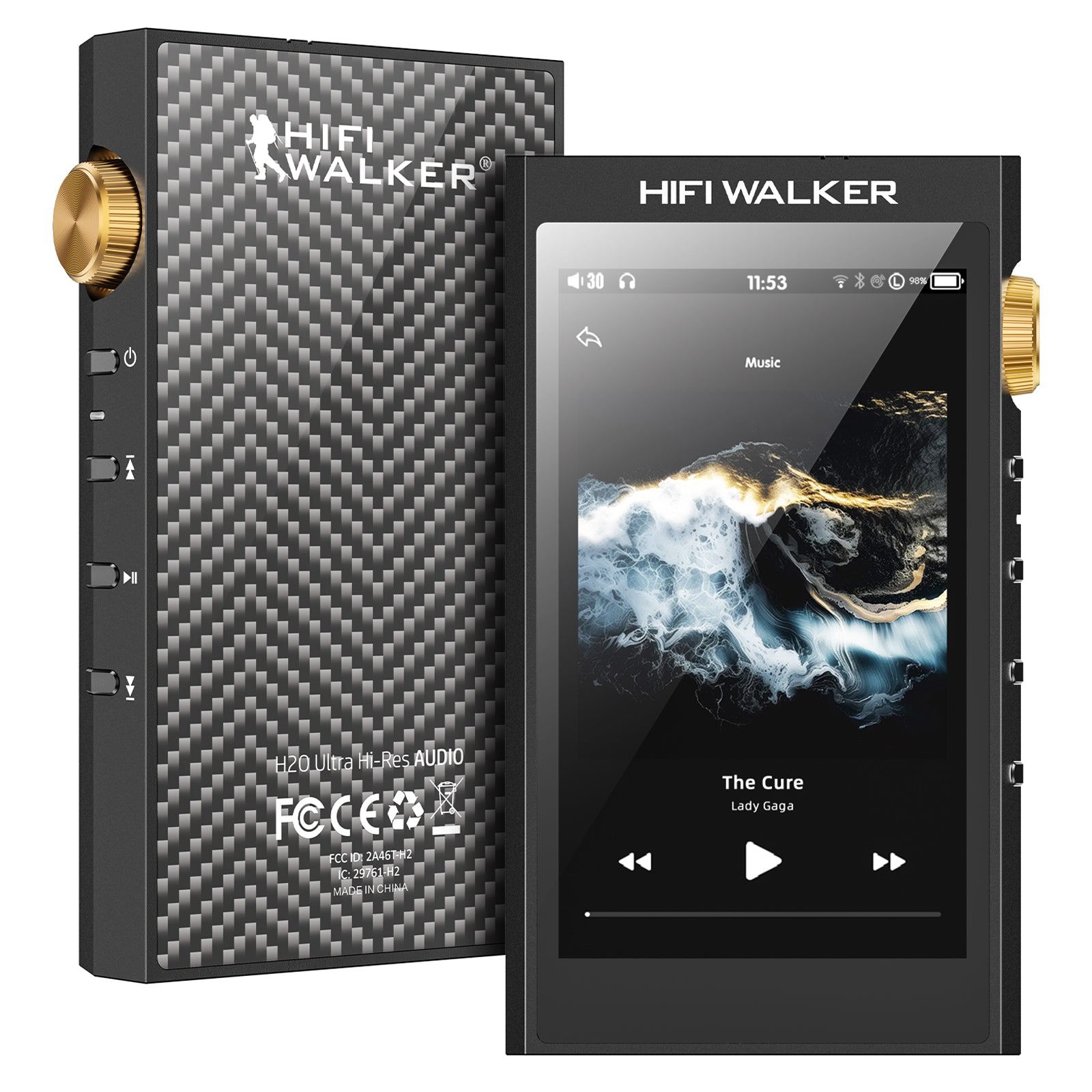
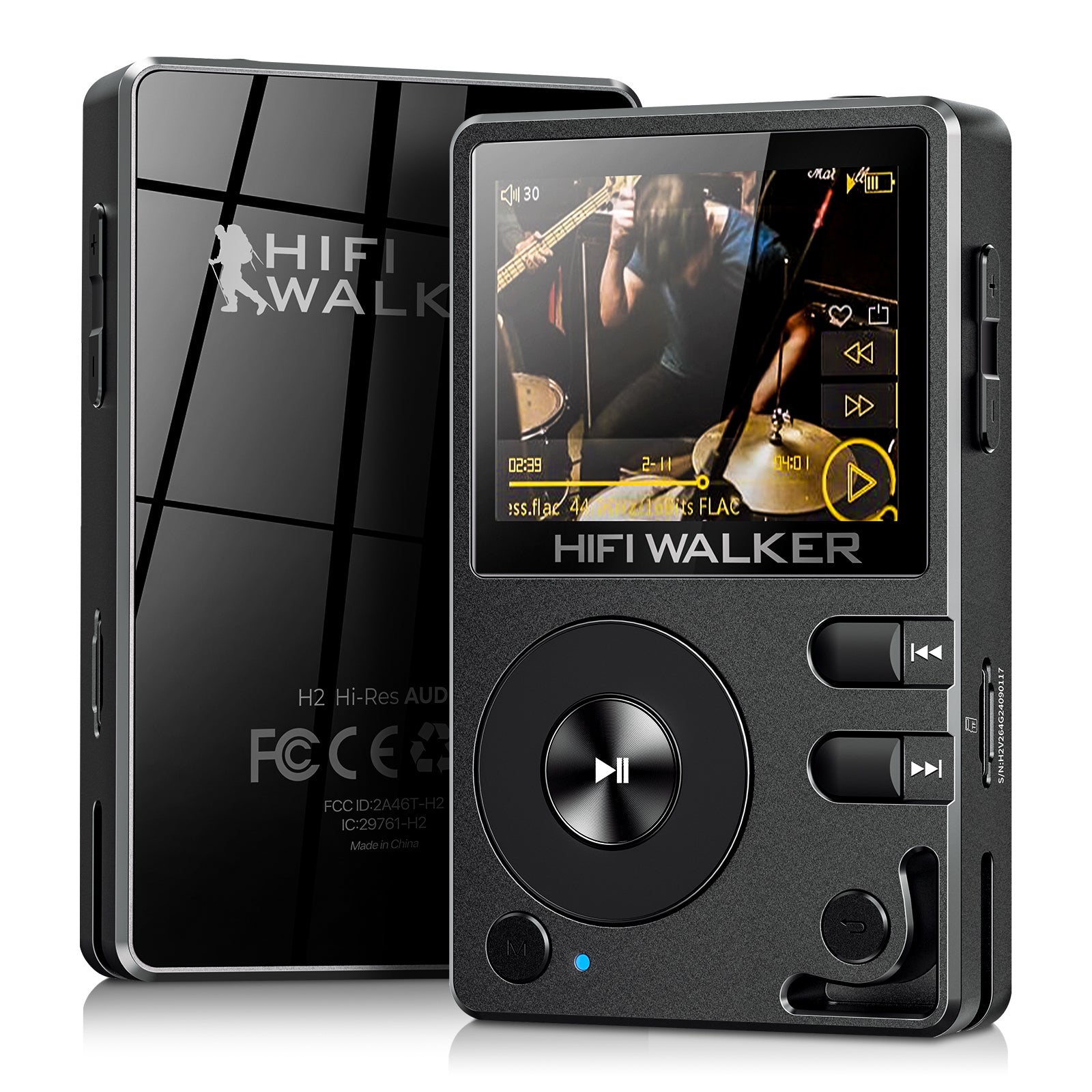
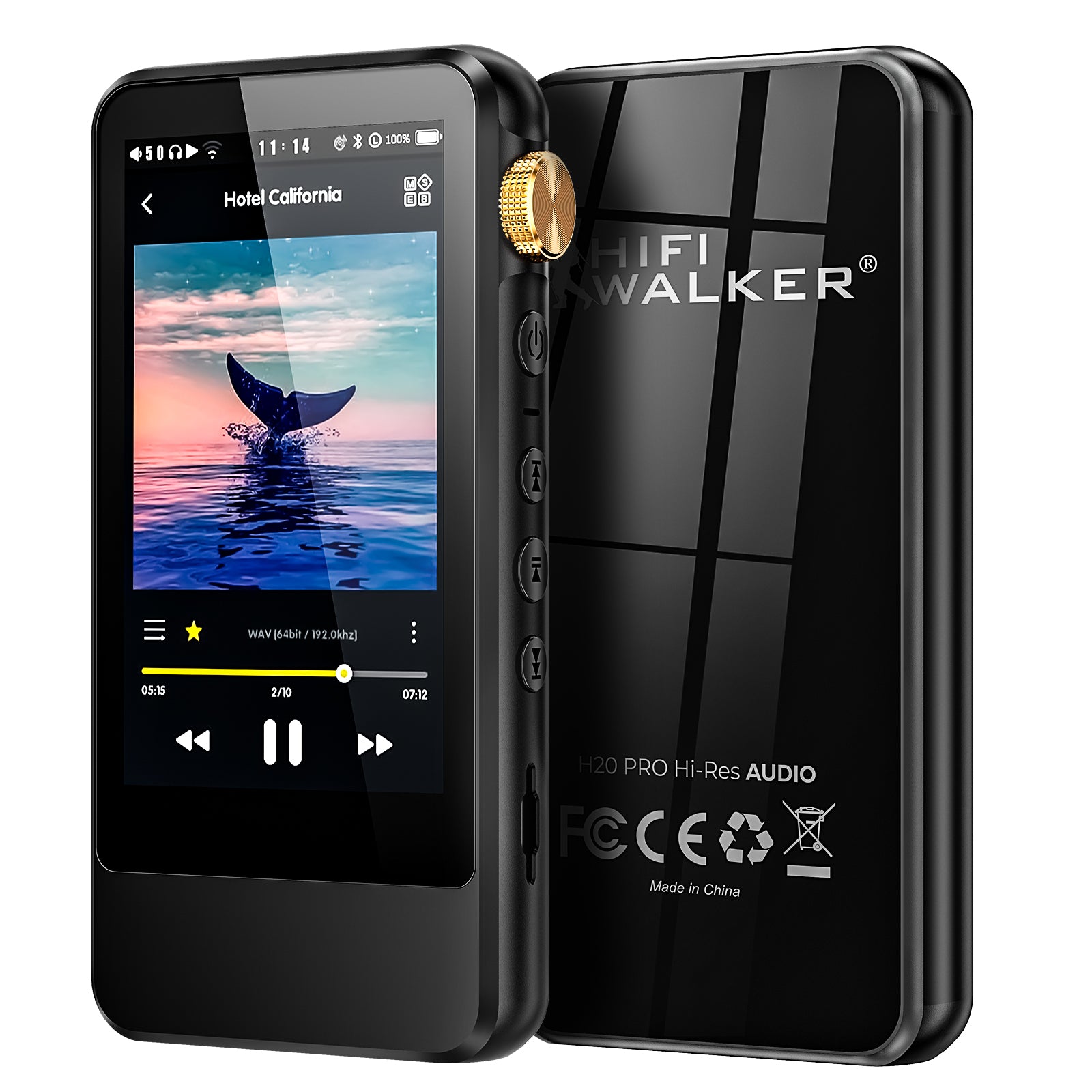
WAV enjoys universal compatibility across virtually all audio devices, while FLAC support has become standard in modern high-end players but may be limited in older or budget devices. Most contemporary DAPs, including HIFI WALKER models, support both formats seamlessly.
Q4: Does FLAC compression affect audio quality in any way?
FLAC compression does not affect audio quality whatsoever. It uses lossless compression algorithms that perfectly preserve every bit of original audio data. The decompressed FLAC file is mathematically identical to the source WAV file.
Q5: Which format is better for building a large music library?
FLAC is generally better for large music libraries due to its 40-60% smaller file sizes, comprehensive metadata support, and efficient organization capabilities. This makes storage, backup, and library management much more practical while maintaining perfect audio quality.